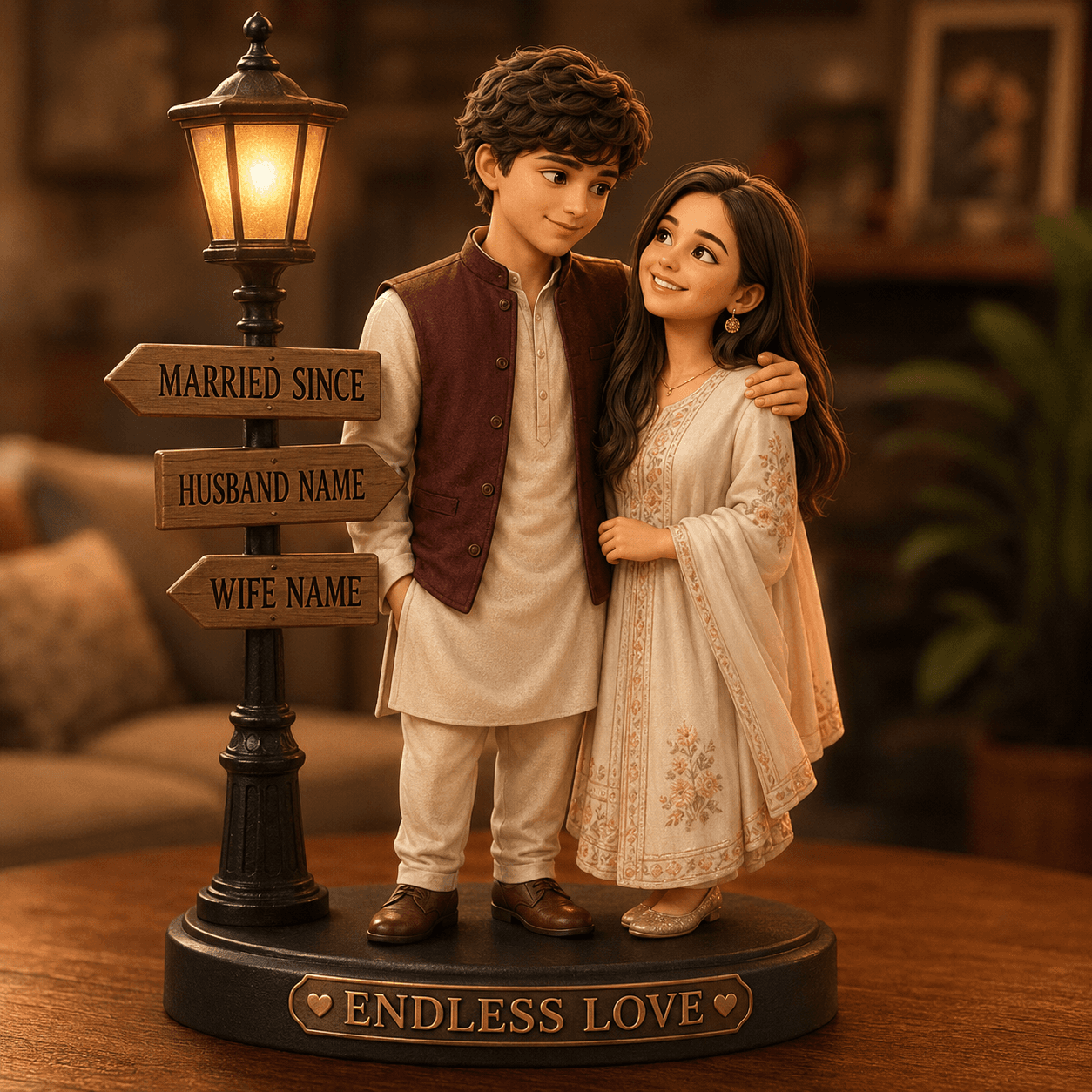
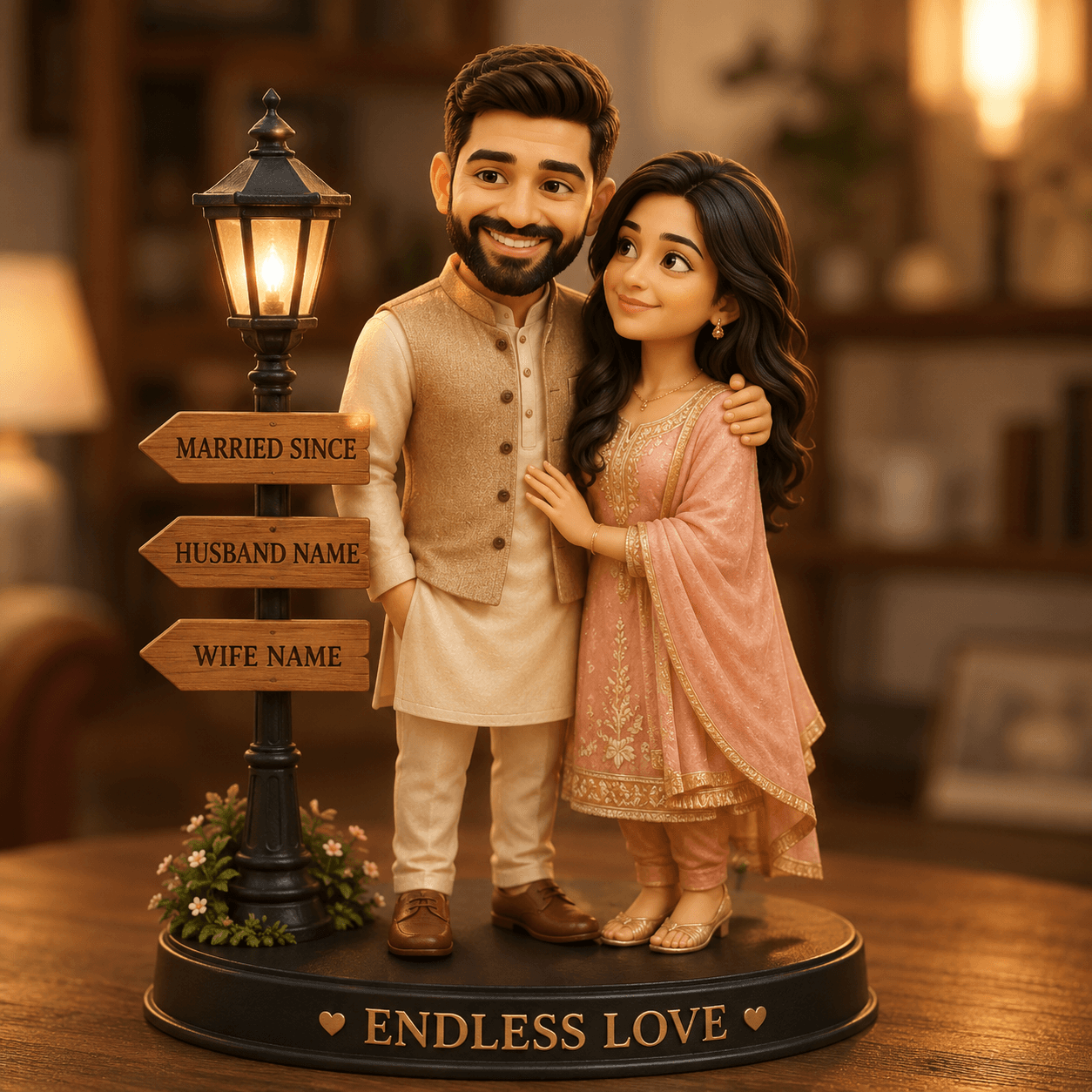
Custom 3D Couple Figurine AI Prompt | Pixar Style Collectible
Create adorable Pixar-style 3D couple figurines from photos with this premium AI prompt. Perfect for wedding, anniversary, engagement, and romantic gifts.
Loading
Almost there.
50+ FREE couple AI photo prompts 💕 Romantic, aesthetic, cute & more — just copy, paste & create! No skills needed, works instantly. Save this for your next AI photo edit!
Create adorable Pixar-style 3D couple figurines from photos with this premium AI prompt. Perfect for wedding, anniversary, engagement, and romantic gifts.
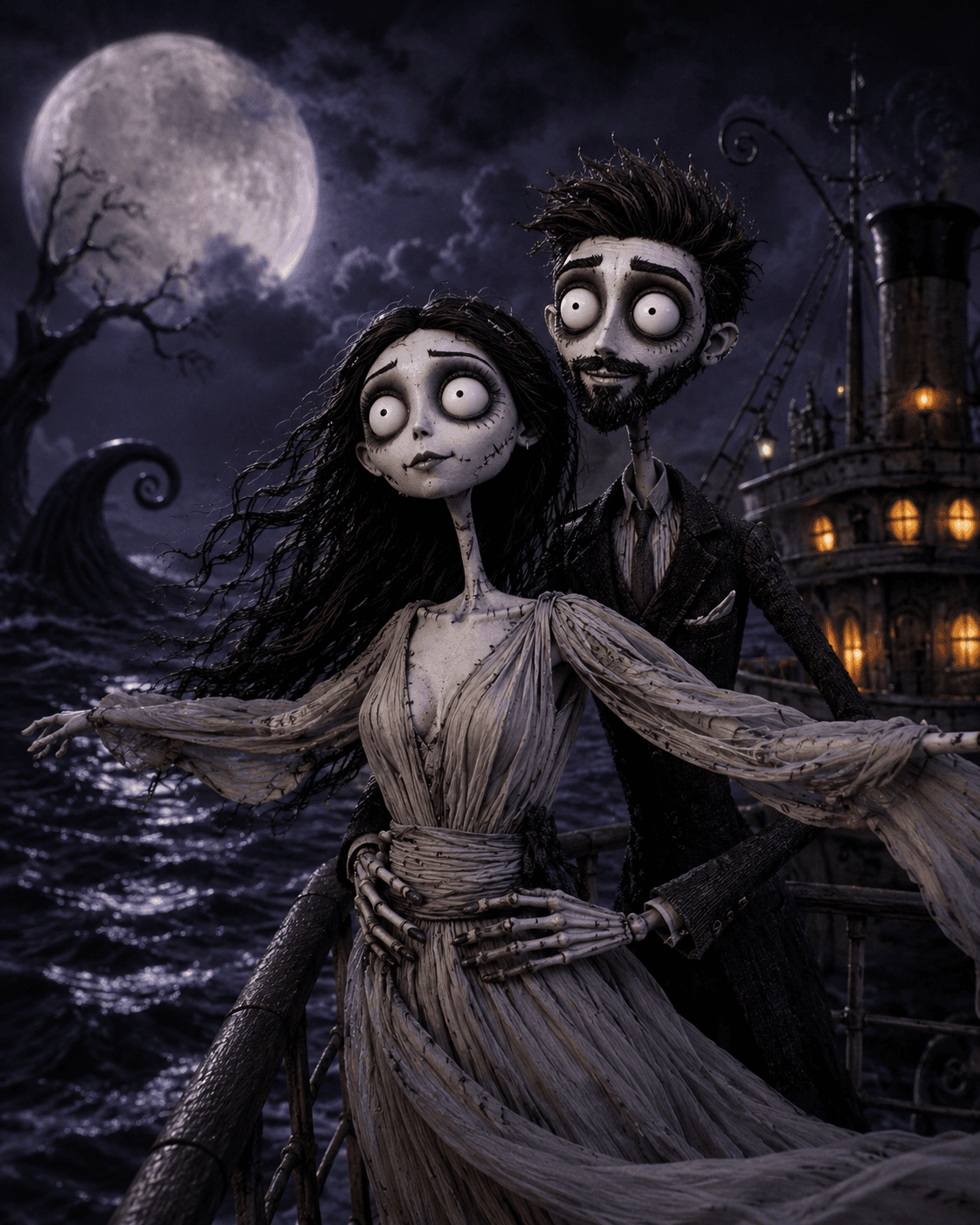
Transform portraits into Tim Burton-inspired stop-motion gothic puppet art while preserving composition, pose, and framing. Perfect for AI image generators.
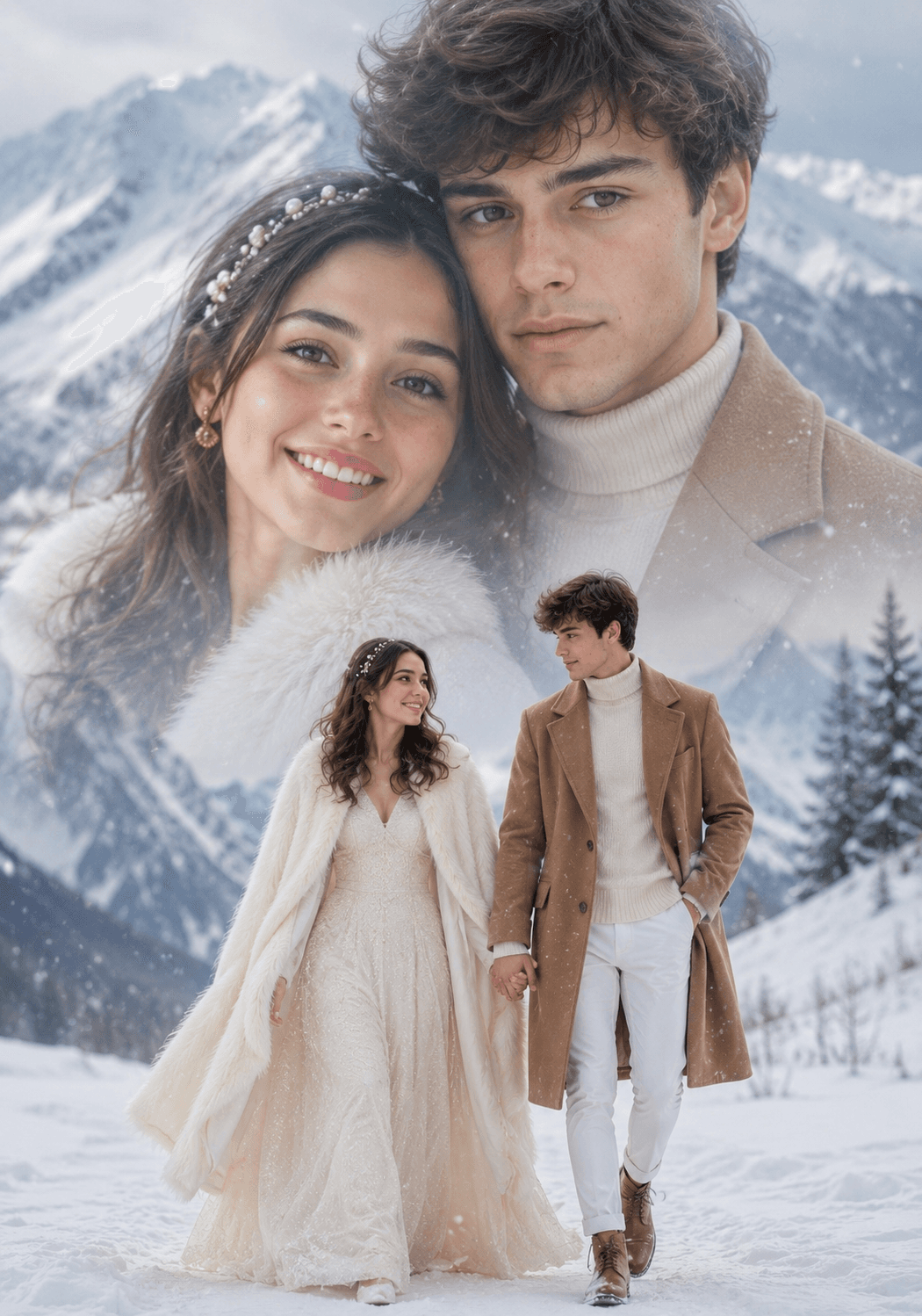
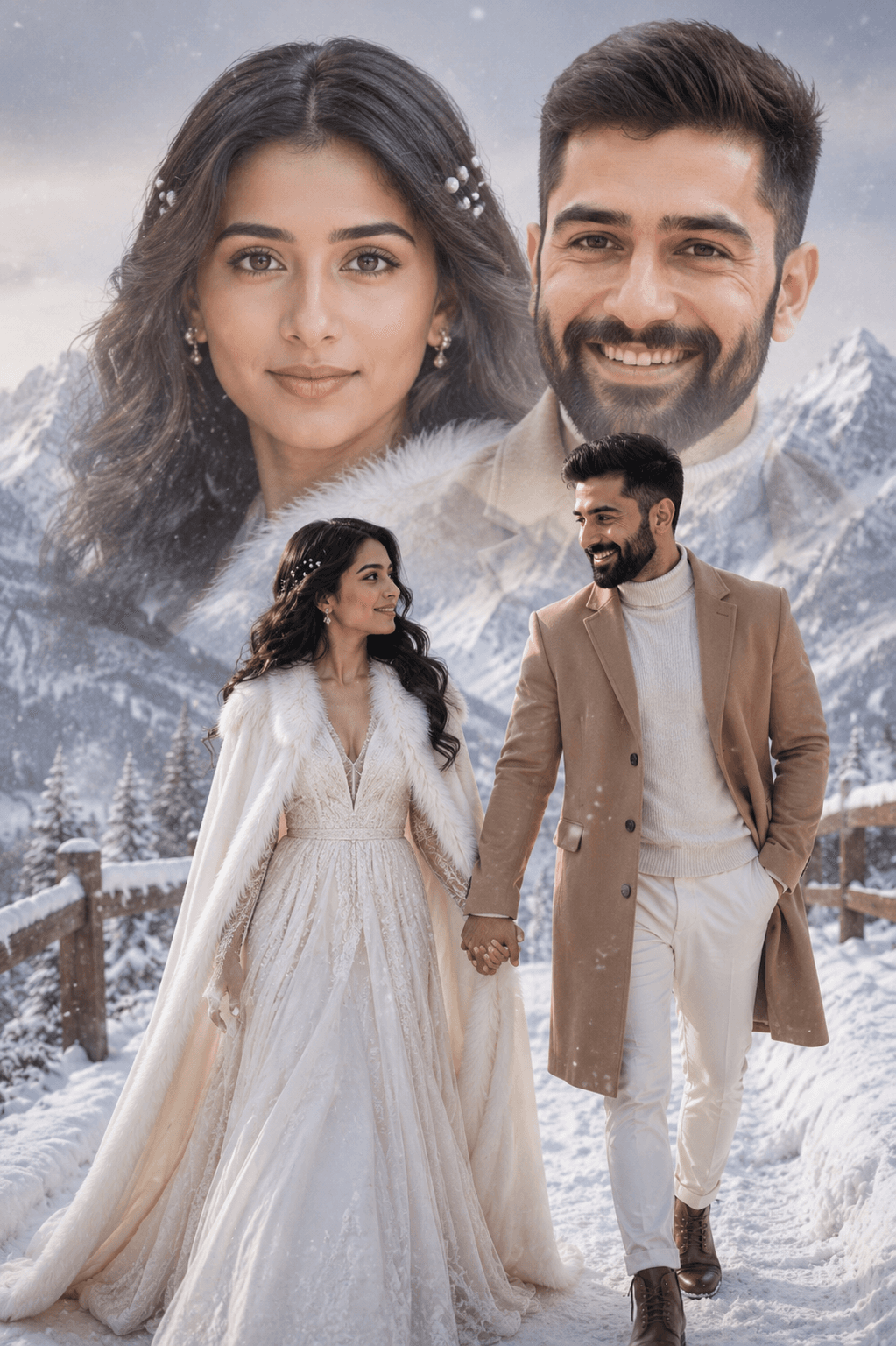
Generate a stunning dreamy double-exposure winter couple portrait with this premium AI prompt. Create ultra-realistic snowy mountain scenes featuring luxury winter fashion, cinematic lighting, gentle snowfall, and 8K-quality photography. Compatible with Midjourney, ChatGPT, Flux, Stable Diffusion, Ideogram, and other AI image generators.
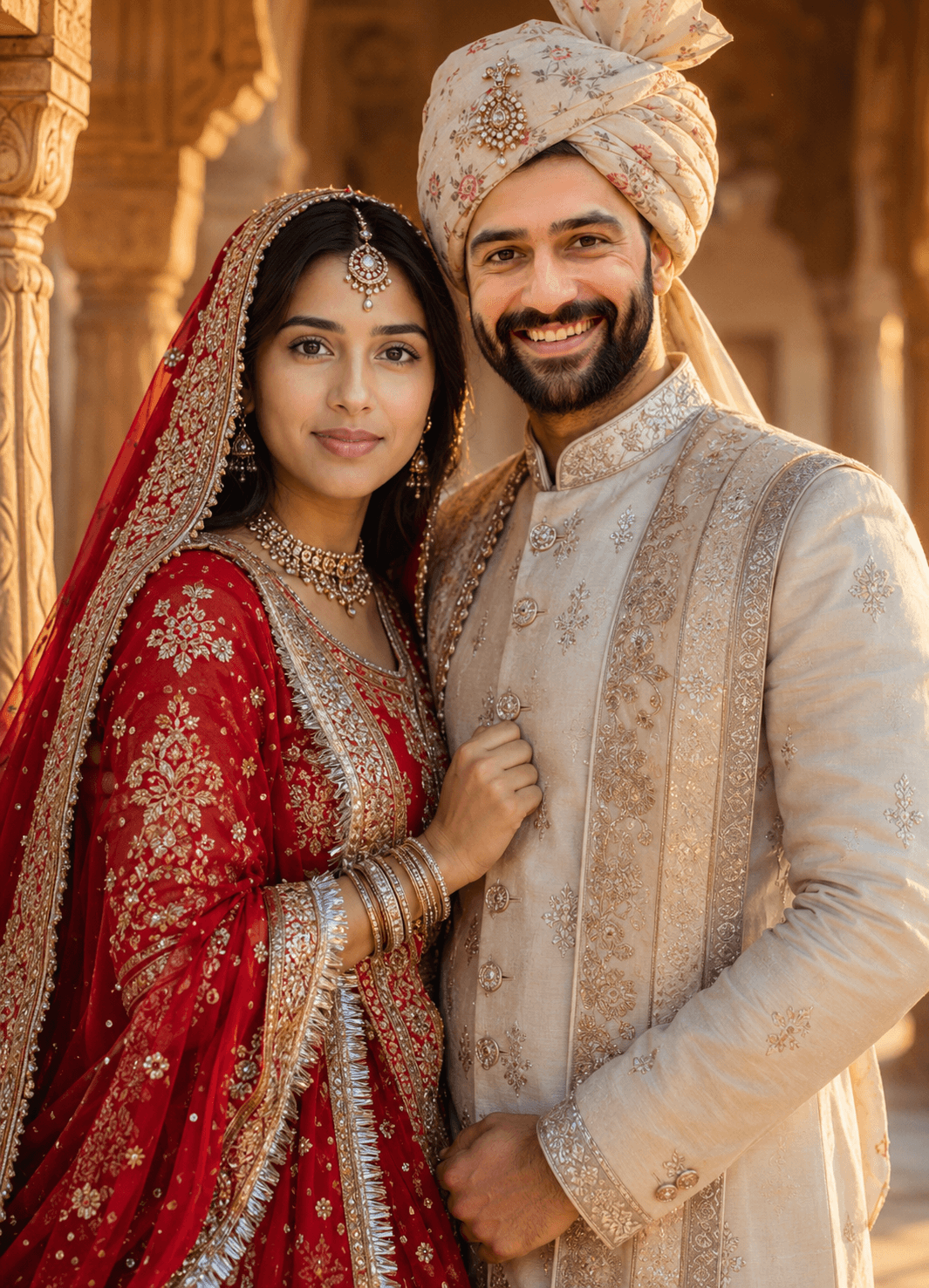
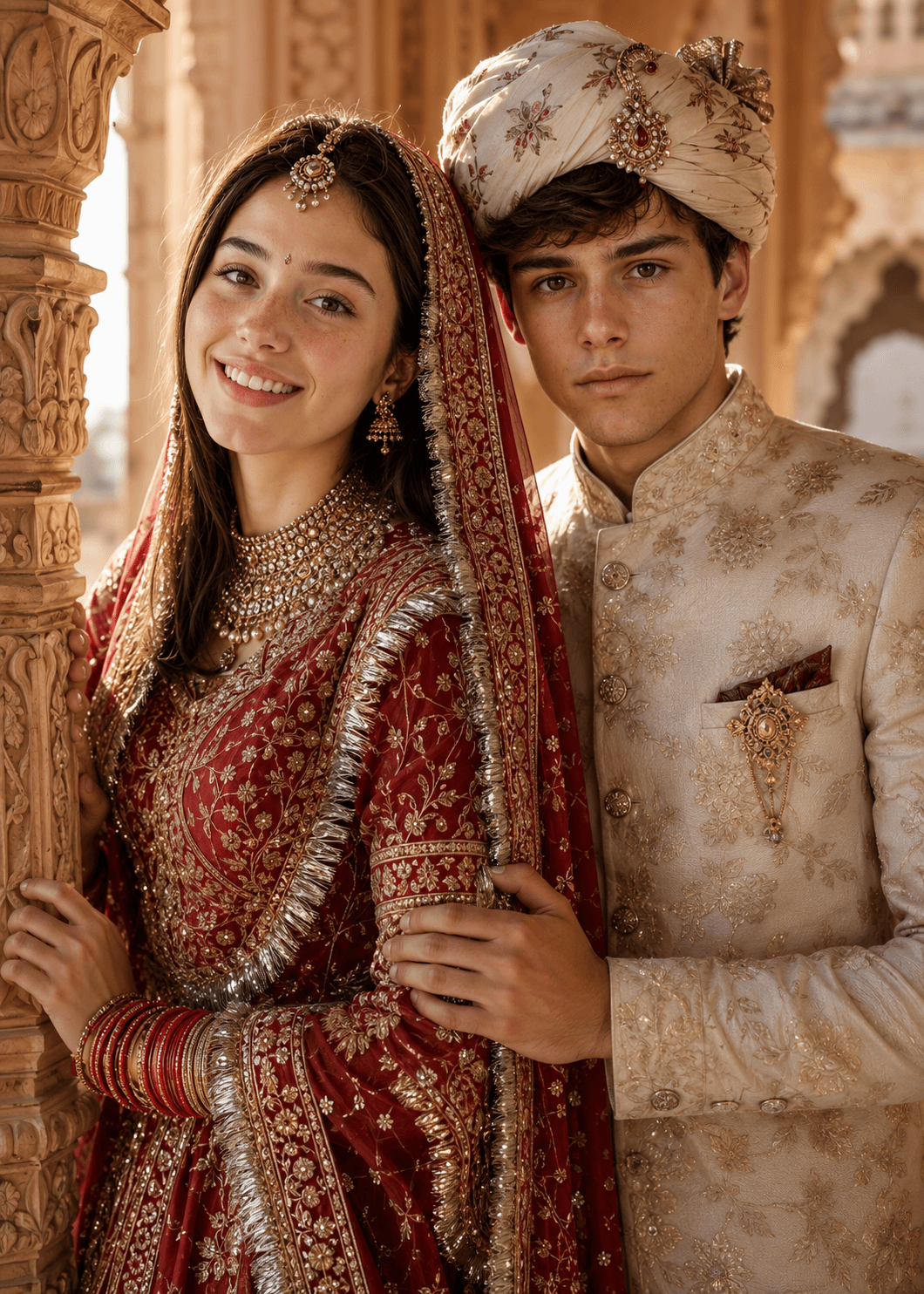
Generate cinematic Rajputi wedding couple portraits with strict face-lock identity preservation, authentic traditional attire, 4K realism, and stunning golden-hour lighting.

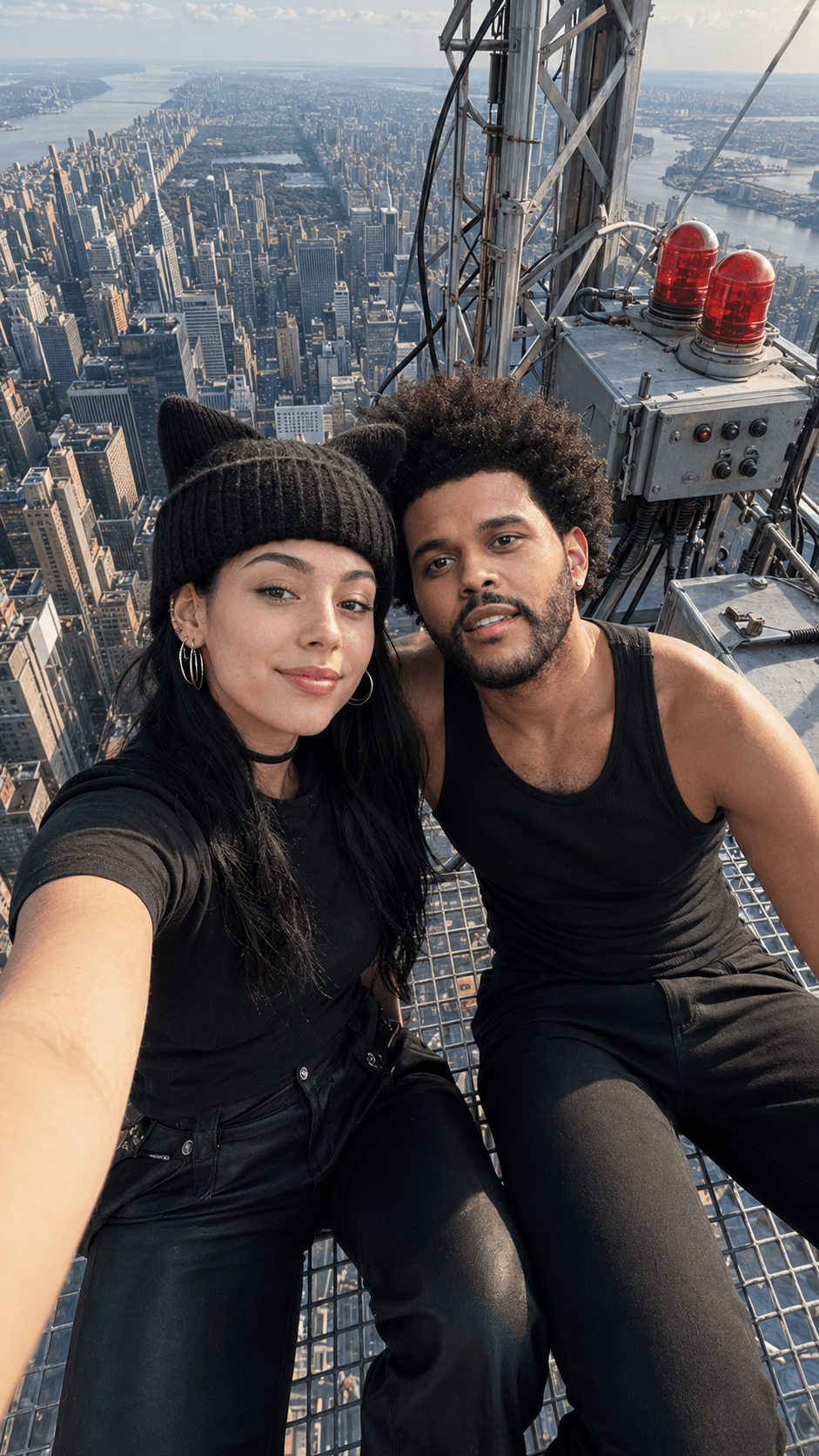

Generate a stunning 9:16 ultra-photorealistic Empire State Building rooftop selfie with exact face preservation, realistic iPhone perspective, Manhattan skyline, cinematic lighting, and premium AI photo quality. Perfect for ChatGPT, Midjourney, Flux, and other AI image generators.

Create breathtaking hyper-realistic macro artwork with this Tiny Artist Painting on Fingernail AI prompt. Generate miniature painters recreating portraits on glossy fingernails with cinematic lighting, shallow depth of field, and ultra-detailed realism. Compatible with ChatGPT Images, Midjourney, Flux, Stable Diffusion, and more.
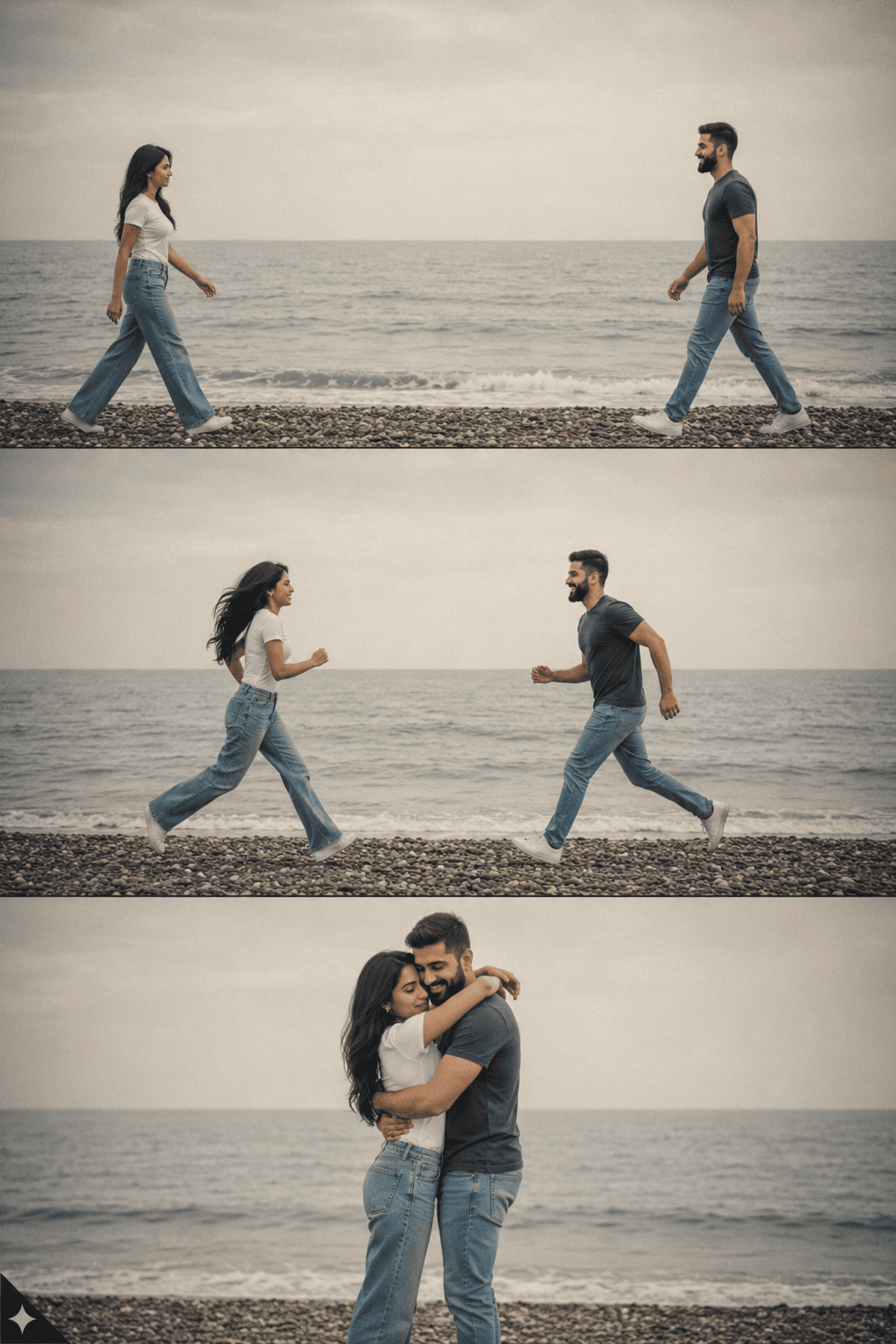
Create stunning identity-preserving 3-panel portrait collages with DSLR macro eyes, oxidized silver jewelry, golden-hour lighting, and ultra-realistic details.

Discover a vibrant Bali travel poster featuring a smiling adventure couple, iconic Balinese temples, tropical sunsets, passport stamps, travel doodles, and scrapbook-inspired collage elements. A cinematic vacation memory design perfect for travel lovers, wanderlust enthusiasts, and destination-inspired wall art.
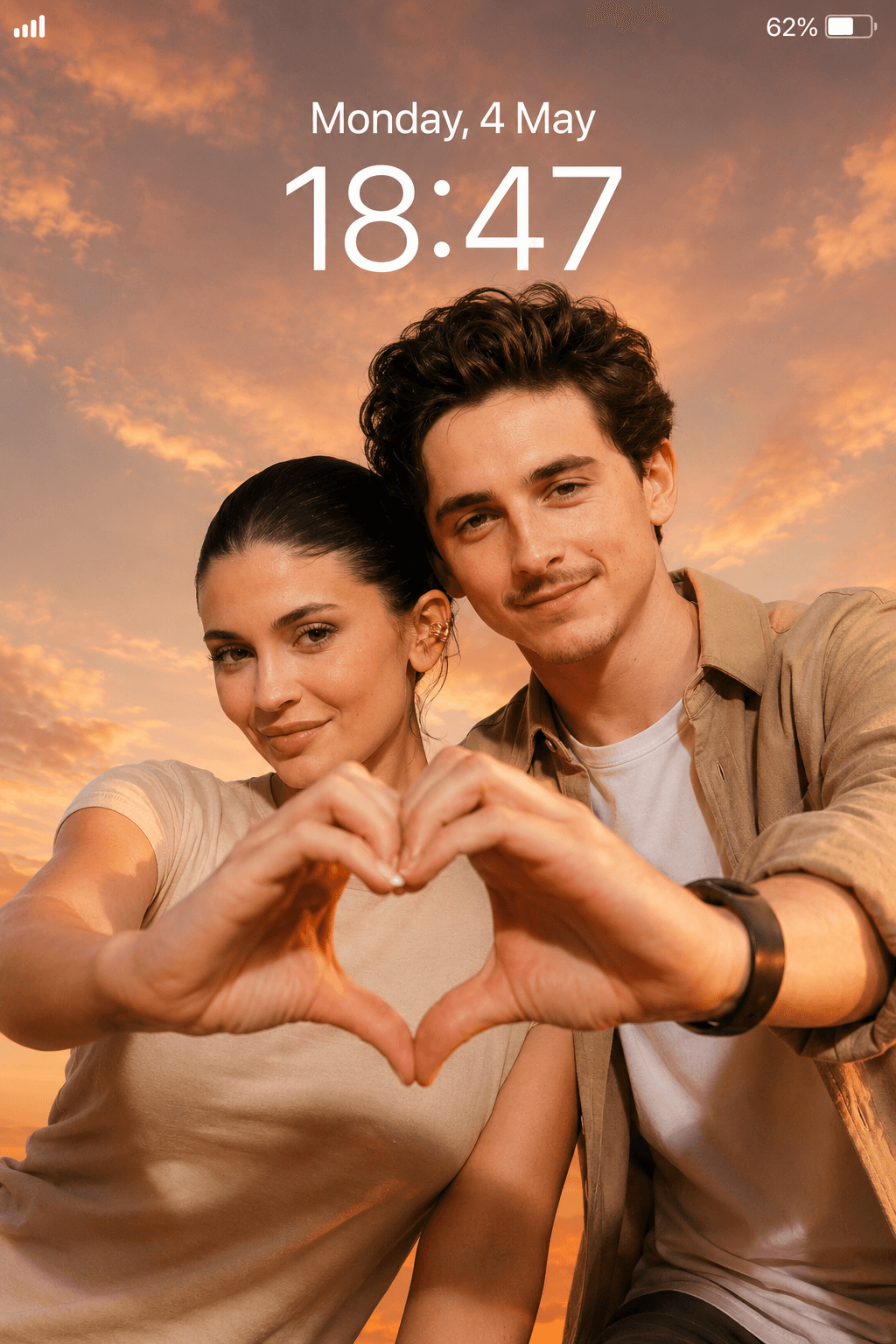
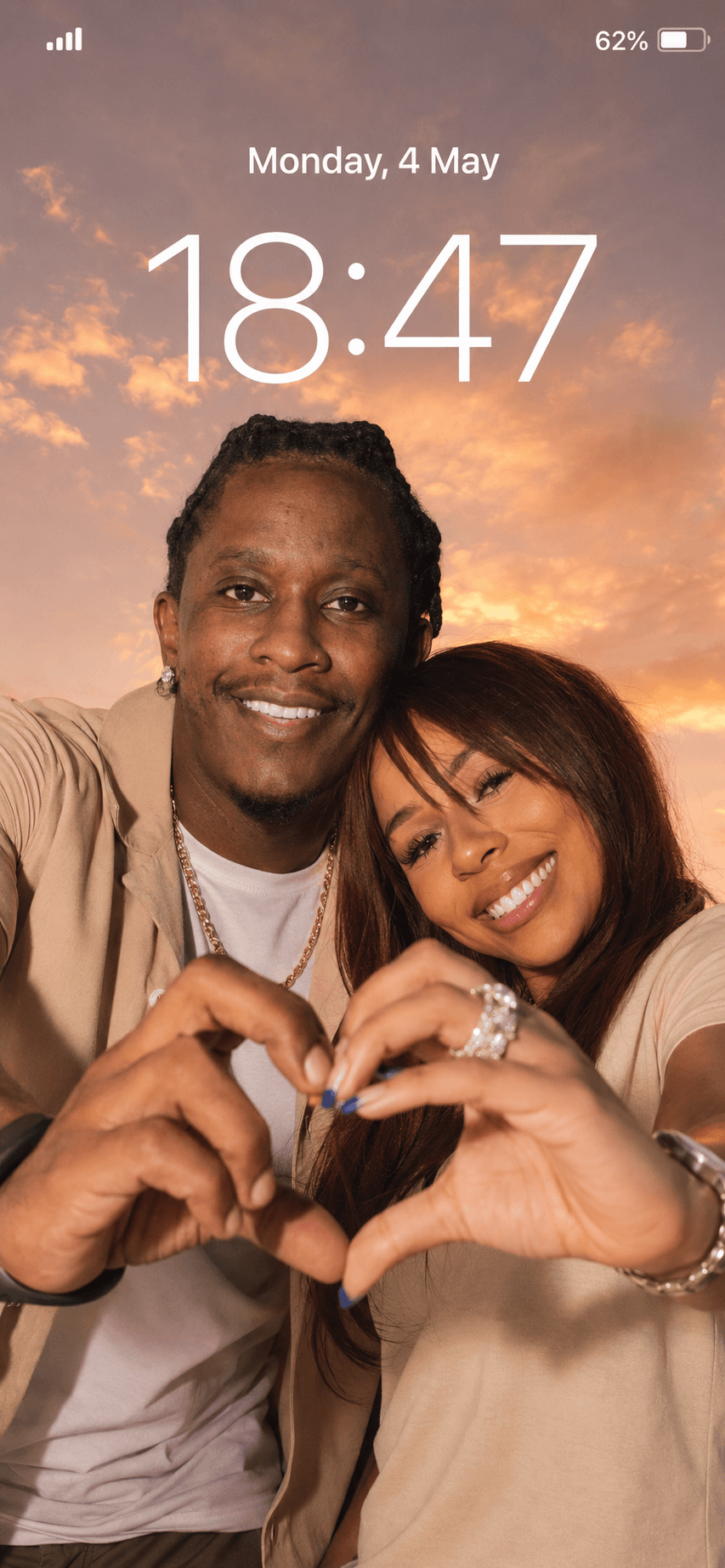
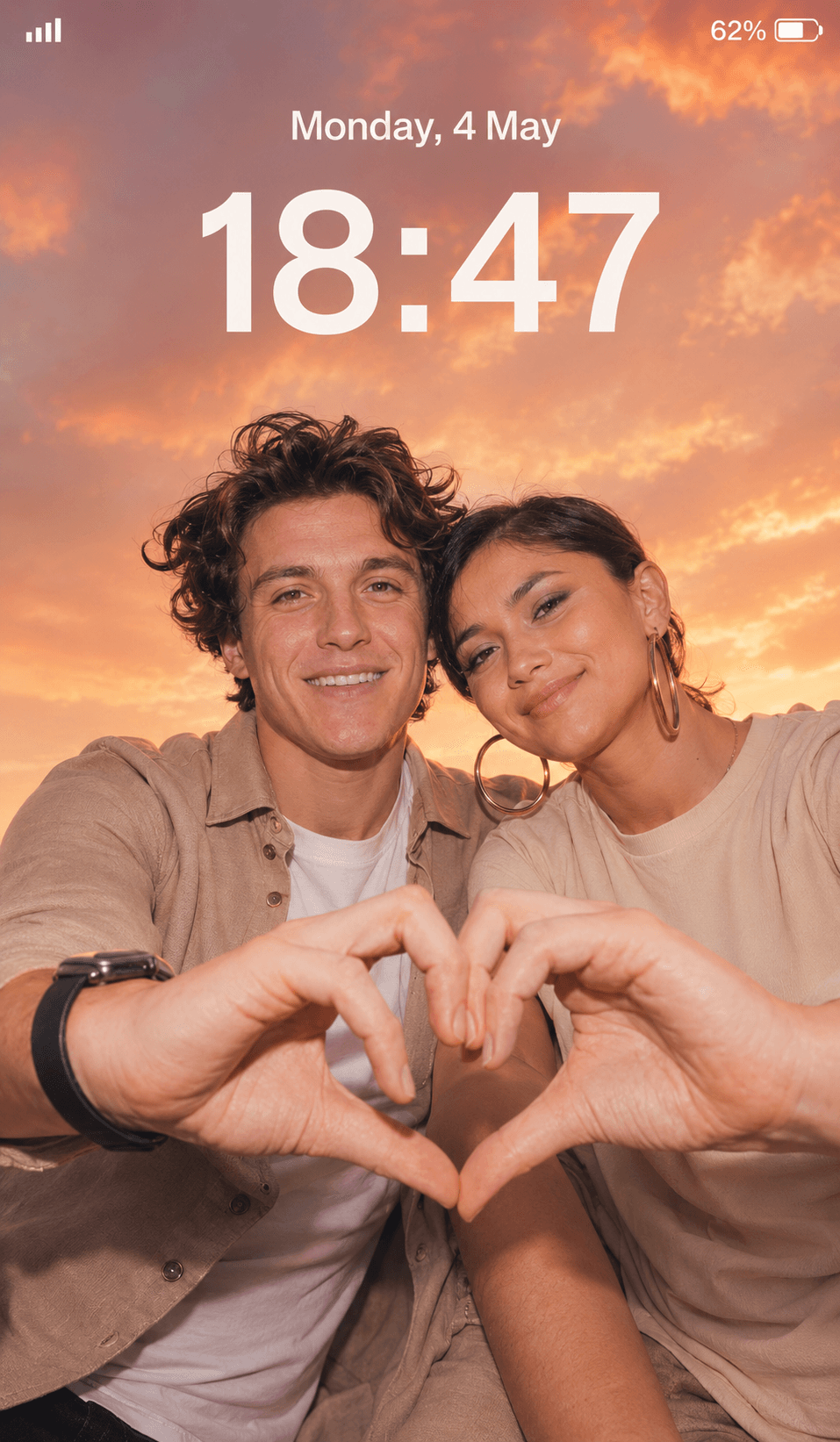
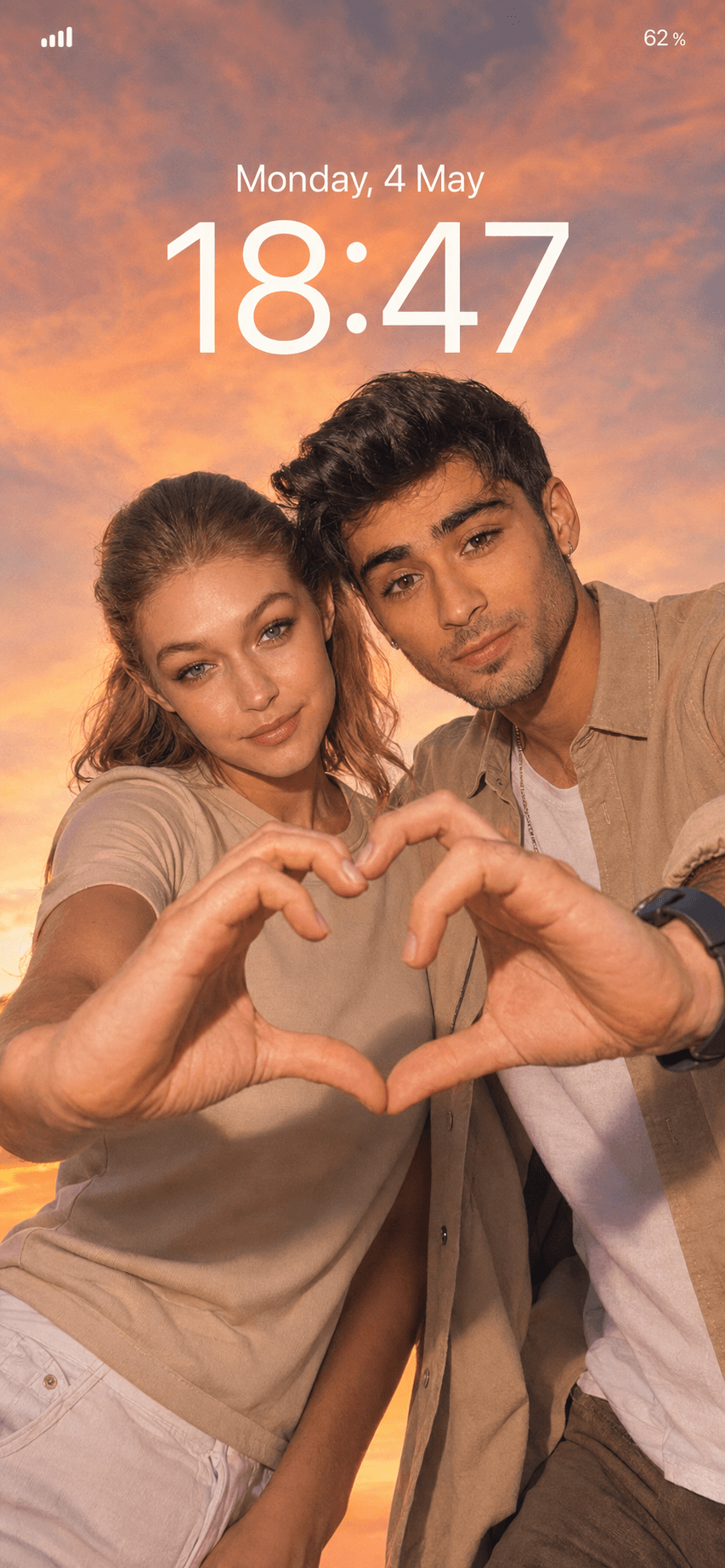
Create stunning romantic couple wallpapers with this realistic AI prompt. Generate cinematic sunset selfies, heart-hand poses, natural skin textures, golden hour lighting, and premium lockscreen-style backgrounds for mobile wallpapers and social media.
How To Use
Start with the base prompt as written, then personalize it after you see the first result.
Copy the prompt
Start with the original wording first so you can see the intended output before making changes.
Go to model mentioned below
Open the recommended model first so the prompt behaves the way this template expects.
Paste prompt with 1 or 2 images
Getting better results
A prompt is a starting point, not a finished setting. The wording on this page is written to produce a specific look on the first run, but your reference photo, lighting, and subject are different from the ones used in the example. Expect to run the prompt two or three times before you land on the version you keep.
Copy the prompt exactly as written and generate once before editing a single word. That first output is your baseline. If you rewrite the prompt before seeing it, you have no way of knowing whether a disappointing result came from the prompt or from your own edit.
When you do start editing, change a single element per run — the lighting, the camera angle, or the background, but not all three. Most image models respond strongly to small wording changes, and stacking edits makes it impossible to tell which one helped.
The elements worth adjusting first, in rough order of impact:
Each template lists the model it was tested on. Prompts are not fully portable between models: wording that produces a clean studio portrait on one model can produce an over-stylised illustration on another. If you want to use a different tool, treat the prompt as a description of the look you are after and rewrite it in that tool’s own style.
Where a template shows reference images, the quality of what you upload sets the ceiling for the result. Use a sharp, well-lit photo with the subject clearly visible and no heavy filters already applied. A low-resolution or motion-blurred reference will carry those flaws into every output, no matter how detailed the prompt is.
Add your reference images if needed, then refine the output after the first generation.
Once a prompt produces something you like, save your edited version alongside the original. Over time you build a personal library of wording that works for your subjects and your style, which is far more useful than starting from scratch each time.