Romantic Couple AI Art Prompt | Vintage Love Poster
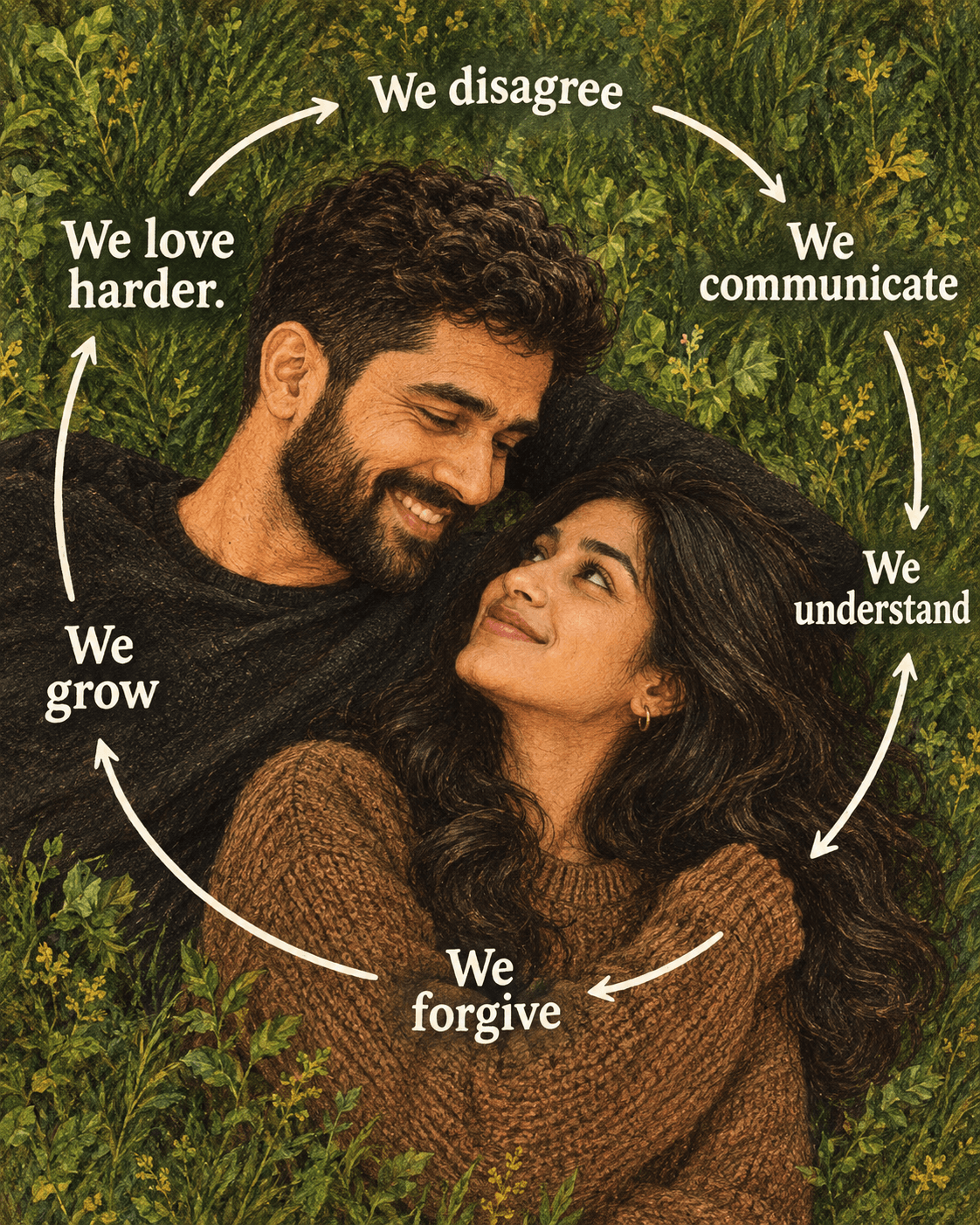
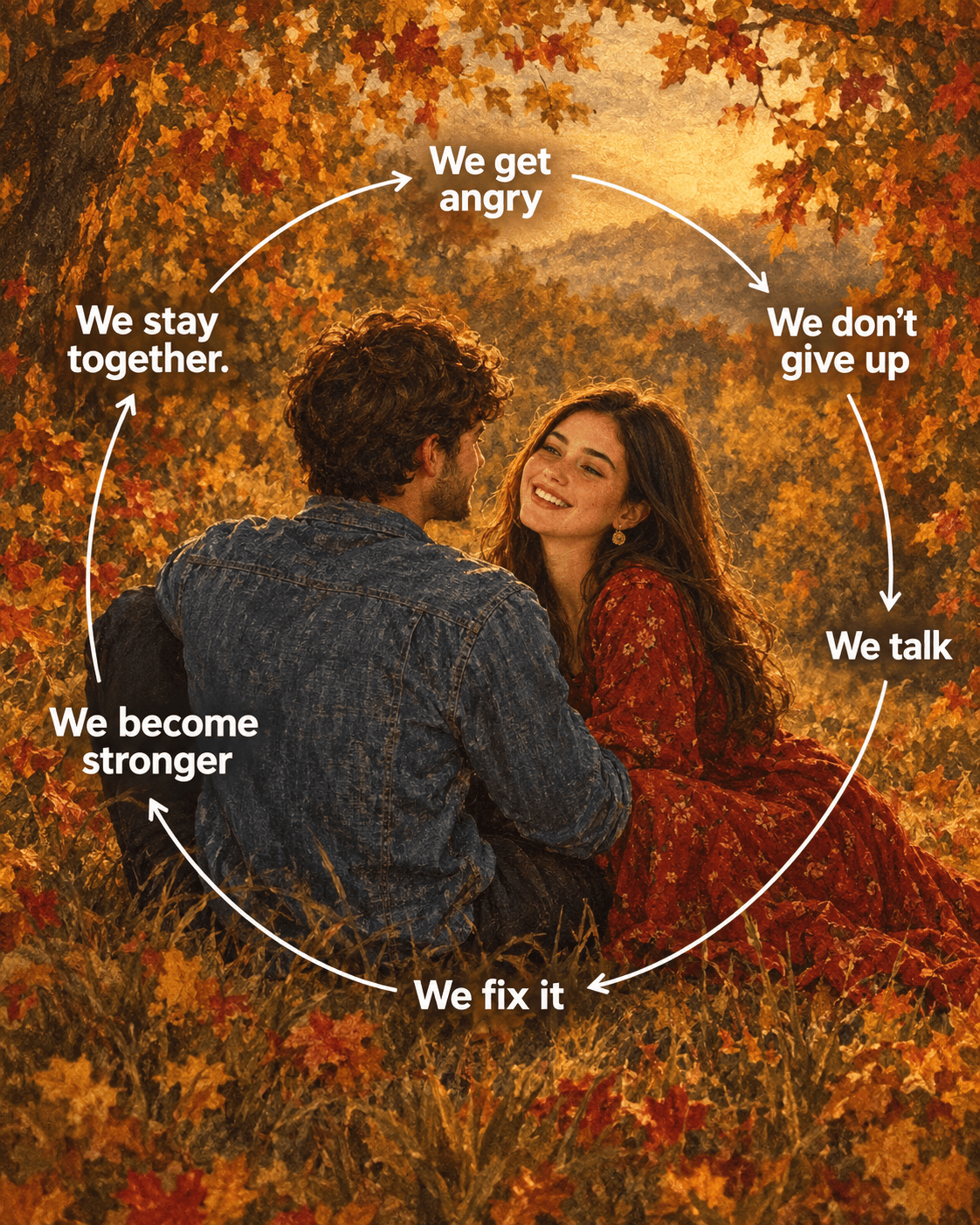
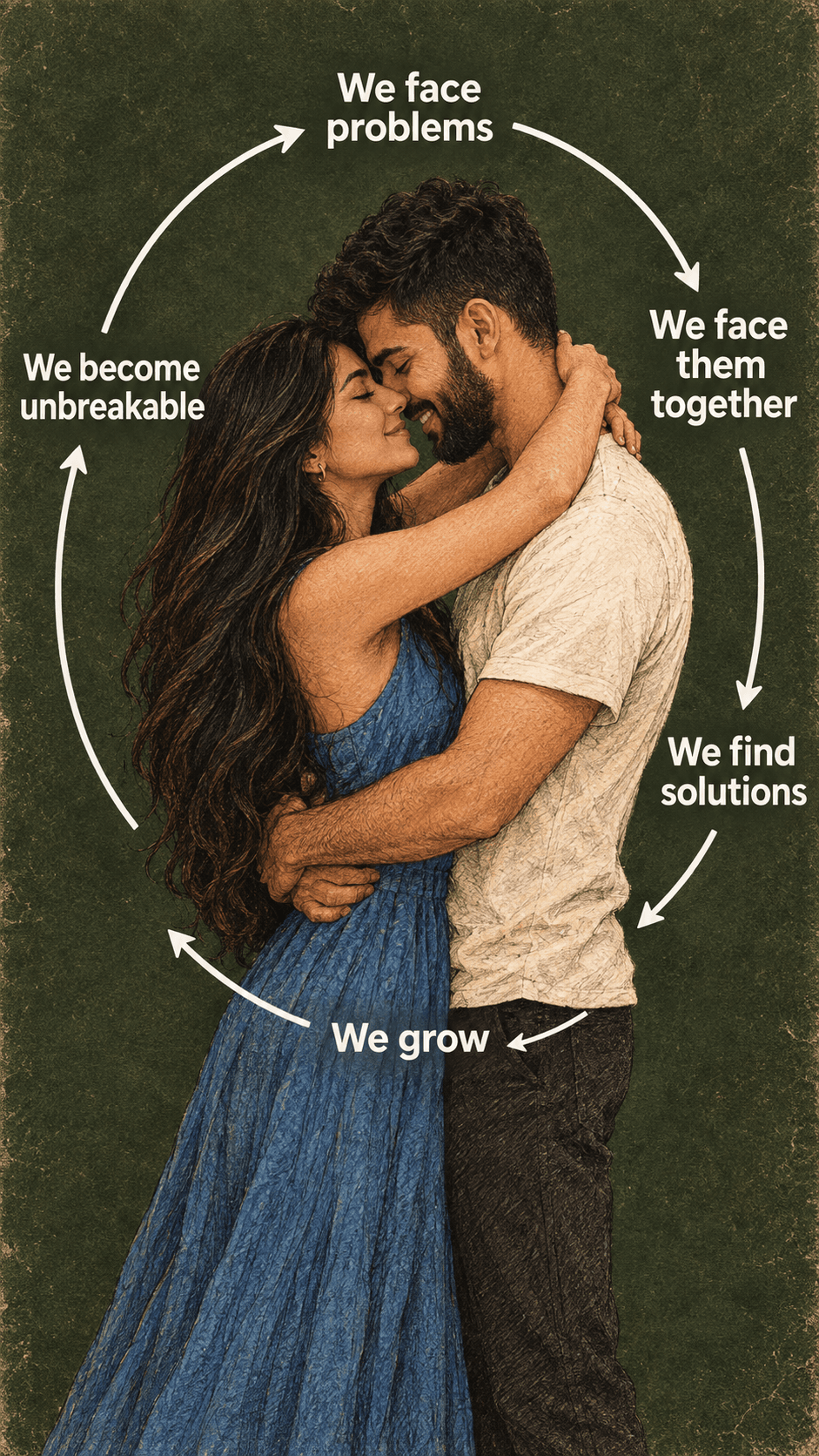
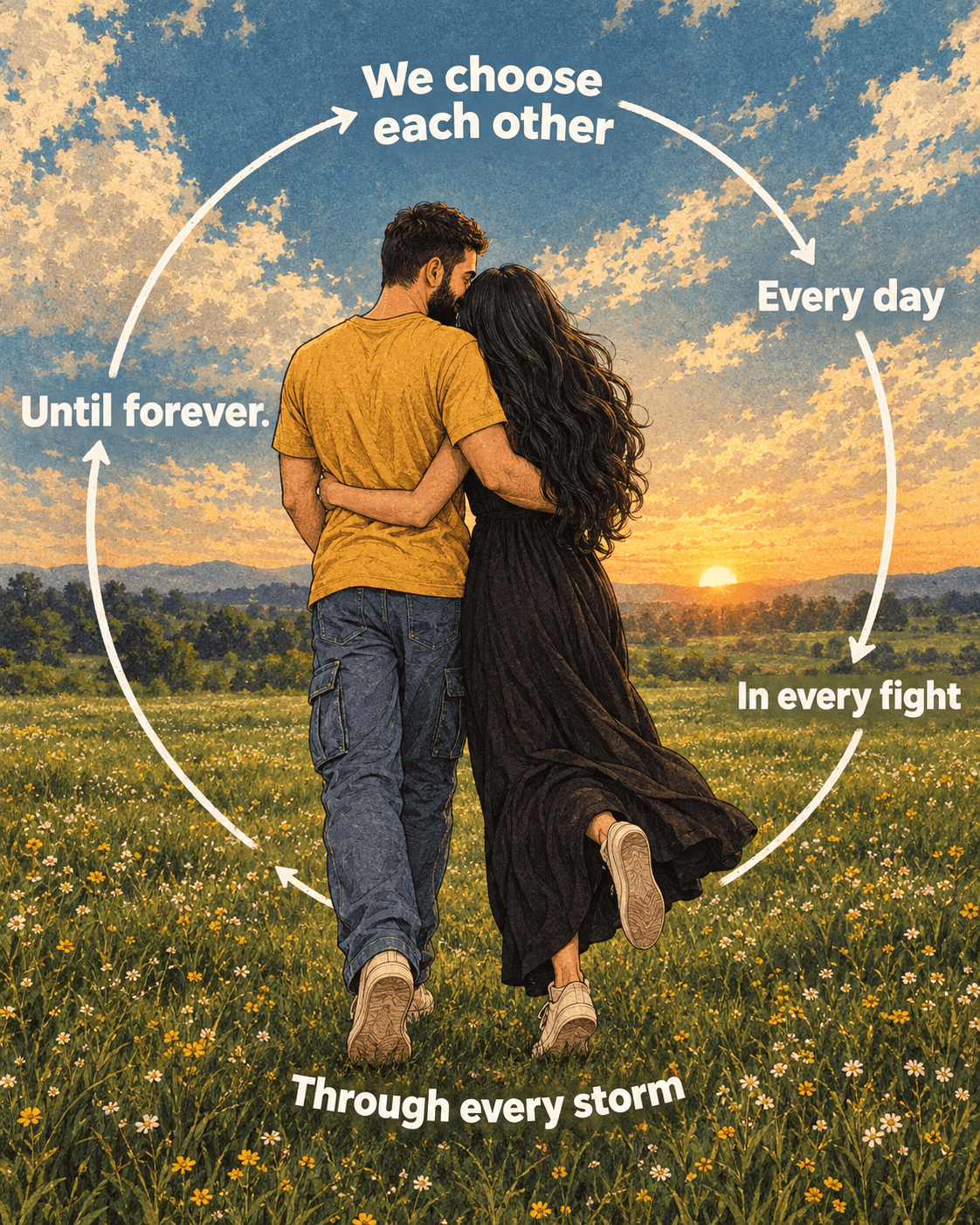
Create a dreamy romantic couple poster with a sunset meadow, vintage comic style, cinematic colors, wildflowers, and a beautiful love-cycle typography design.
Loading
Almost there.
Find free AI photo prompts for Gemini and ChatGPT on EnterPrompt. Create high-quality AI-generated images including couple photos, portraits, artistic edits, and viral styles with optimized, ready-to-use prompts.
Create a dreamy romantic couple poster with a sunset meadow, vintage comic style, cinematic colors, wildflowers, and a beautiful love-cycle typography design.
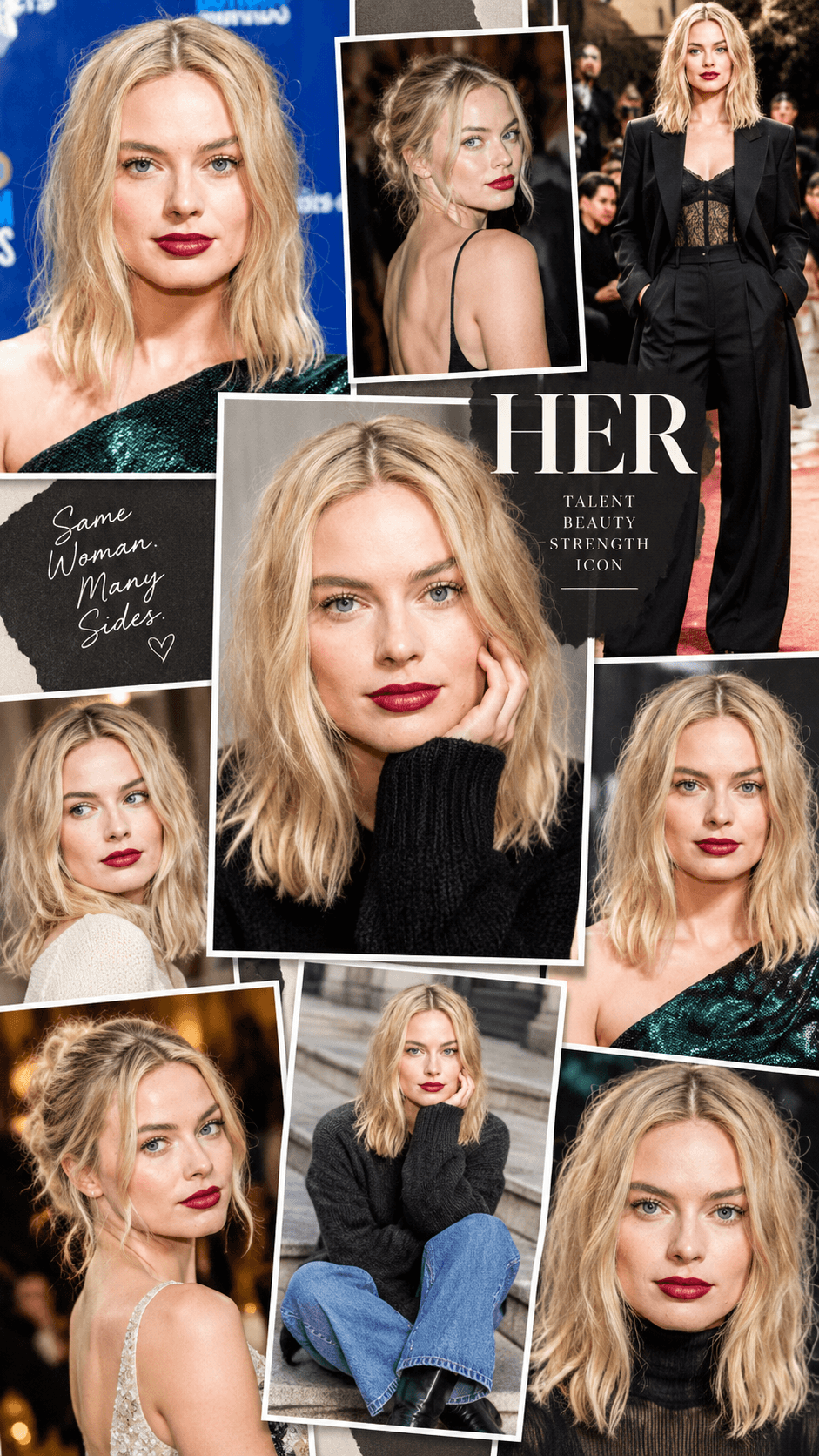
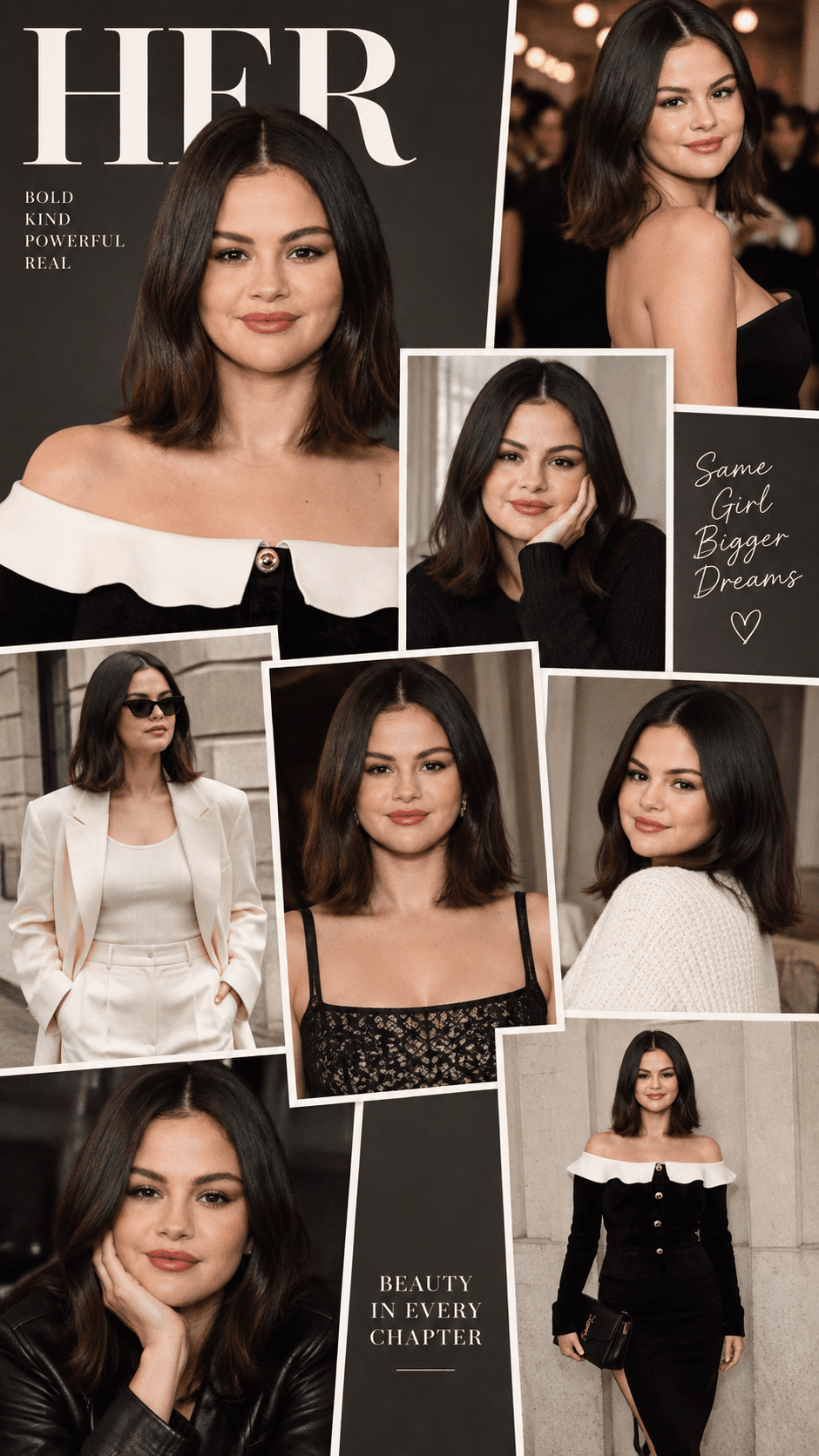
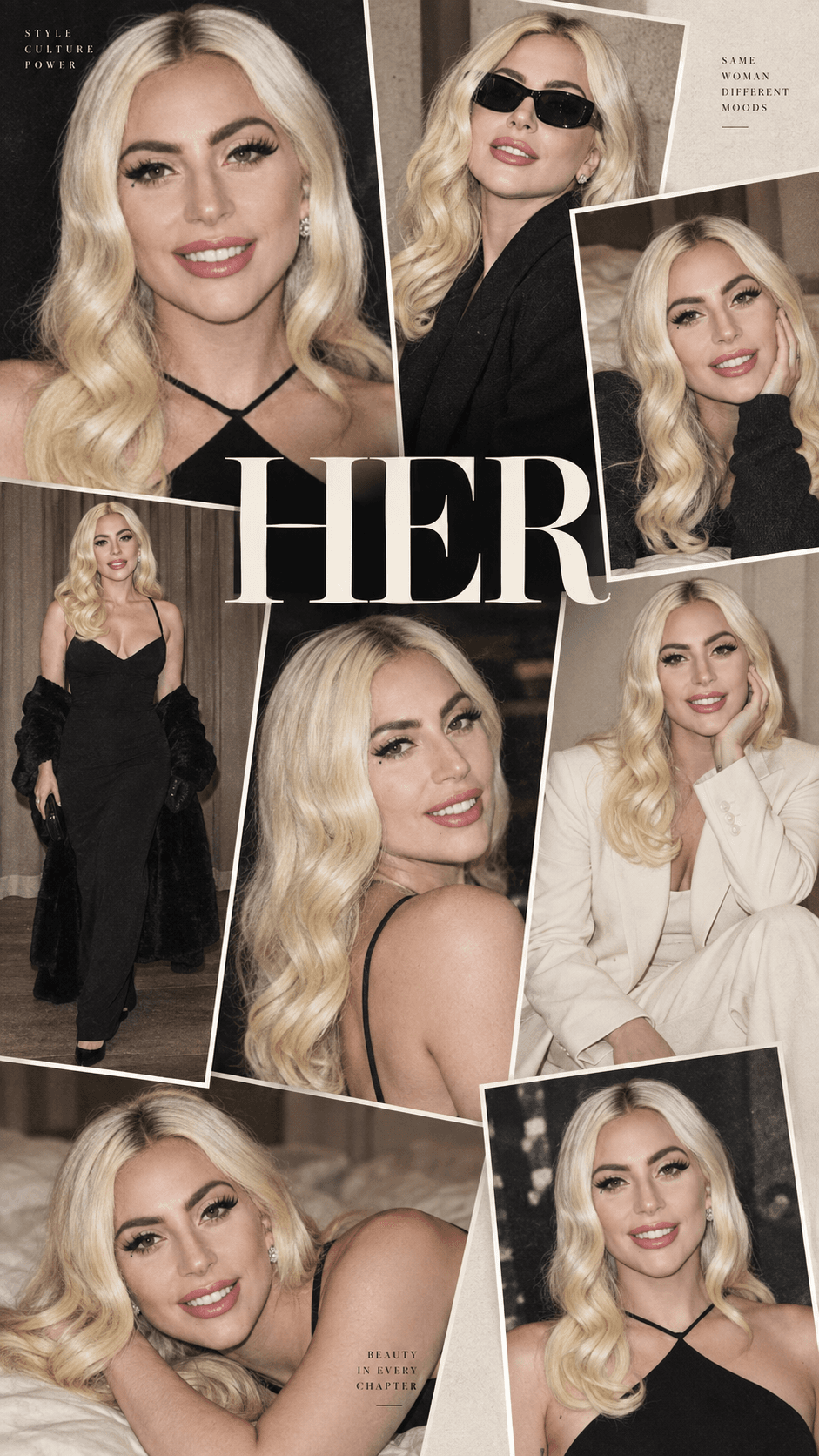
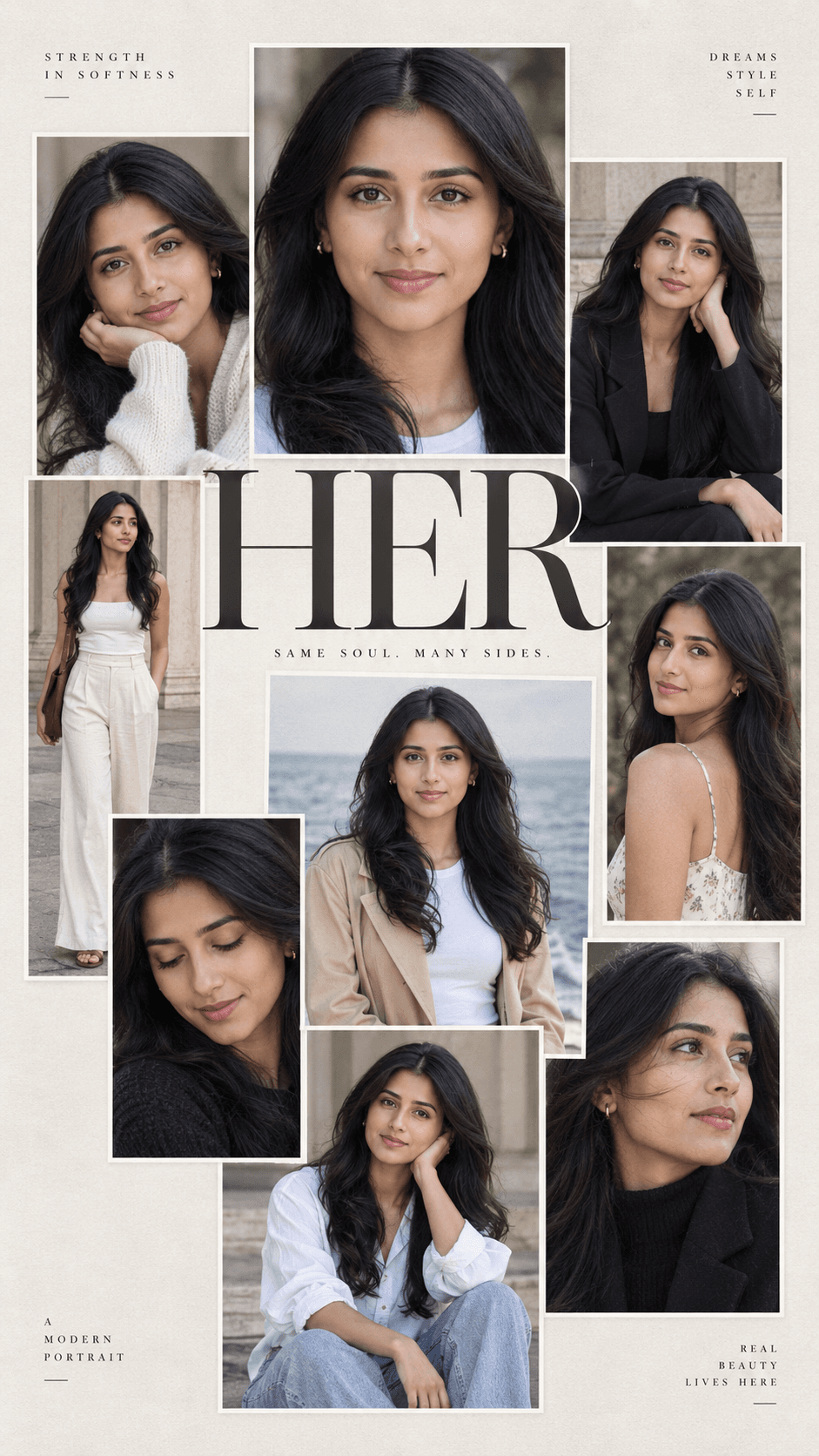
Create a luxury HER editorial photo collage with 8–10 portraits, white borders, magazine-style typography, and a premium 9:16 aesthetic. Perfect for AI photography
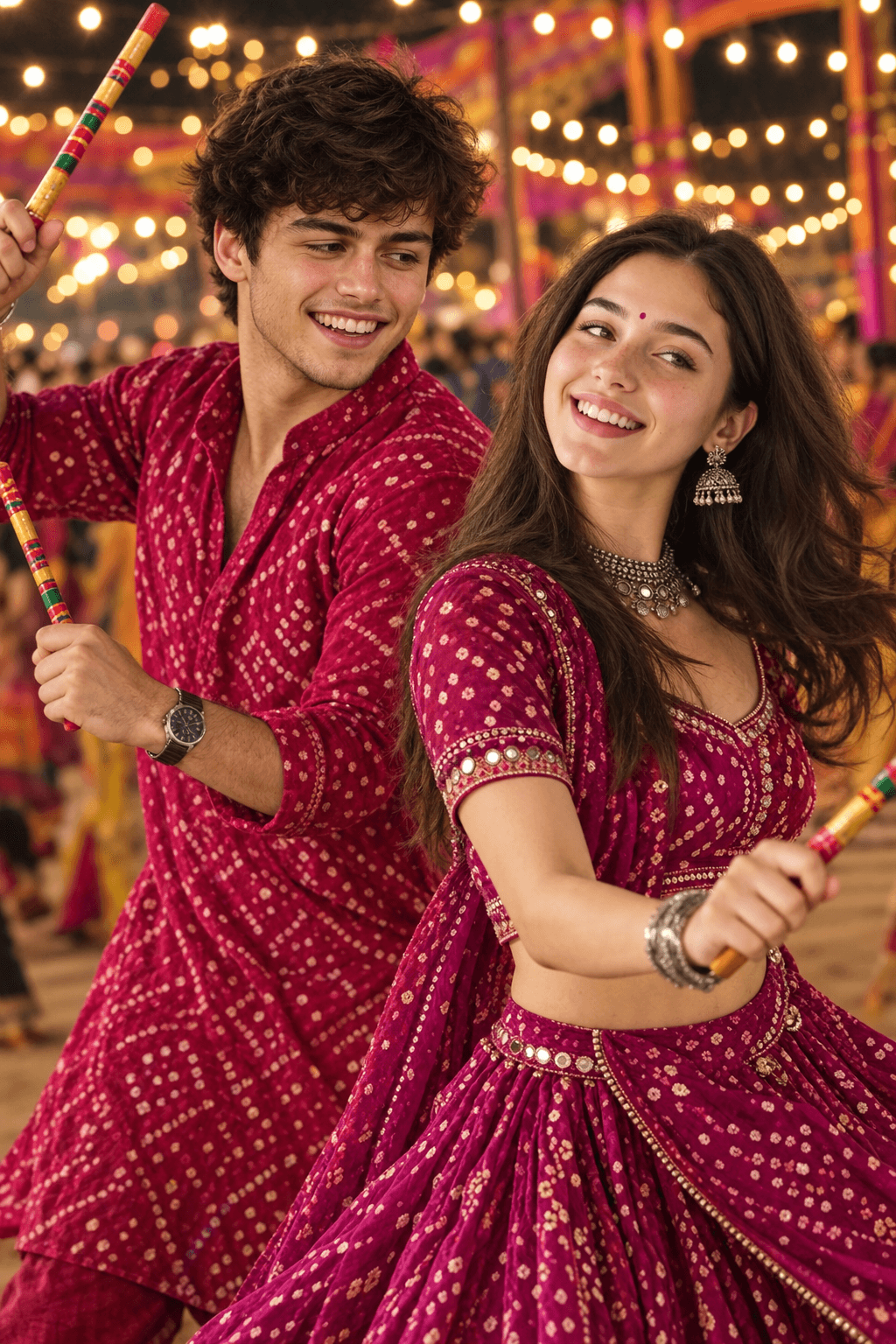
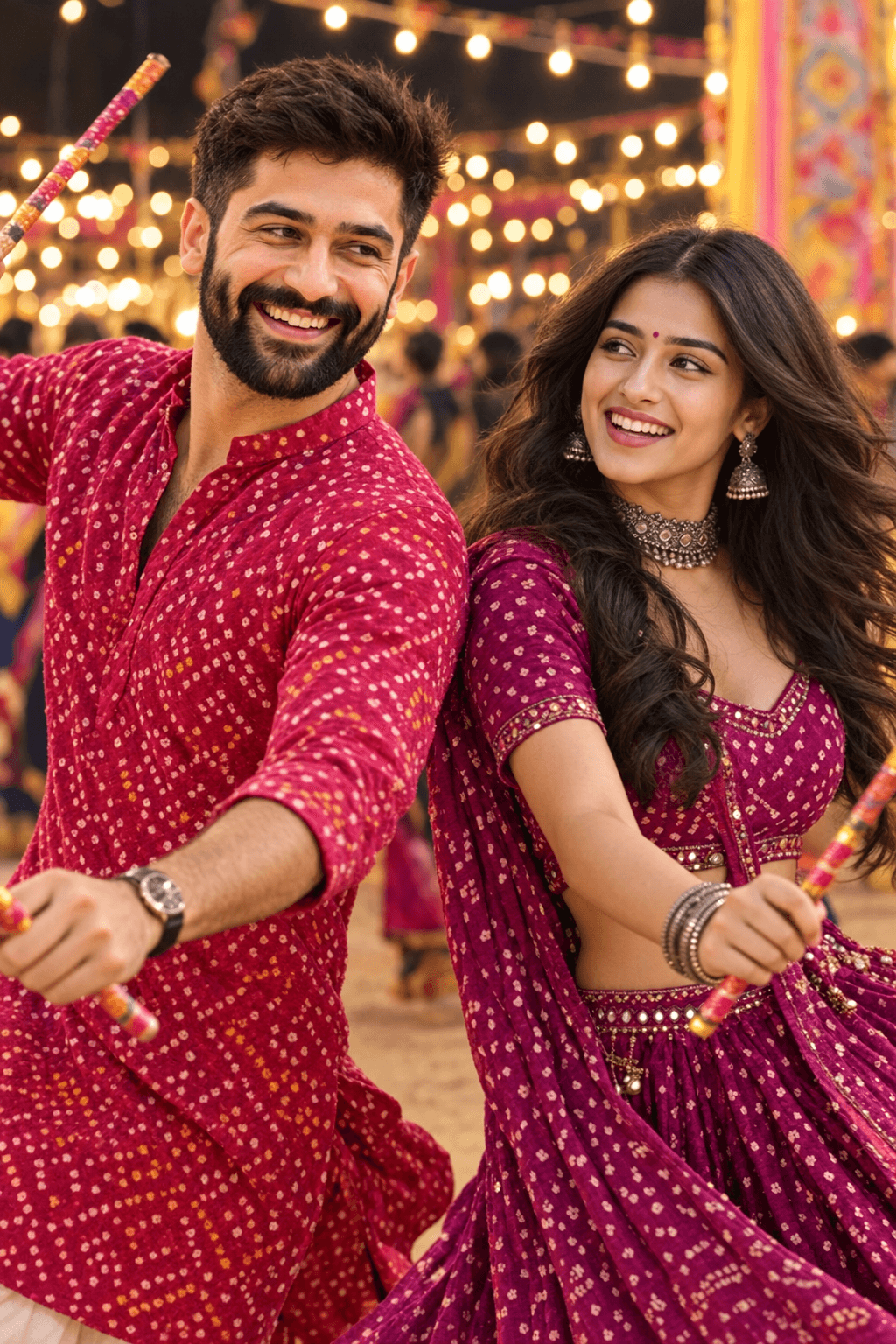
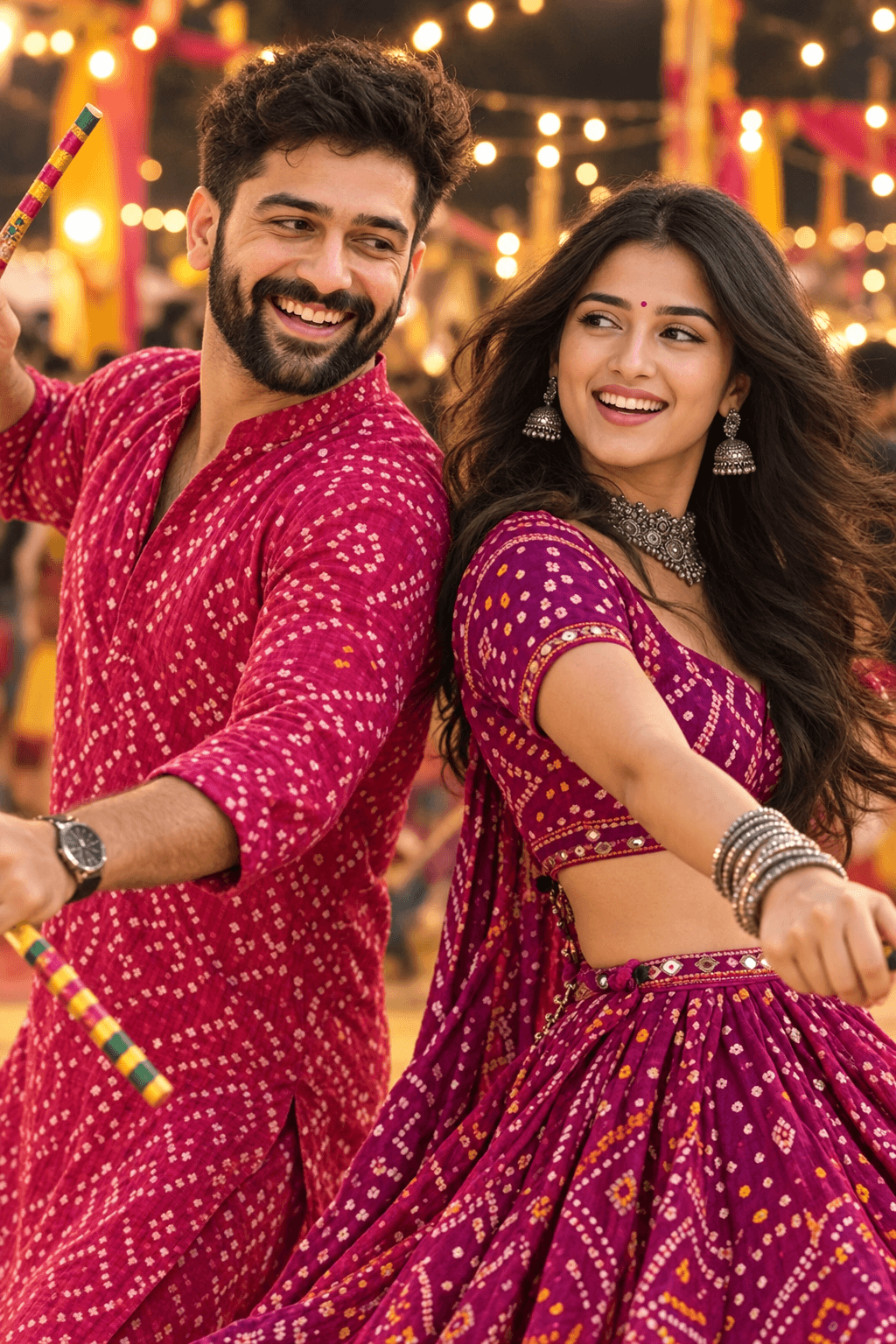
Create stunning Dandiya Night couple images with this AI prompt featuring vibrant bandhani outfits, dandiya sticks, Garba dance, festive lights, and candid expressions.
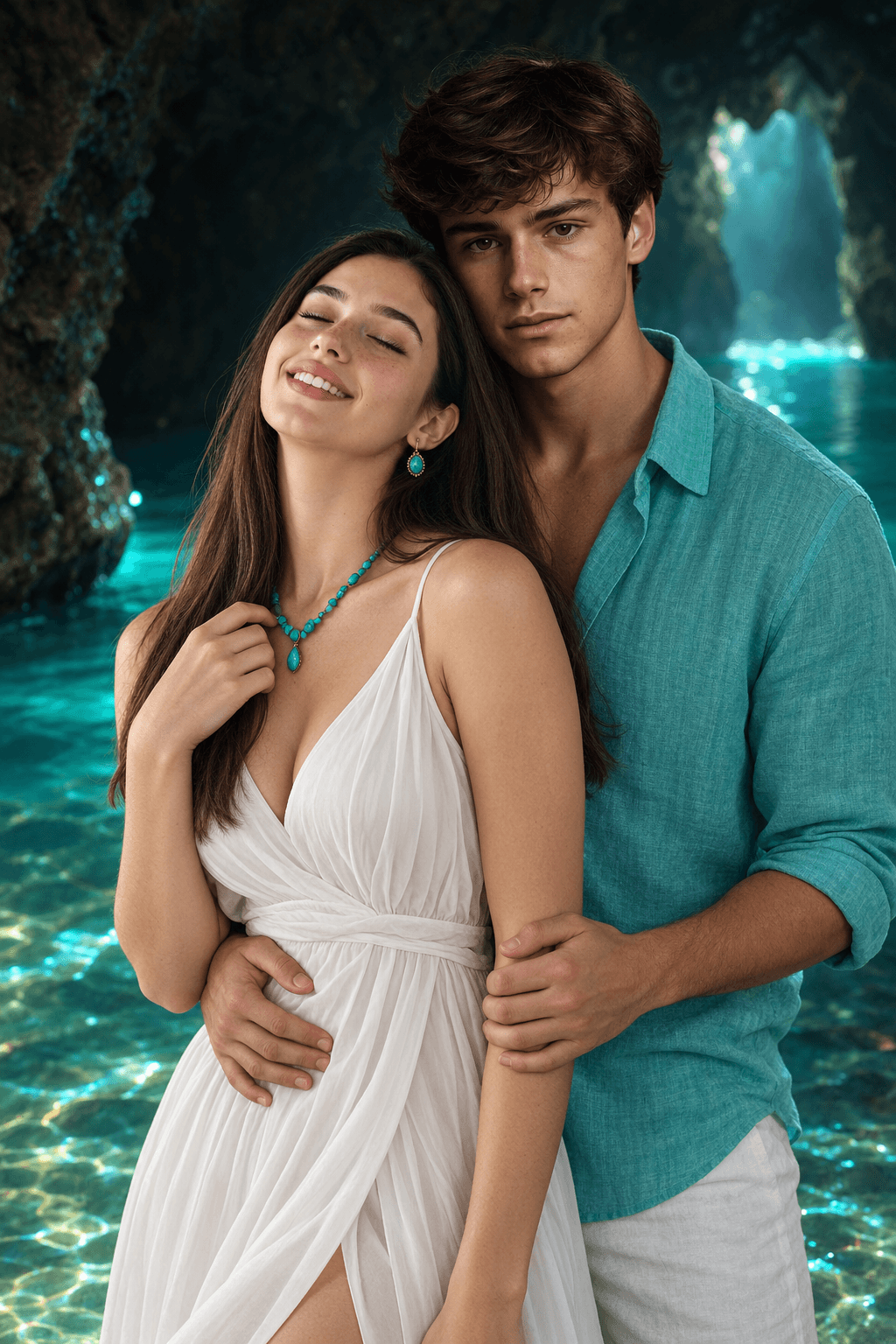
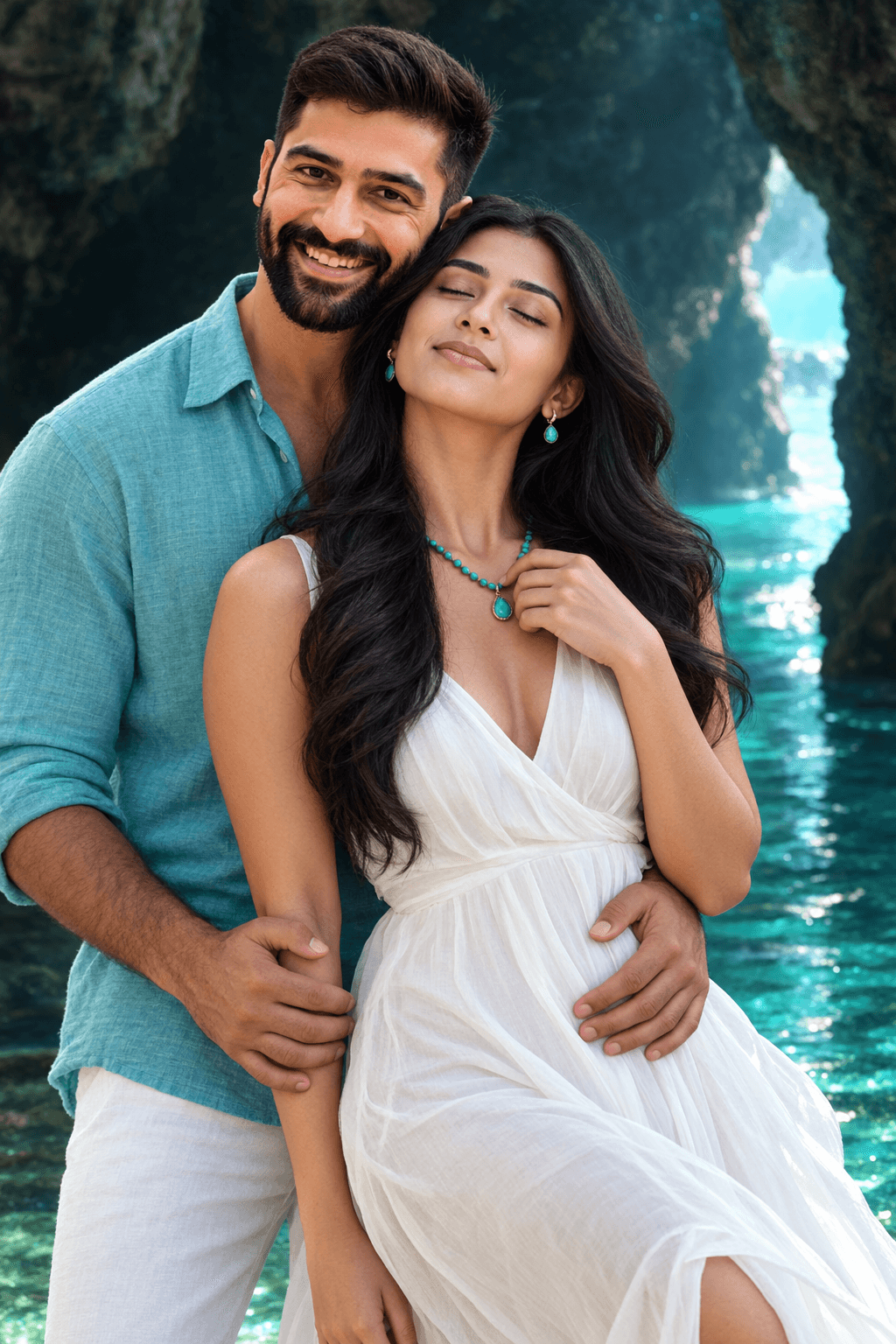
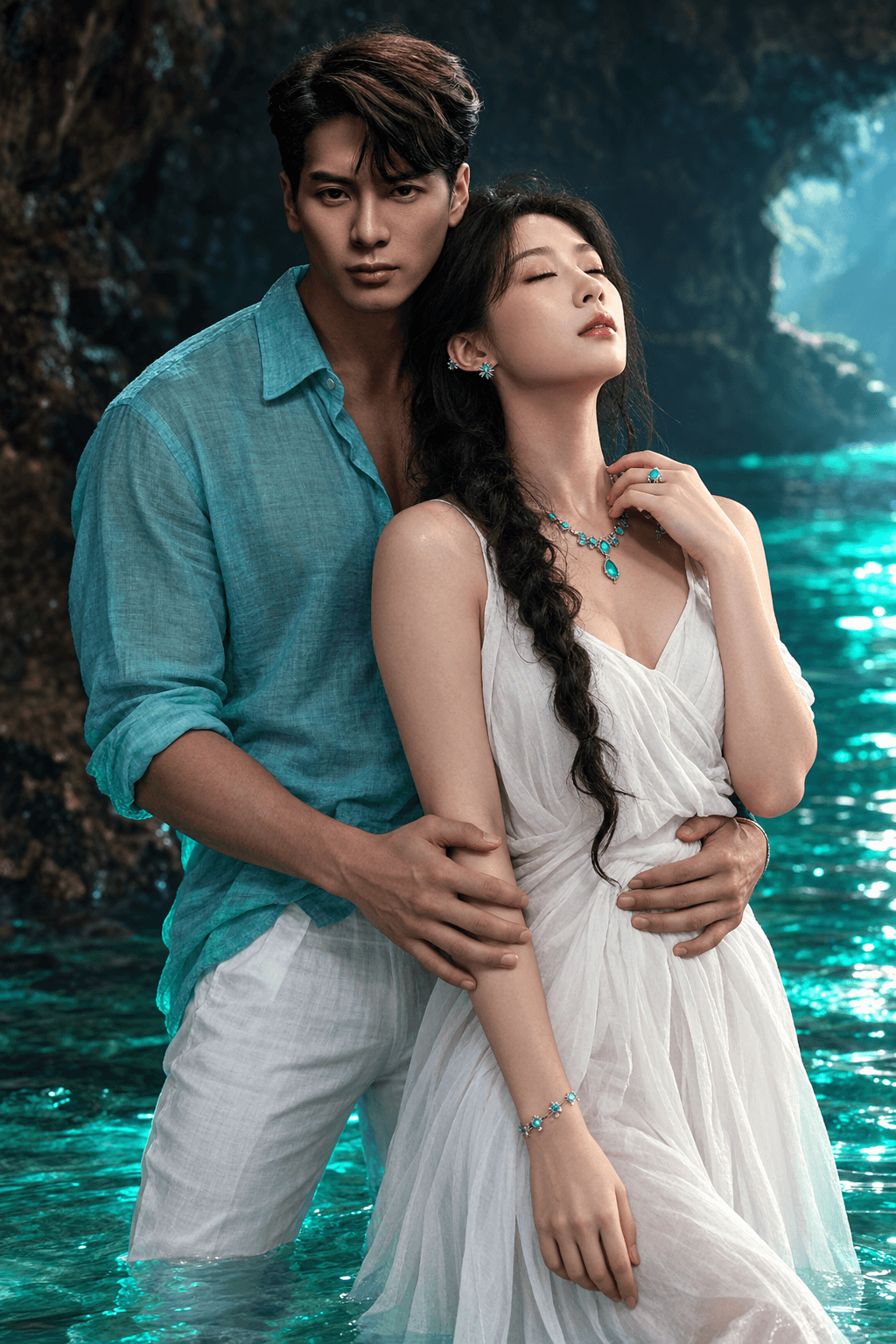
Create stunning romantic couple portraits with this ultra-realistic AI prompt featuring turquoise water, cinematic lighting, tropical cave scenery, and a premium movie aesthetic.
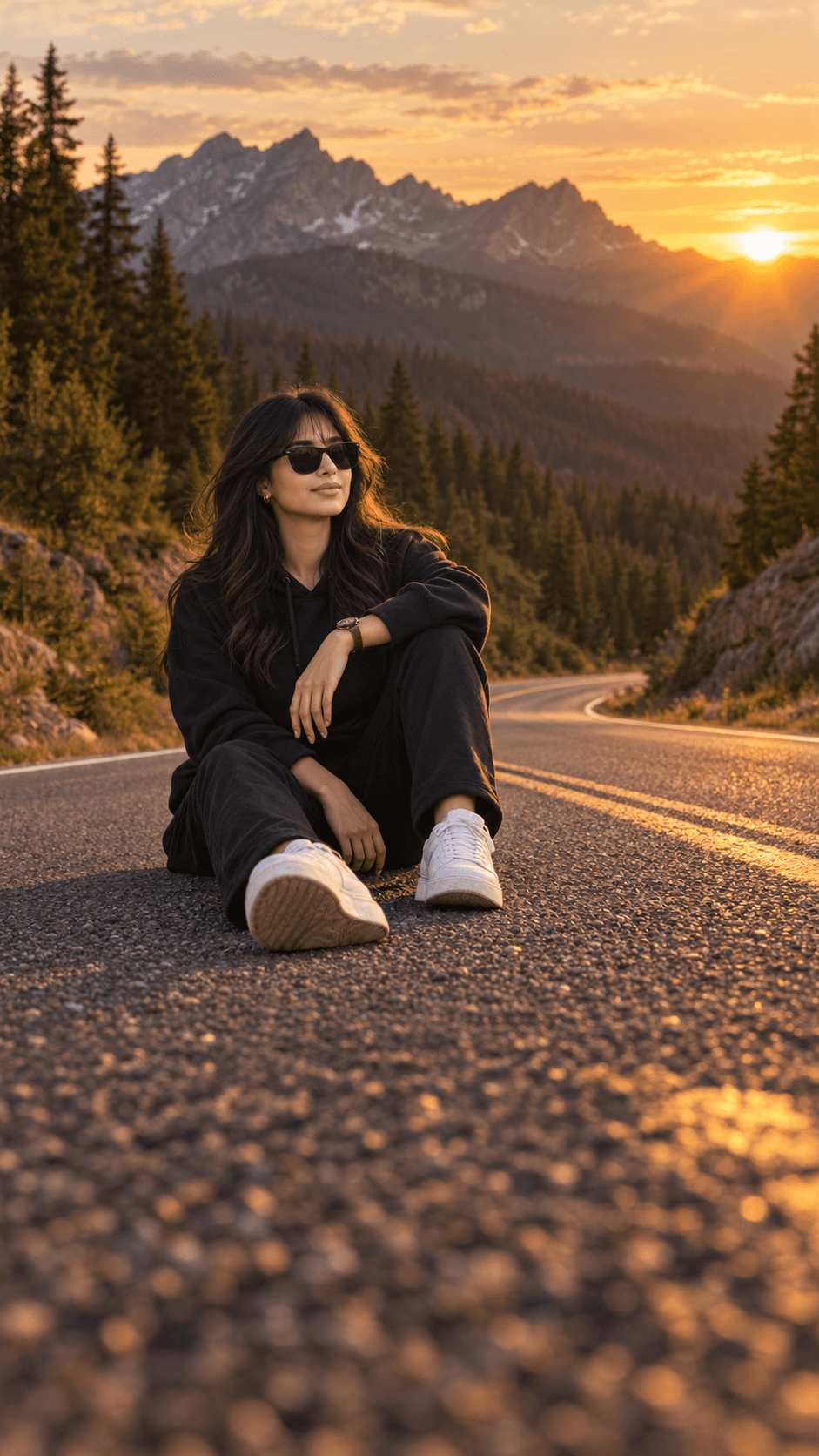
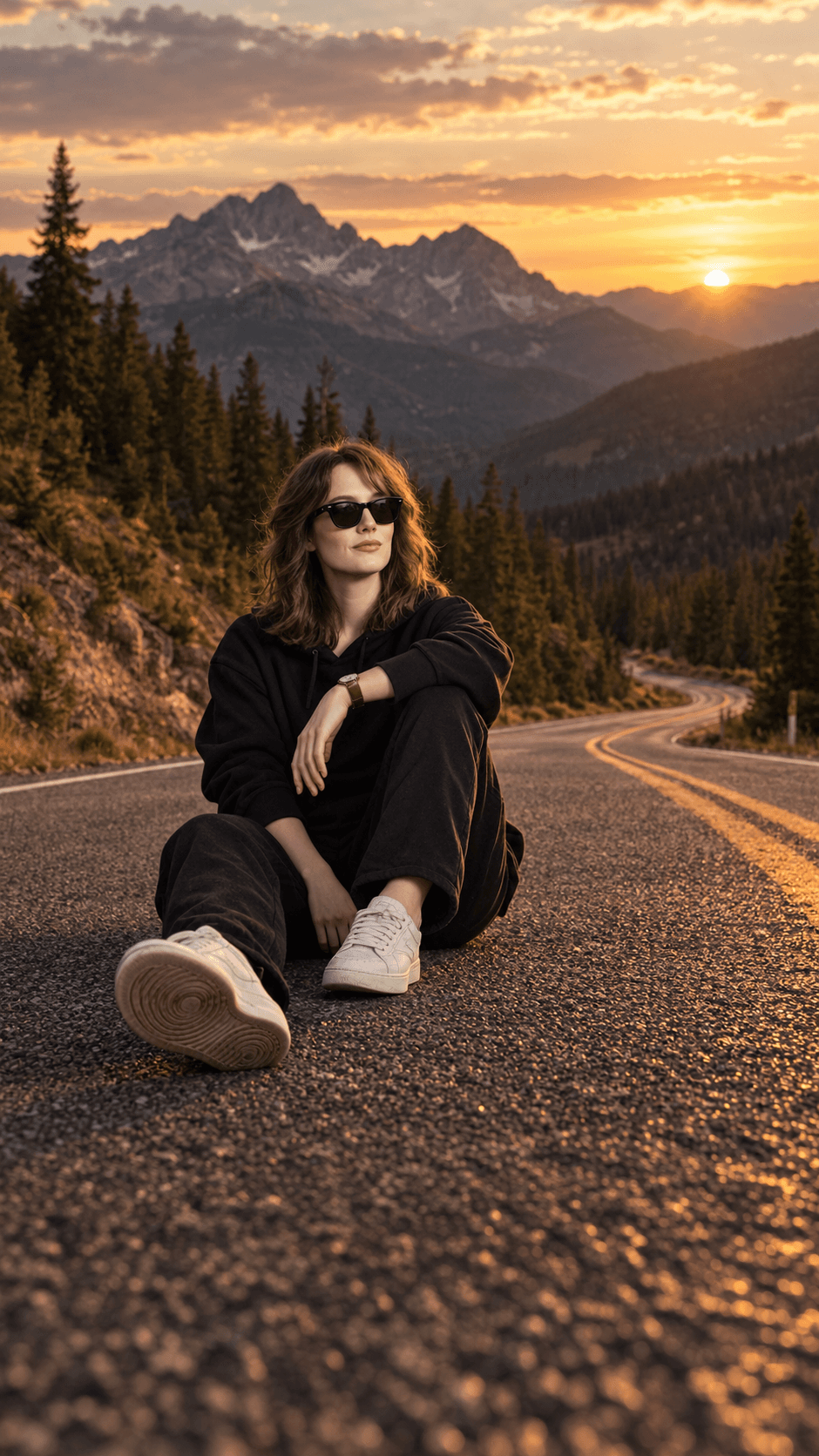
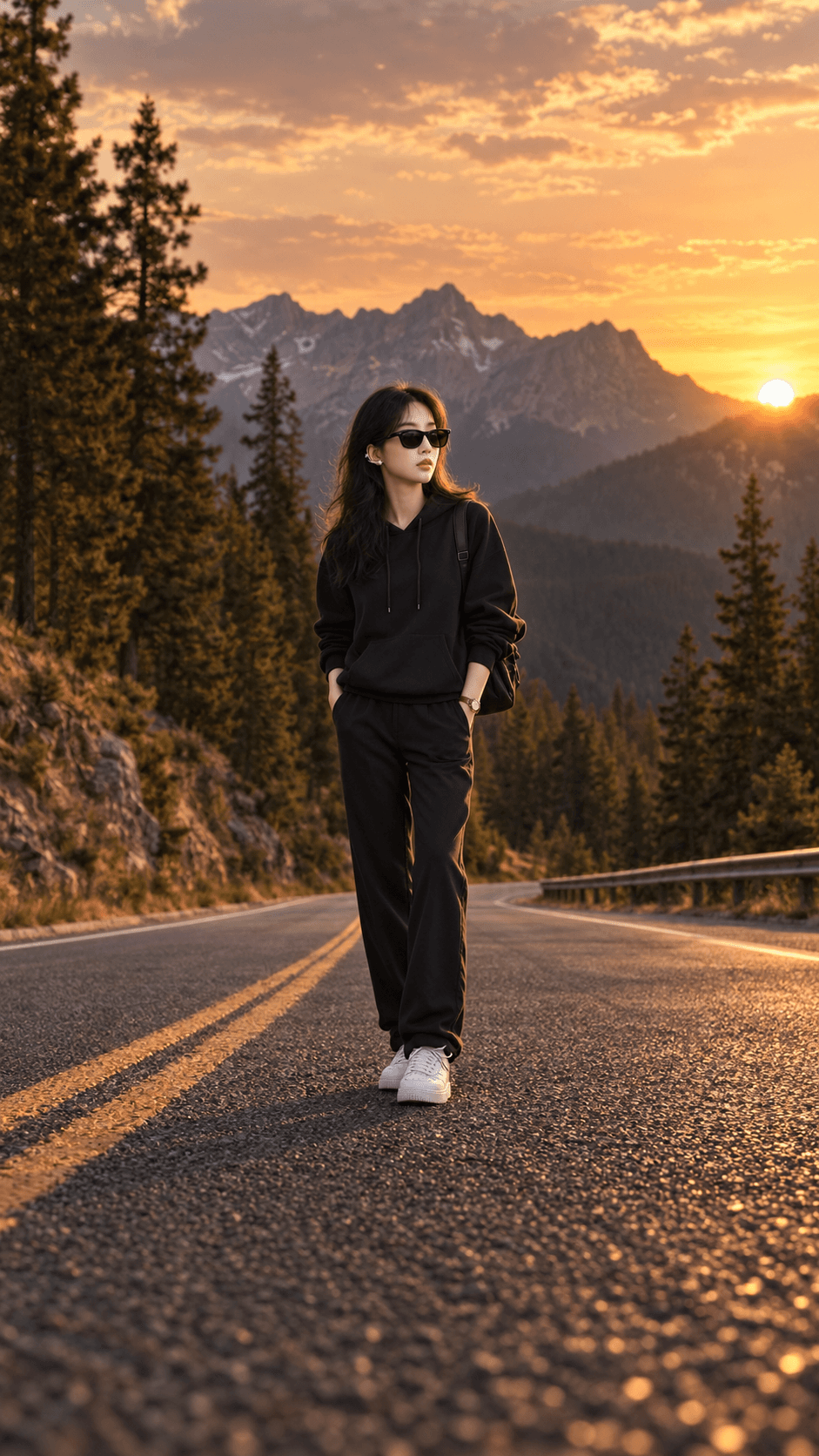
Create stunning photorealistic mountain sunset portraits with this cinematic AI photo prompt for Midjourney, Flux, DALL·E, and more.
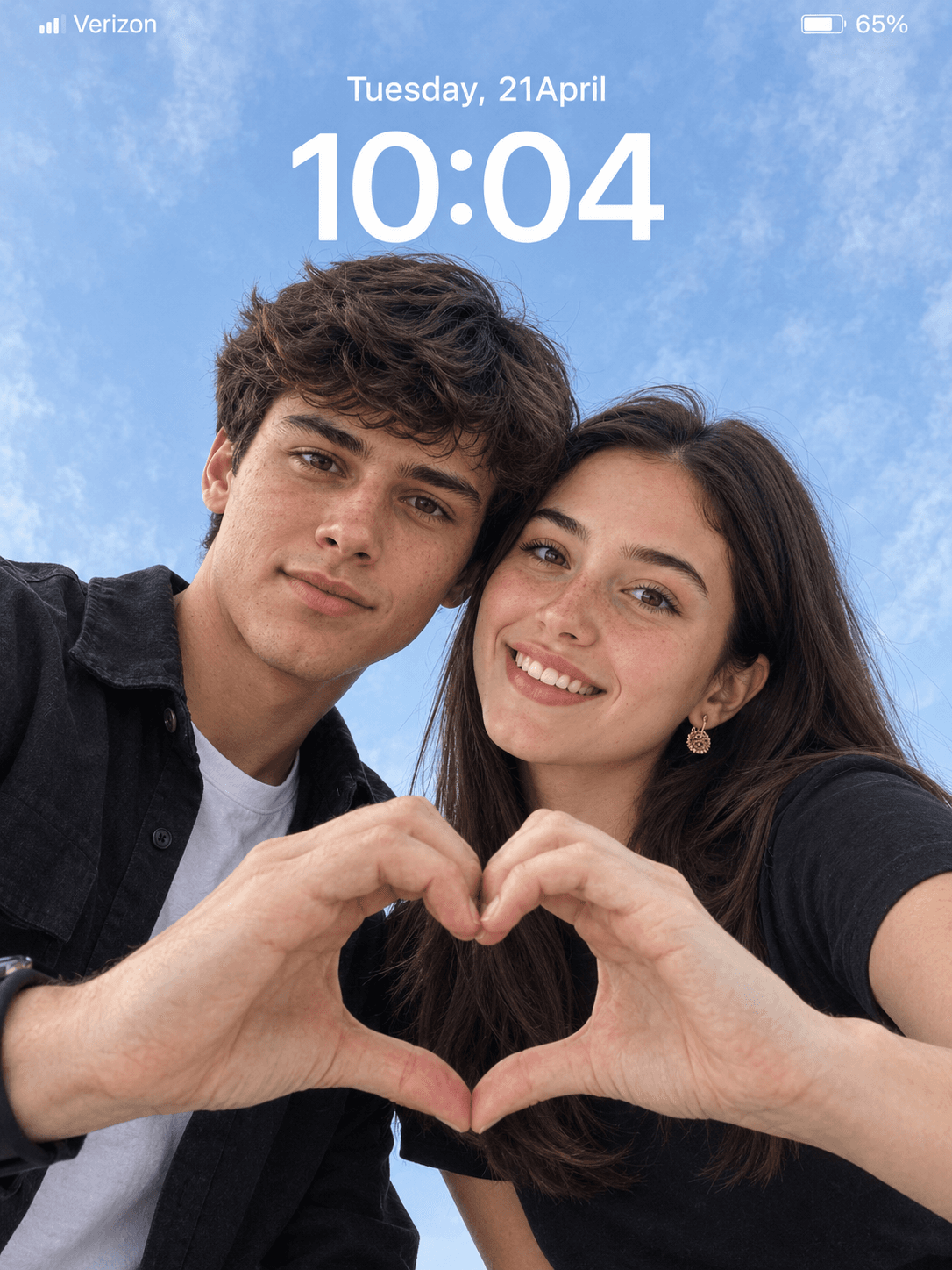
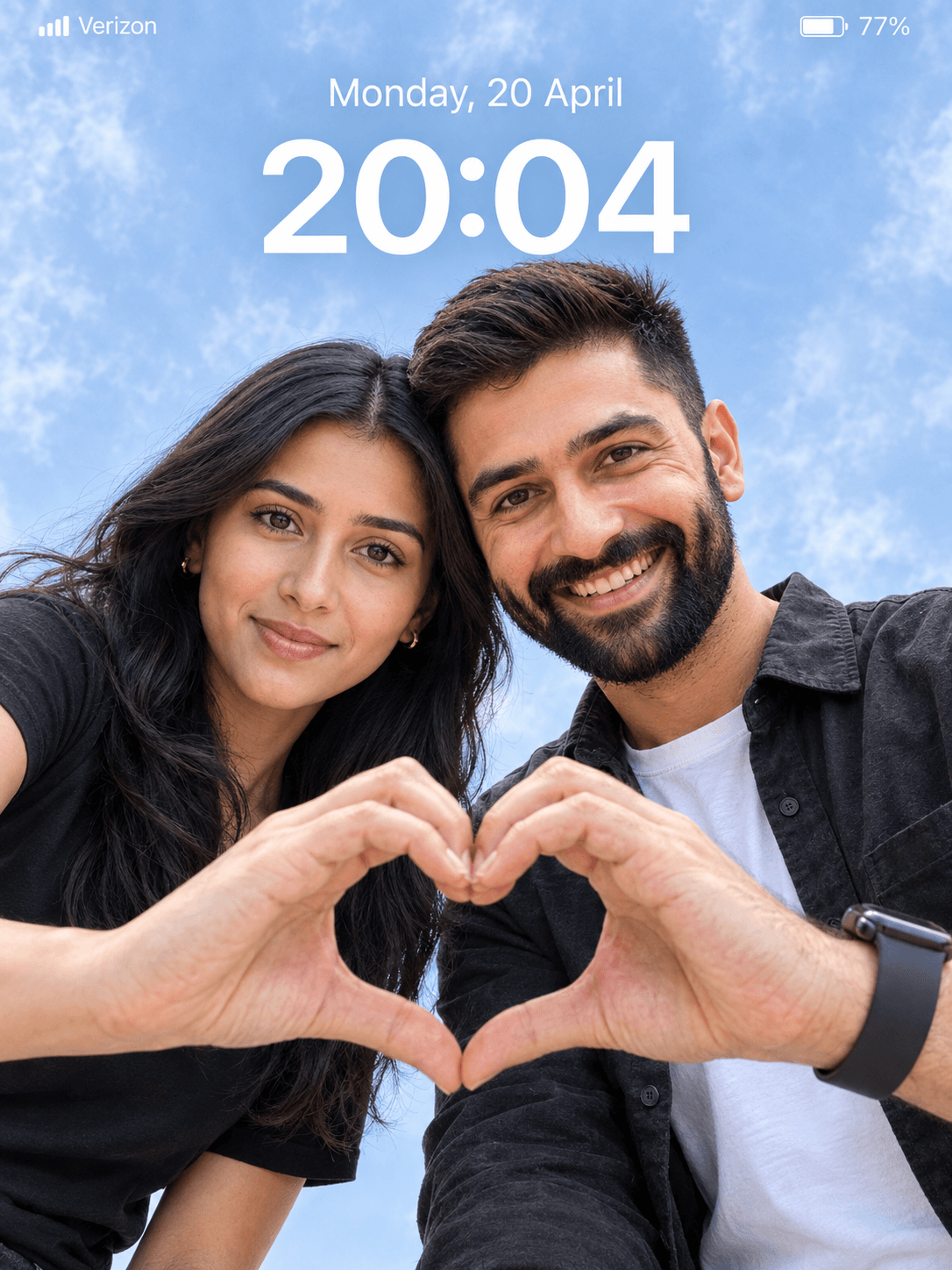
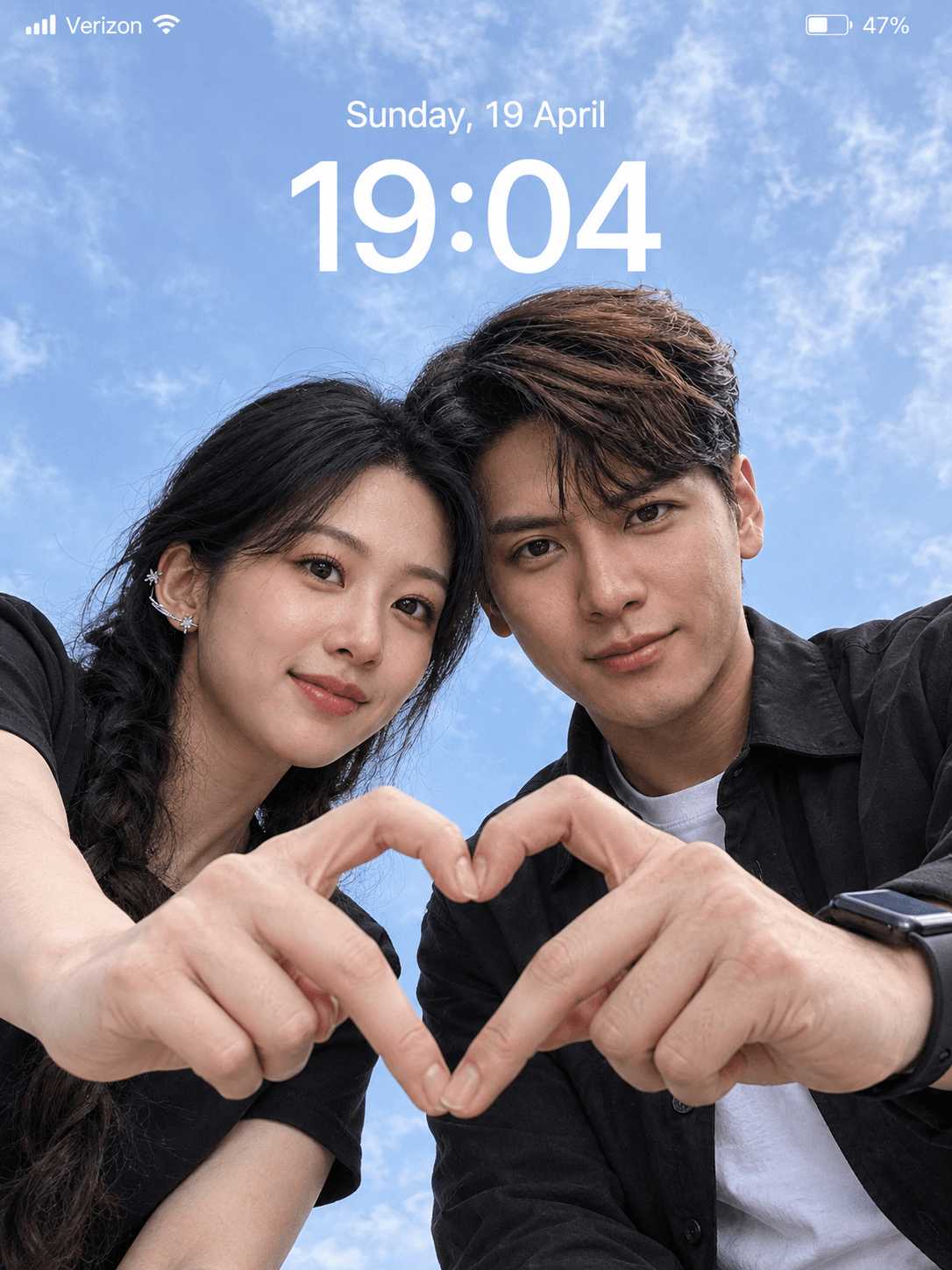
8K AI Couple Portrait Prompt | Cinematic Realistic Photo
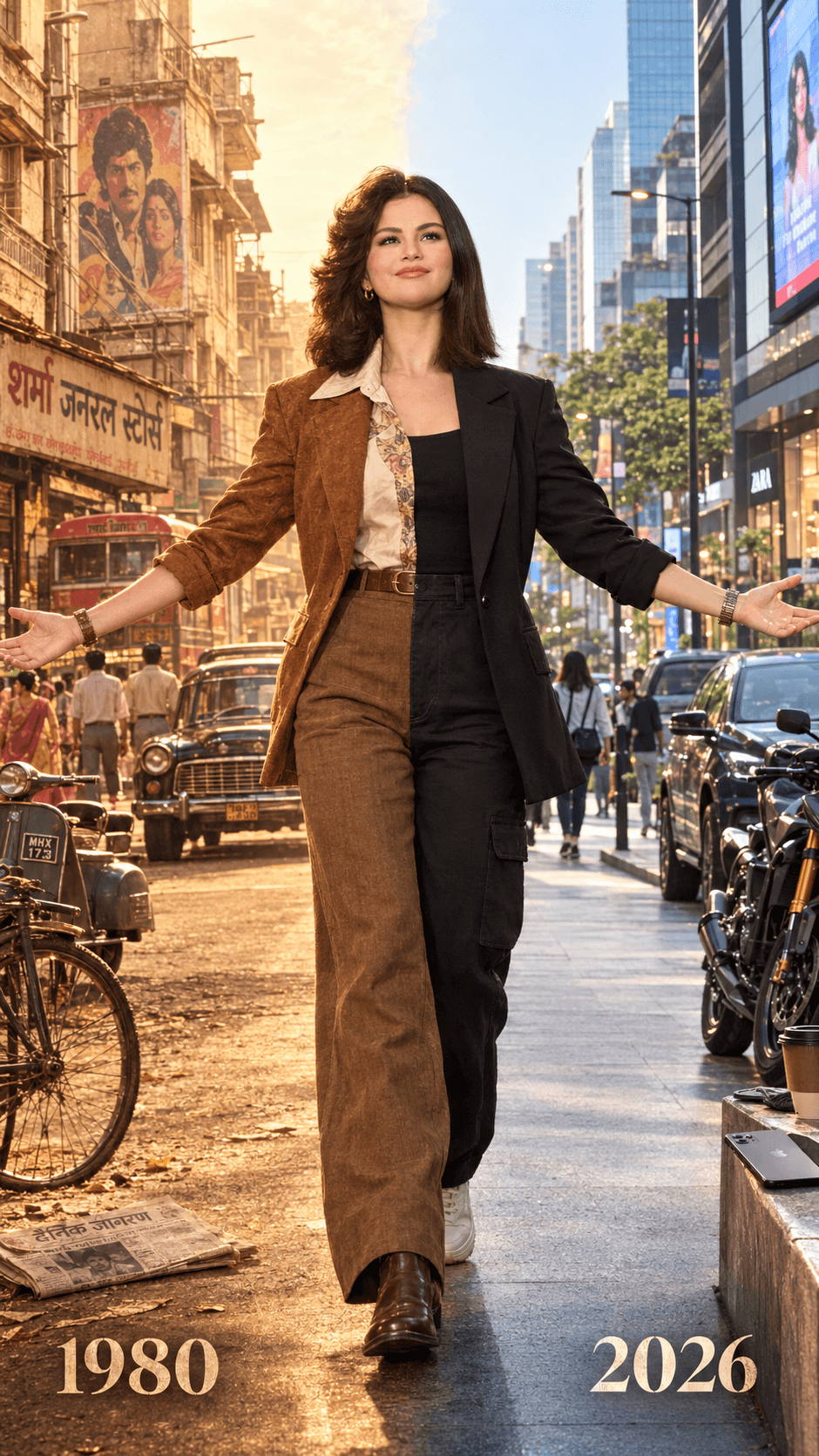
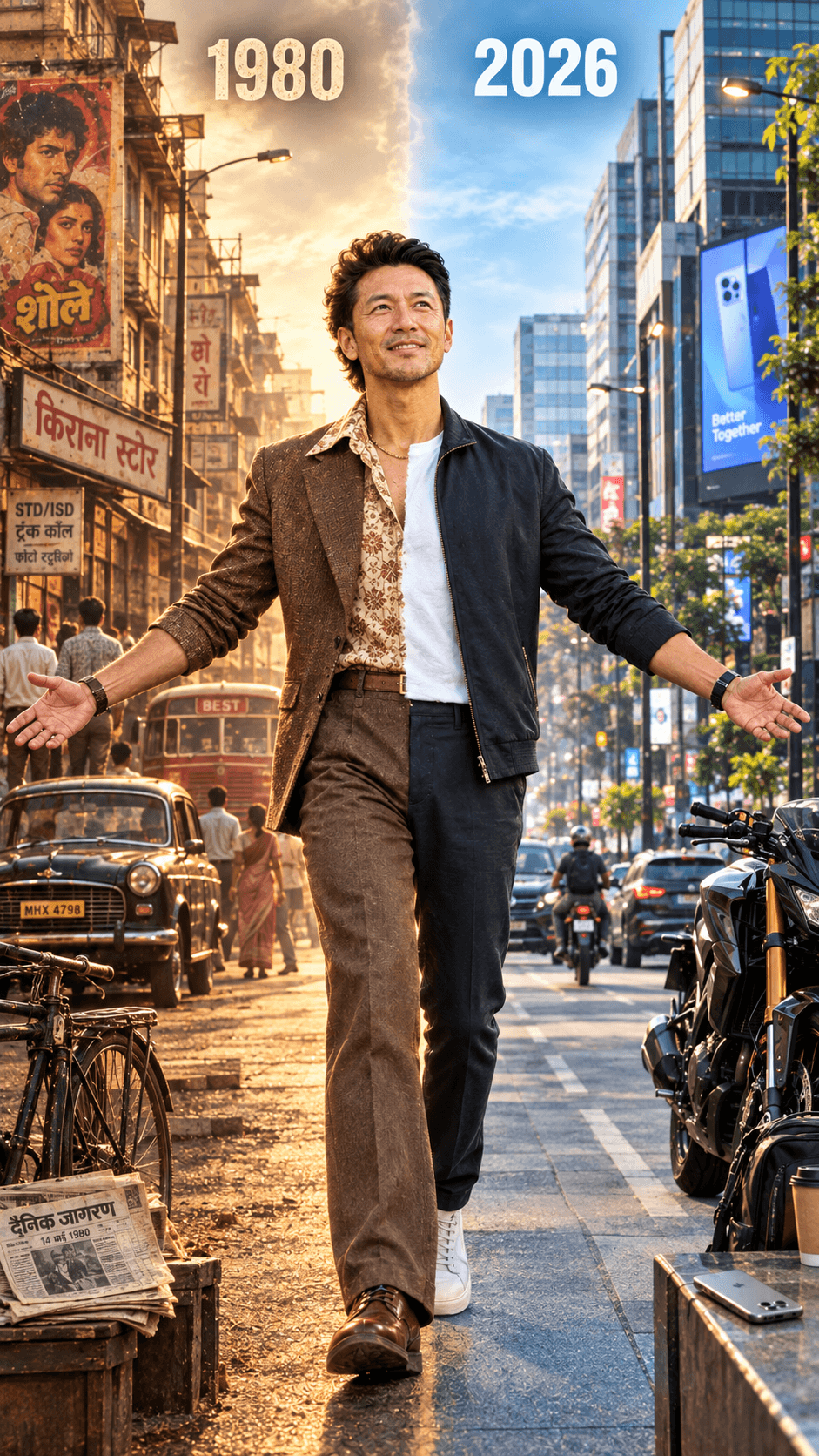
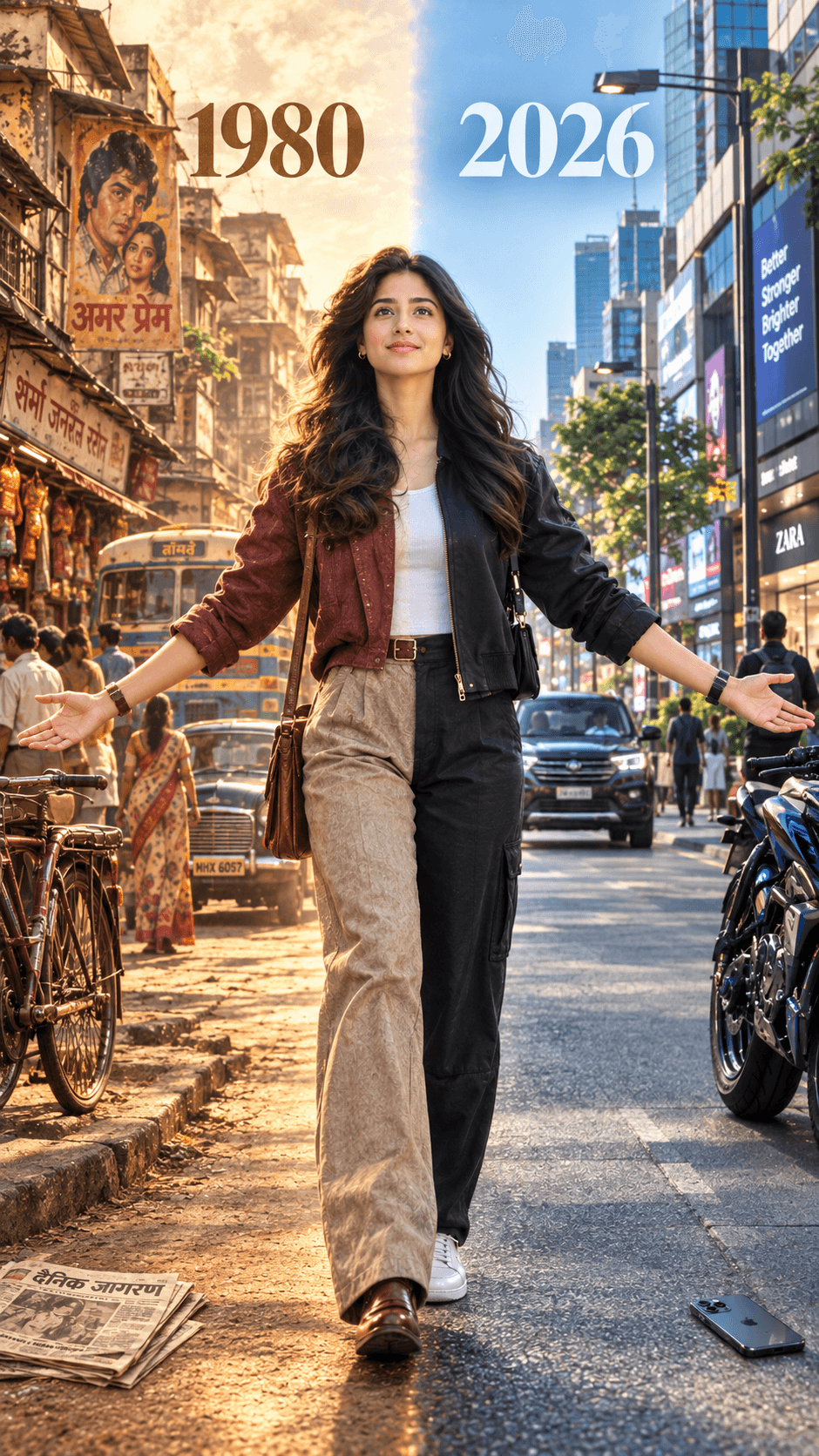
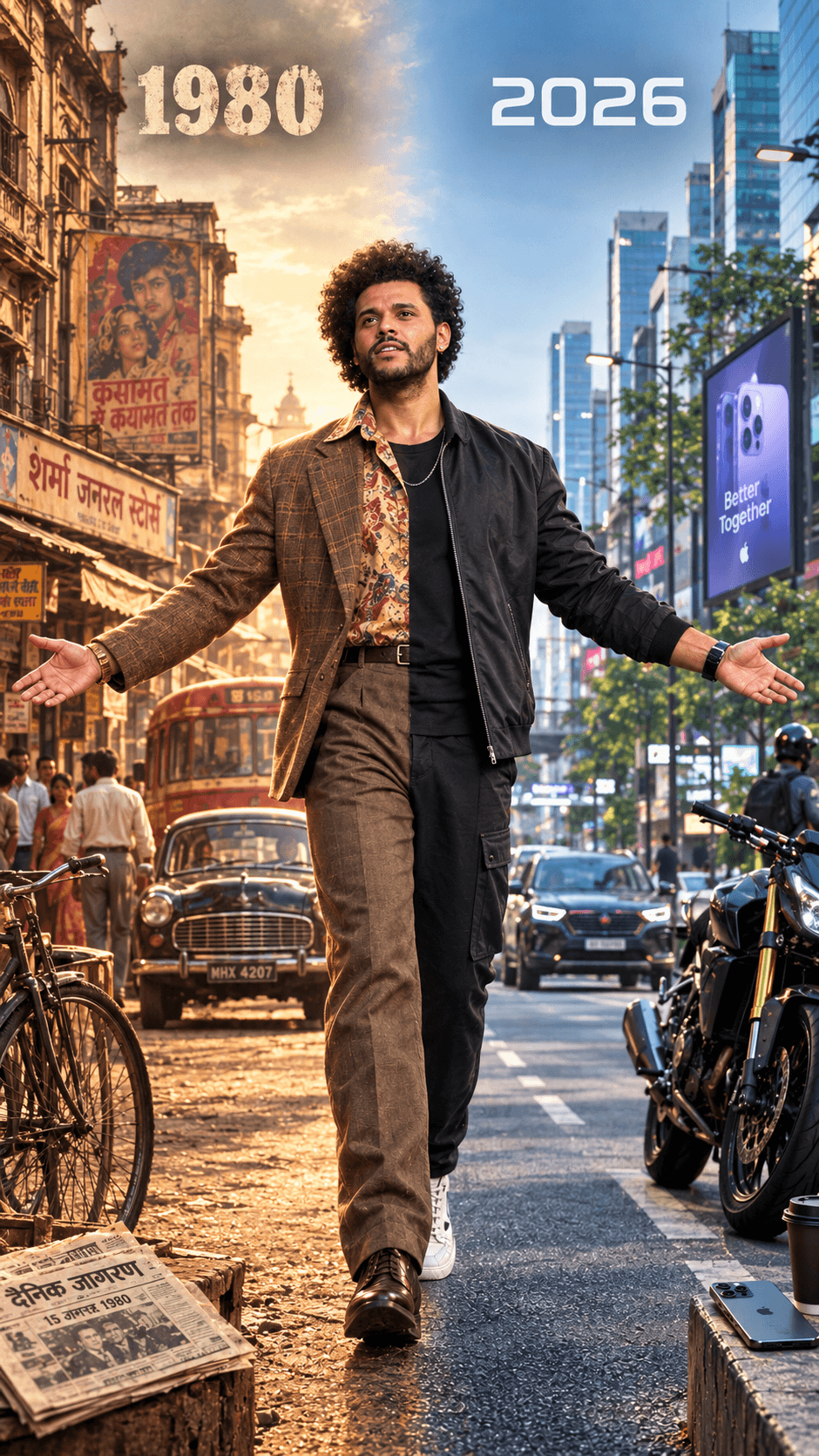
Create a stunning 1980 vs 2026 India cinematic AI image with this ultra-realistic prompt. Perfect for ChatGPT, Midjourney, AI portraits and movie posters.
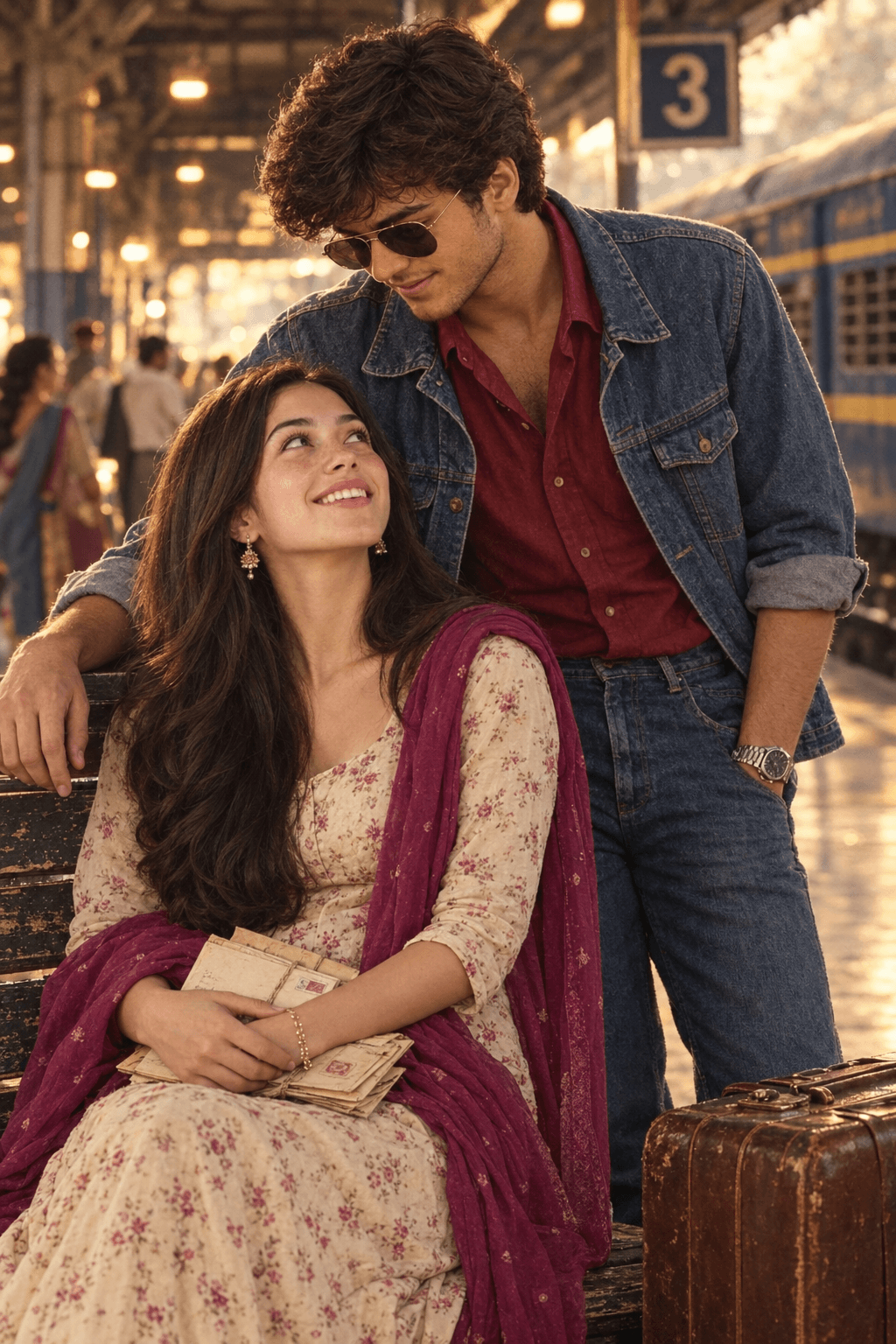
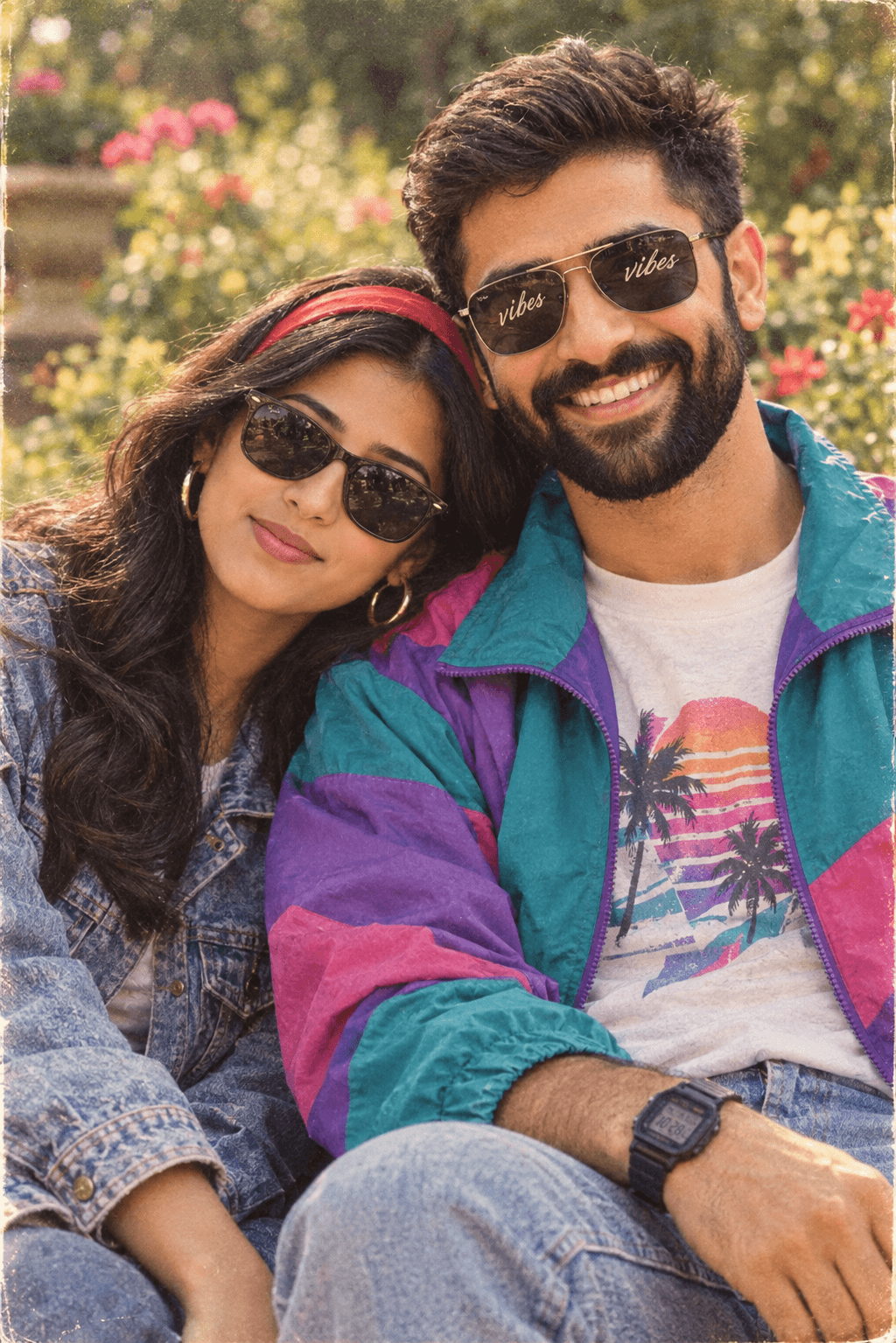
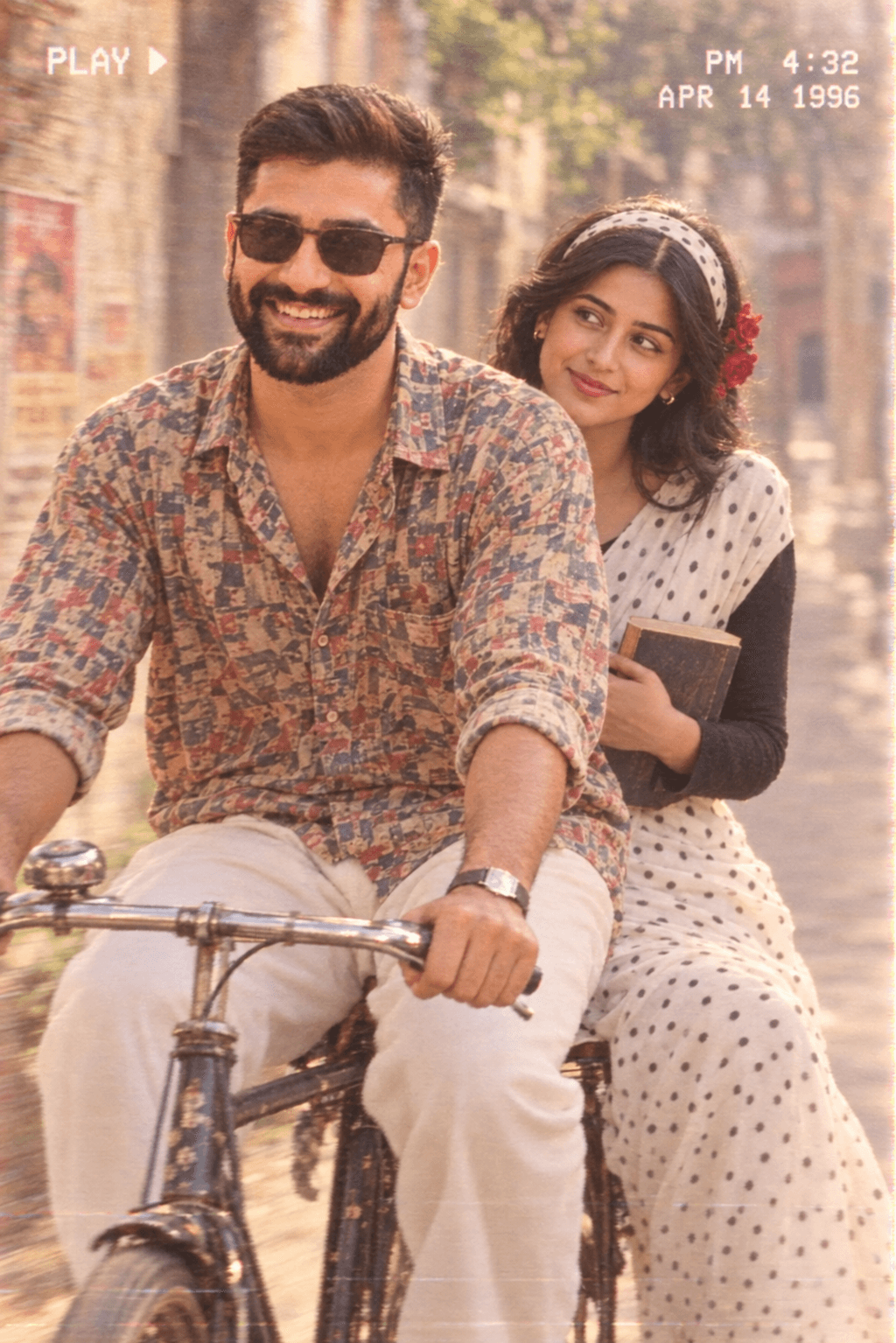
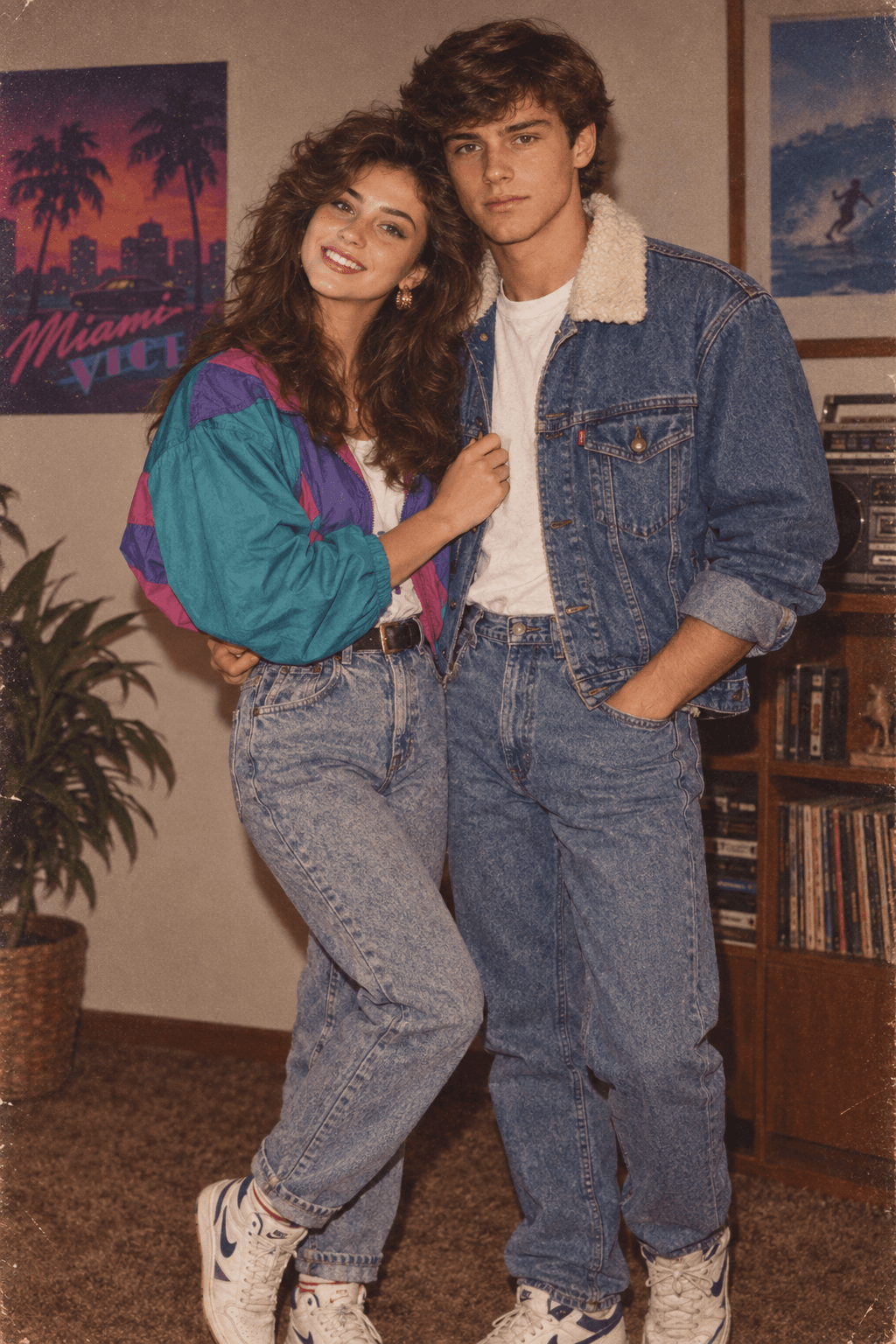
Create a photorealistic 80s Indian cinema couple photo with this AI prompt. Get vintage bus romance, retro fashion, Tamil details, and 35mm film style.
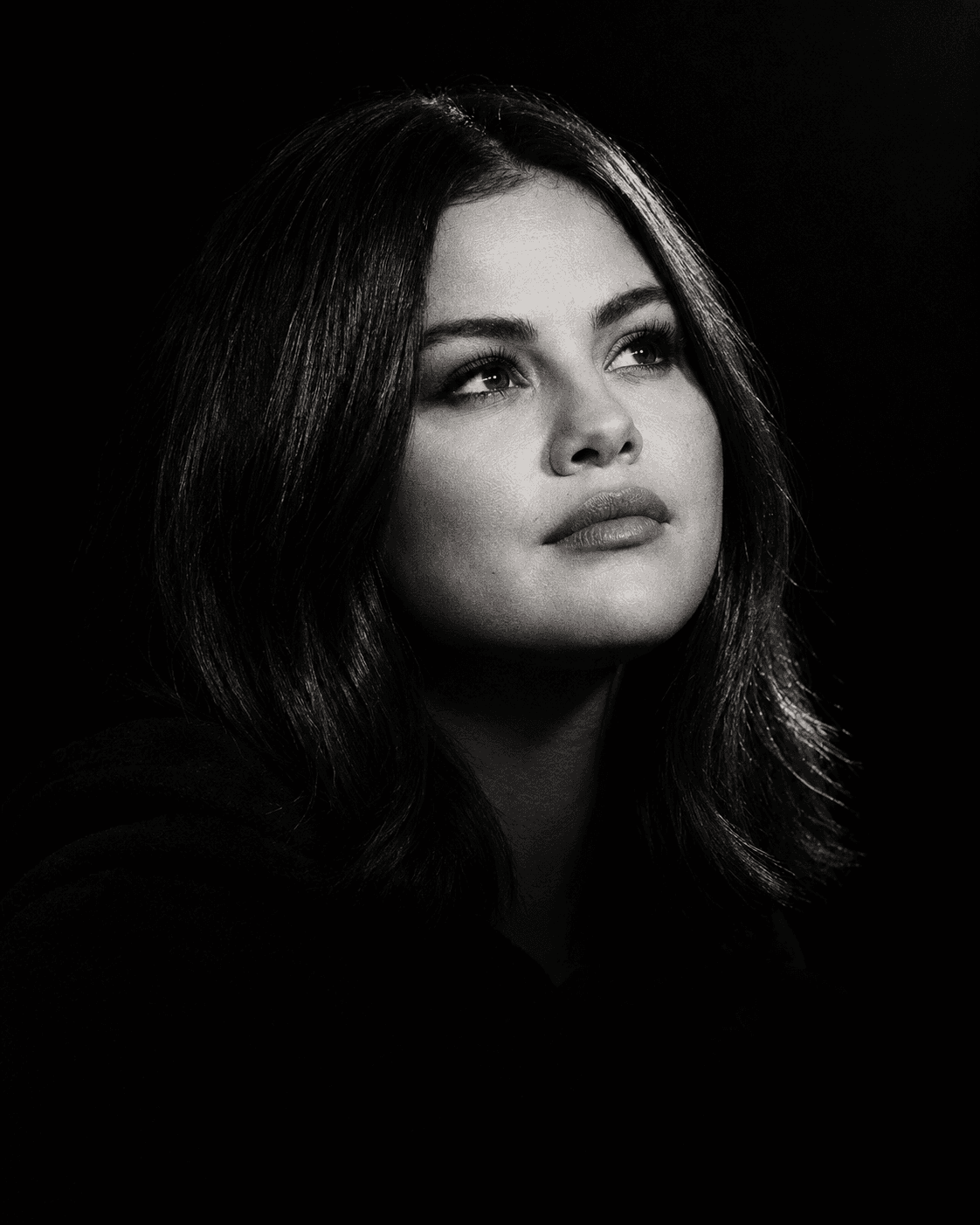
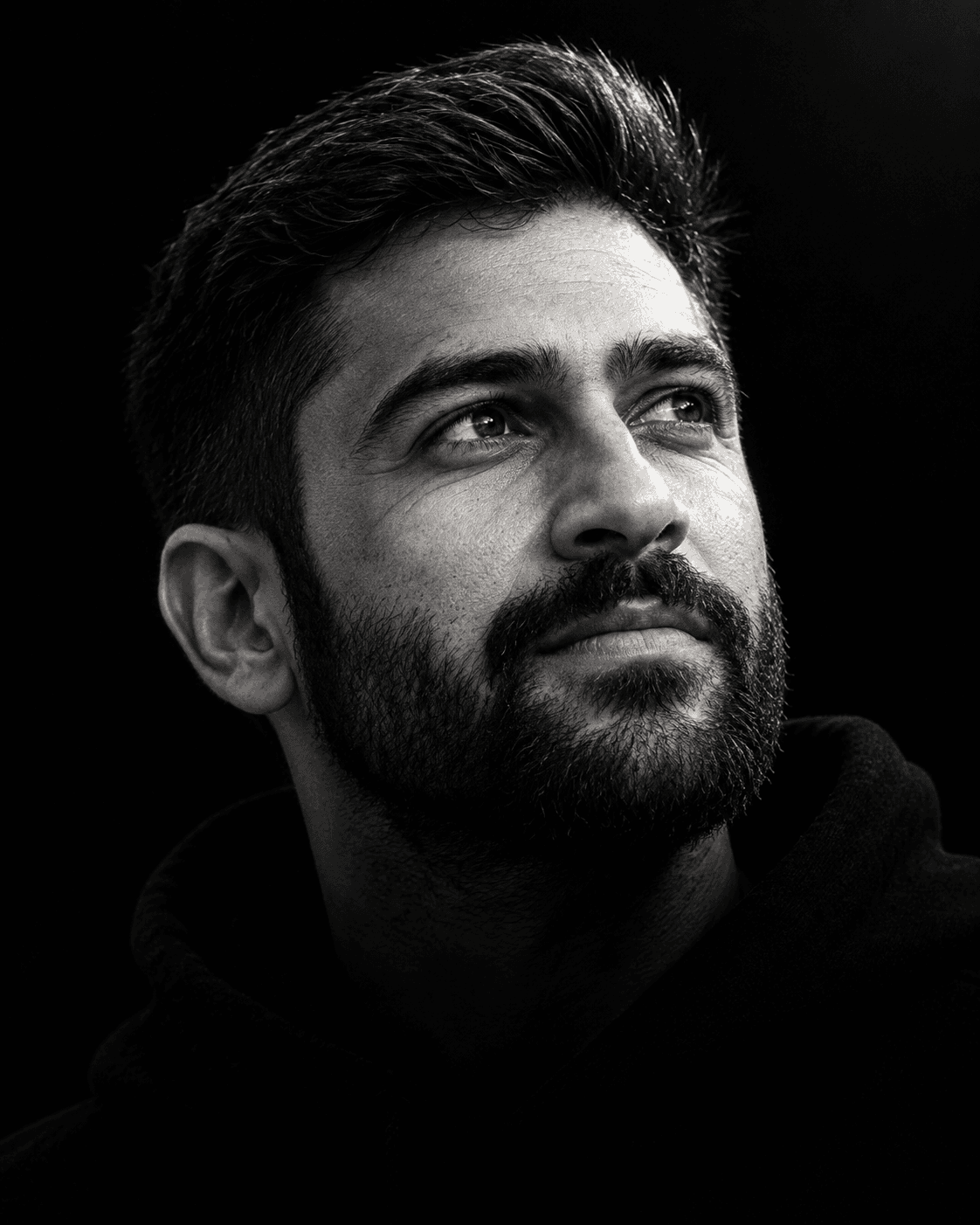
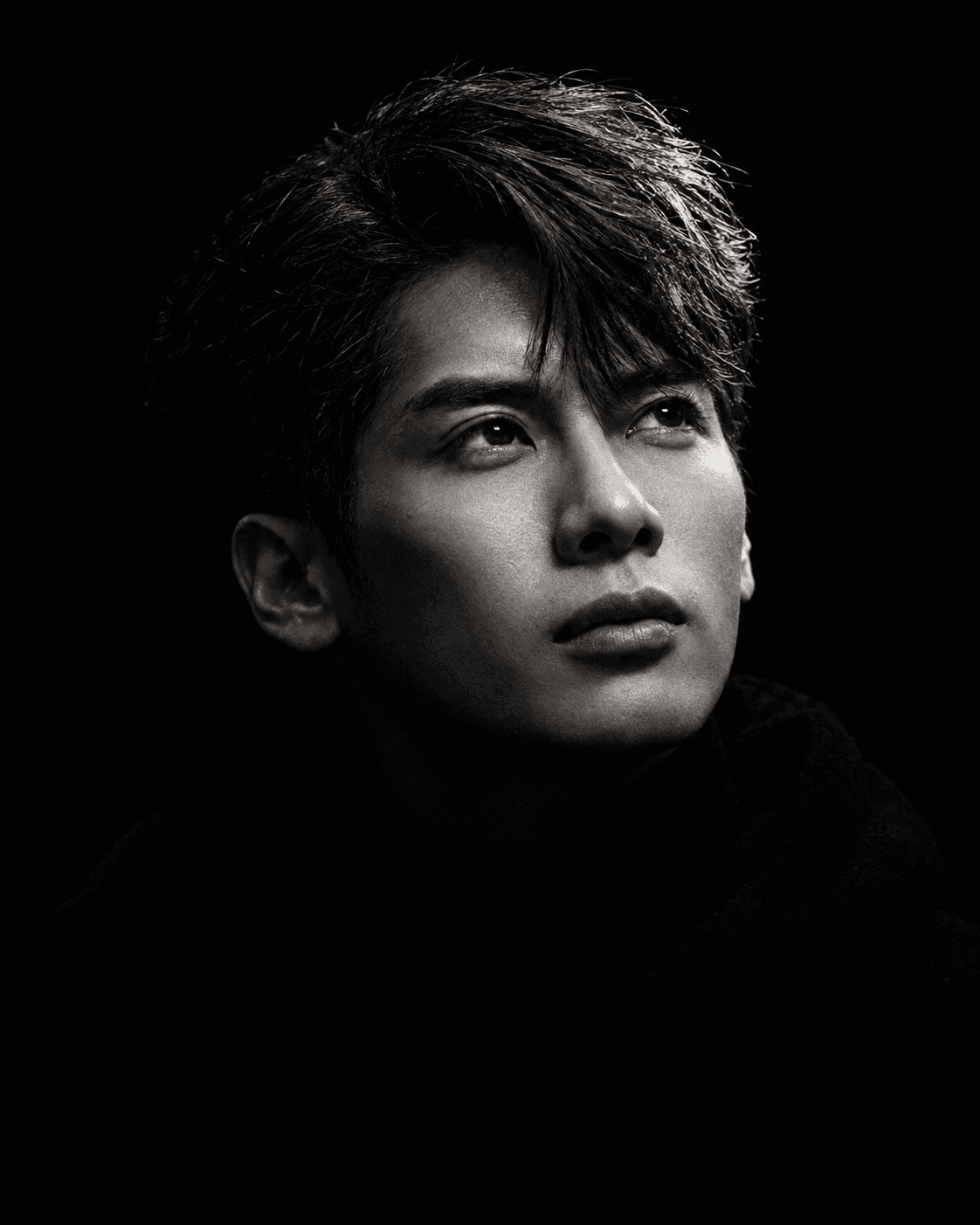
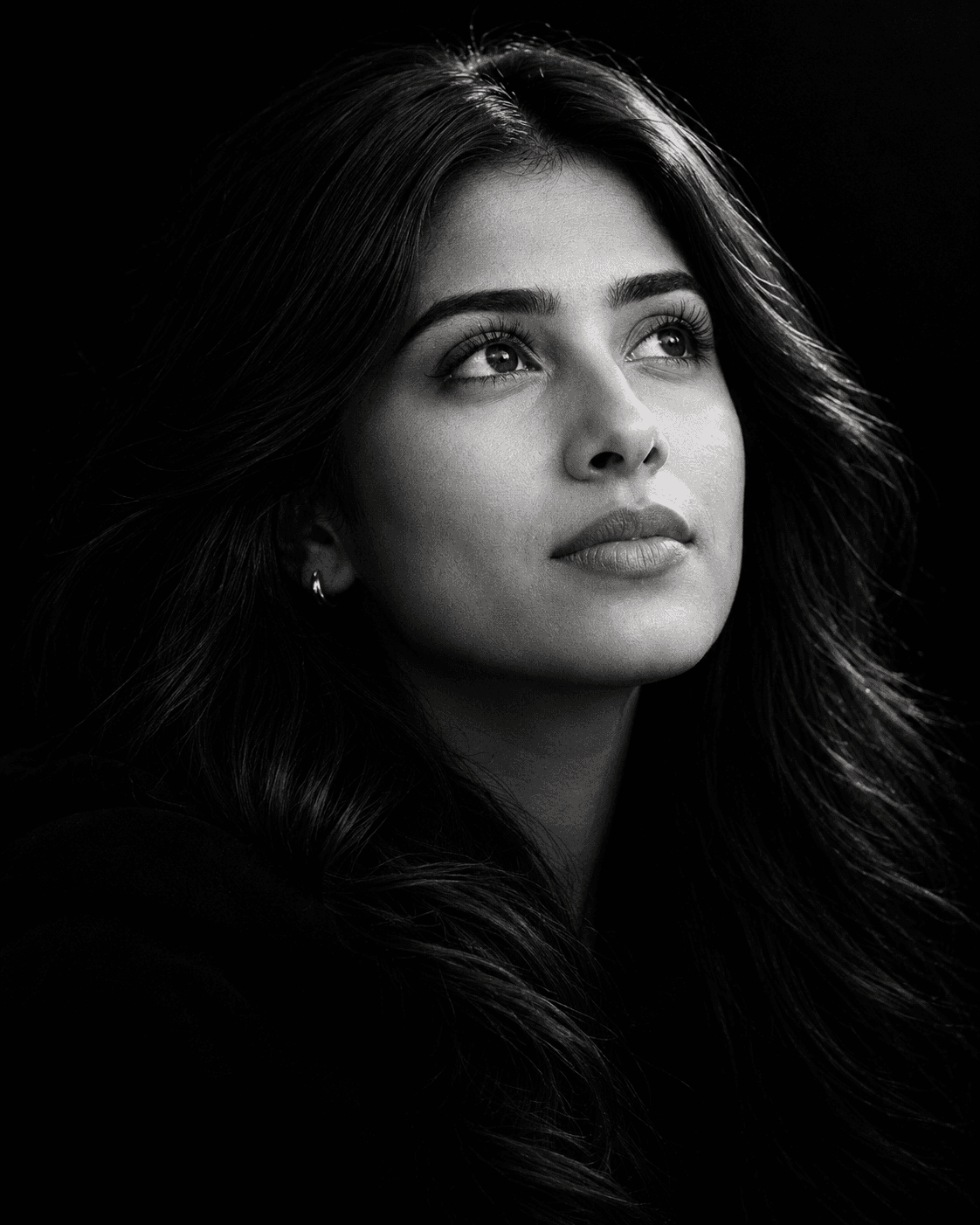
Create ultra-realistic cinematic black-and-white portraits with dramatic chiaroscuro lighting, deep shadows, detailed skin, and stunning fine-art photography effects.
About the library
EnterPrompt is a free prompt library for creators who work with AI image and video tools. Every entry is a complete, ready-to-use prompt shown next to the result it produced, so you can see the style before you spend a generation on it.
Prompts are grouped into collections — portraits, product shots, social posts, cinematic edits, and restoration work among them — and each one lists the model it was tested on. That matters more than it sounds: the same wording behaves differently across tools, and knowing which model produced the example saves you the guesswork.
Nothing here is locked behind an account. Copy a prompt, paste it into your tool of choice, add your own reference image where the template calls for one, and adjust from there. The prompts are free to use for personal and commercial work alike.
New collections are added regularly as styles change, so it is worth checking back rather than bookmarking a single page.
How To Use
Start with the base prompt as written, then personalize it after you see the first result.
Copy the prompt
Start with the original wording first so you can see the intended output before making changes.
Go to model mentioned below
Open the recommended model first so the prompt behaves the way this template expects.
Paste prompt with 1 or 2 images
Add your reference images if needed, then refine the output after the first generation.