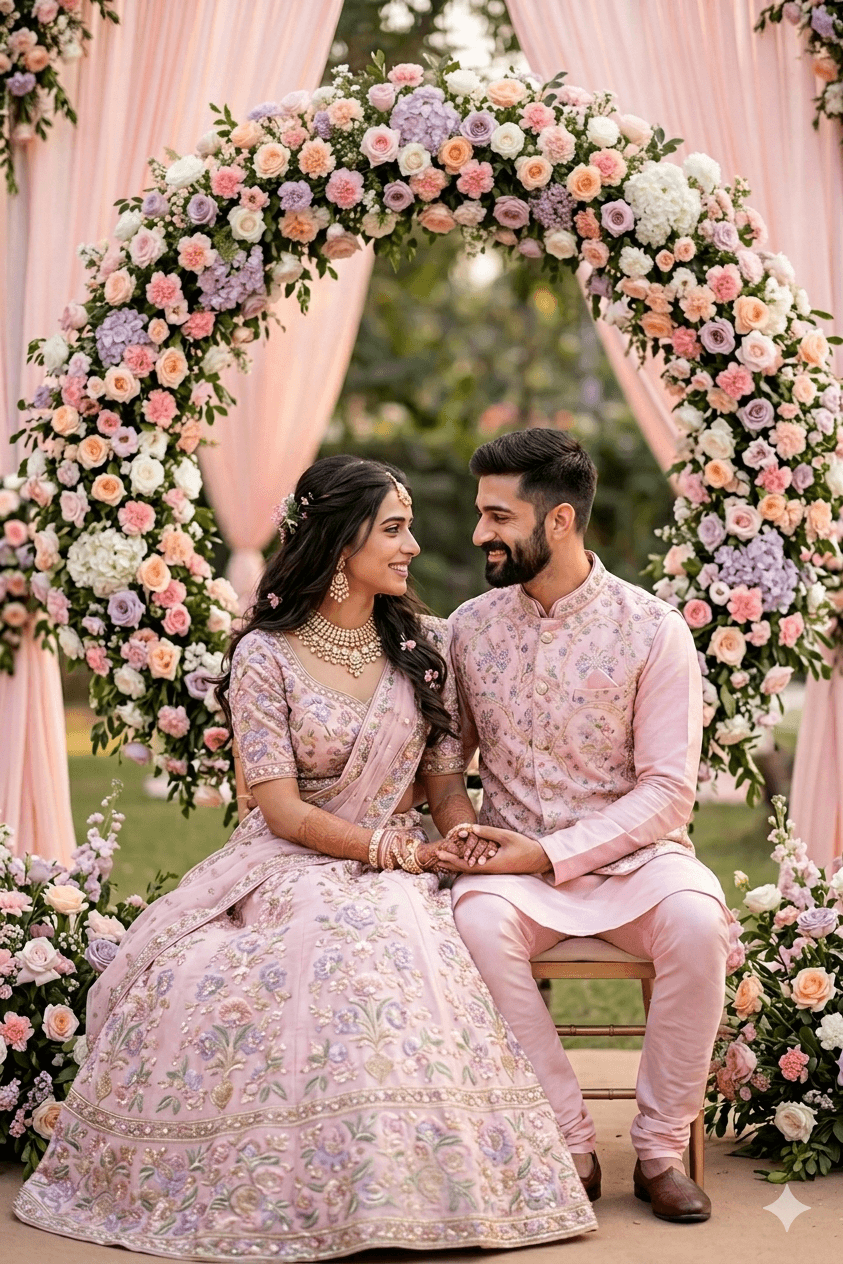
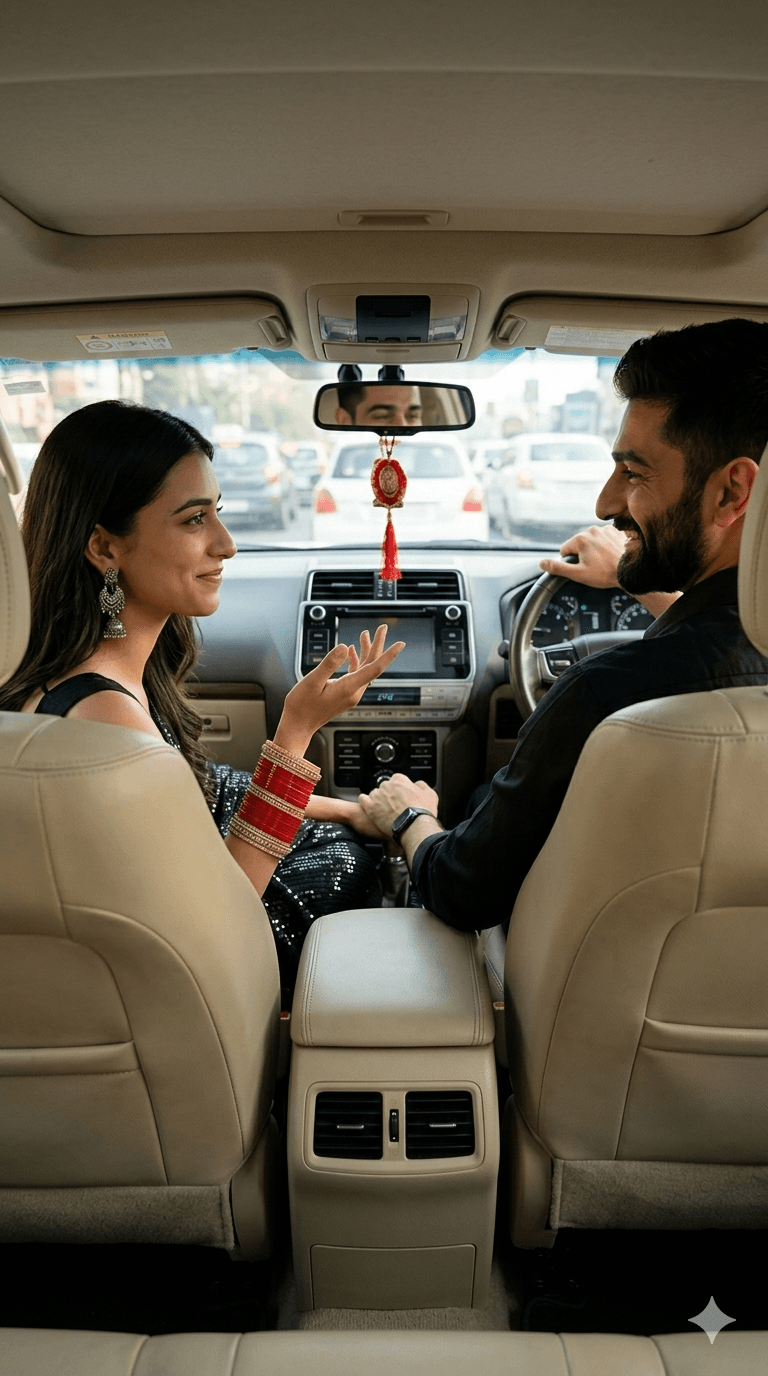
AI wedding edit prompts
Discover wedding image and video editing prompts to create viral reels, aesthetic posts, and eye-catching content that boosts engagement fast.
Loading
Almost there.
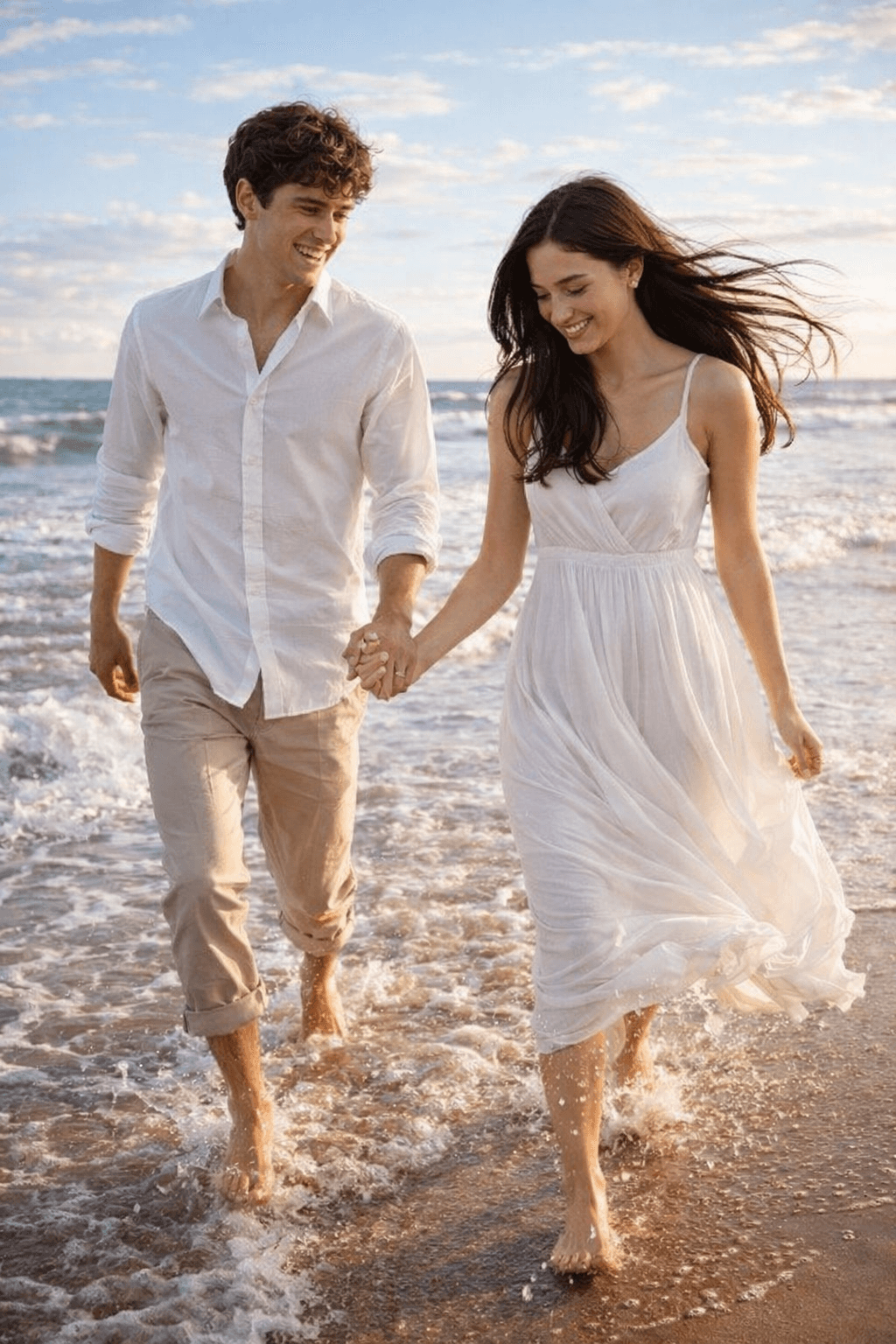
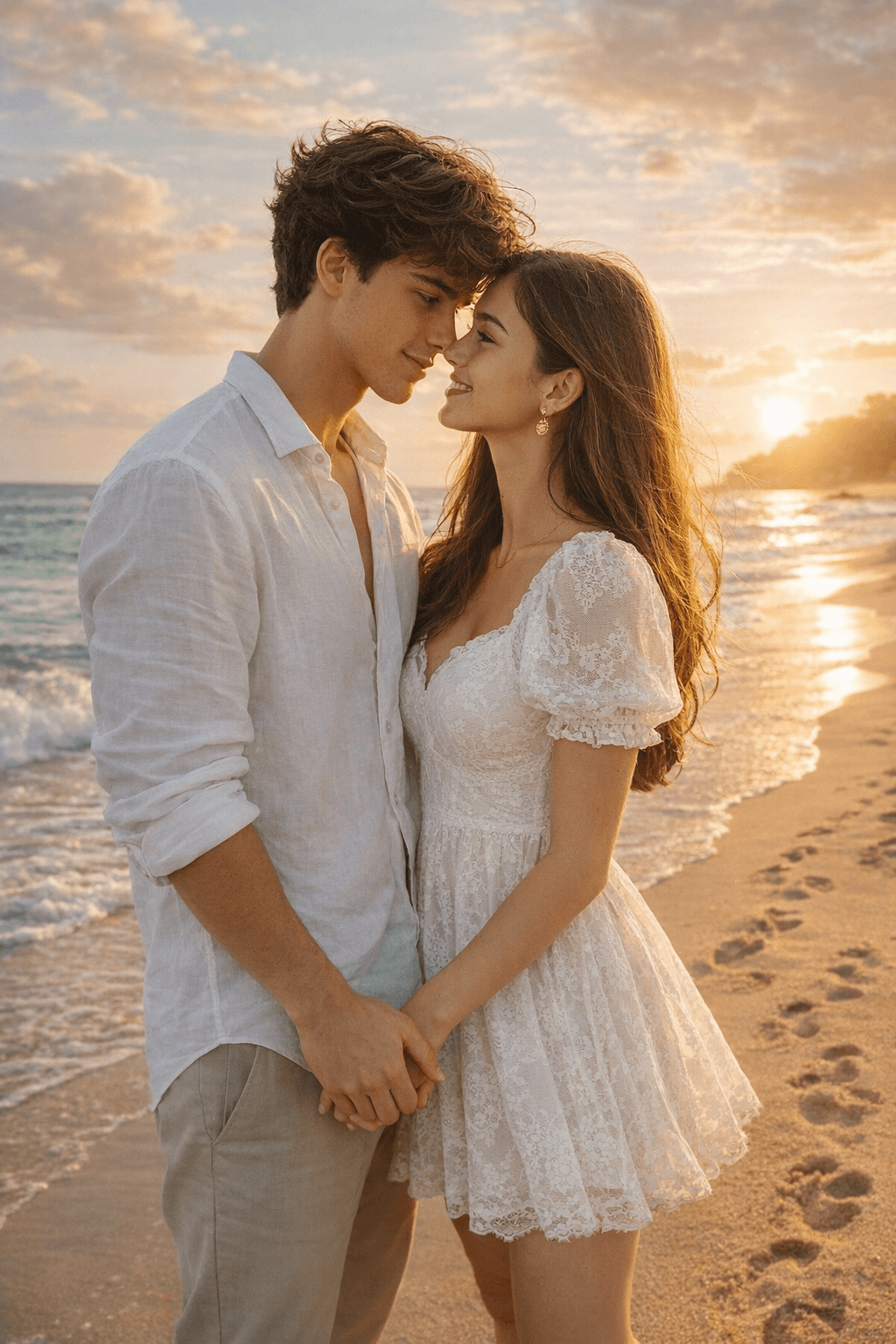
50+ FREE couple AI photo prompts 💕 Romantic, aesthetic, cute & more — just copy, paste & create! No skills needed, works instantly. Save this for your next AI photo edit!
Discover wedding image and video editing prompts to create viral reels, aesthetic posts, and eye-catching content that boosts engagement fast.
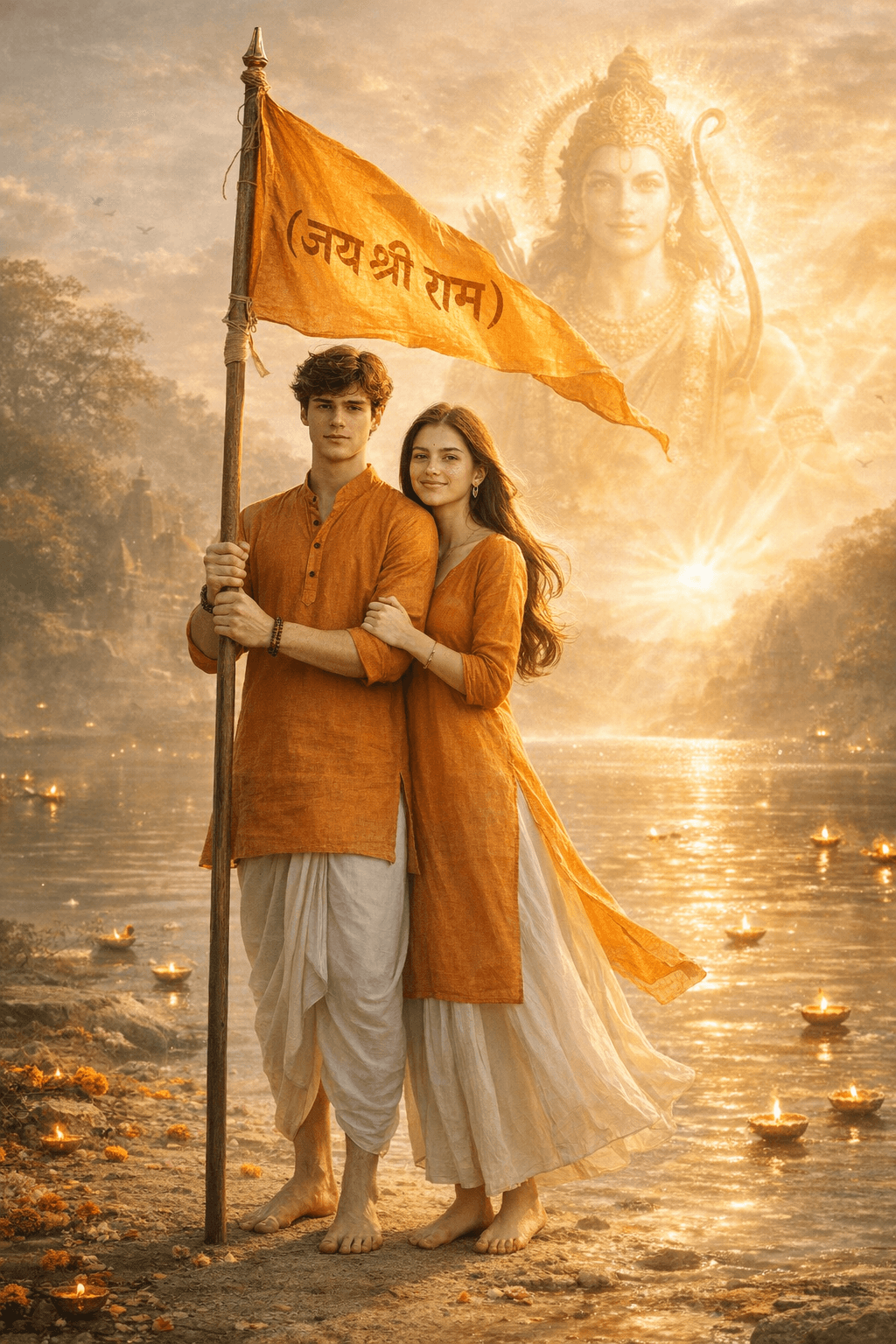
Generate beautiful Ram Navami visuals featuring Lord Rama, Ayodhya scenes, temples, and festive celebrations with this powerful AI prompt. Designed for creators and marketers, it produces cinematic lighting, rich colors, and ultra-detailed devotional artwork. Perfect for social media, posters, and digital products—create divine, scroll-stopping content in seconds.
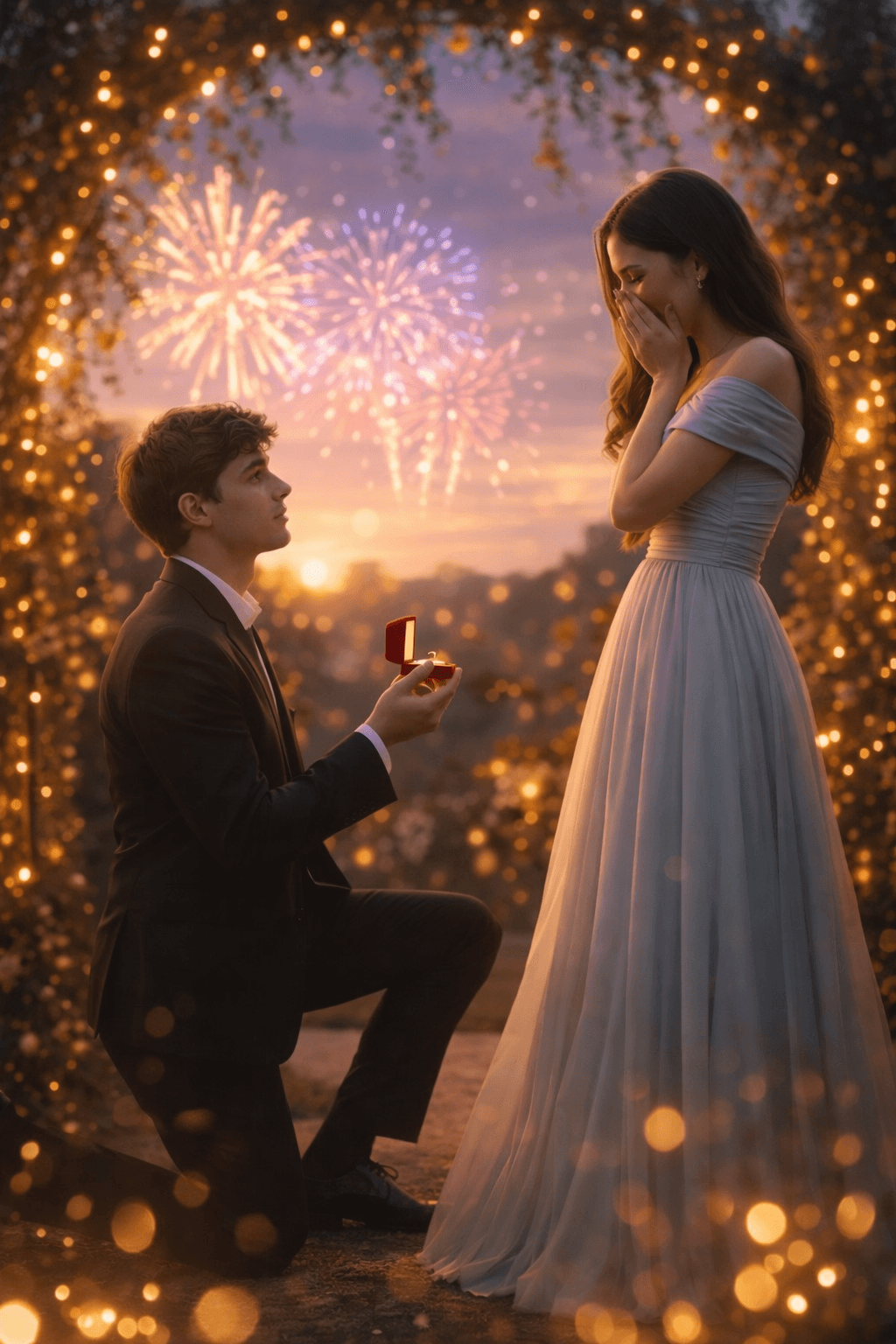
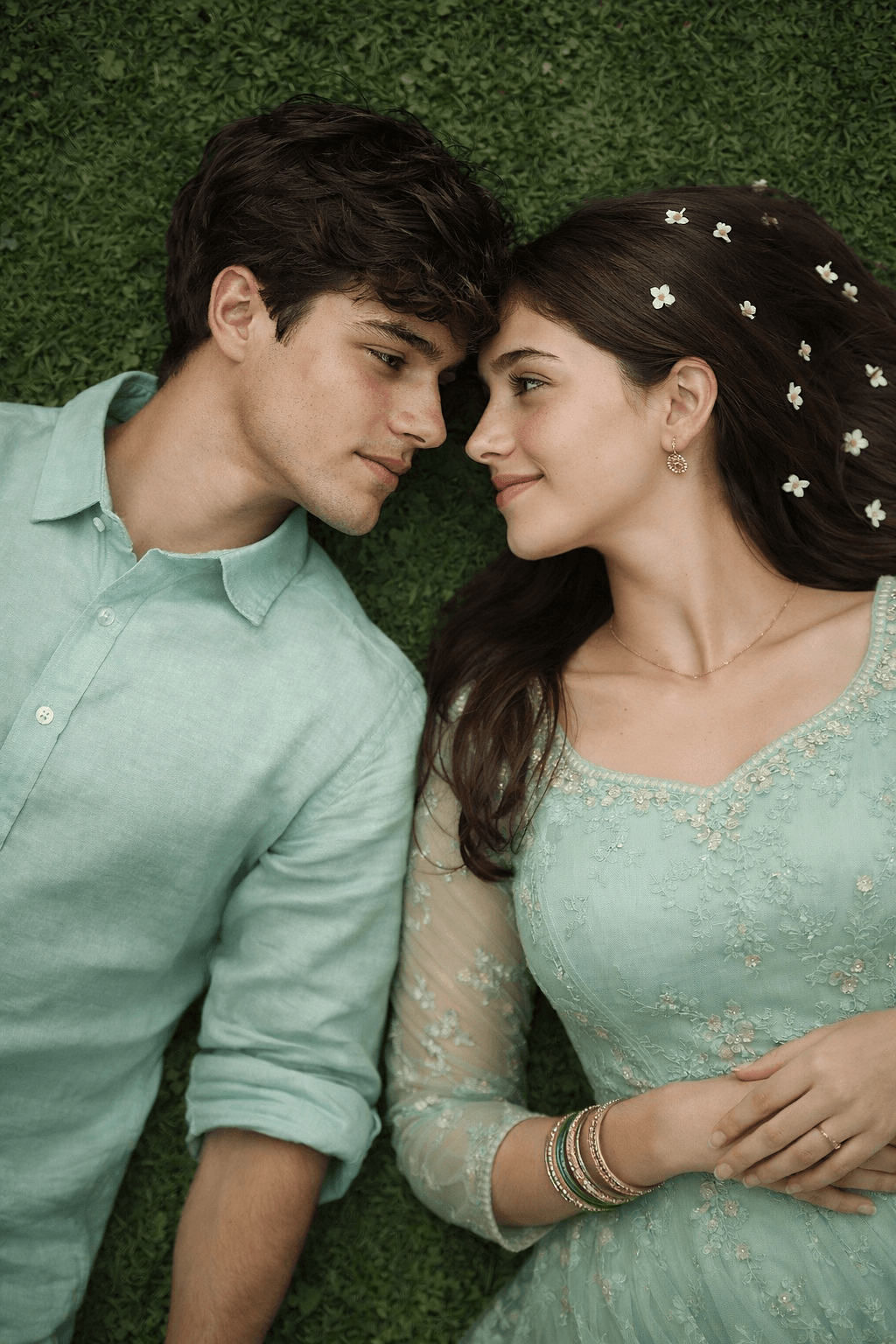
Discover trending Instagram image and video editing prompts to create viral reels, aesthetic posts, and eye-catching content that boosts engagement fast.
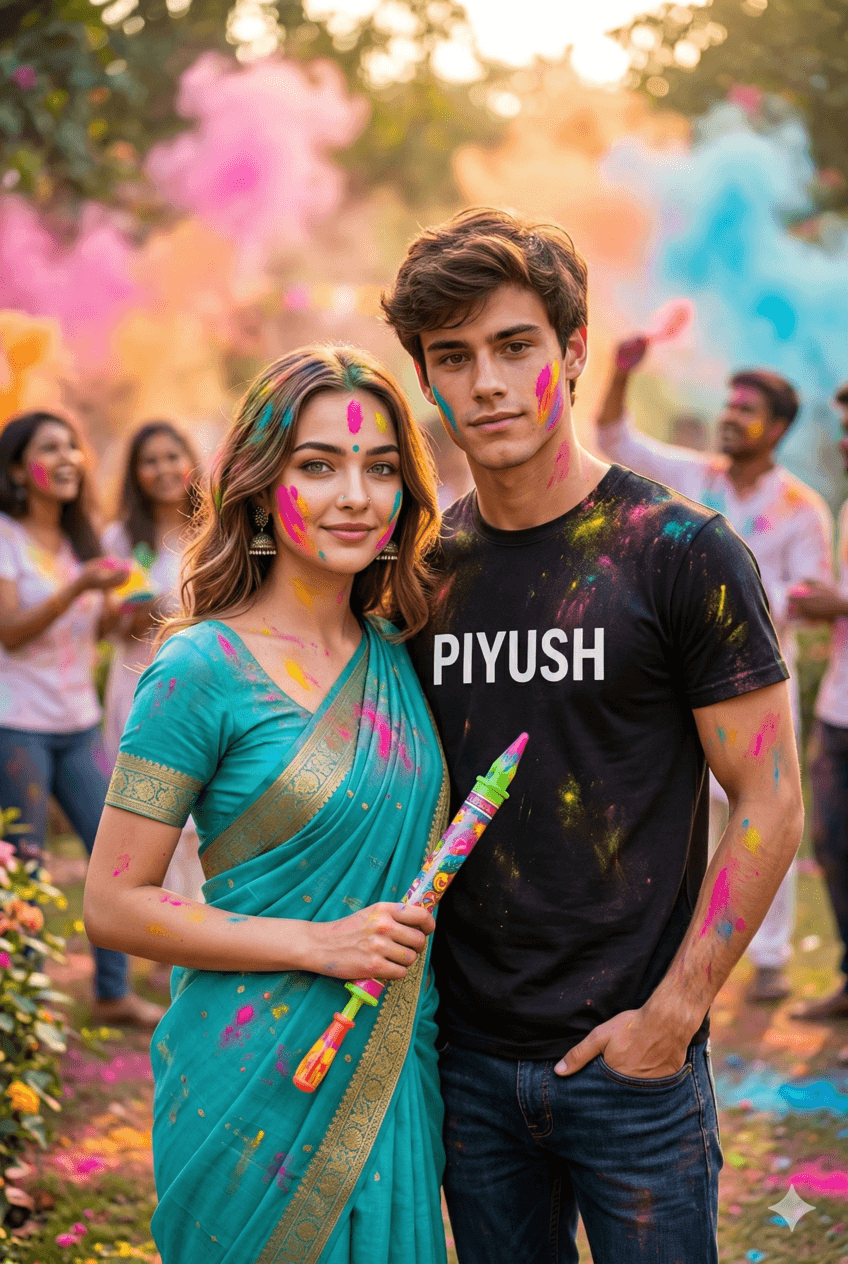
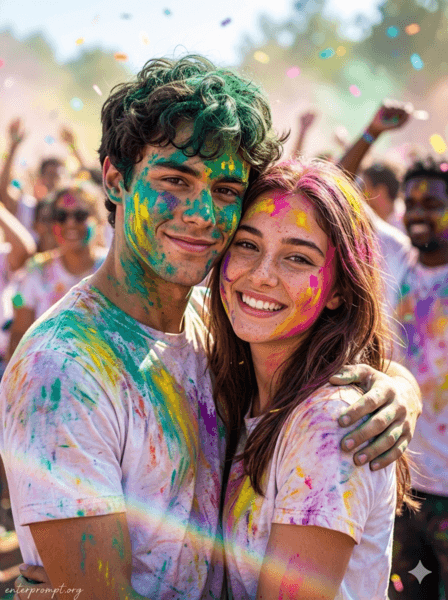
Discover holi image and video editing prompts to create viral reels, aesthetic posts, and eye-catching content that boosts engagement fast.
How To Use
Start with the base prompt as written, then personalize it after you see the first result.
Copy the prompt
Start with the original wording first so you can see the intended output before making changes.
Go to model mentioned below
Open the recommended model first so the prompt behaves the way this template expects.
Paste prompt with 1 or 2 images
Add your reference images if needed, then refine the output after the first generation.
Getting better results
A prompt is a starting point, not a finished setting. The wording on this page is written to produce a specific look on the first run, but your reference photo, lighting, and subject are different from the ones used in the example. Expect to run the prompt two or three times before you land on the version you keep.
Copy the prompt exactly as written and generate once before editing a single word. That first output is your baseline. If you rewrite the prompt before seeing it, you have no way of knowing whether a disappointing result came from the prompt or from your own edit.
When you do start editing, change a single element per run — the lighting, the camera angle, or the background, but not all three. Most image models respond strongly to small wording changes, and stacking edits makes it impossible to tell which one helped.
The elements worth adjusting first, in rough order of impact:
Each template lists the model it was tested on. Prompts are not fully portable between models: wording that produces a clean studio portrait on one model can produce an over-stylised illustration on another. If you want to use a different tool, treat the prompt as a description of the look you are after and rewrite it in that tool’s own style.
Where a template shows reference images, the quality of what you upload sets the ceiling for the result. Use a sharp, well-lit photo with the subject clearly visible and no heavy filters already applied. A low-resolution or motion-blurred reference will carry those flaws into every output, no matter how detailed the prompt is.
Once a prompt produces something you like, save your edited version alongside the original. Over time you build a personal library of wording that works for your subjects and your style, which is far more useful than starting from scratch each time.