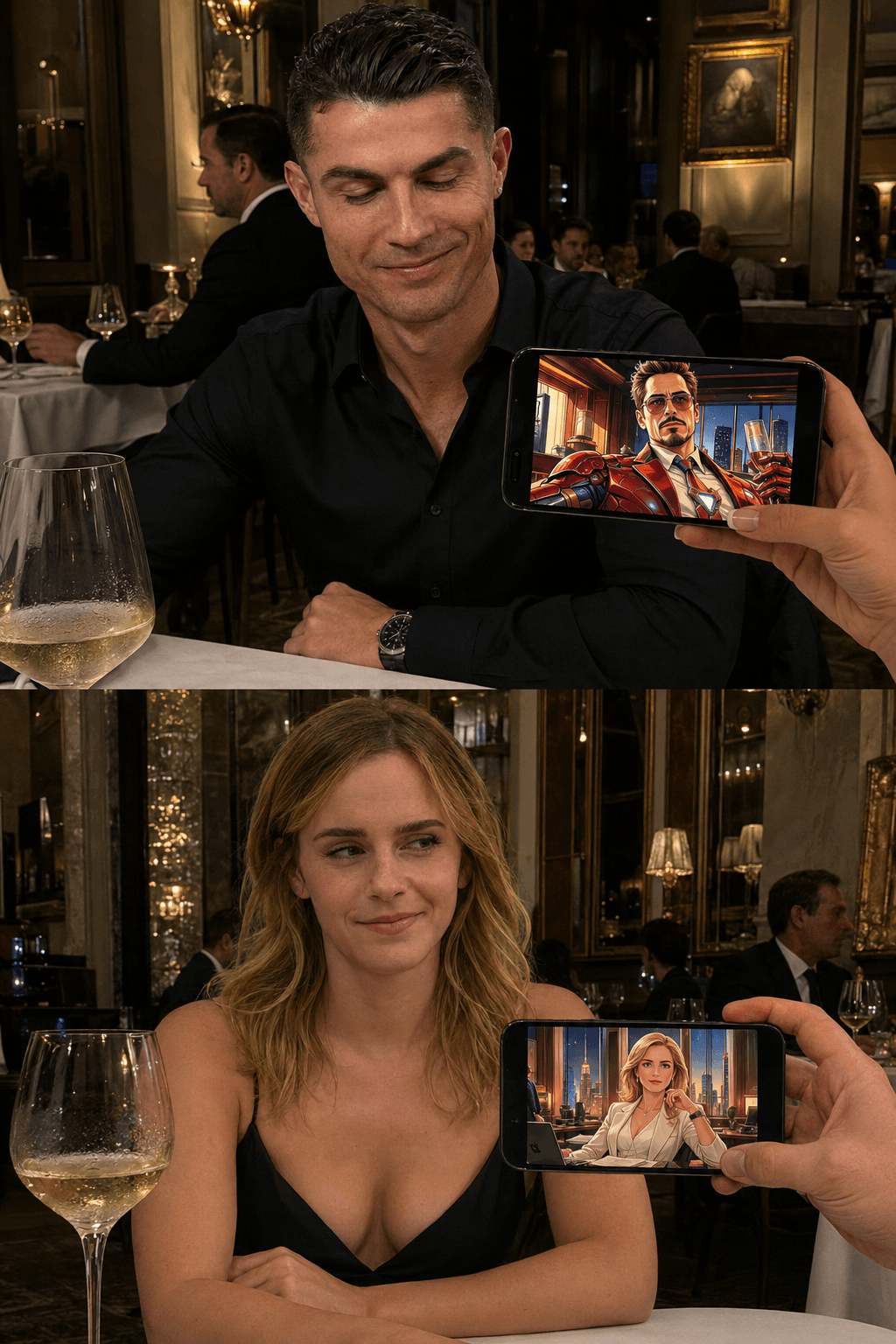
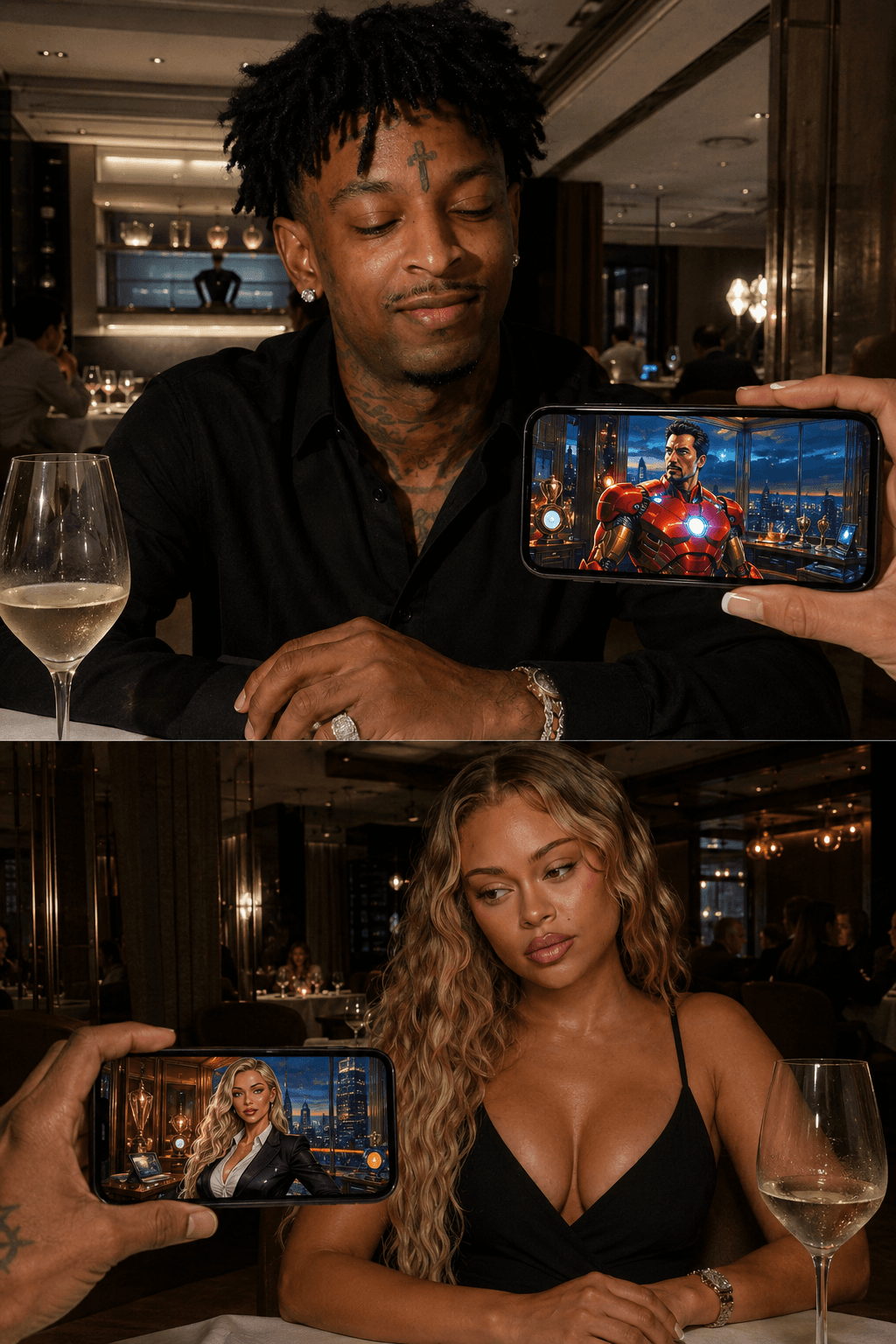
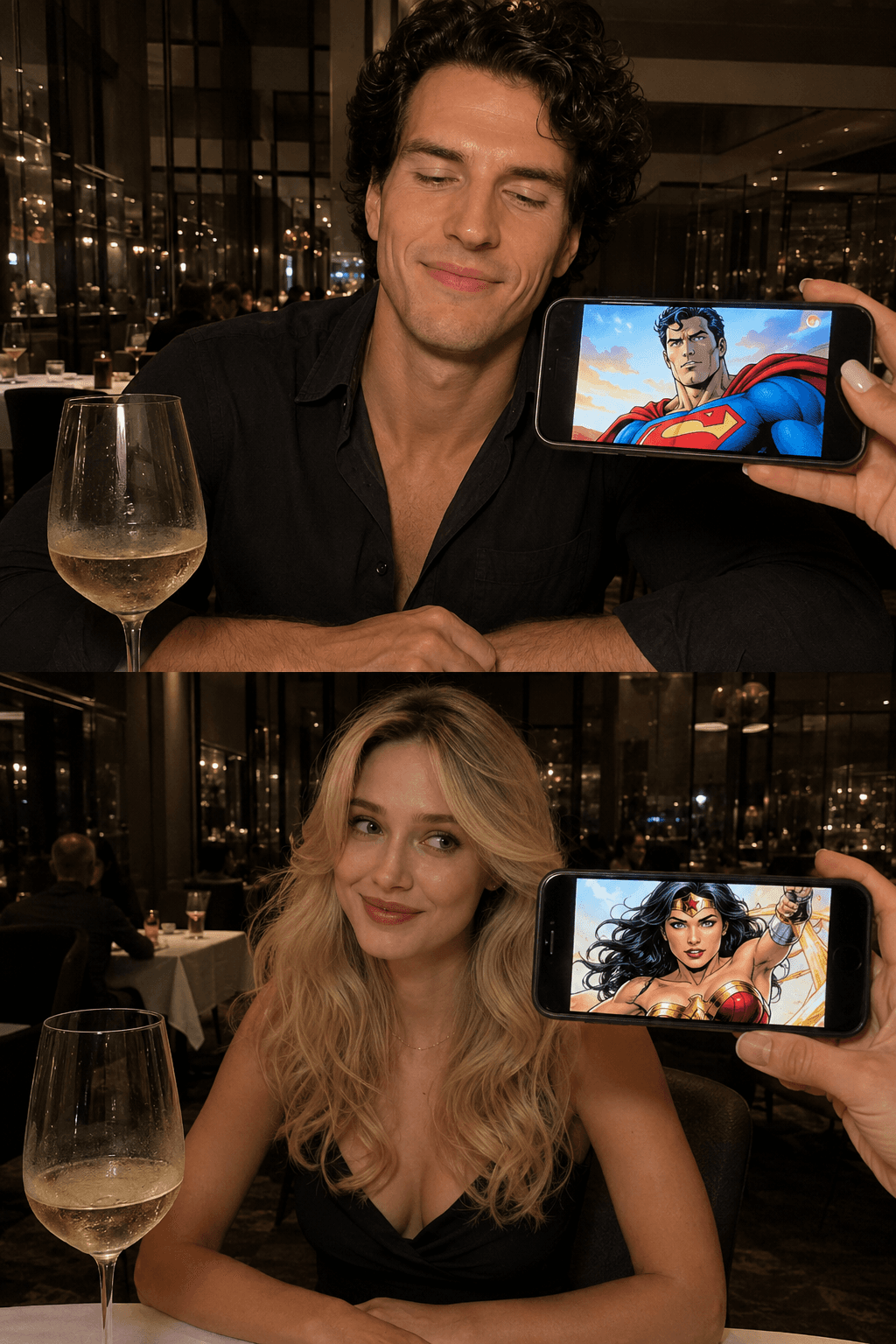
Comic Match Prompts | Fun AI Couple Matching Image Prompts
Create viral Comic Match AI images with prompts that transform couples into matching comic book characters. Perfect for realistic, cinematic, and social media content.
Loading
Almost there.
50+ FREE couple AI photo prompts 💕 Romantic, aesthetic, cute & more — just copy, paste & create! No skills needed, works instantly. Save this for your next AI photo edit!
Create viral Comic Match AI images with prompts that transform couples into matching comic book characters. Perfect for realistic, cinematic, and social media content.
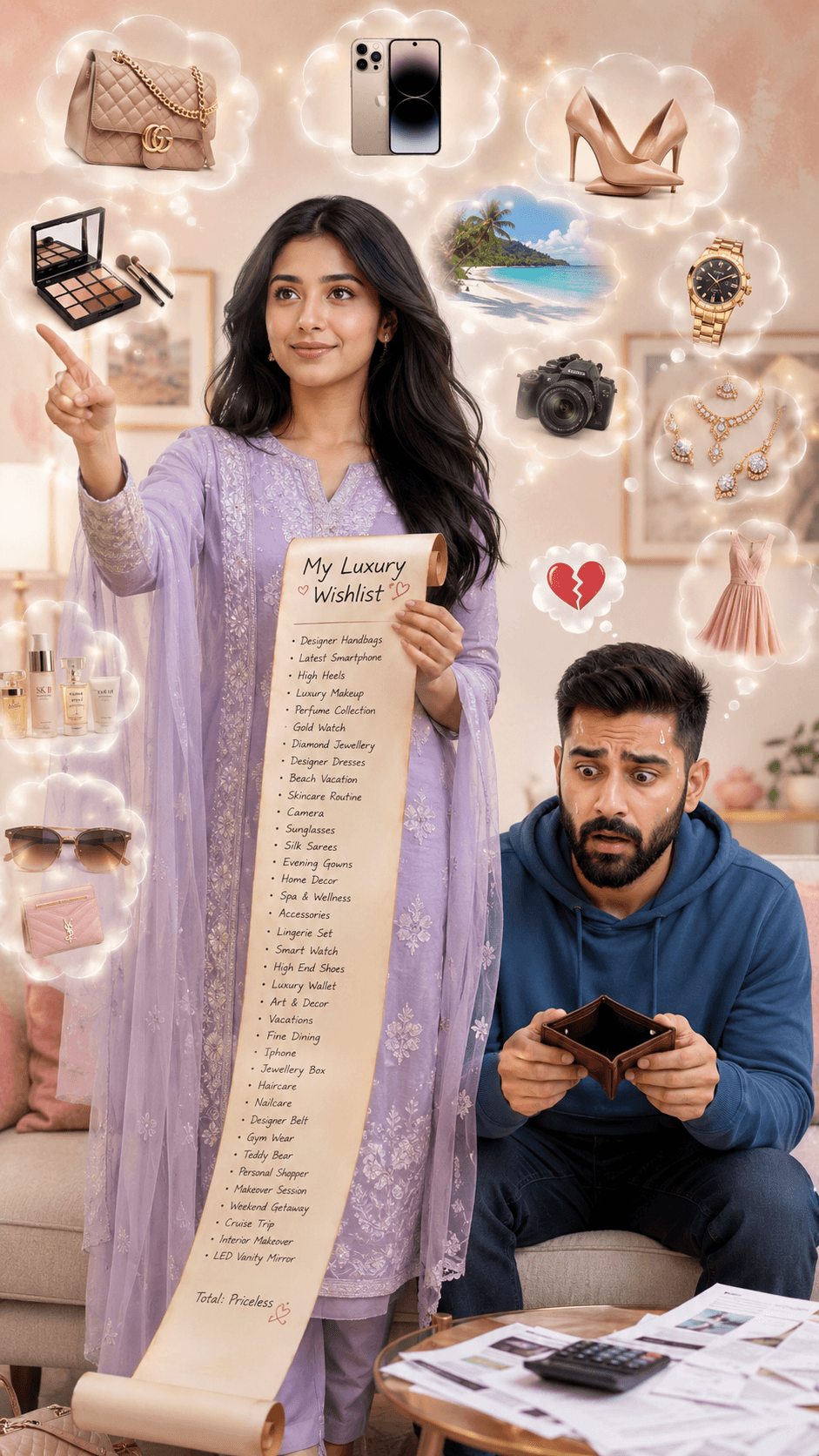
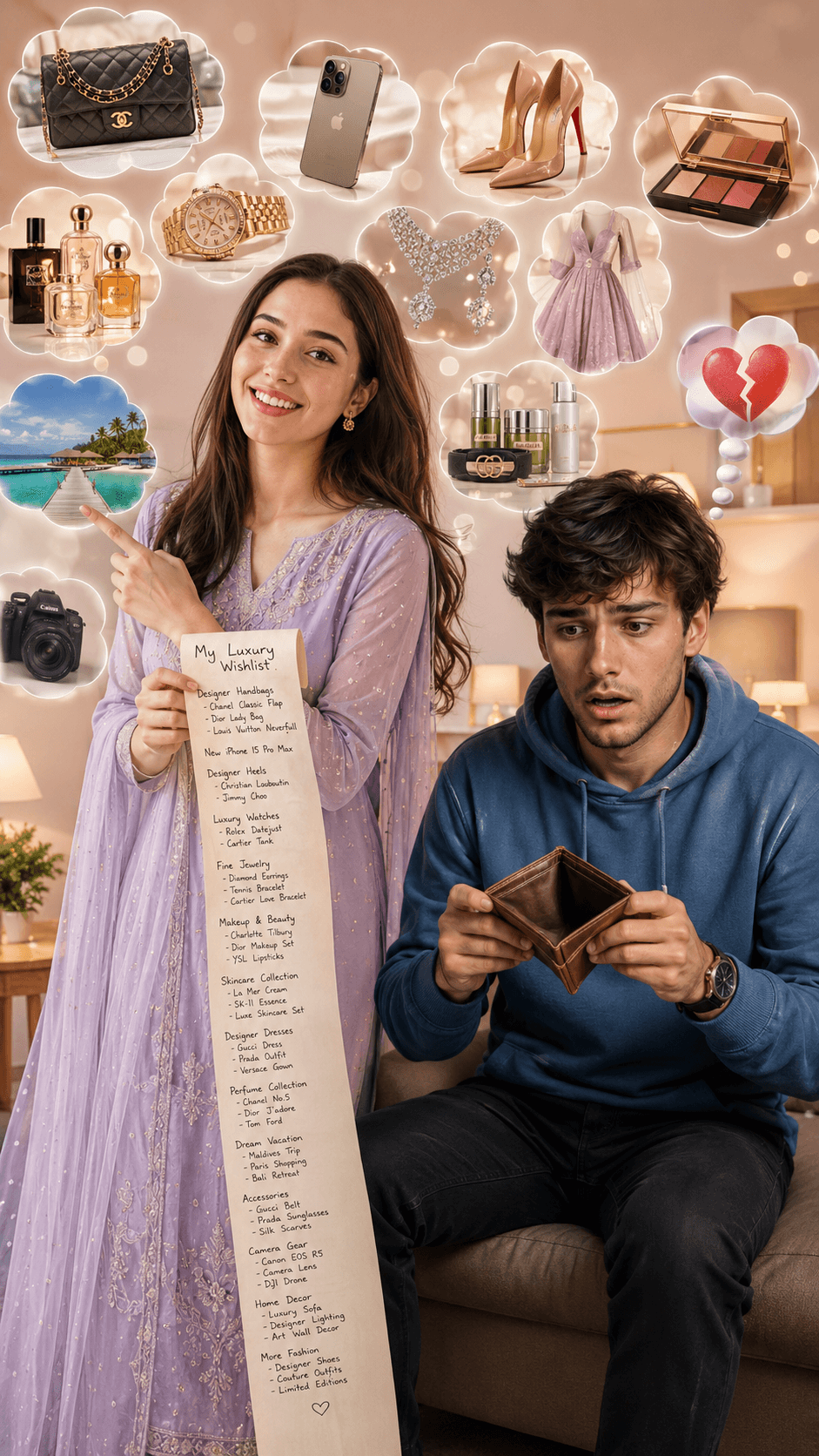
Ultra-realistic lifestyle image featuring a cheerful South Asian woman in an elegant lavender salwar kameez holding a luxury wishlist scroll surrounded by designer fashion items, handbags, jewelry, makeup, watches, perfumes, travel dreams, and accessories. Beside her, a worried young man holds an empty wallet, highlighting the humorous contrast between luxury aspirations and financial stress. Cinematic lighting, photorealistic details, premium commercial advertising quality, and 8K resolution.
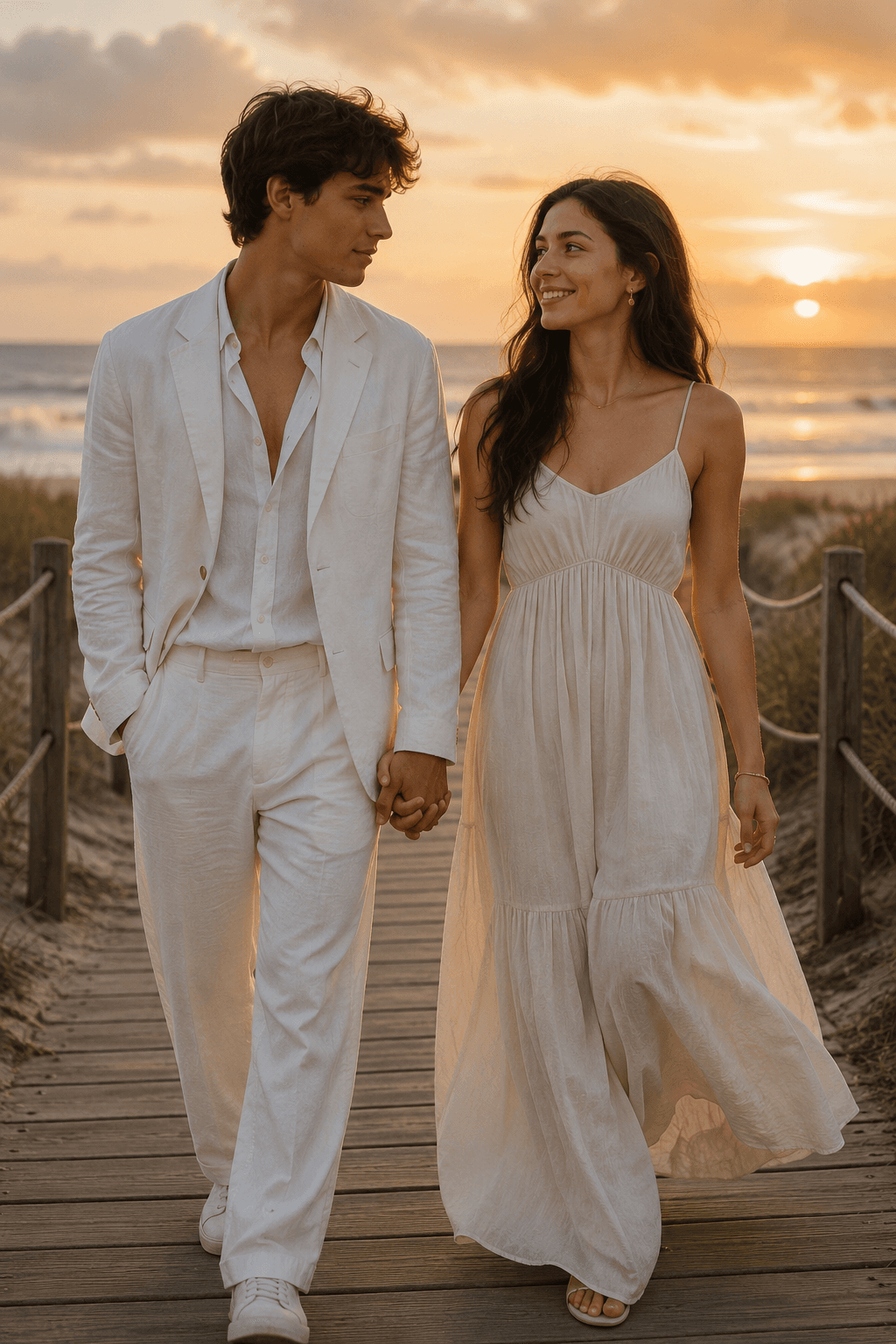
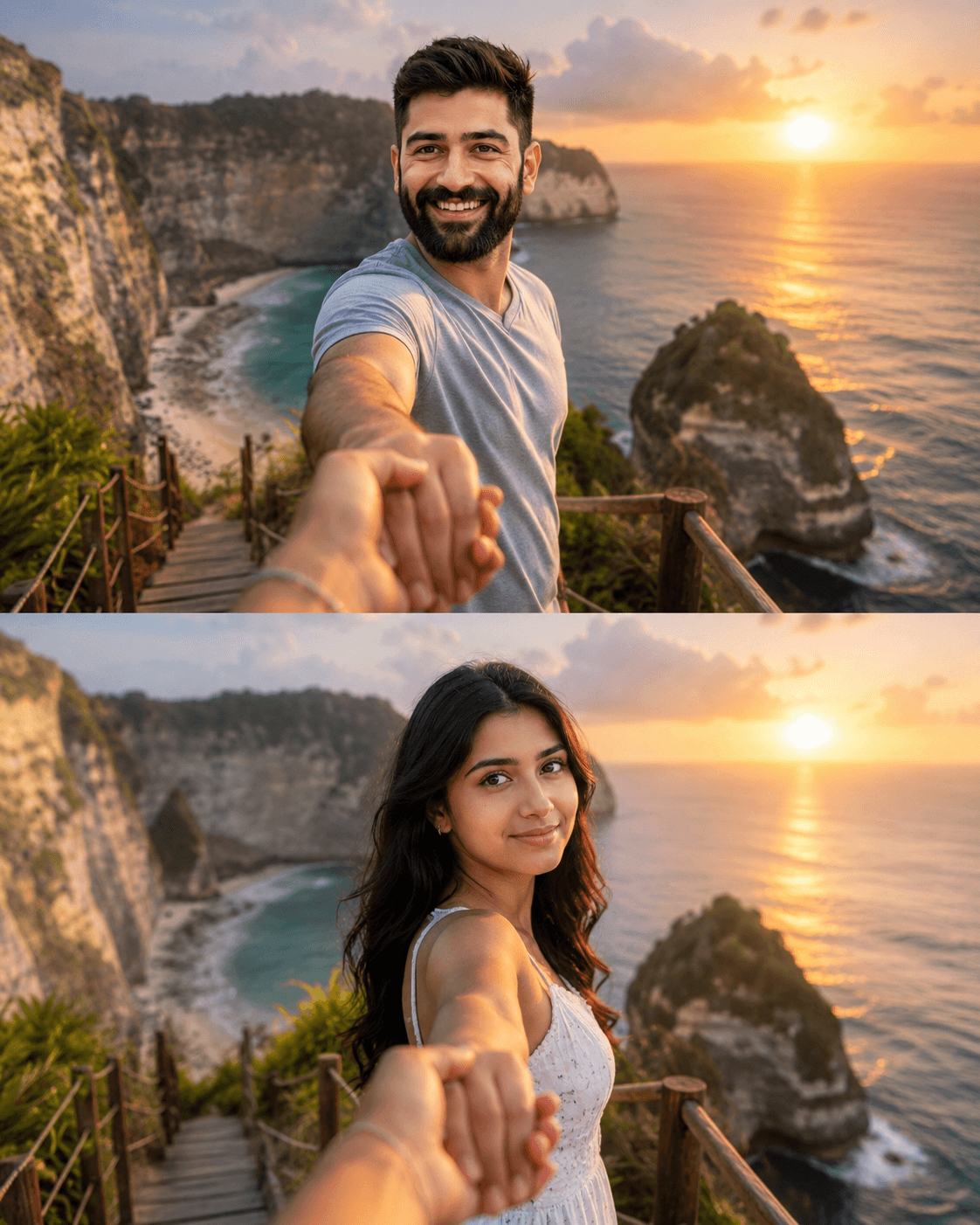
Generate cinematic split-panel romantic travel photos with a couple holding hands at a Bali-inspired tropical beach sunset. Features POV perspective, luxury vacation vibes, golden hour lighting, realistic skin textures, flowing hair, ocean cliffs, and professional DSLR photography aesthetics.
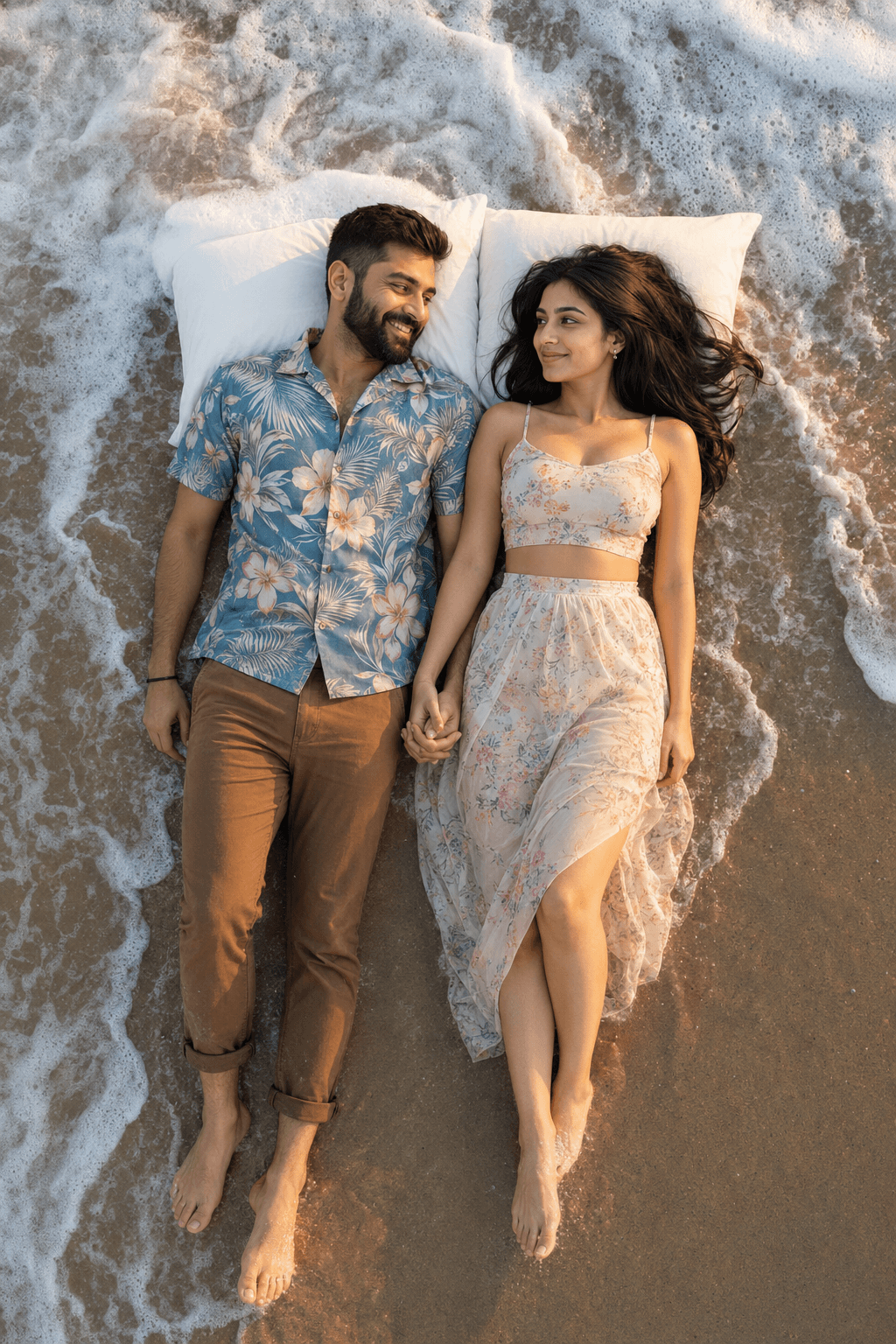
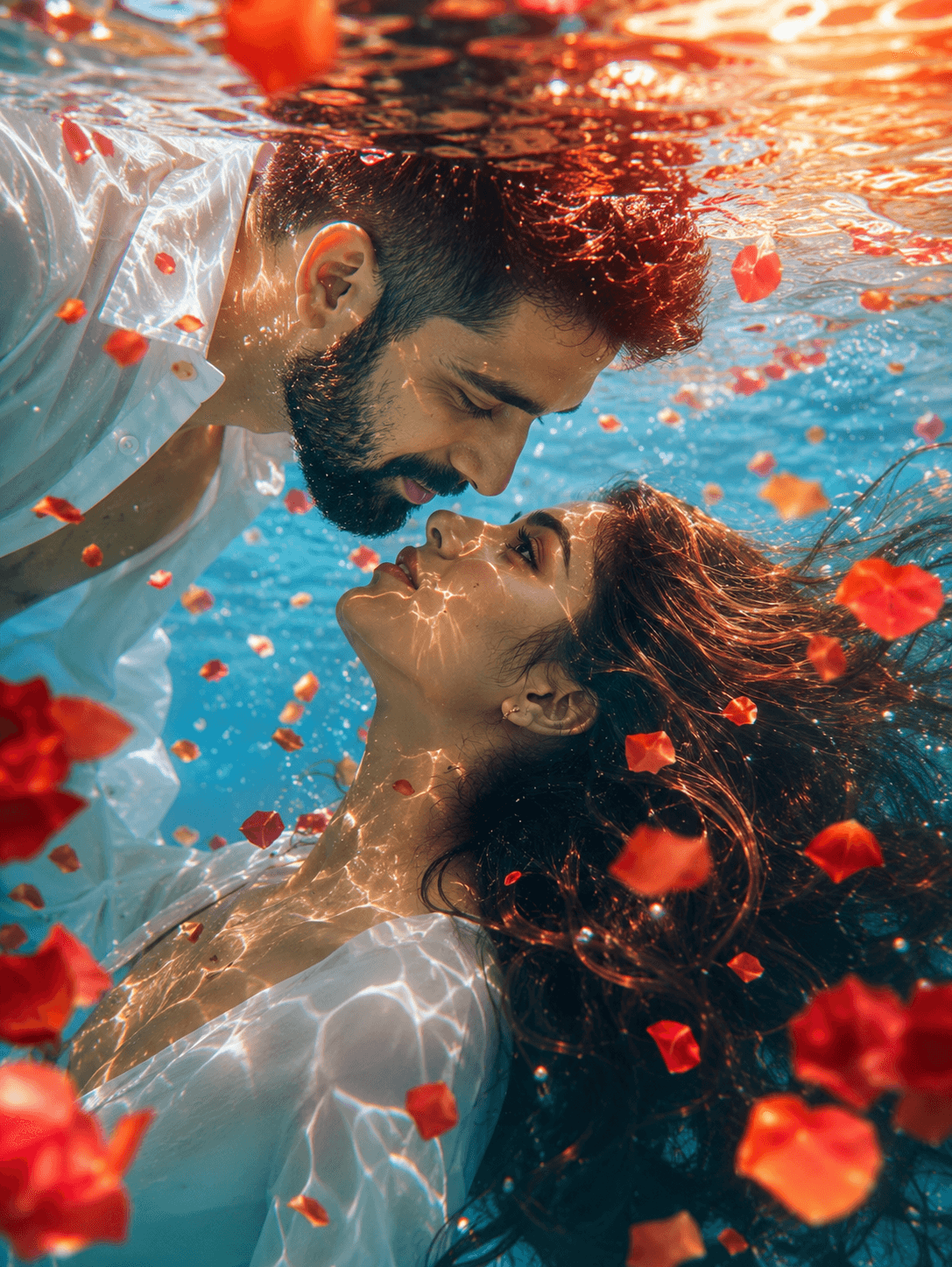
A stunning underwater romantic portrait featuring a beautiful couple moments from a kiss, surrounded by floating rose petals, glowing sunset reflections, and crystal-clear turquoise water. Cinematic lighting, flowing hair, and dreamy underwater aesthetics create a breathtaking love story scene in ultra-realistic 8K quality.
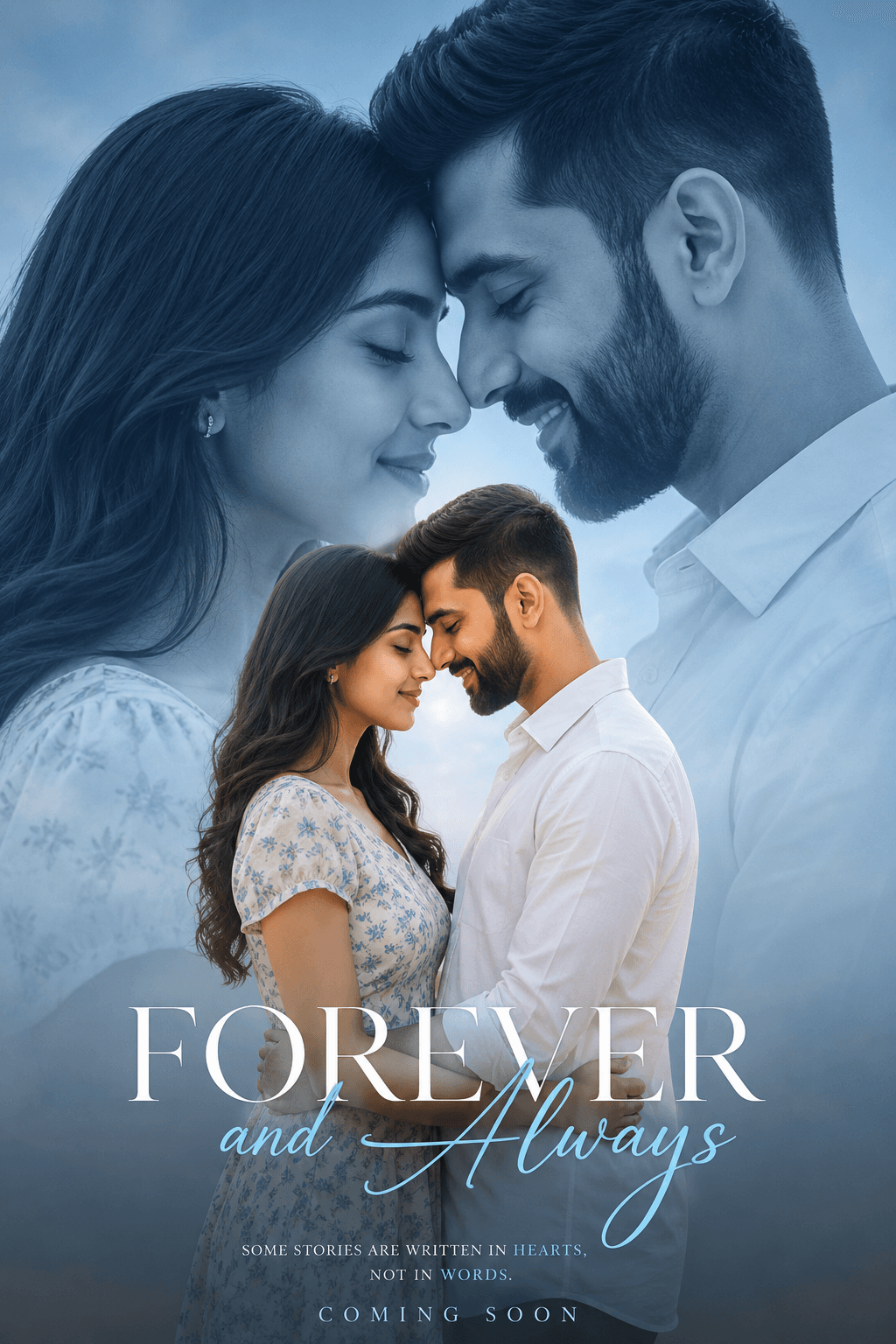
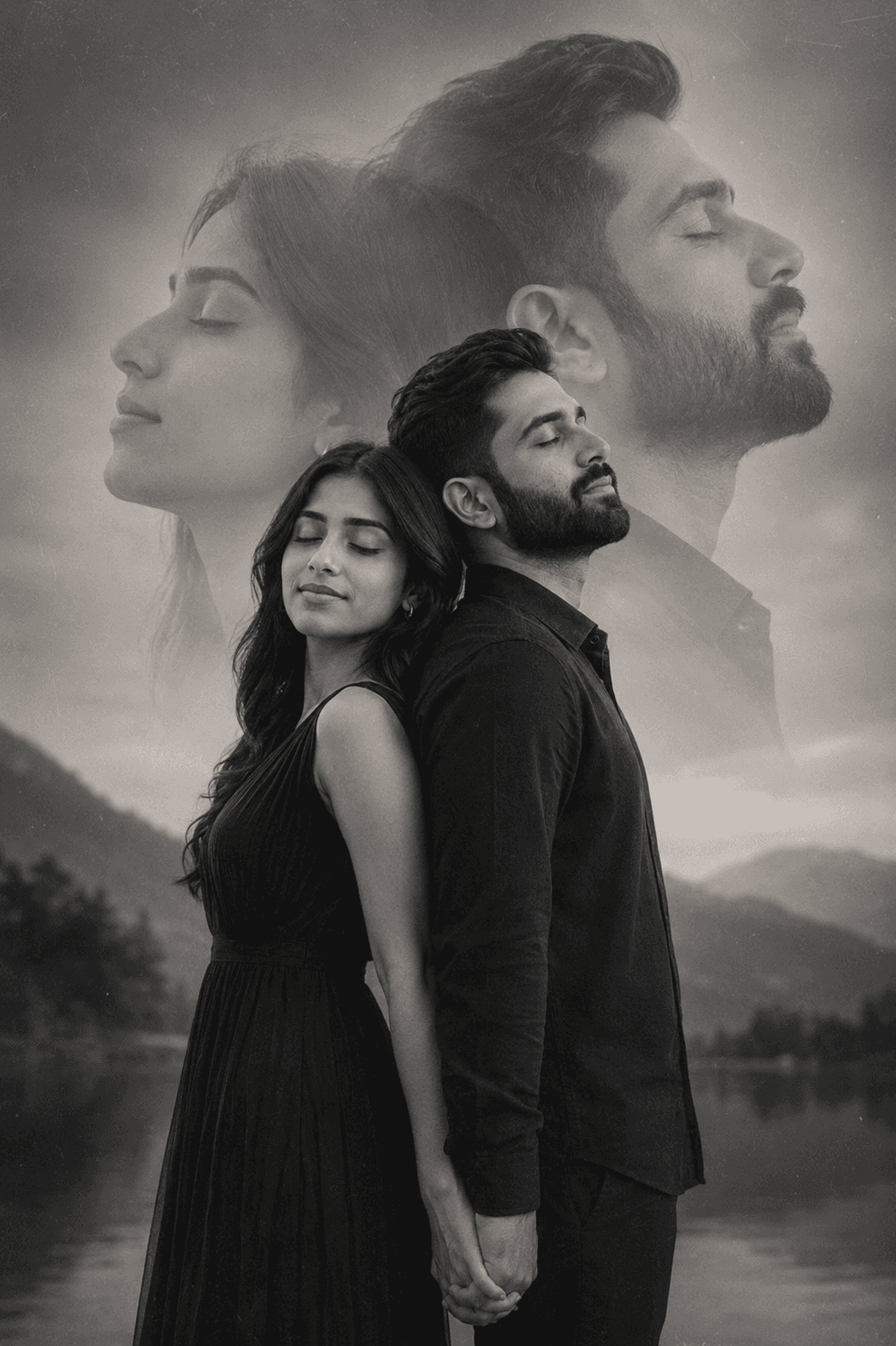
Generate emotional black-and-white double exposure portraits of couples with dreamy overlays, soft grain, vintage aesthetics, serene expressions, and artistic storytelling. Ideal for wedding photography, romantic artwork, fine-art prints, and creative AI image generation.

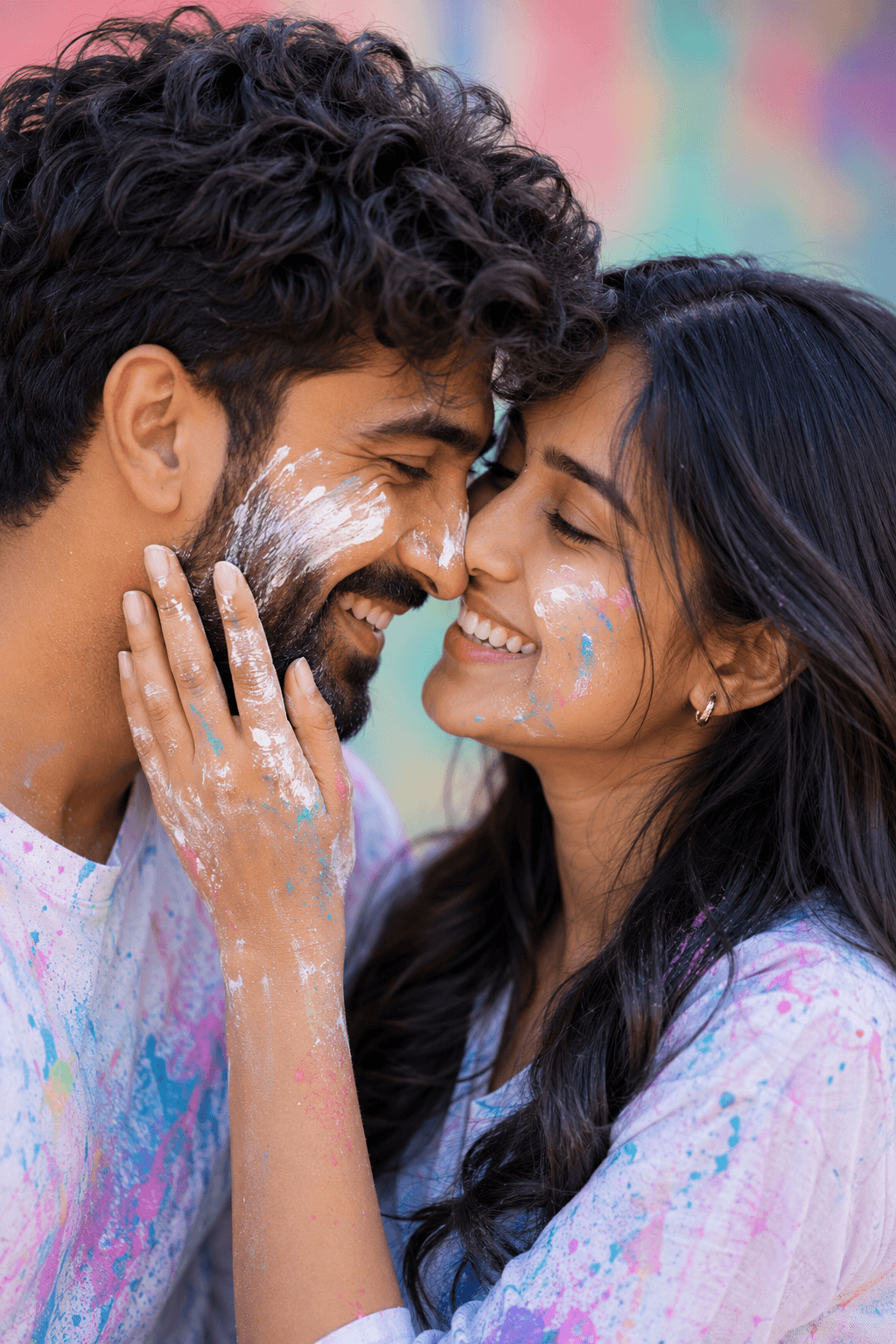
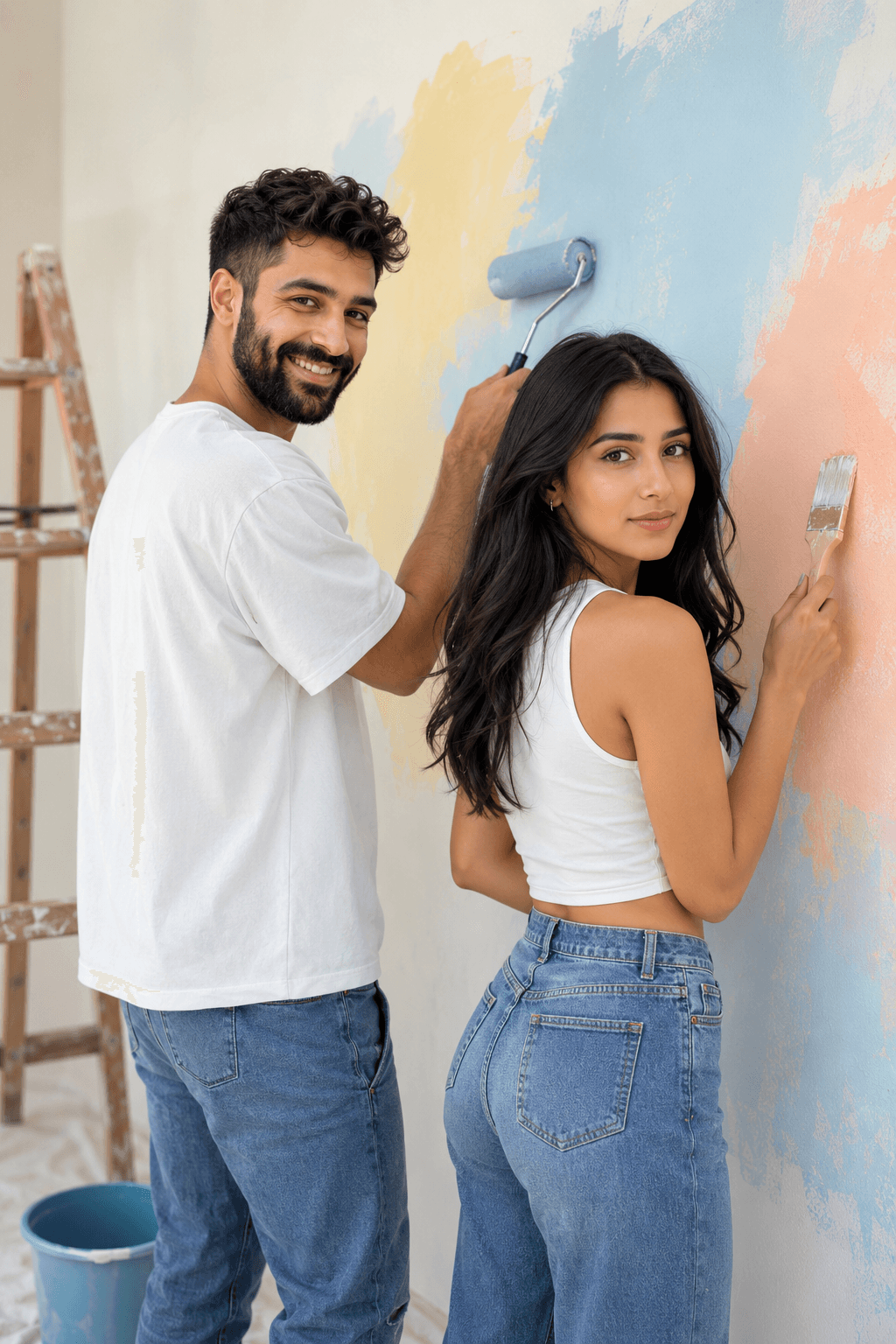
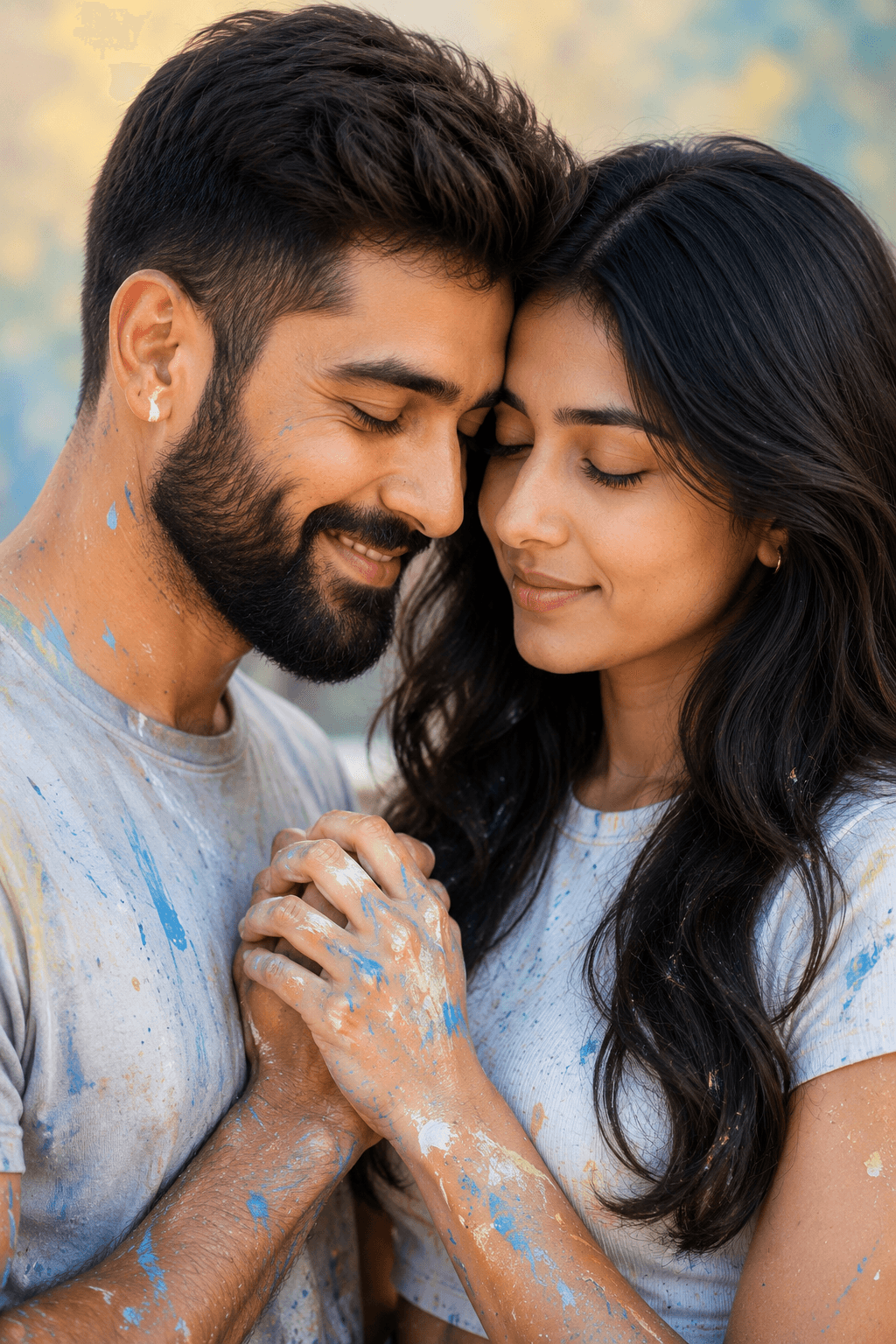
Generate a beautiful 3x3 photo grid of a young Indian couple painting a room together with this AI prompt. Features candid romantic moments, paint-splashed outfits, pastel yellow and blue walls, and soft natural lighting. Perfect for creating photorealistic lifestyle, pre-wedding, and storytelling visuals in ultra HD.
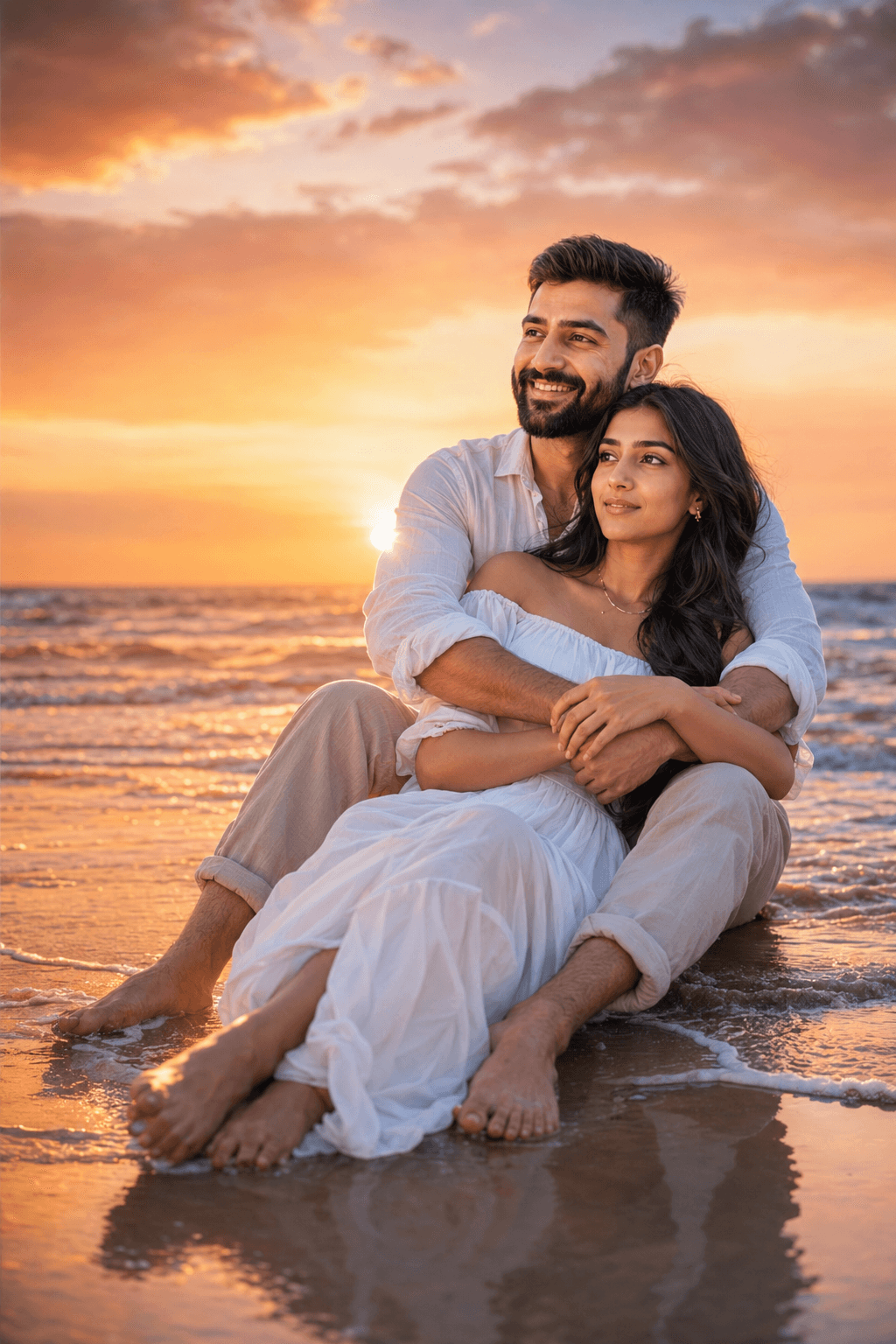
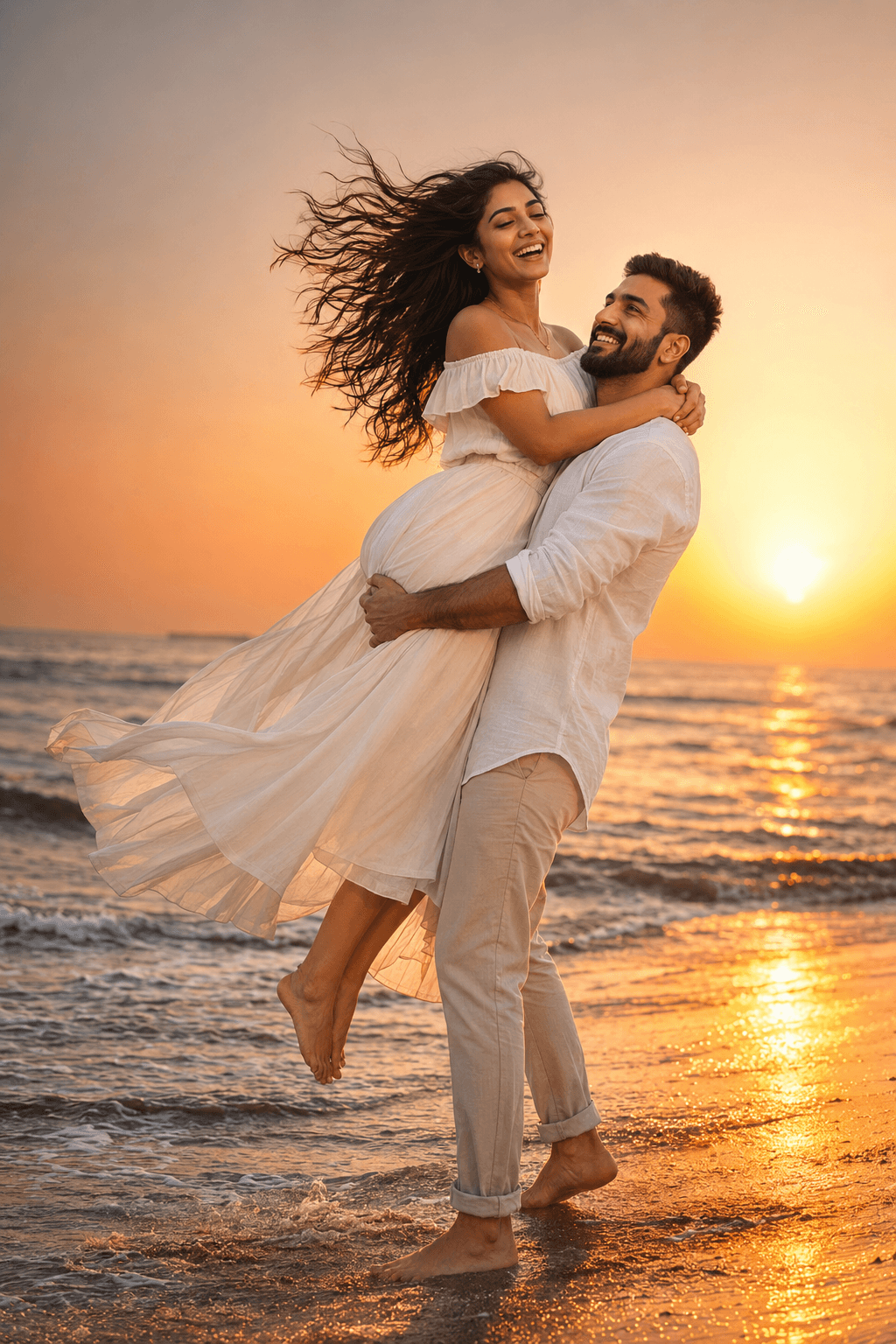
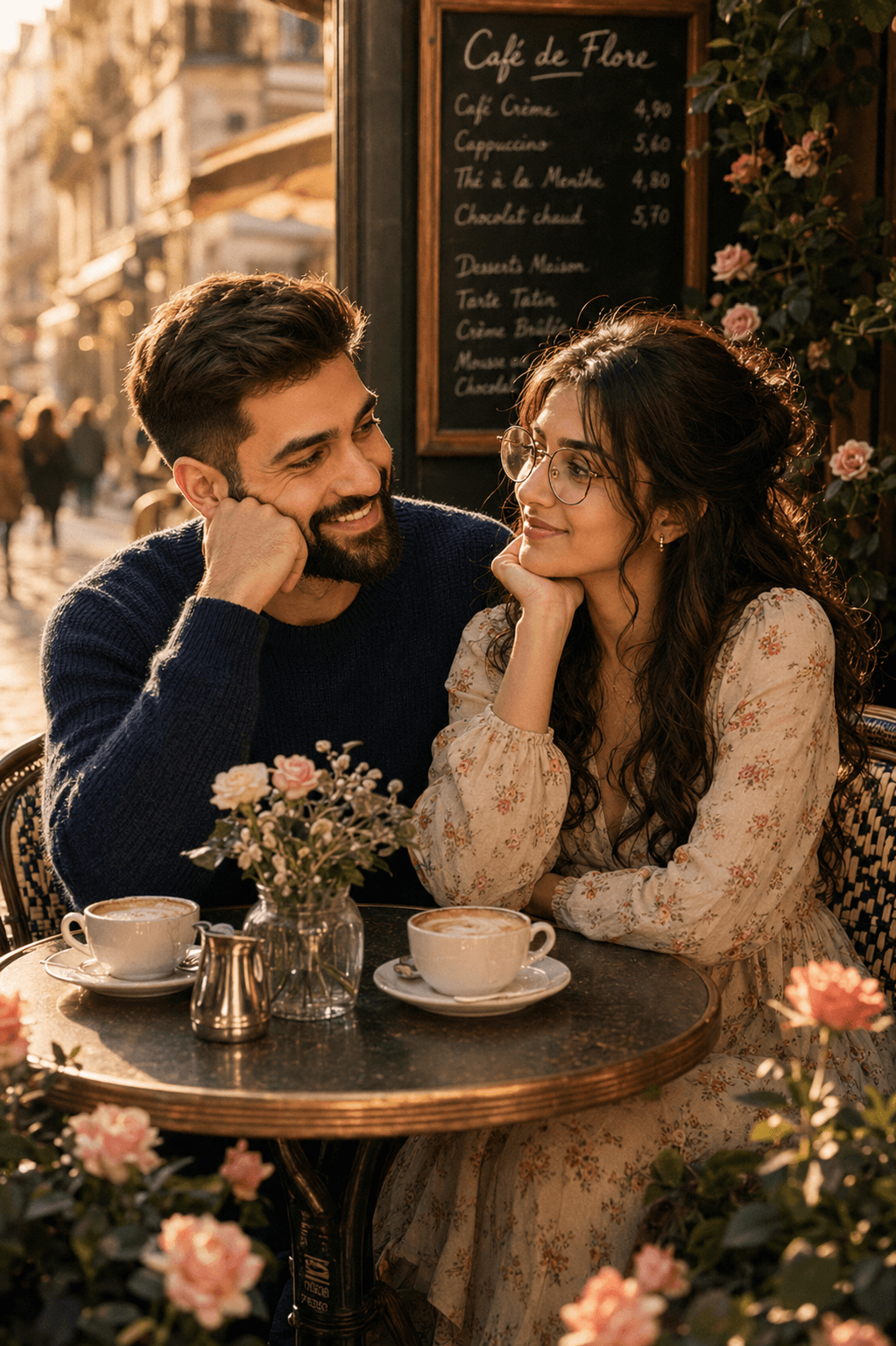
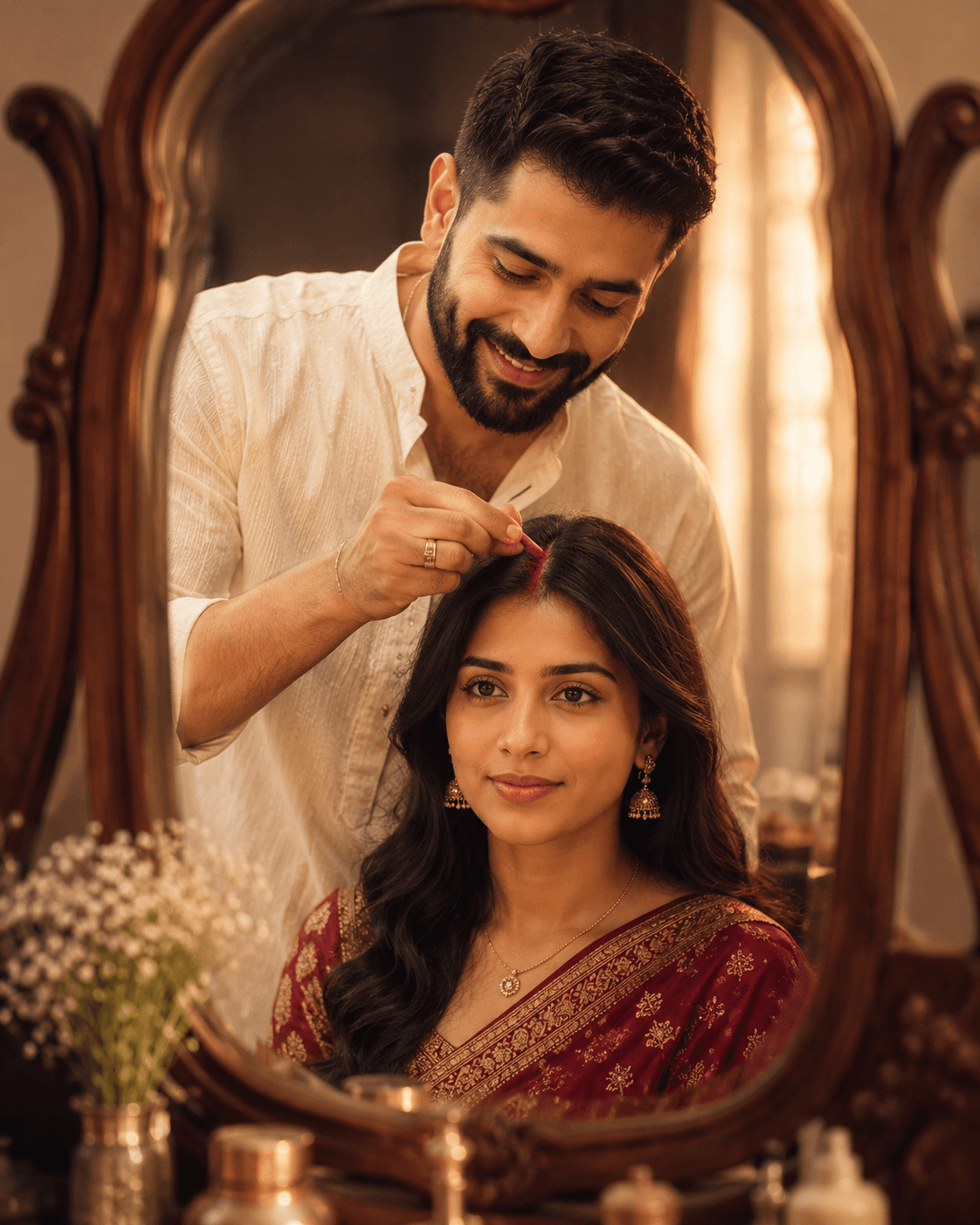
A stunning ultra-realistic cinematic couple portrait featuring a romantic tropical lagoon sunset scene, luxury hammock setting, golden hour lighting, emotional intimacy, crystal-clear turquoise water, and Korean drama-inspired vacation aesthetics. Perfect inspiration for AI-generated editorial photography and romantic lifestyle visuals.
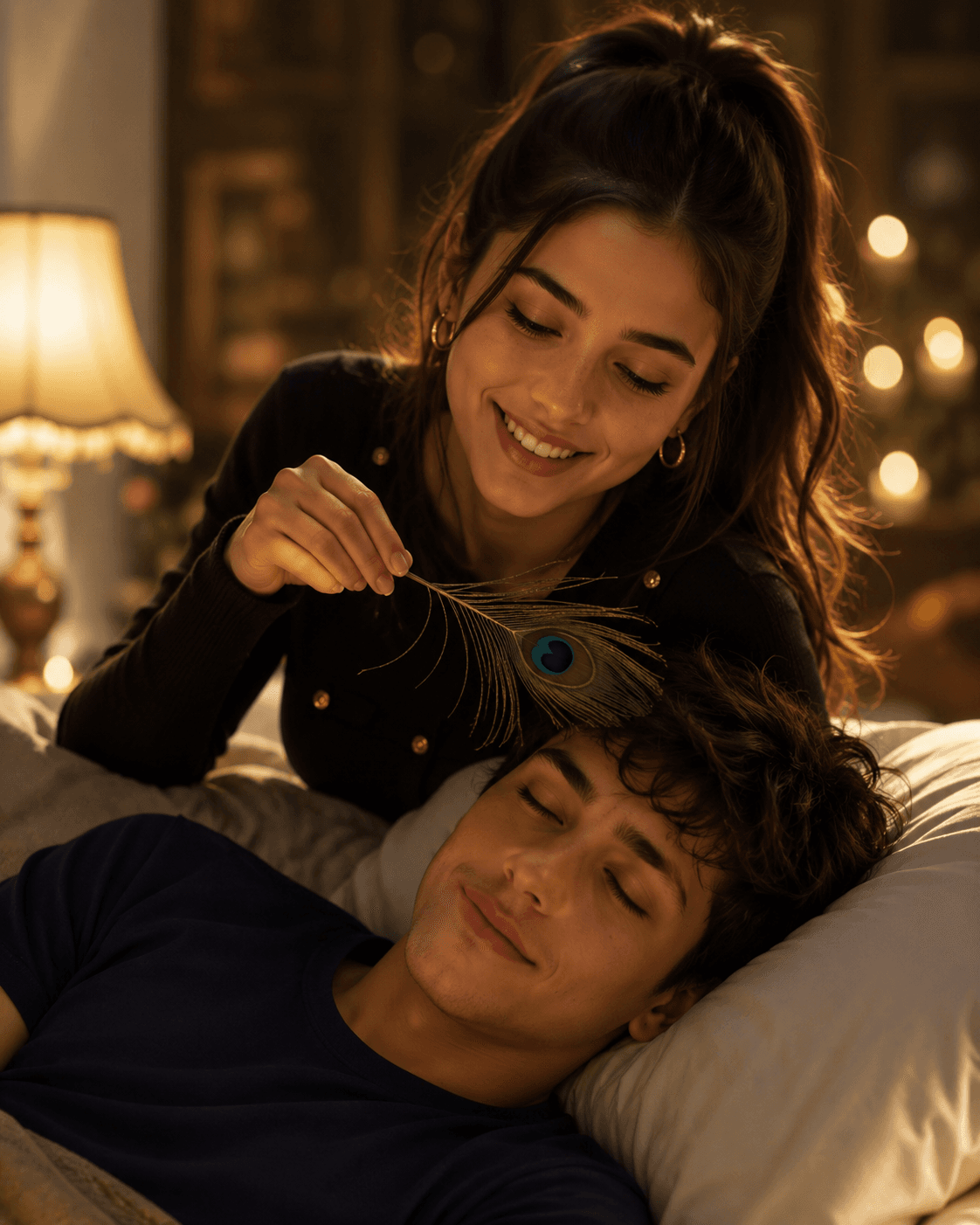
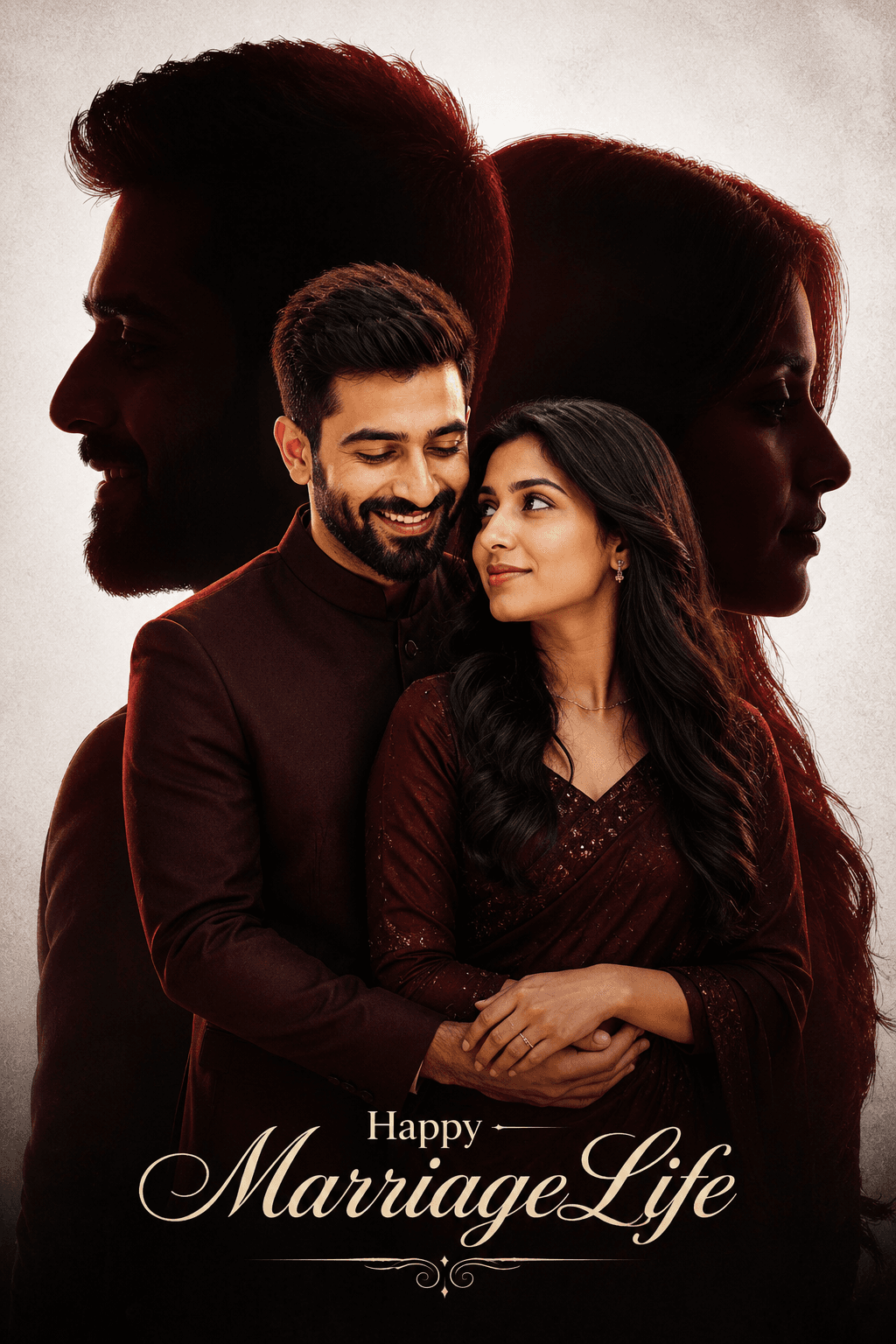
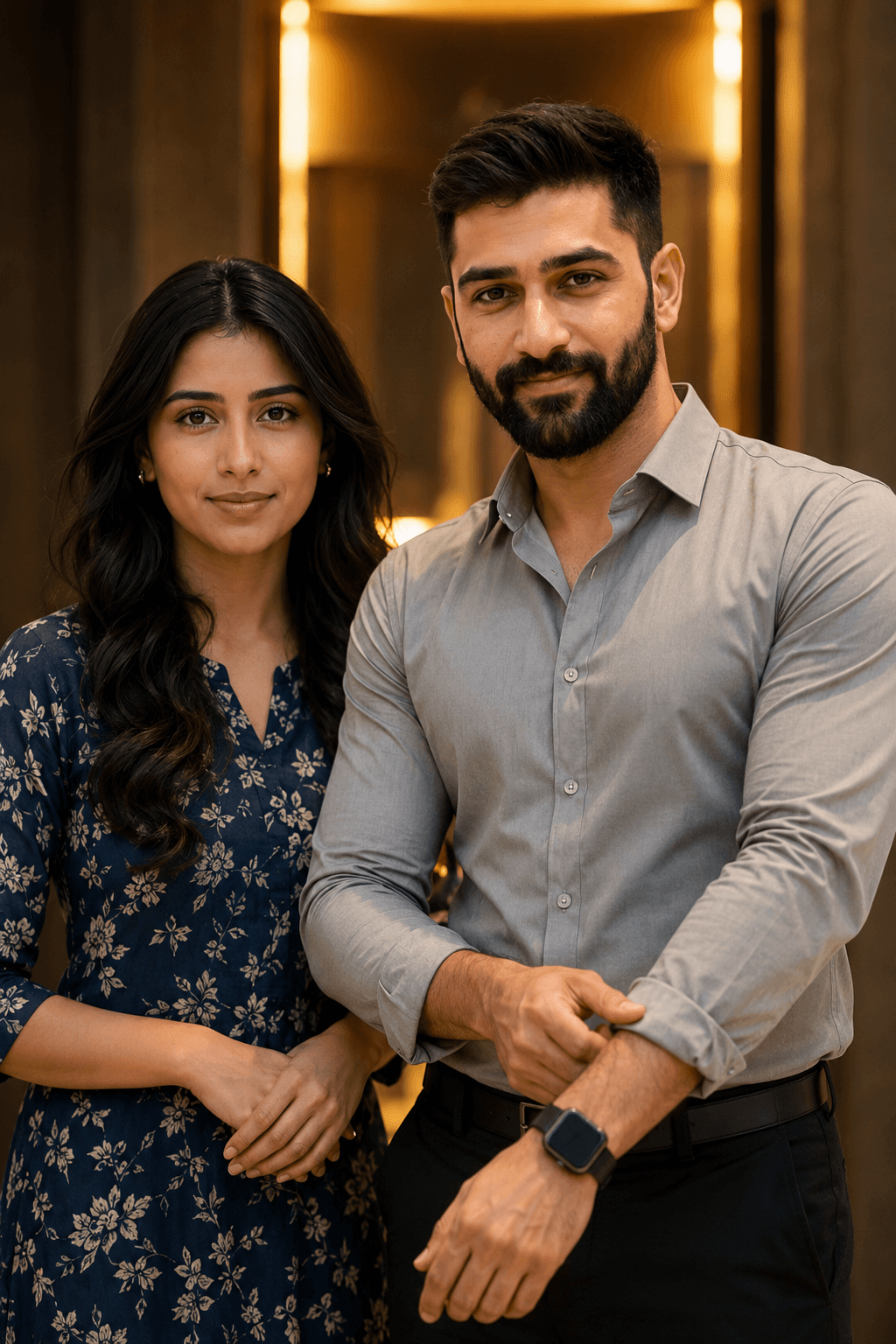
Generate a breathtaking romantic wedding poster with a South Indian couple in a cinematic double-exposure style. Features elegant maroon attire, dramatic silhouette backgrounds, glowing red highlights, emotional storytelling, premium studio lighting, and luxury wedding poster design for AI image generation.
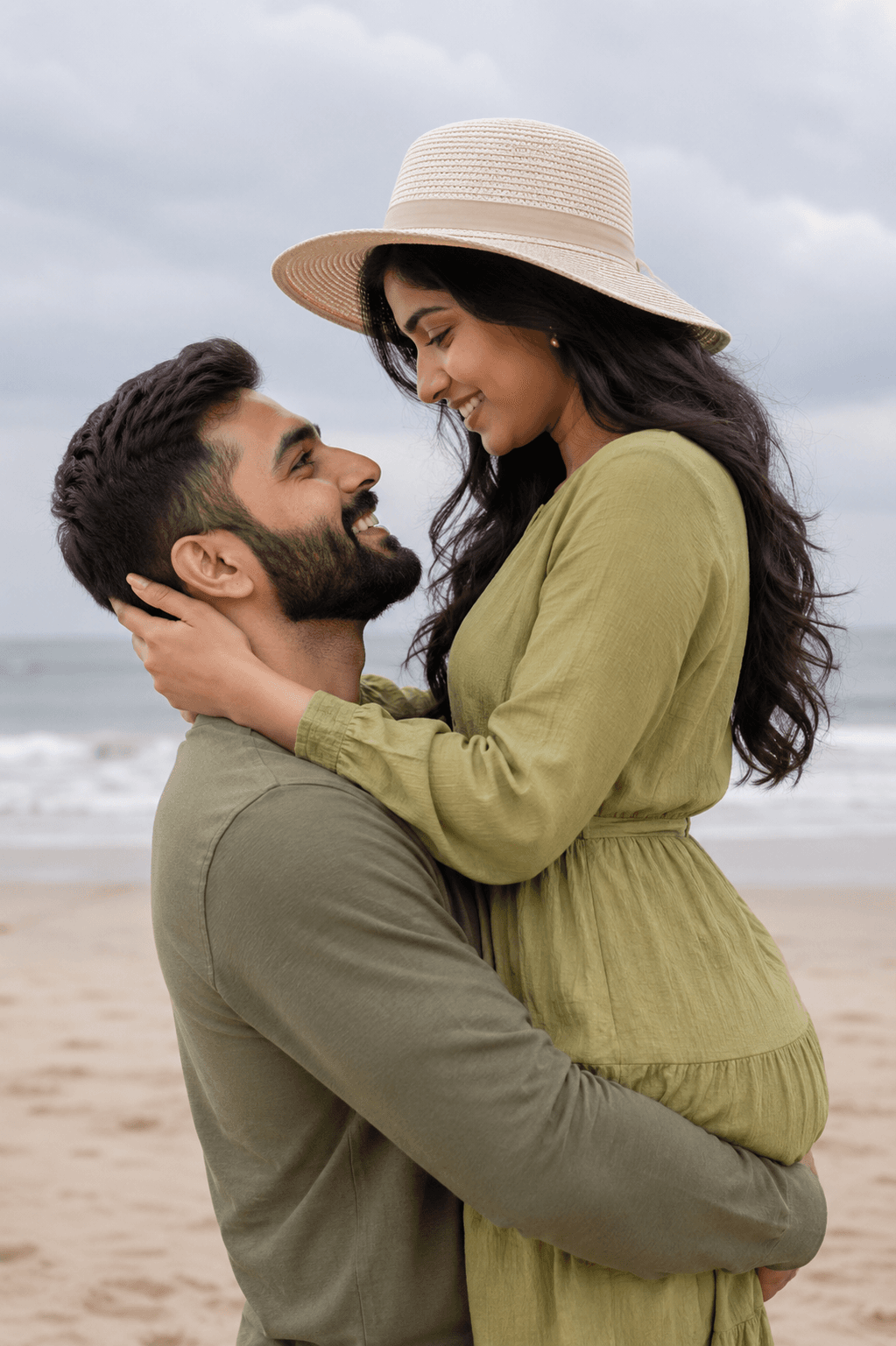
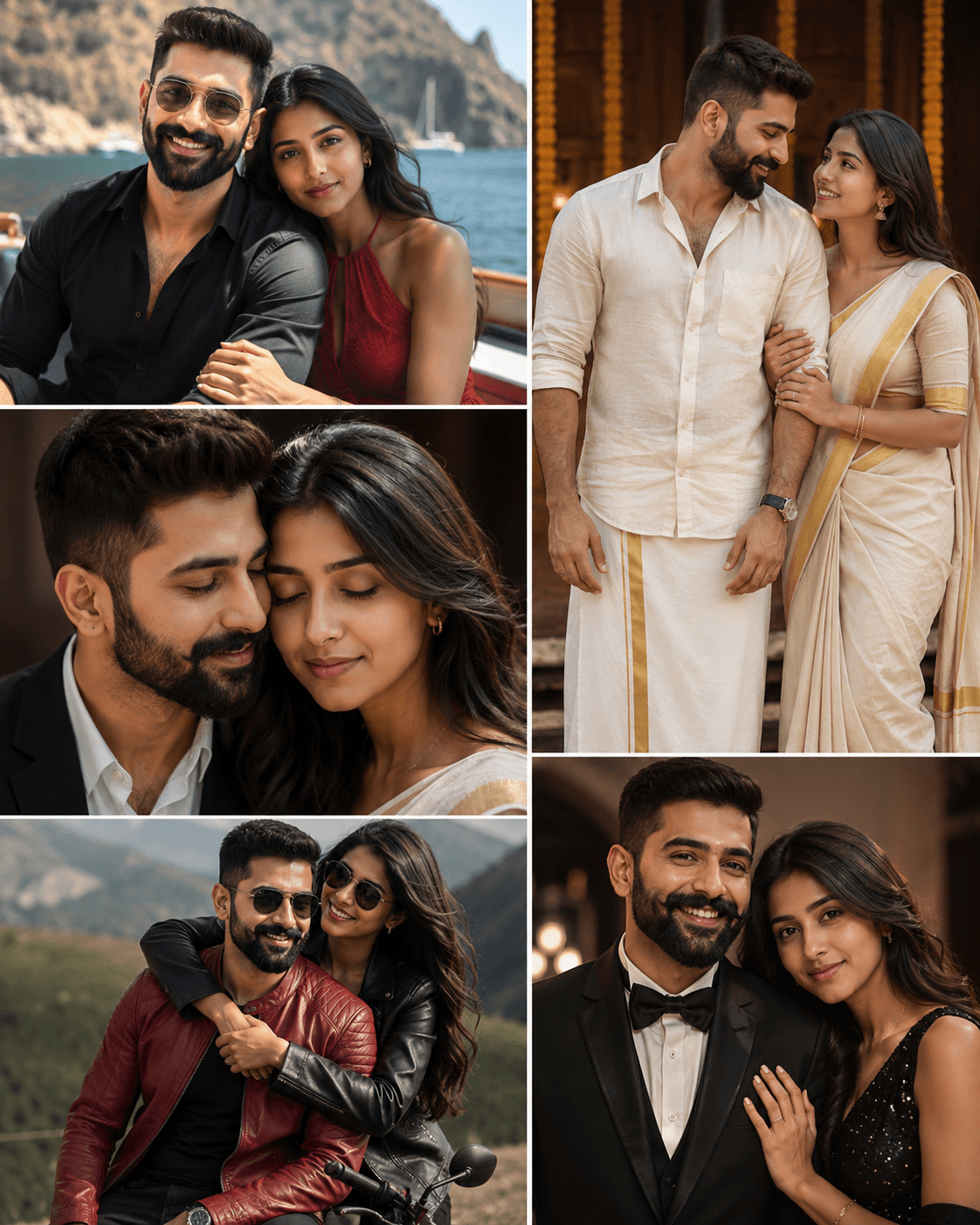
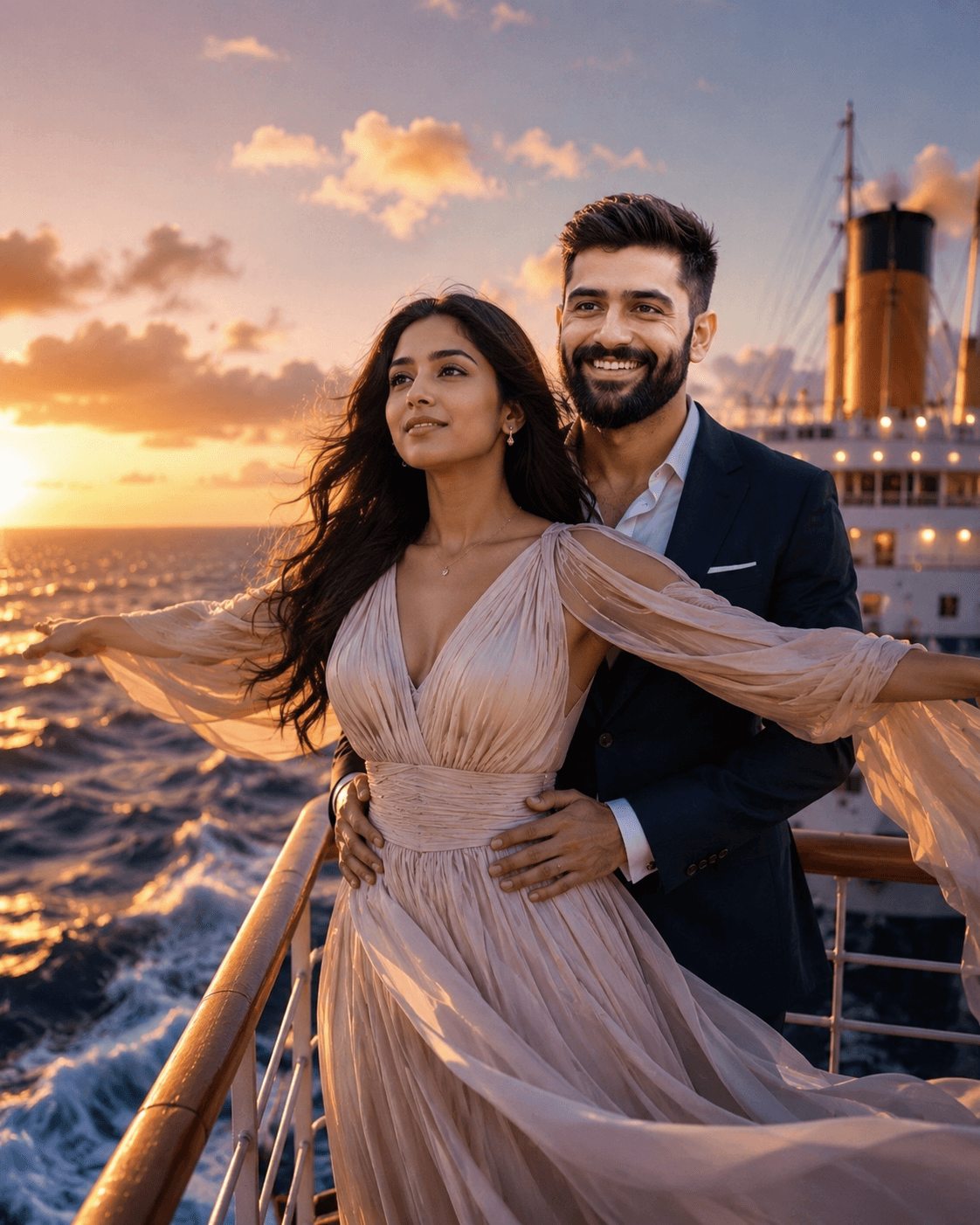
Generate stunning cinematic couple portraits with this ultra-realistic AI prompt featuring romantic moments, luxury fashion, traditional Indian attire, exotic travel scenes, warm lighting, and professional 8K editorial photography. Perfect for wedding, engagement, anniversary, and love story creations.
How To Use
Start with the base prompt as written, then personalize it after you see the first result.
Copy the prompt
Start with the original wording first so you can see the intended output before making changes.
Go to model mentioned below
Open the recommended model first so the prompt behaves the way this template expects.
Paste prompt with 1 or 2 images
Add your reference images if needed, then refine the output after the first generation.
Getting better results
A prompt is a starting point, not a finished setting. The wording on this page is written to produce a specific look on the first run, but your reference photo, lighting, and subject are different from the ones used in the example. Expect to run the prompt two or three times before you land on the version you keep.
Copy the prompt exactly as written and generate once before editing a single word. That first output is your baseline. If you rewrite the prompt before seeing it, you have no way of knowing whether a disappointing result came from the prompt or from your own edit.
When you do start editing, change a single element per run — the lighting, the camera angle, or the background, but not all three. Most image models respond strongly to small wording changes, and stacking edits makes it impossible to tell which one helped.
The elements worth adjusting first, in rough order of impact:
Each template lists the model it was tested on. Prompts are not fully portable between models: wording that produces a clean studio portrait on one model can produce an over-stylised illustration on another. If you want to use a different tool, treat the prompt as a description of the look you are after and rewrite it in that tool’s own style.
Where a template shows reference images, the quality of what you upload sets the ceiling for the result. Use a sharp, well-lit photo with the subject clearly visible and no heavy filters already applied. A low-resolution or motion-blurred reference will carry those flaws into every output, no matter how detailed the prompt is.
Once a prompt produces something you like, save your edited version alongside the original. Over time you build a personal library of wording that works for your subjects and your style, which is far more useful than starting from scratch each time.