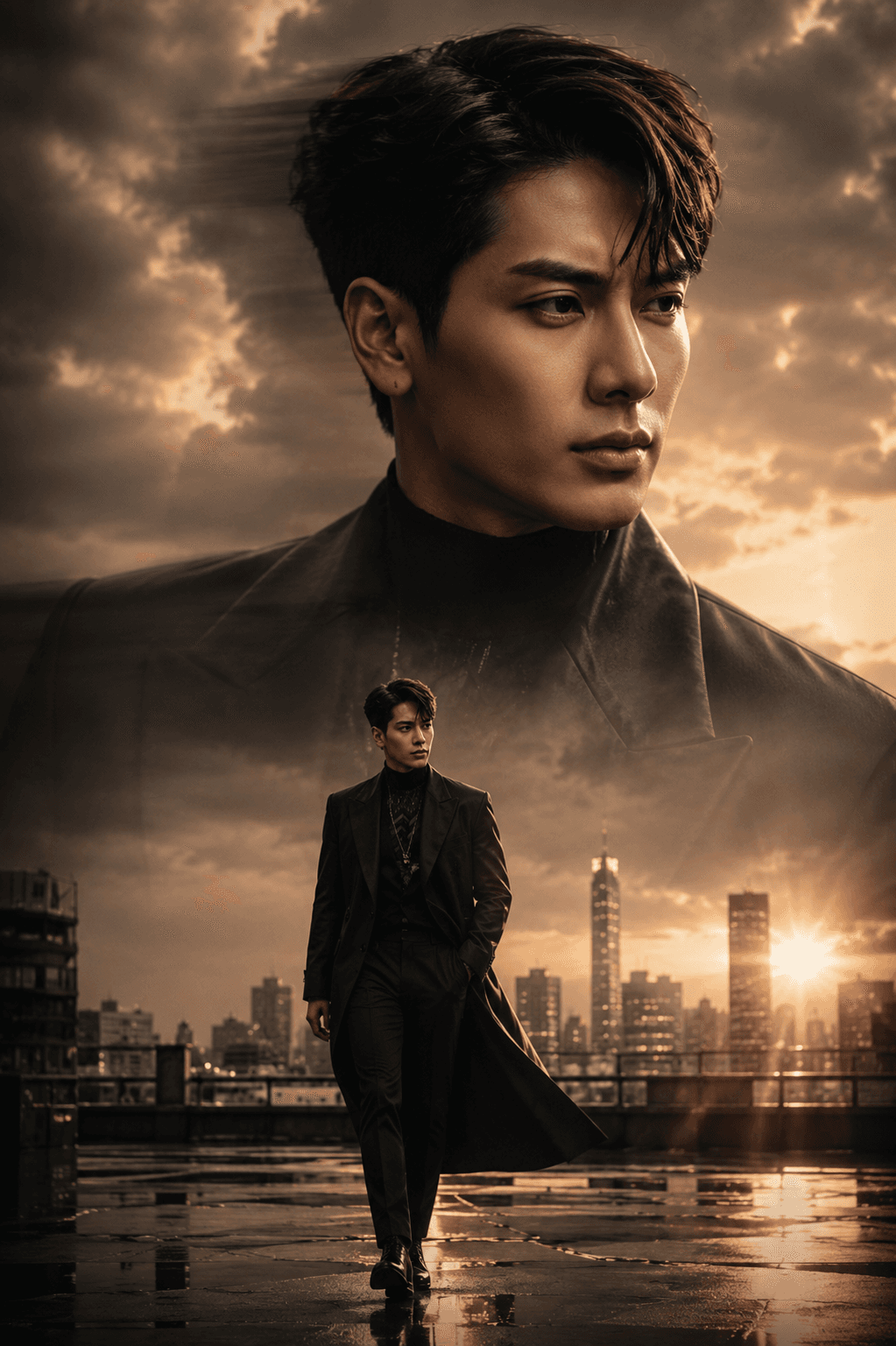


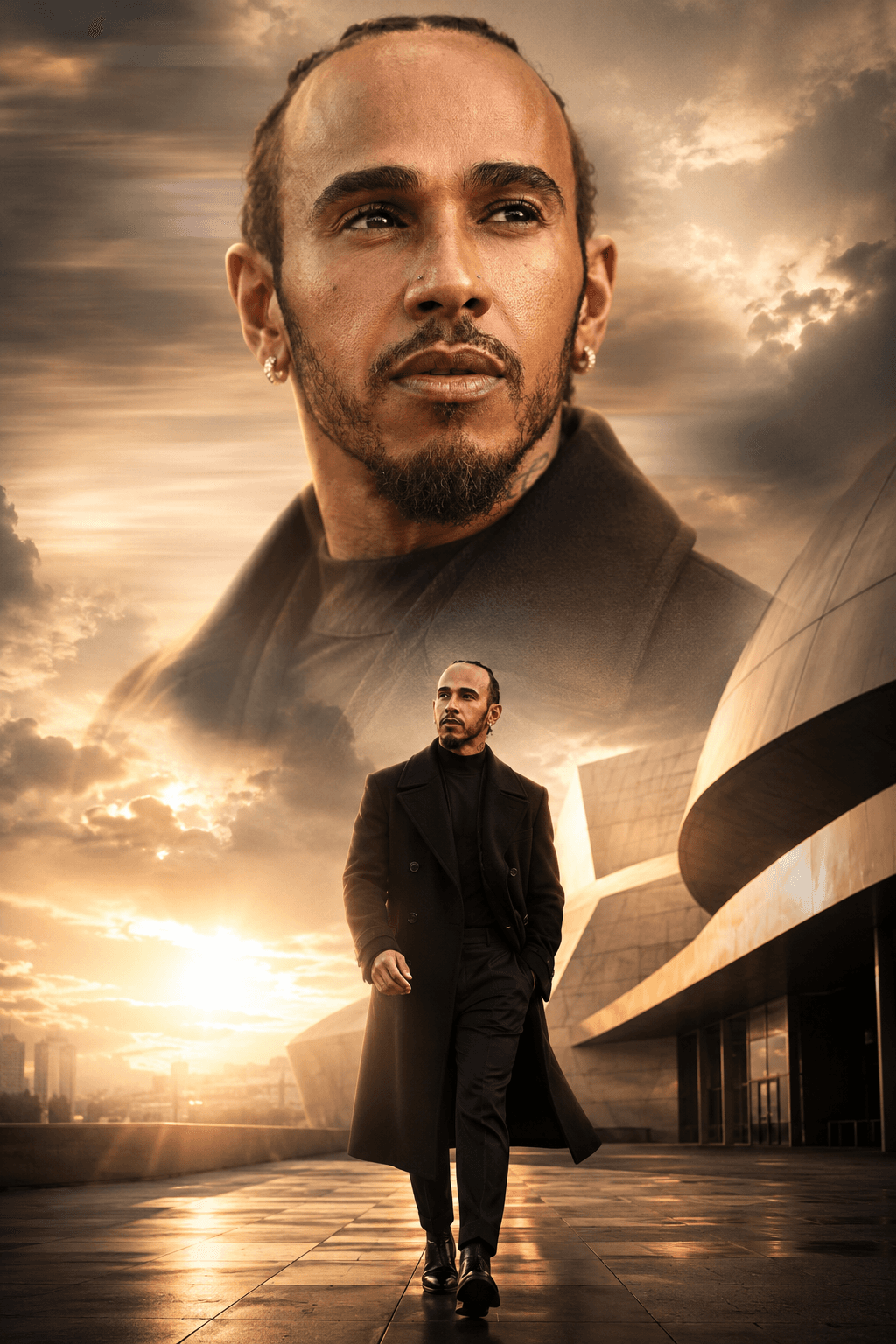
Cinematic Double Portrait AI Prompt | Luxury Editorial Style
Create stunning cinematic double portraits with identity preservation, golden hour lighting, editorial styling, and ultra-realistic 8K quality for AI image generation.
Loading
Almost there.
Find free AI photo prompts for Gemini and ChatGPT on EnterPrompt. Create high-quality AI-generated images including couple photos, portraits, artistic edits, and viral styles with optimized, ready-to-use prompts.
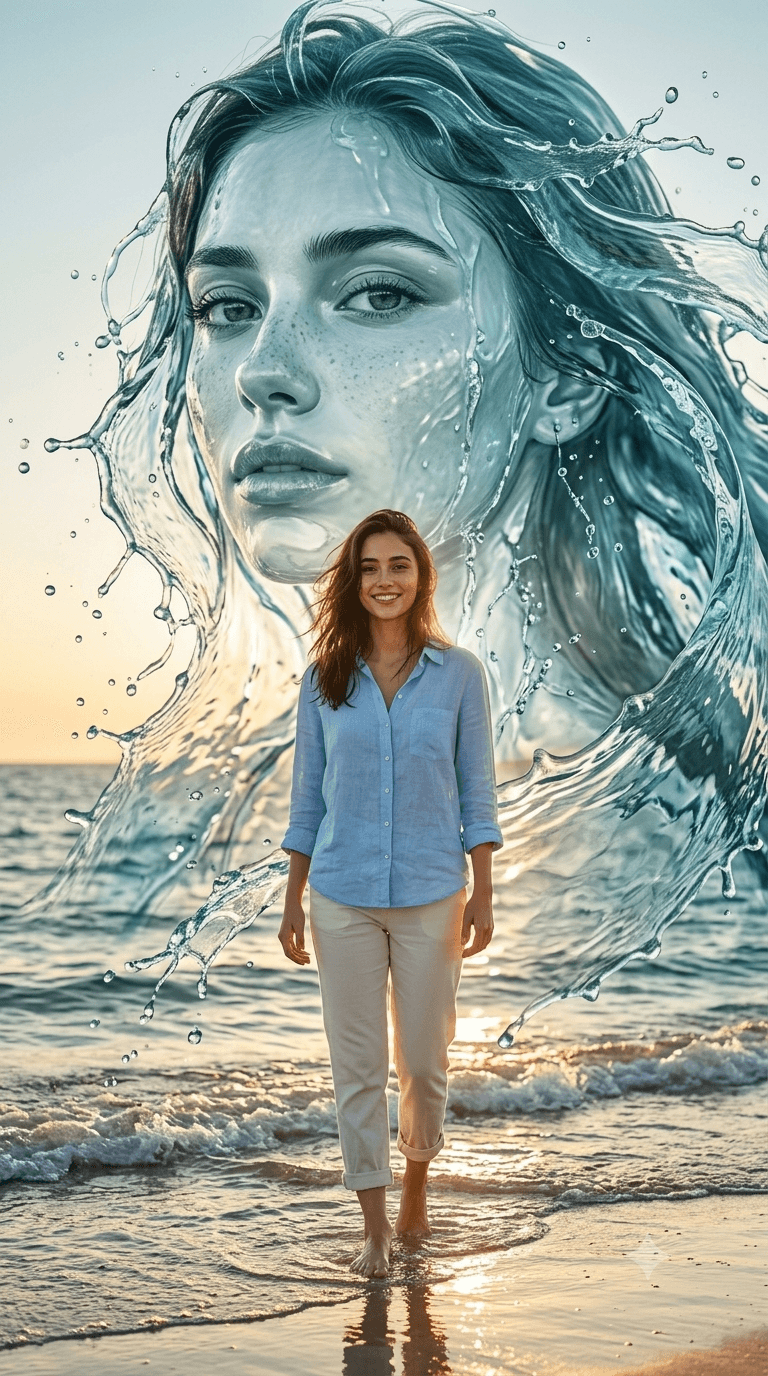
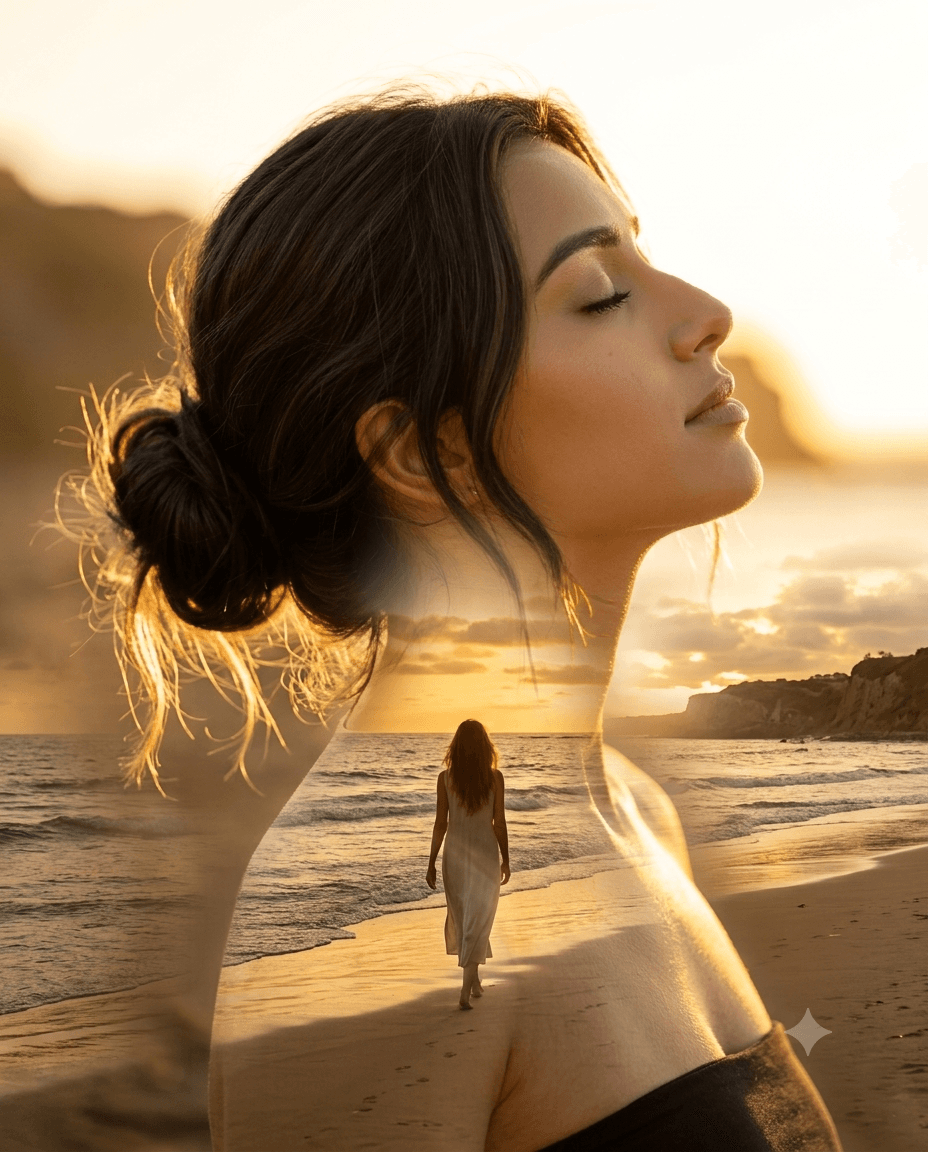
Create stunning cinematic double portraits with identity preservation, golden hour lighting, editorial styling, and ultra-realistic 8K quality for AI image generation.

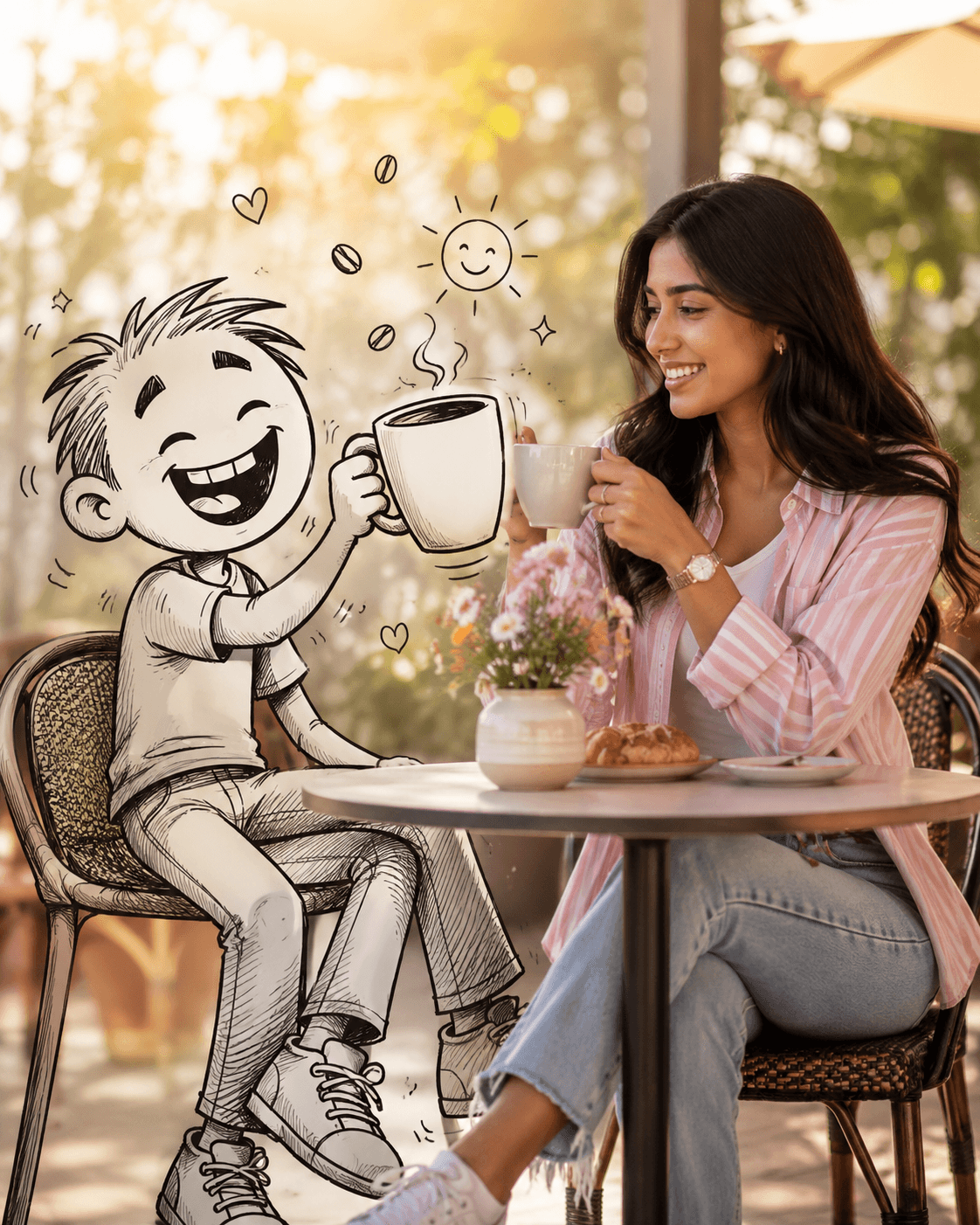
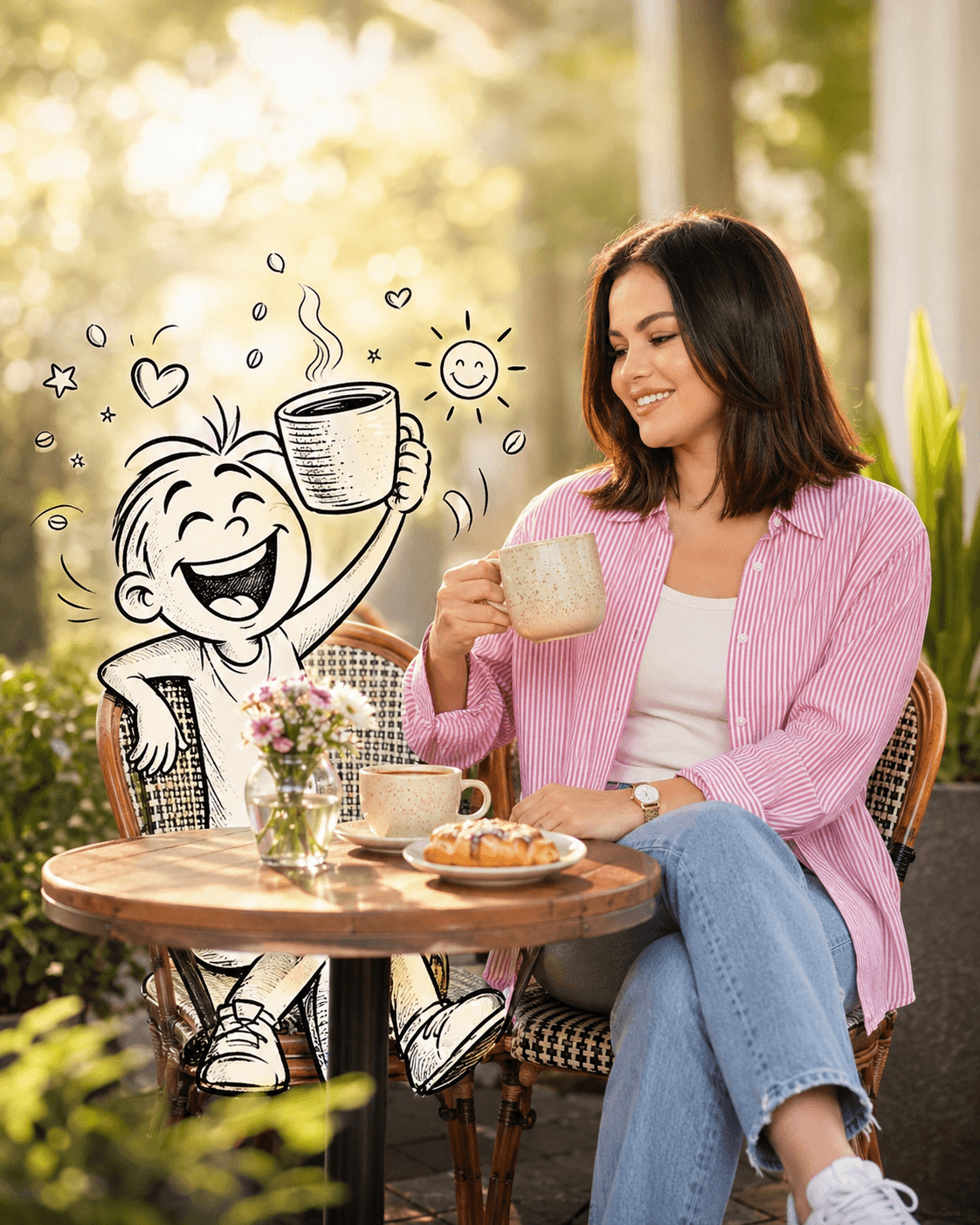

Create premium ultra-realistic morning coffee lifestyle images with a playful line art character. Perfect for ChatGPT, Midjourney, Flux, Facebook & more.
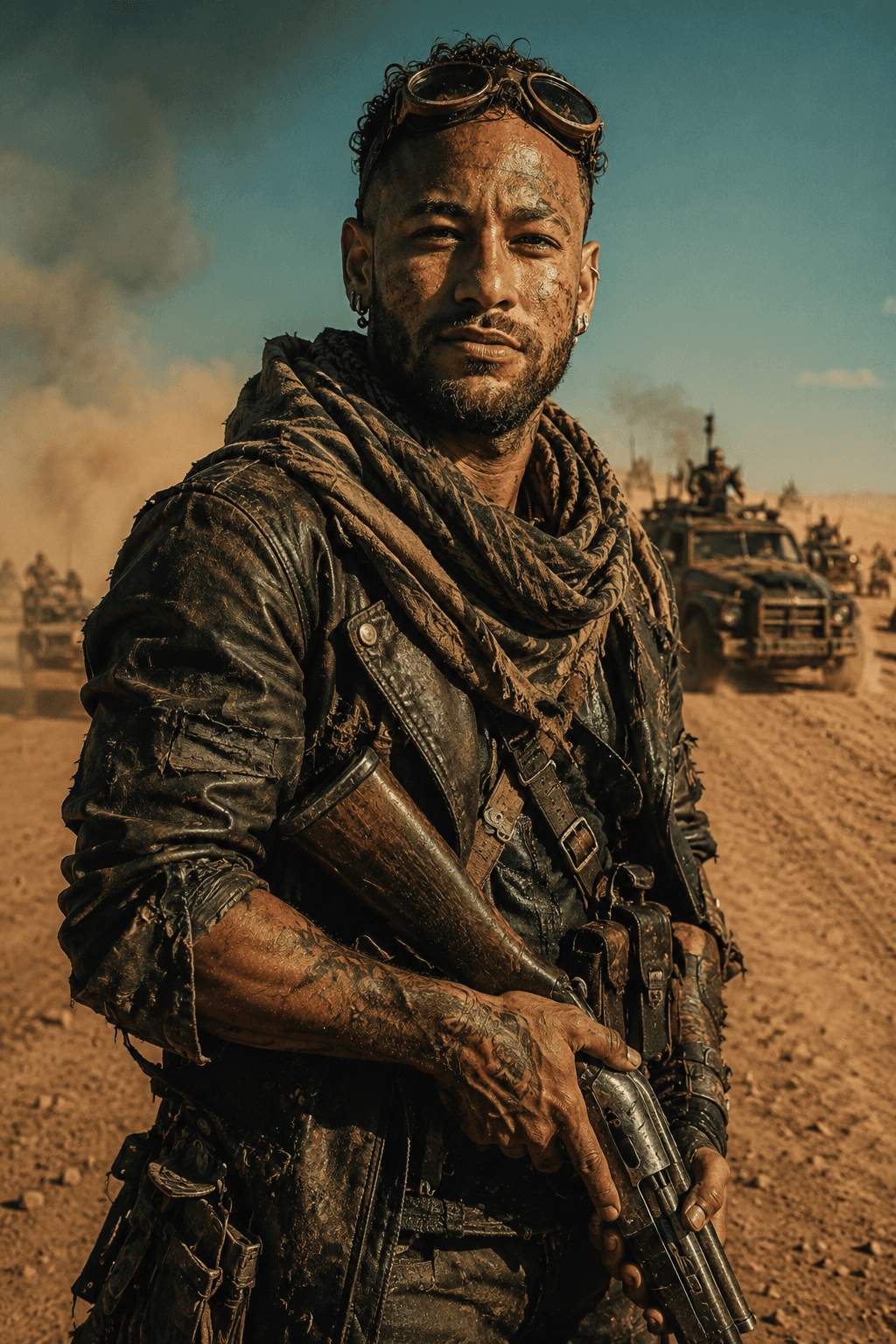

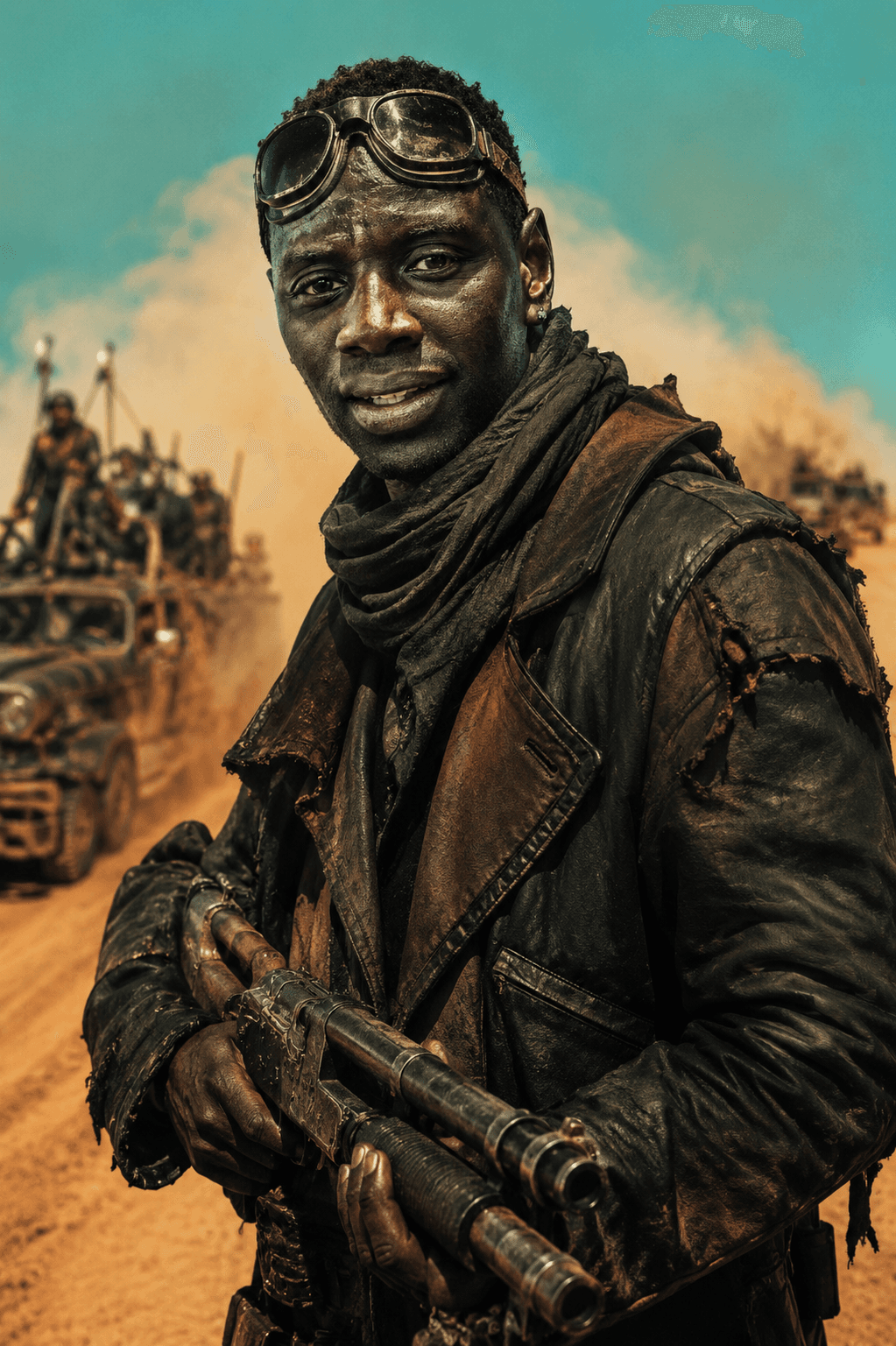

Create cinematic photorealistic wasteland survivor portraits with this premium AI prompt featuring a 35mm film look, desert realism, and identity preservation.
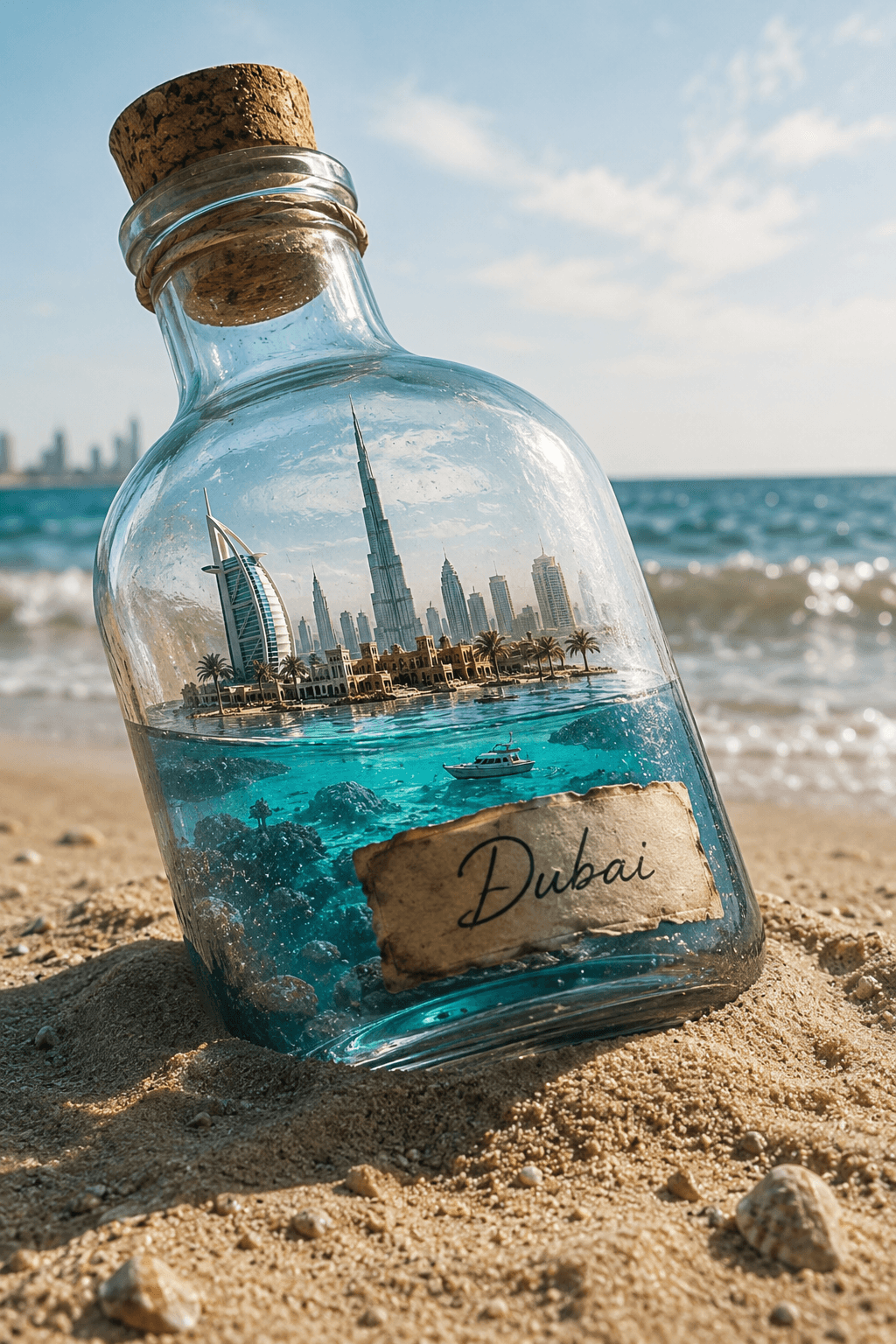
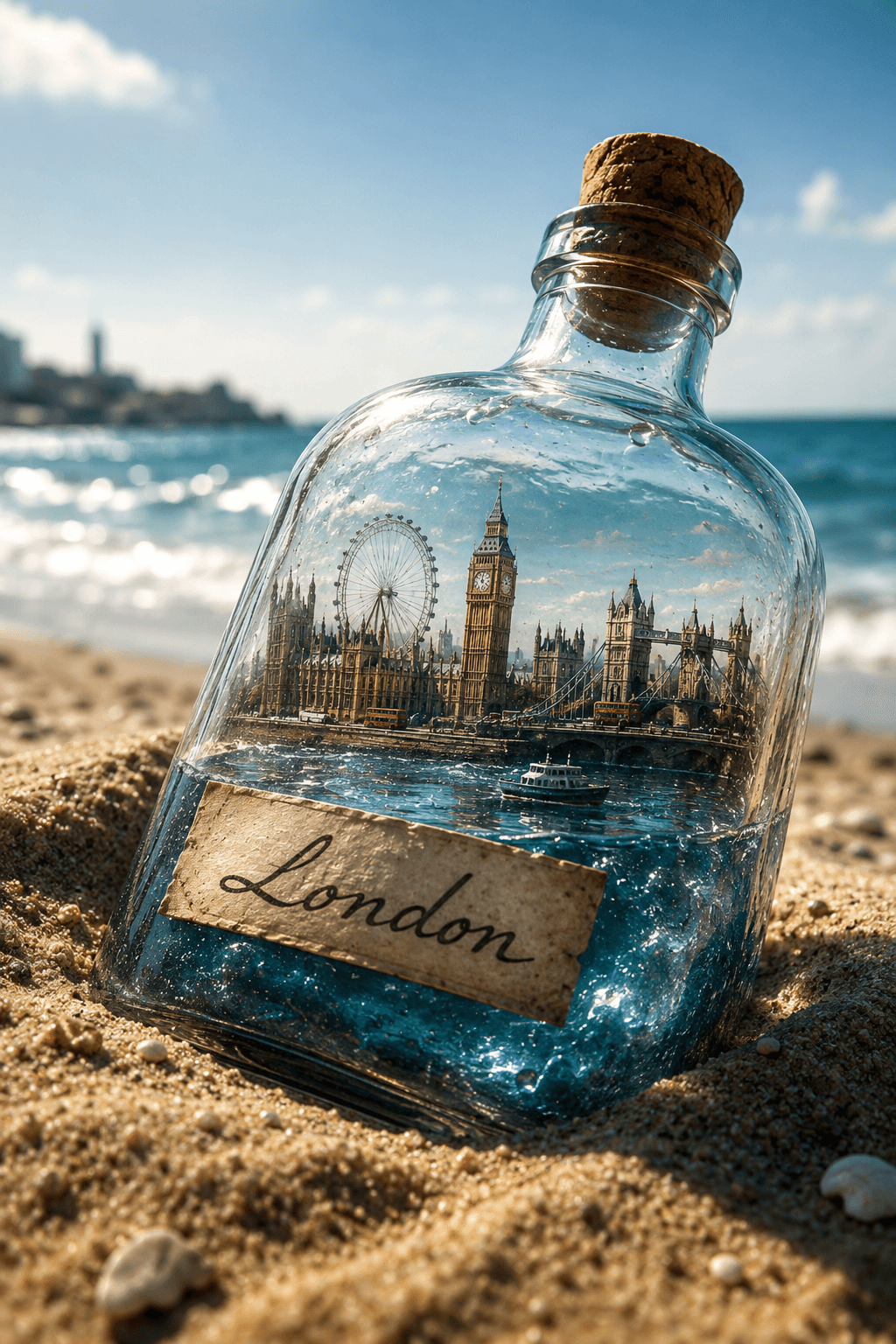
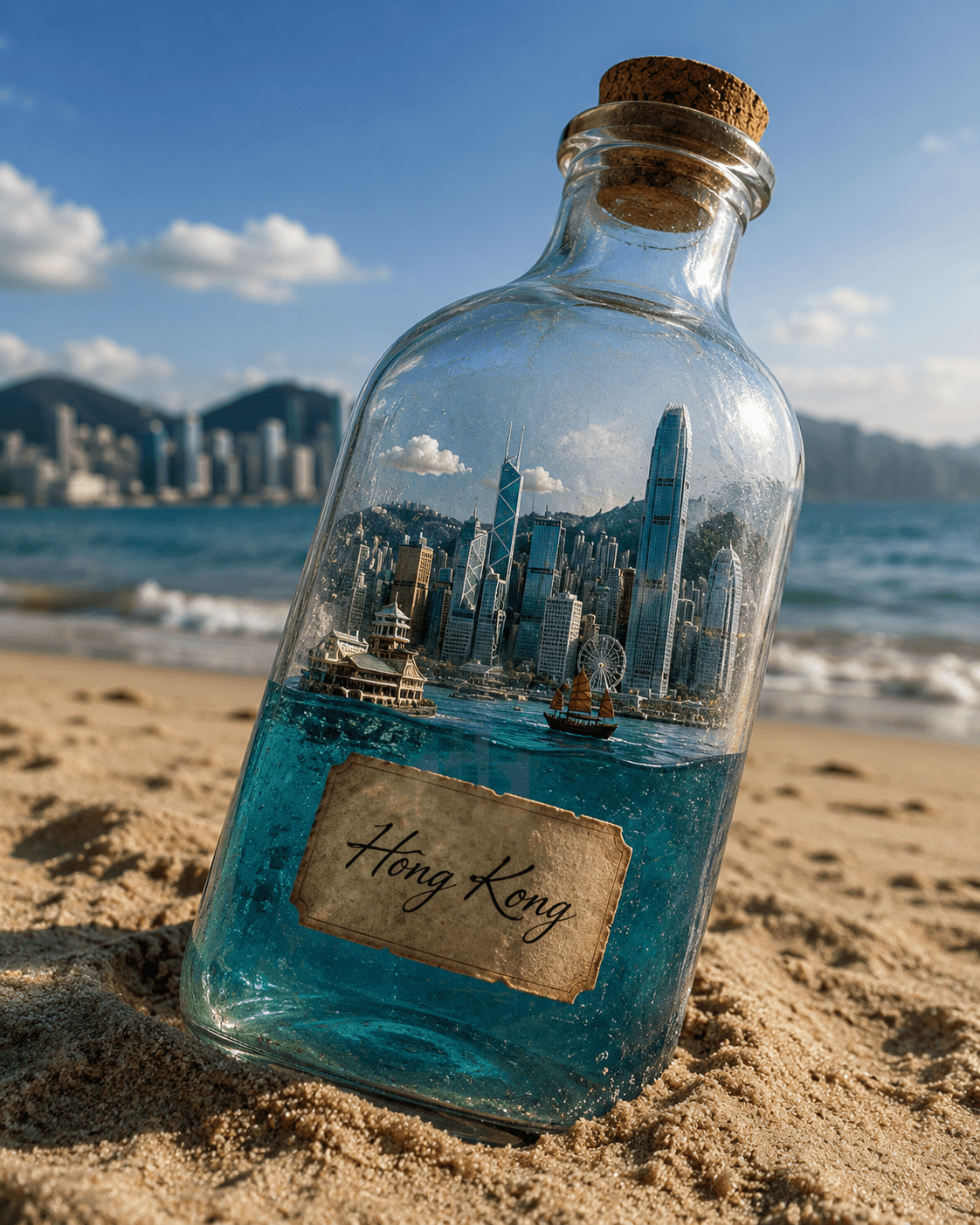
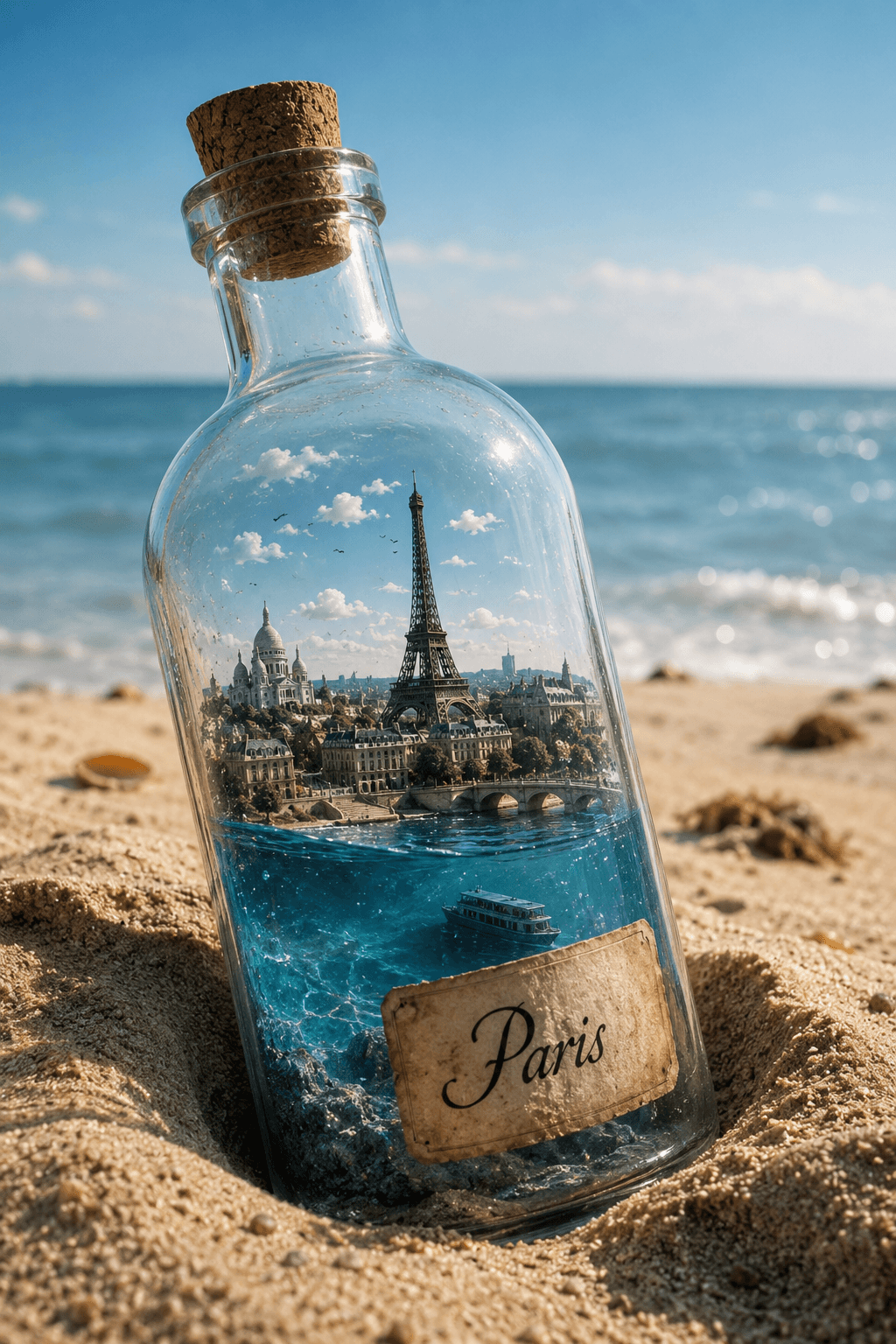
Create stunning photorealistic AI art featuring a miniature city inside a glass bottle on a beach. Perfect for ChatGPT, Midjourney, FLUX, and Stable Diffusion.
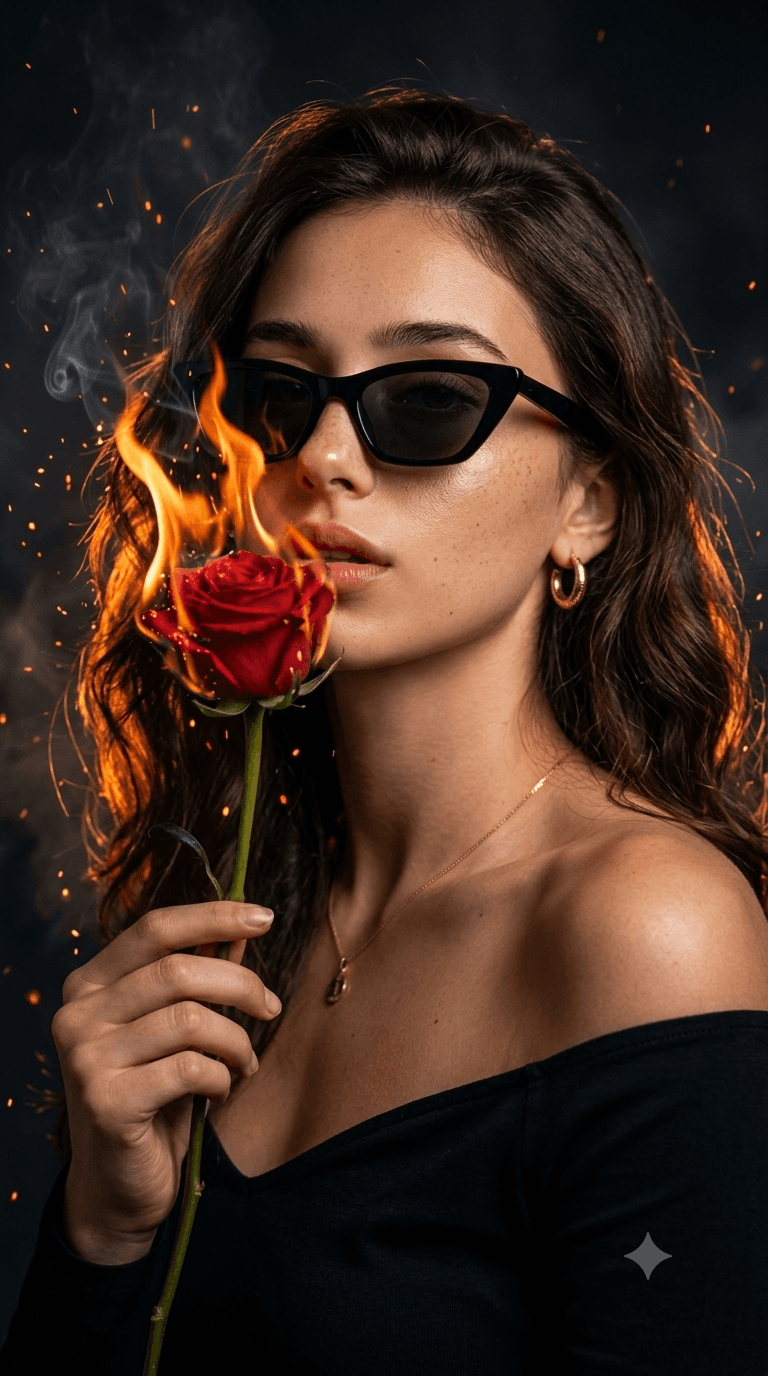
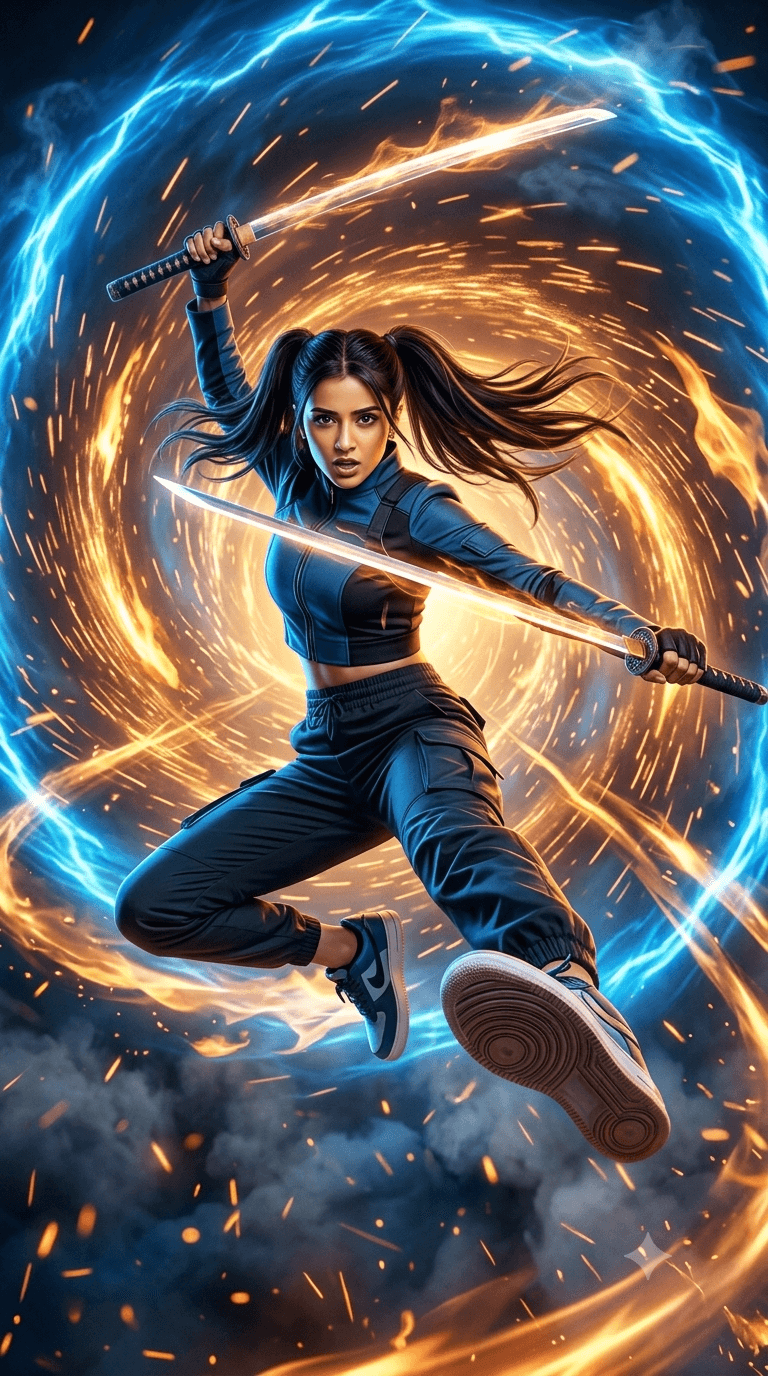
Create photorealistic 9:16 summer sunglasses product photos with realistic model reflections. Easy-to-use AI prompt for luxury brand ads & social media."
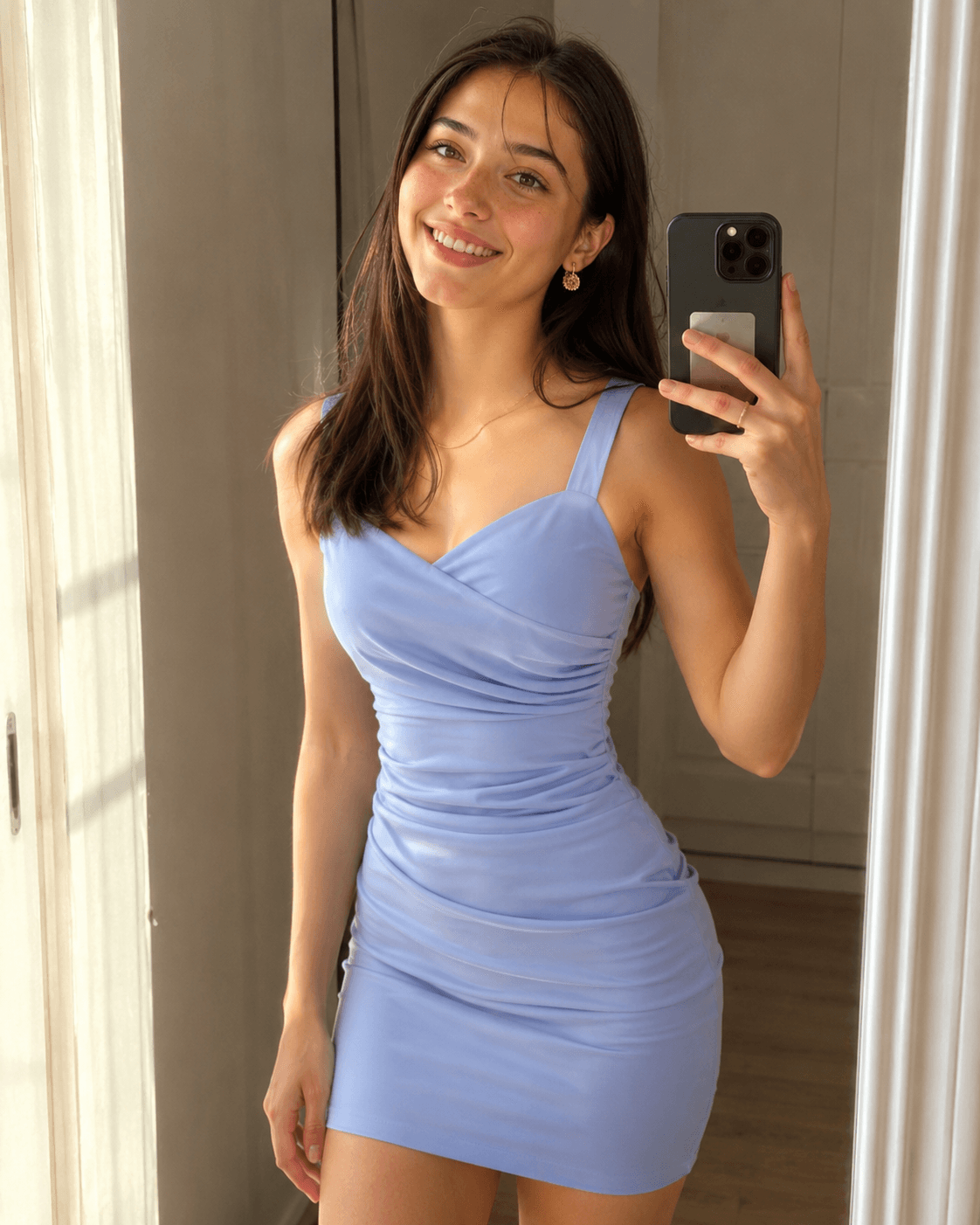
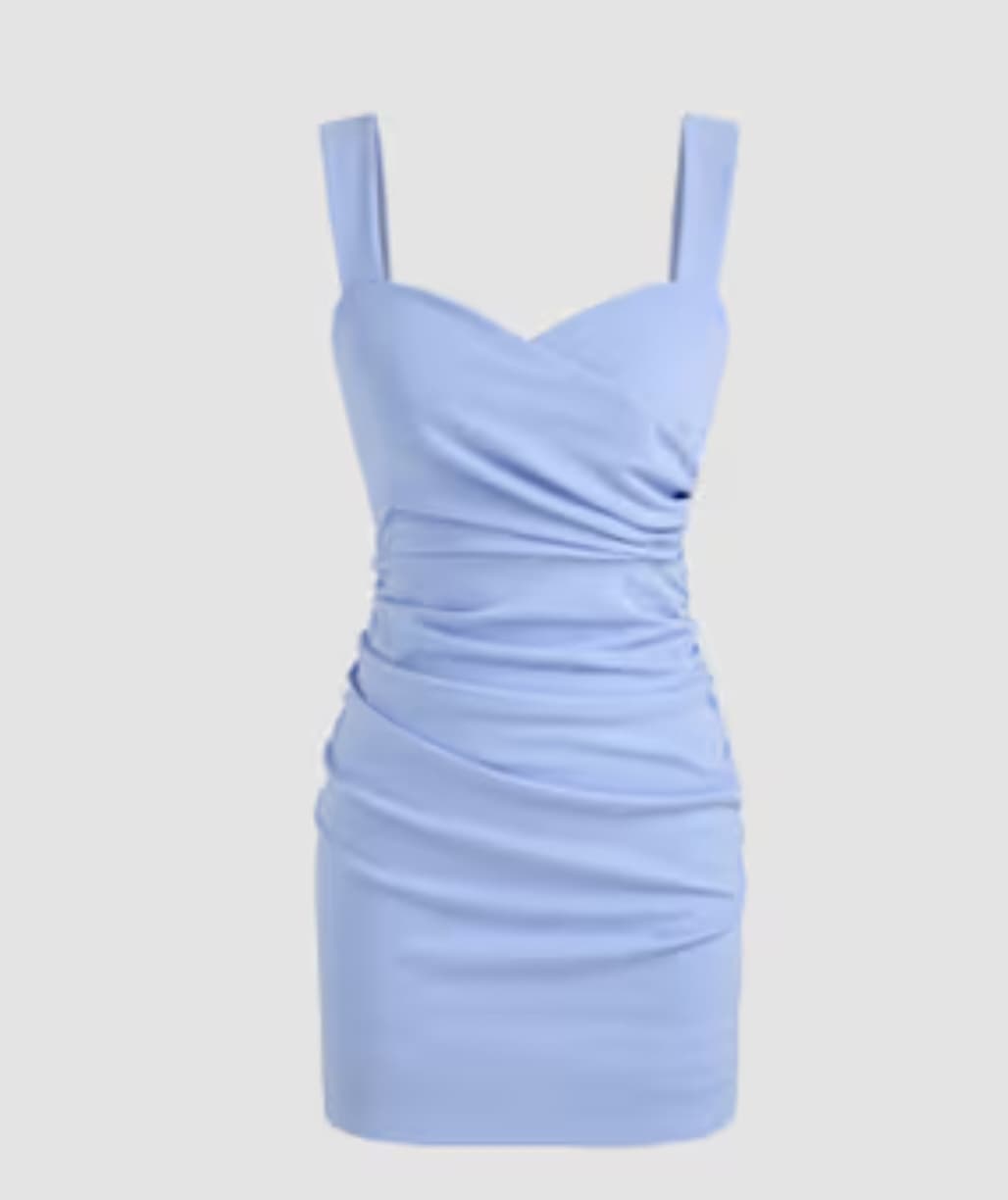
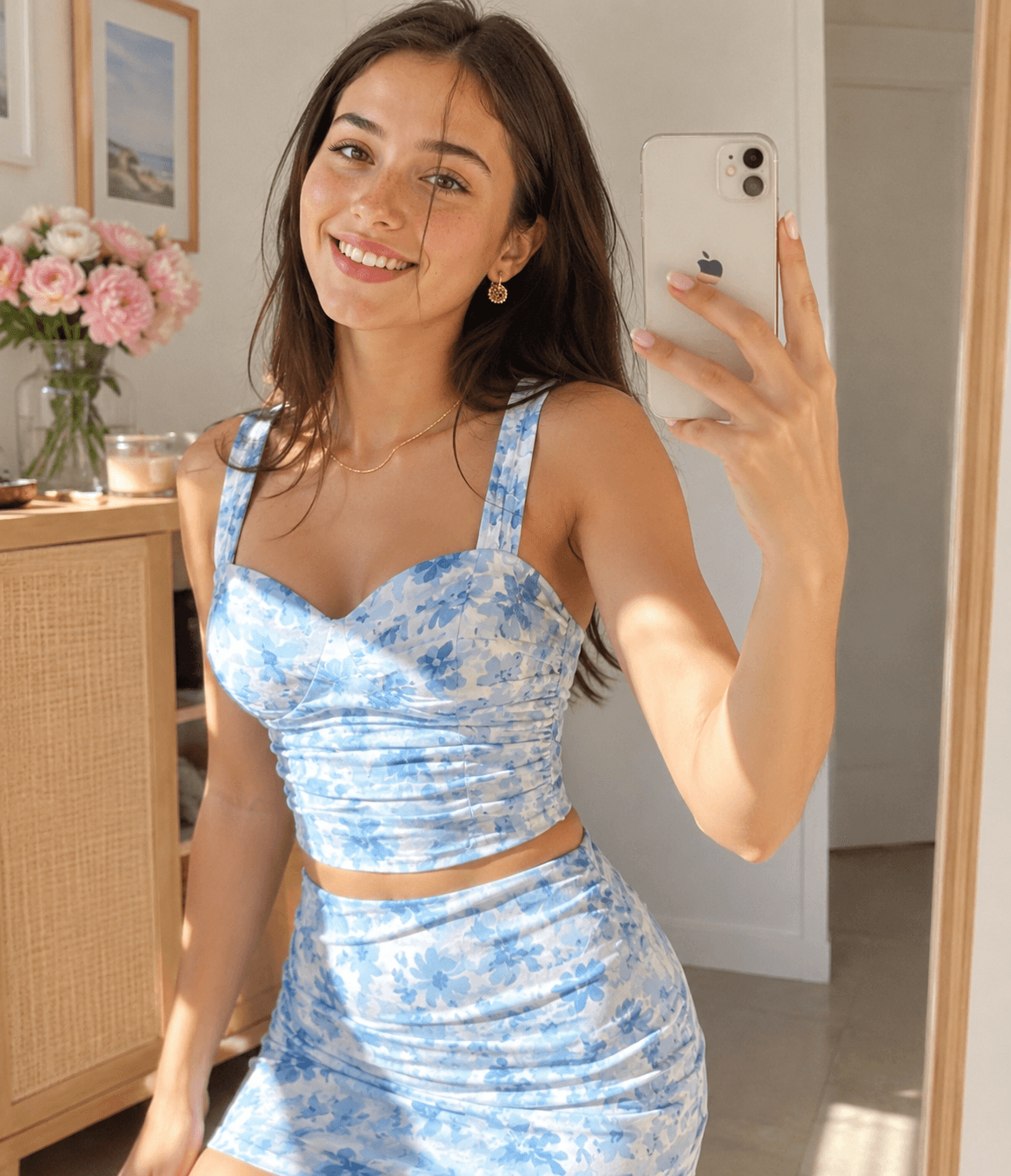
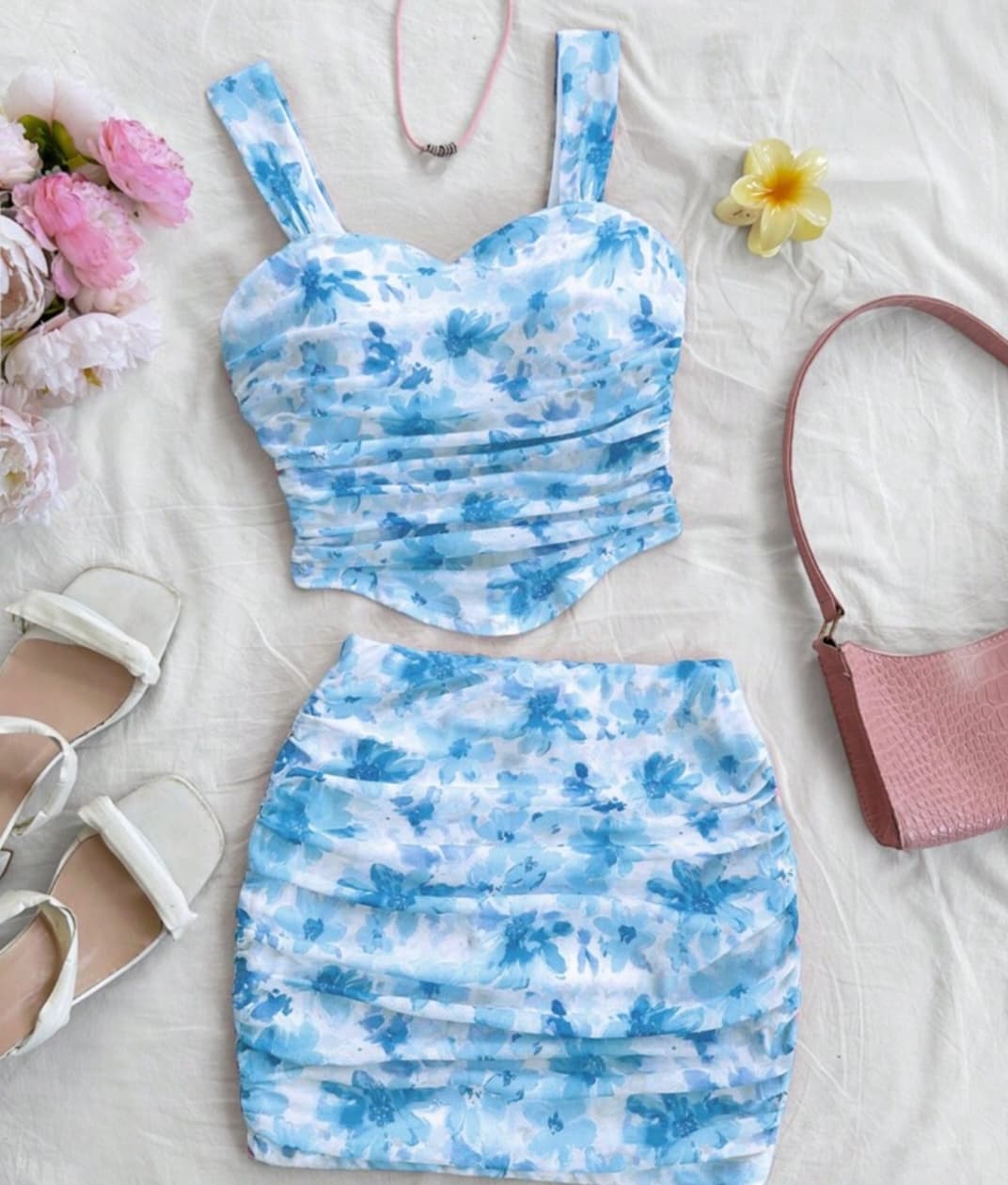
Create realistic 4K mirror selfies with face preservation and outfit swapping using AI. Perfect for fashion portraits, influencers, and social media content.
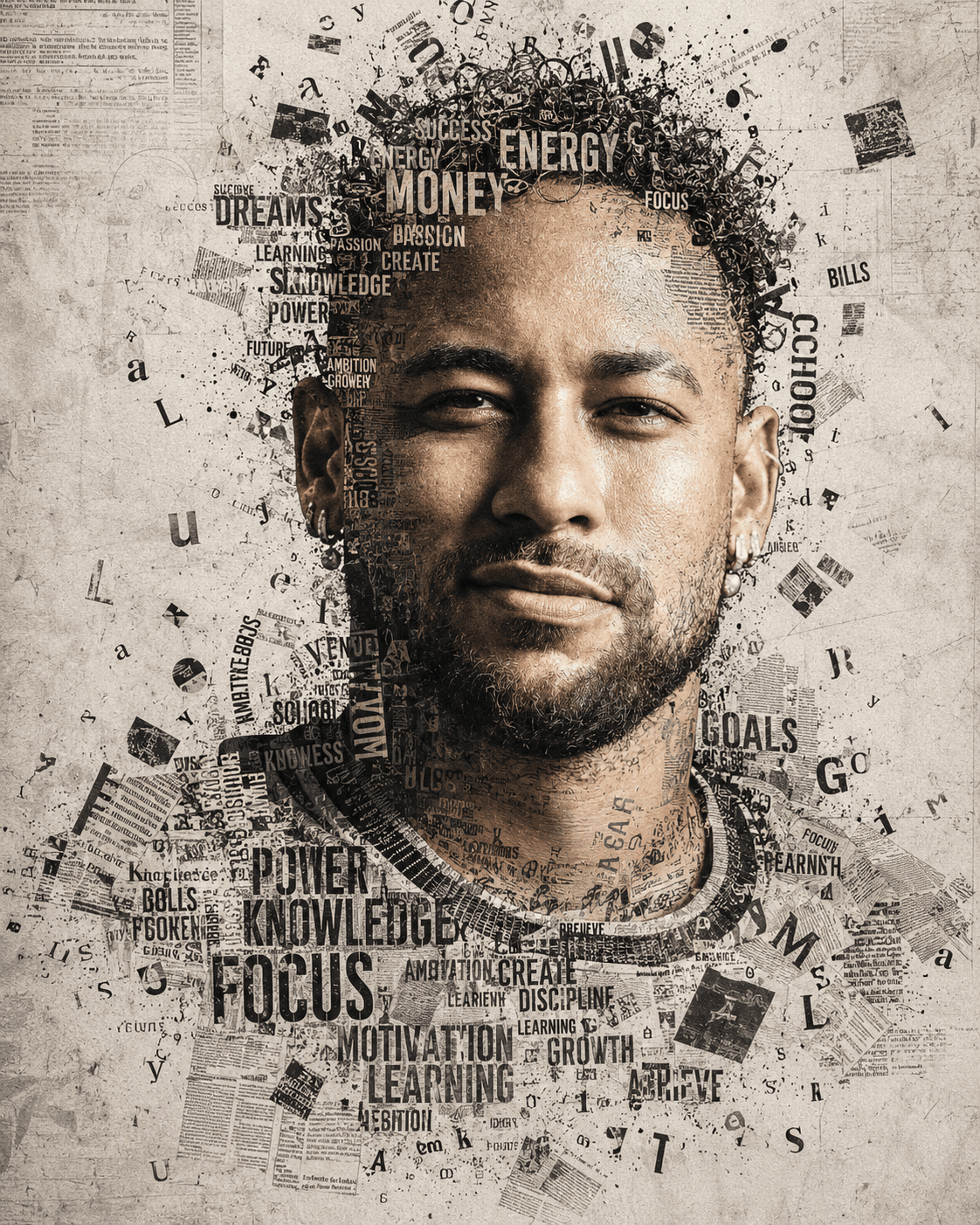
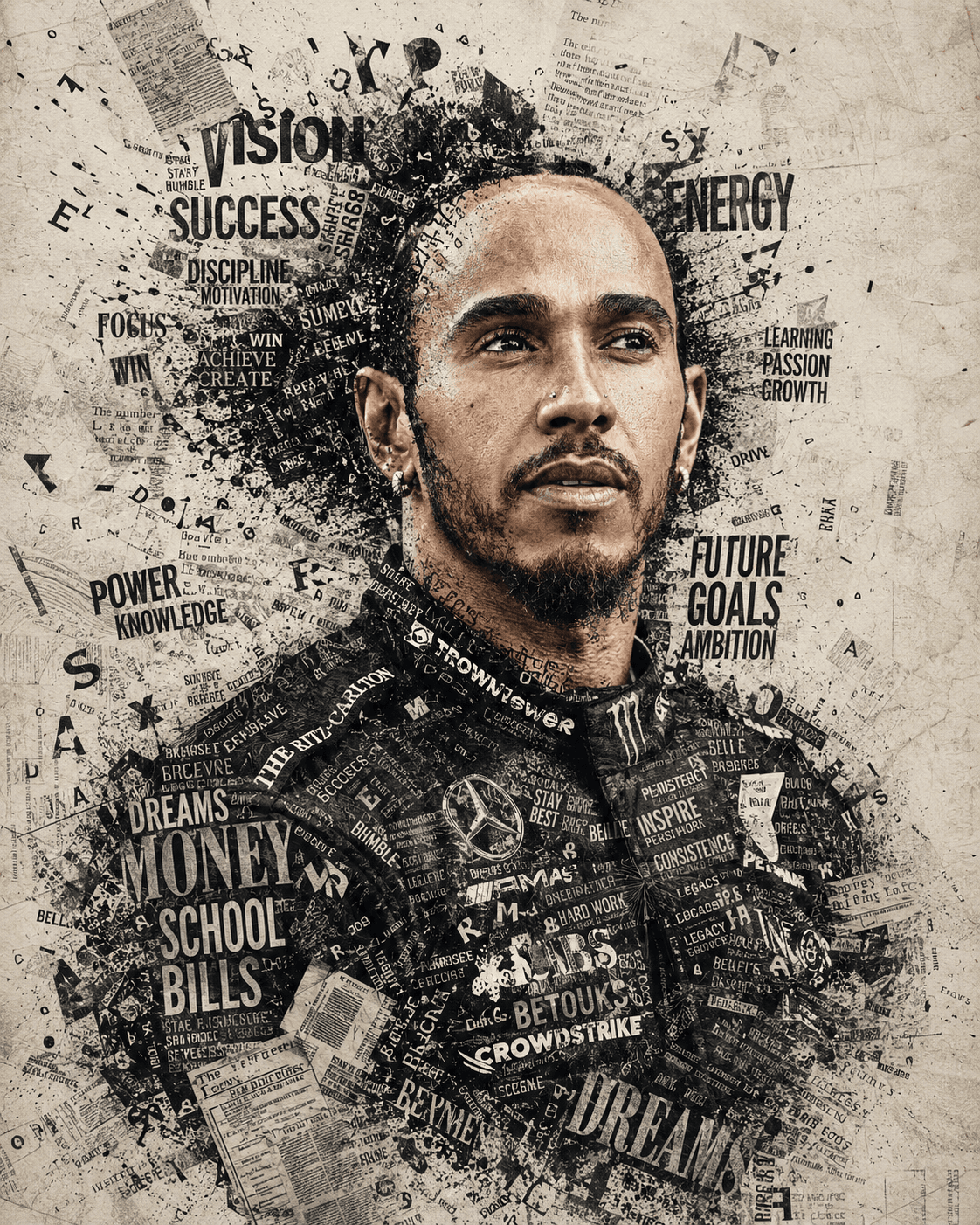
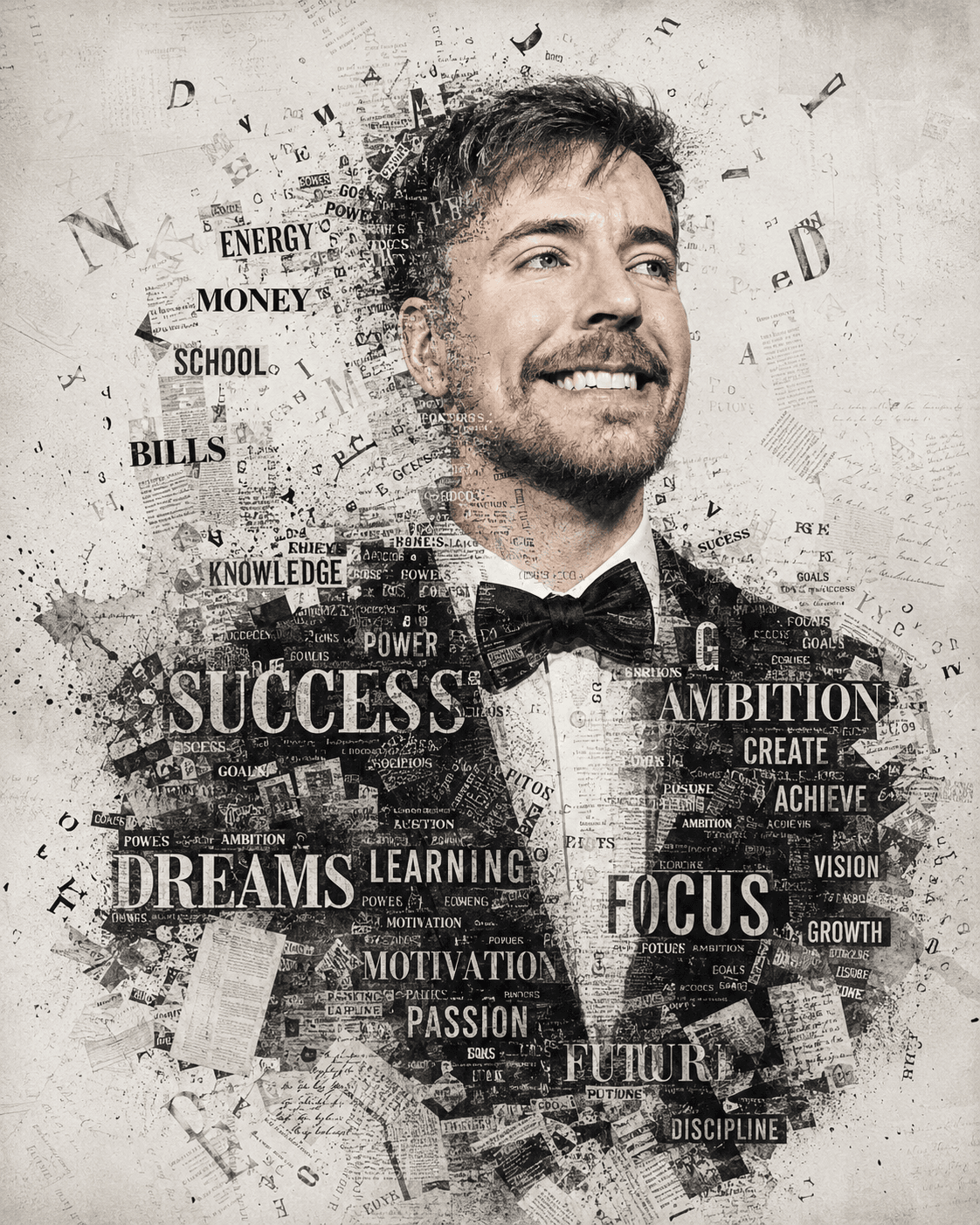

Create stunning monochrome typography portraits with this premium AI prompt. Generate realistic newspaper collage, mixed-media editorial art with ease.
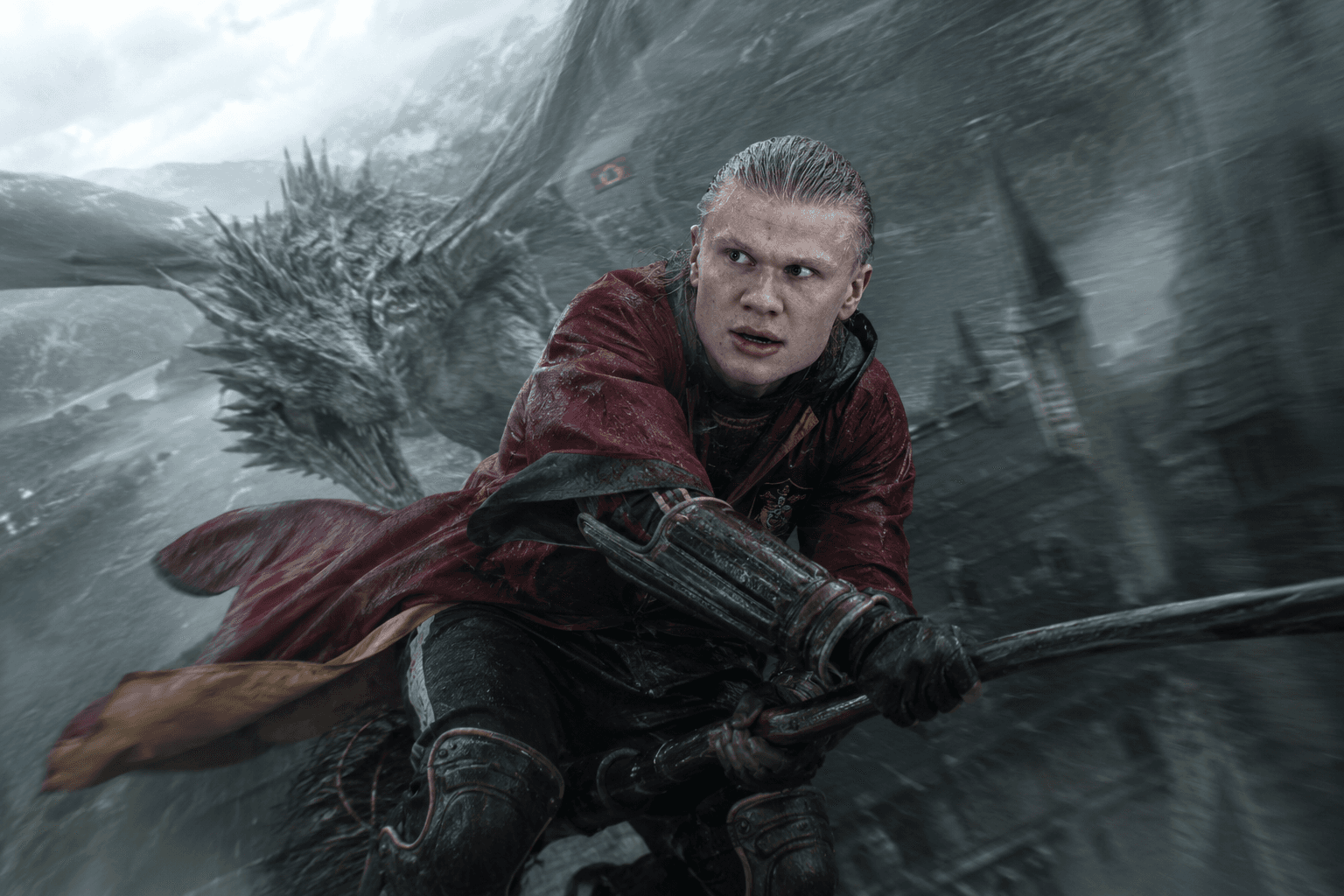
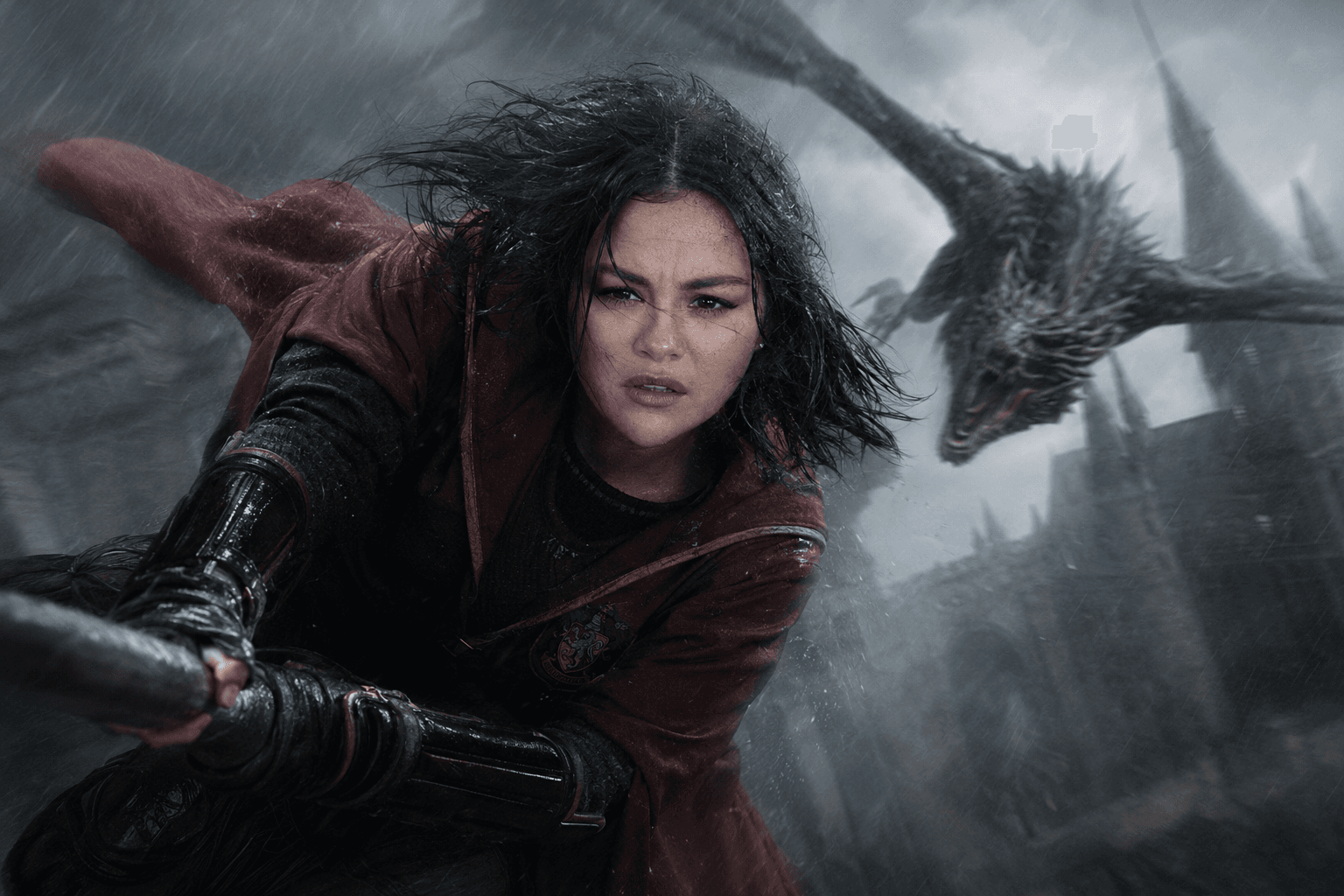
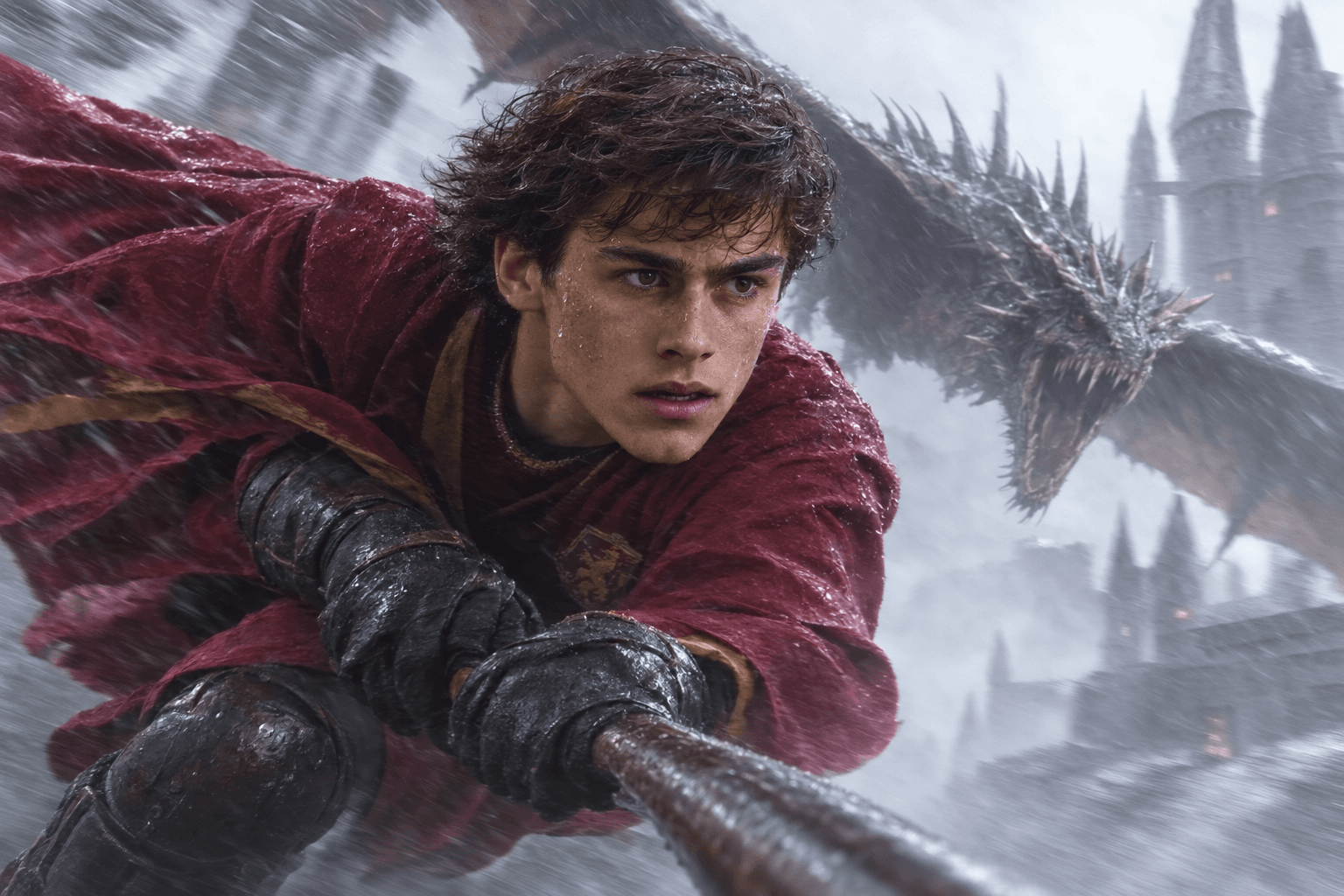
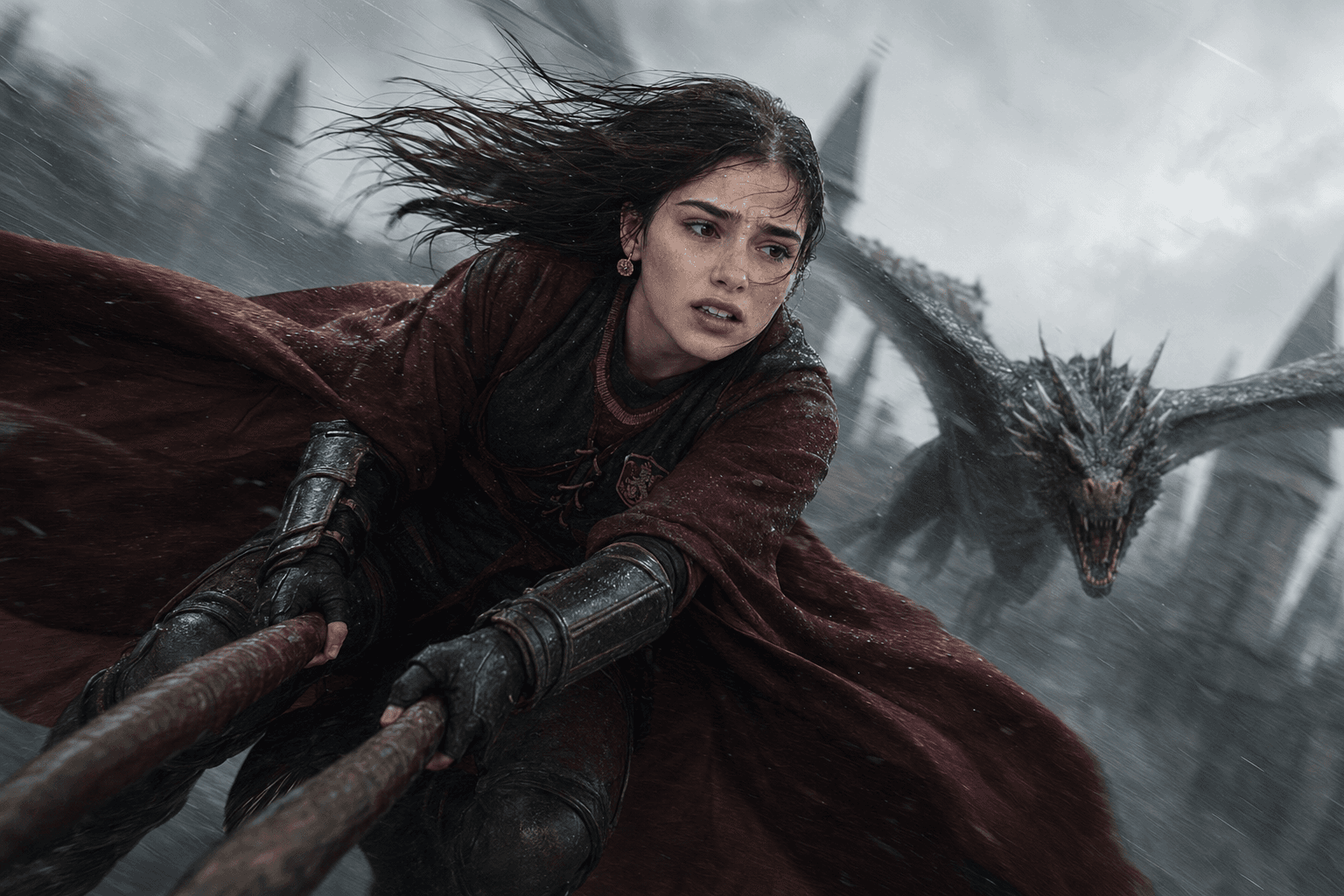
Create stunning cinematic dragon chase scenes inspired by Harry Potter with this photorealistic AI image prompt featuring identity preservation and movie-quality action.
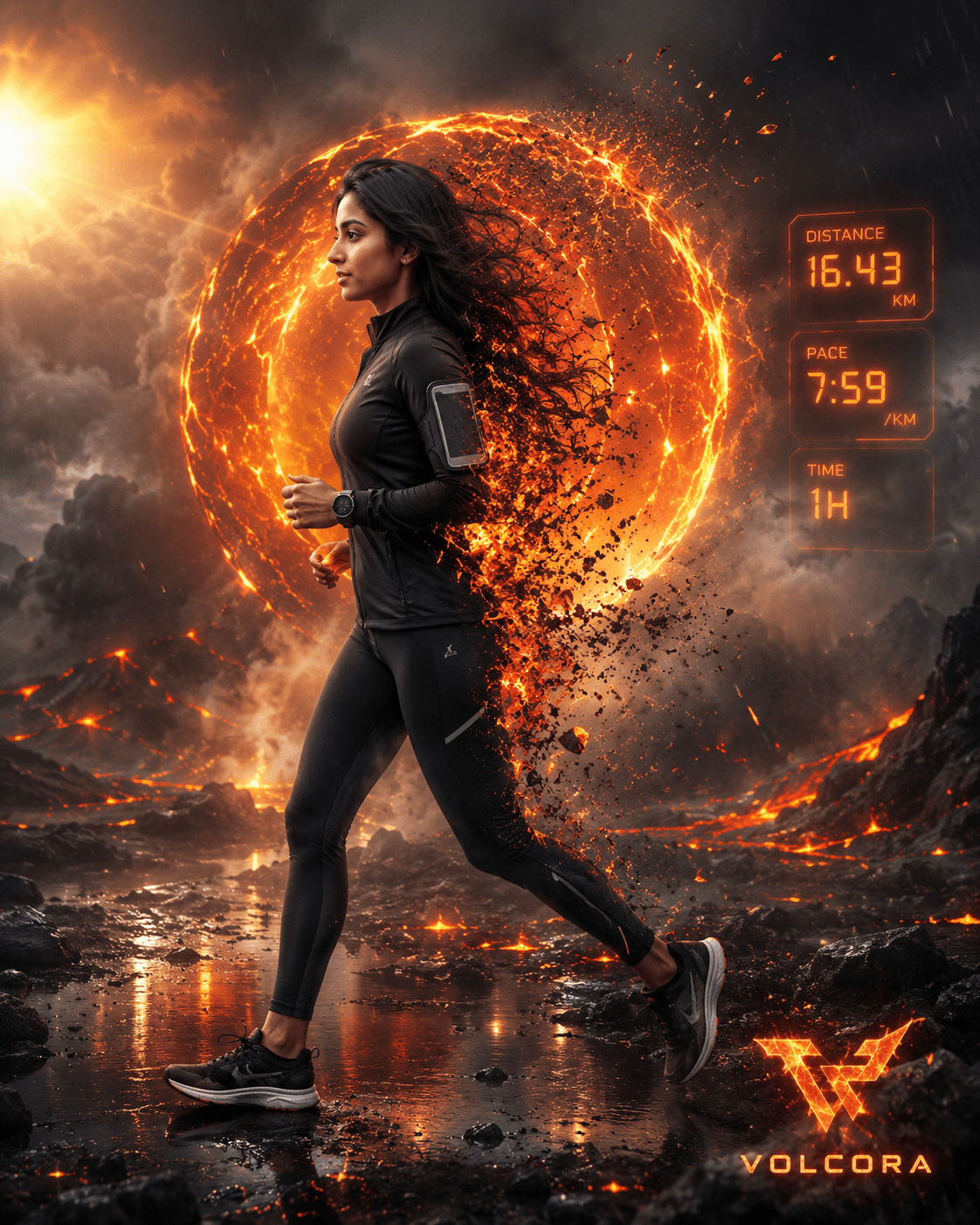


Create stunning 8K cinematic AI portraits with a floating disintegration effect, glowing embers, desert scenery, realistic lighting, and surreal photorealism.
About the library
EnterPrompt is a free prompt library for creators who work with AI image and video tools. Every entry is a complete, ready-to-use prompt shown next to the result it produced, so you can see the style before you spend a generation on it.
Prompts are grouped into collections — portraits, product shots, social posts, cinematic edits, and restoration work among them — and each one lists the model it was tested on. That matters more than it sounds: the same wording behaves differently across tools, and knowing which model produced the example saves you the guesswork.
Nothing here is locked behind an account. Copy a prompt, paste it into your tool of choice, add your own reference image where the template calls for one, and adjust from there. The prompts are free to use for personal and commercial work alike.
New collections are added regularly as styles change, so it is worth checking back rather than bookmarking a single page.
How To Use
Start with the base prompt as written, then personalize it after you see the first result.
Copy the prompt
Start with the original wording first so you can see the intended output before making changes.
Go to model mentioned below
Open the recommended model first so the prompt behaves the way this template expects.
Paste prompt with 1 or 2 images
Add your reference images if needed, then refine the output after the first generation.