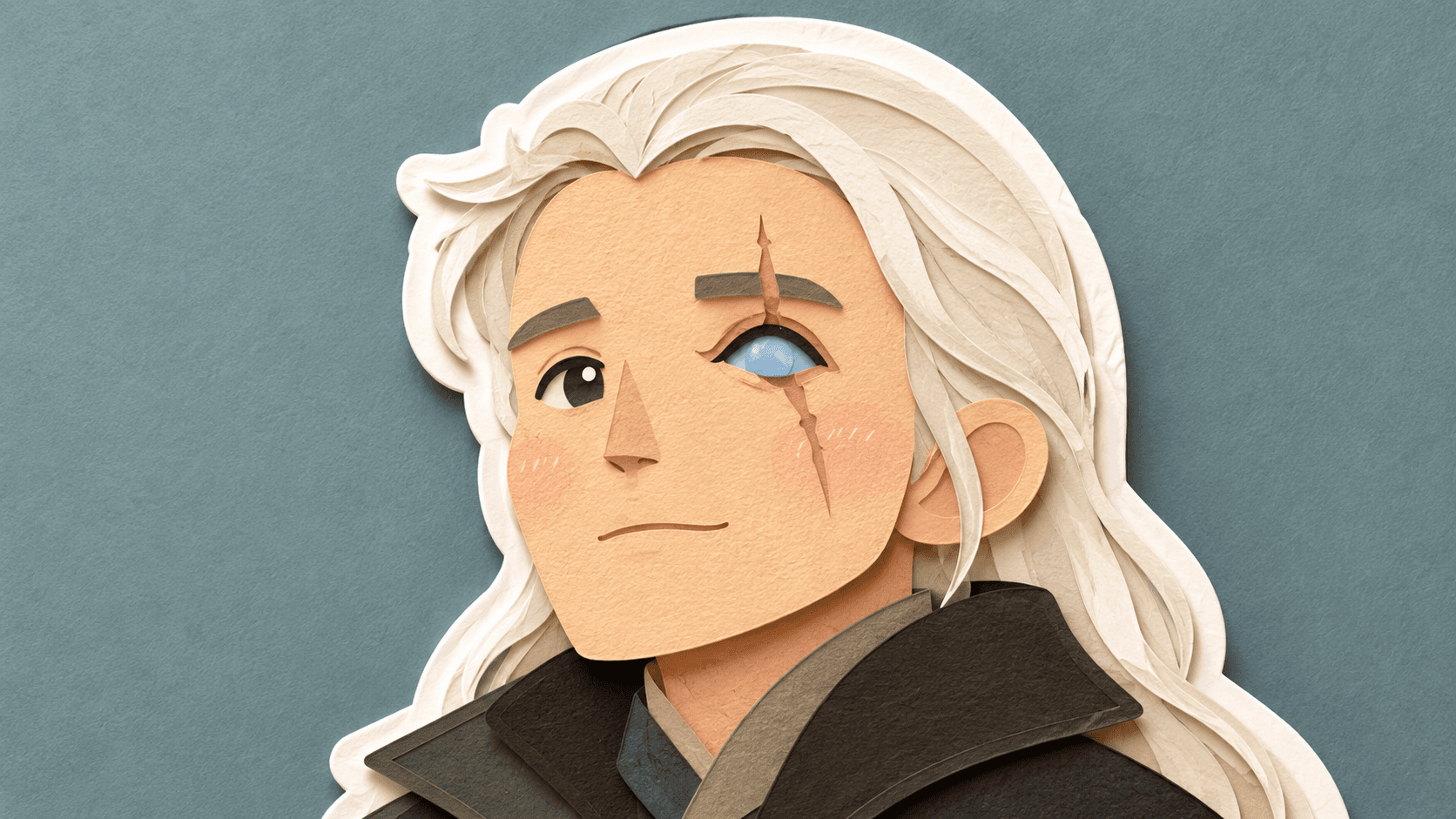
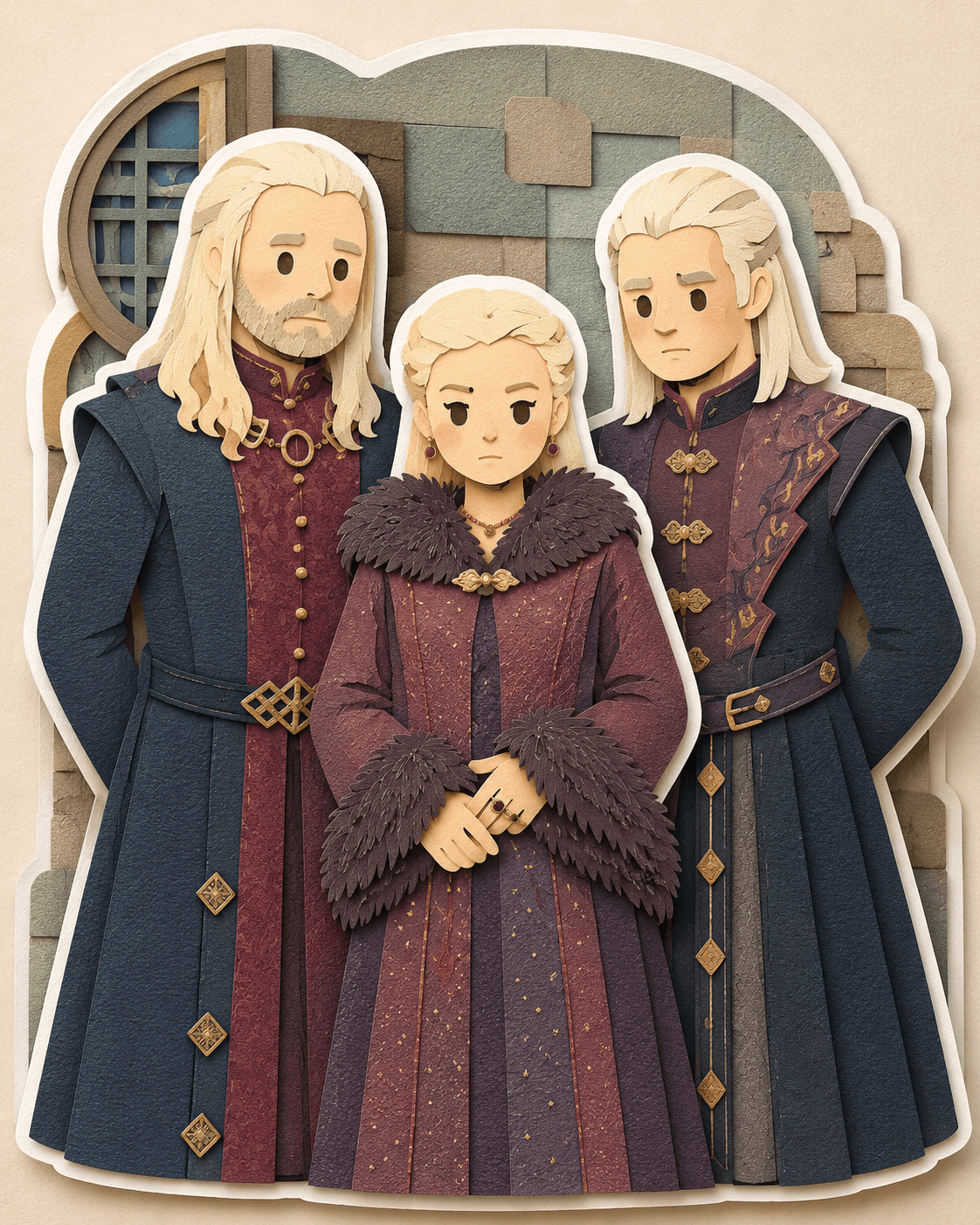
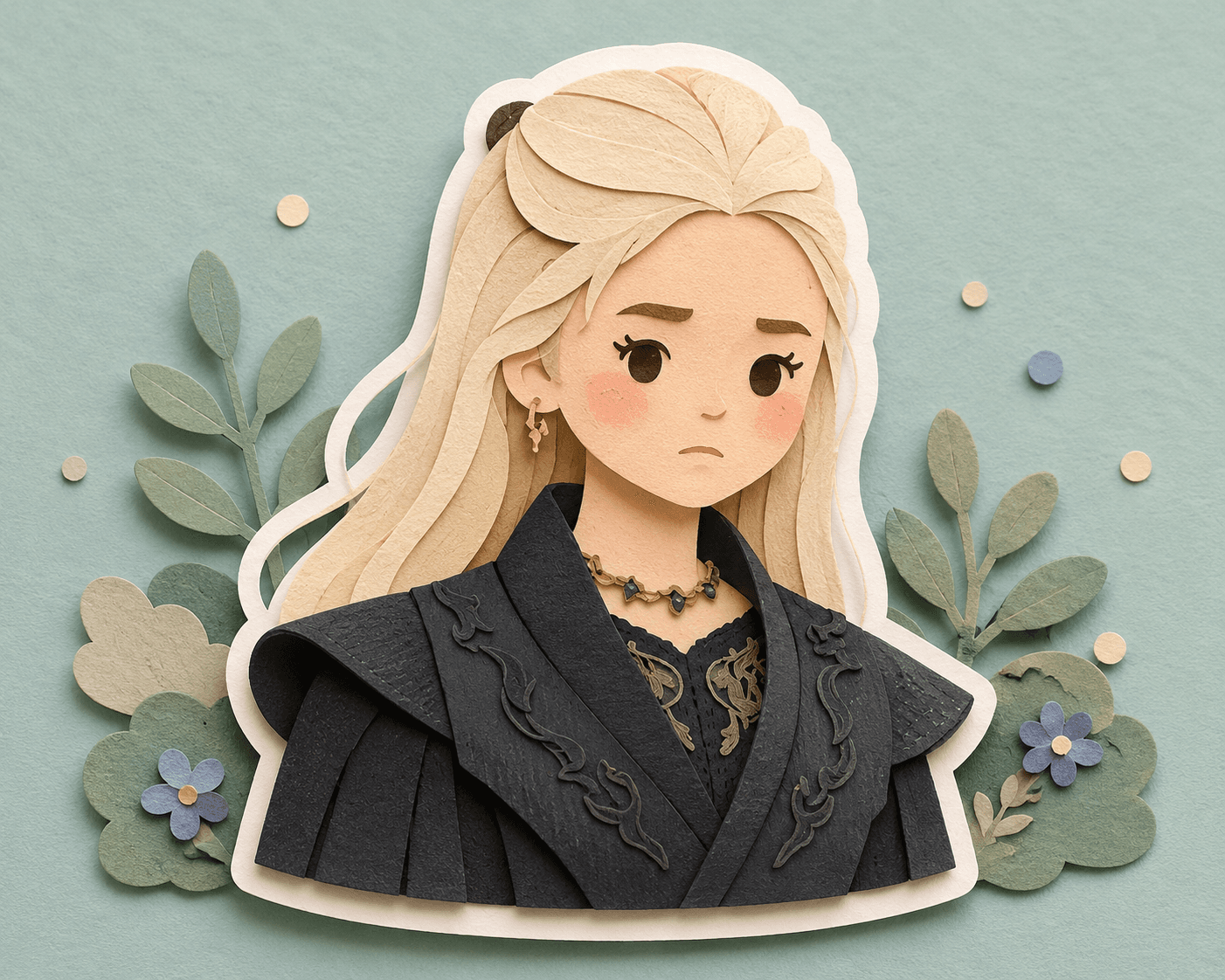

Papercut Layered Portrait AI Prompt | Paper Craft Illustration
Convert portraits into charming layered papercut illustrations with soft pastel colors, sticker outlines, paper textures, and handcrafted diorama effects using AI.
Loading
Almost there.
Find free AI photo prompts for Gemini and ChatGPT on EnterPrompt. Create high-quality AI-generated images including couple photos, portraits, artistic edits, and viral styles with optimized, ready-to-use prompts.
Convert portraits into charming layered papercut illustrations with soft pastel colors, sticker outlines, paper textures, and handcrafted diorama effects using AI.
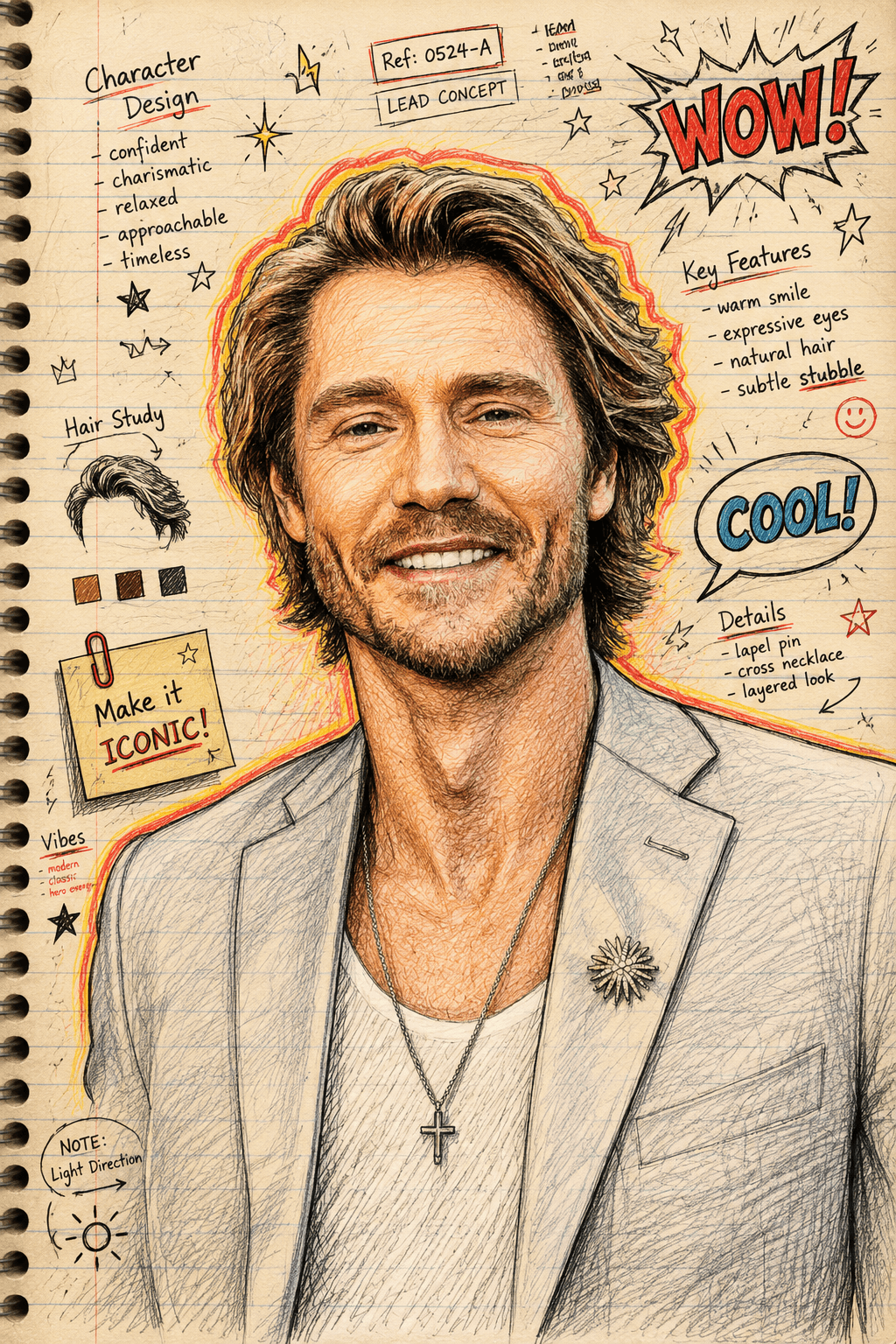
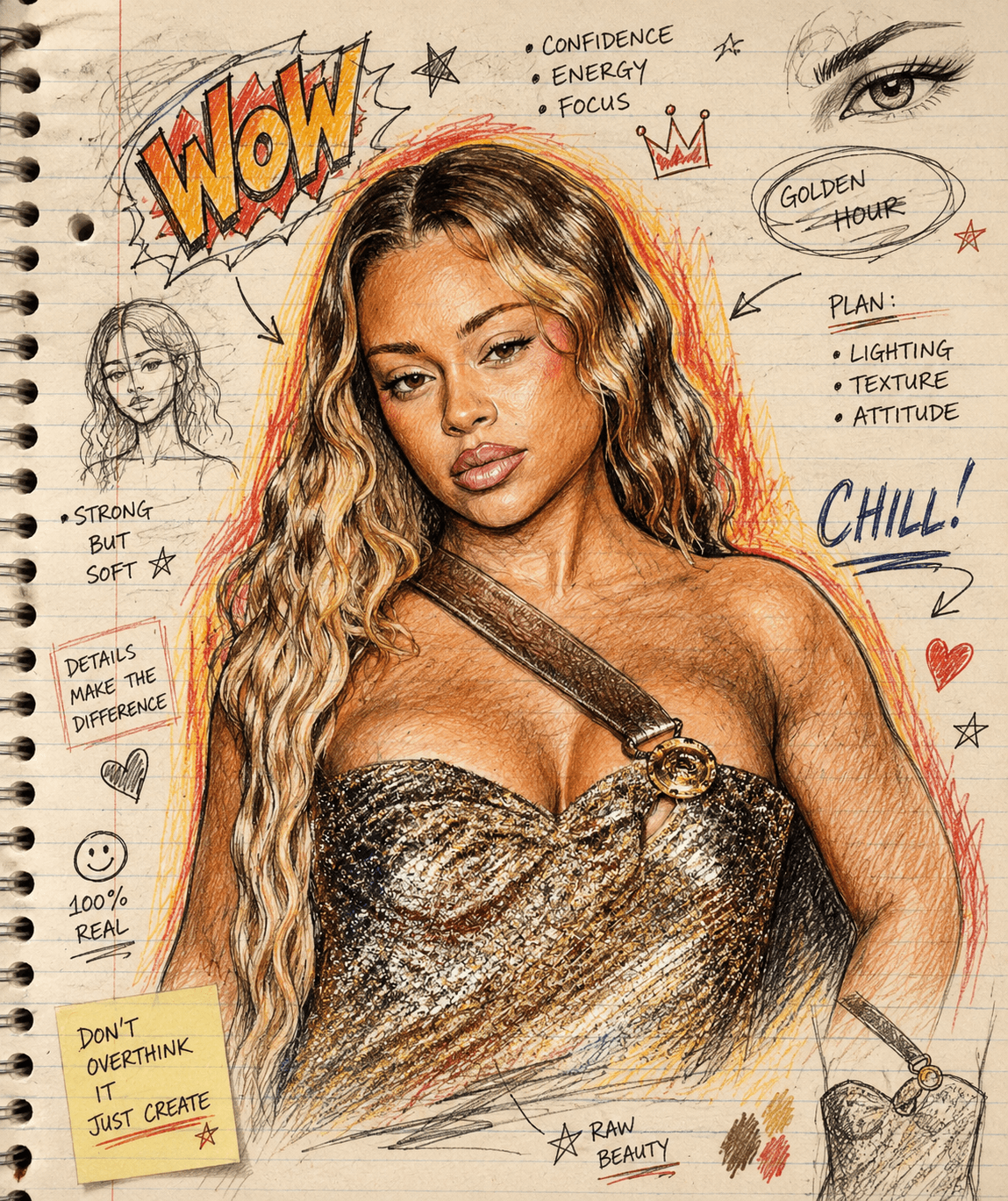
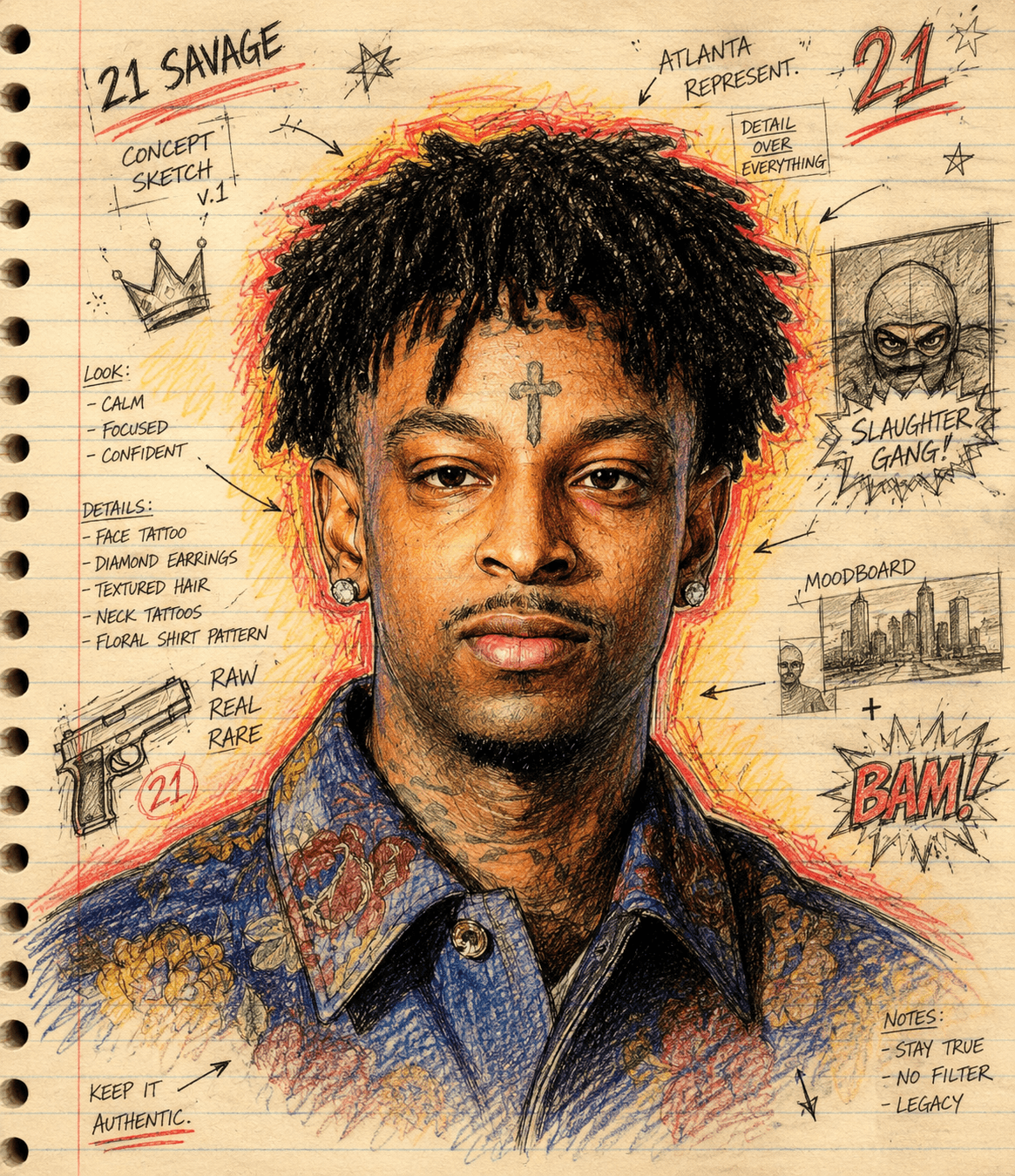
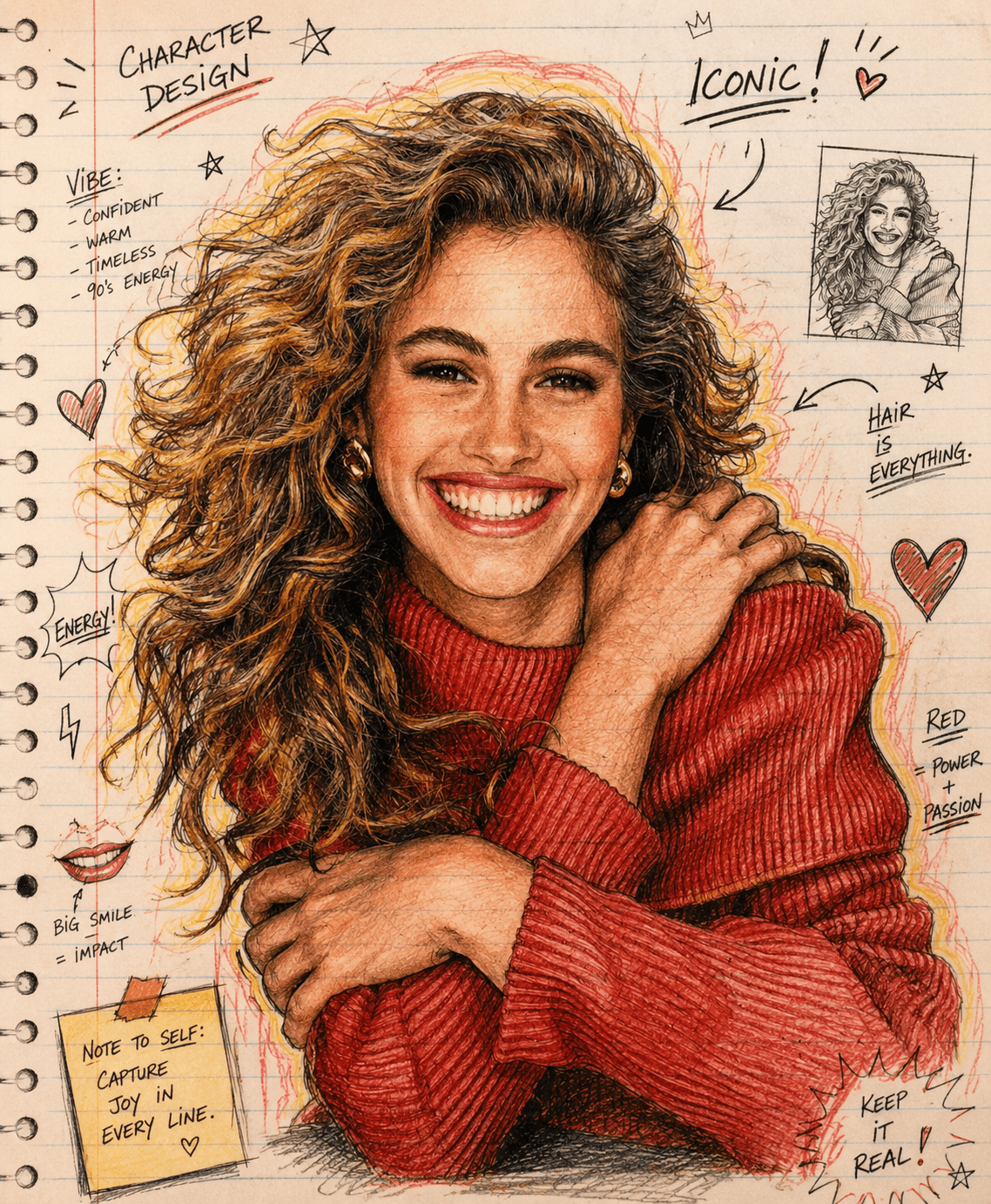
Turn portraits into hand-drawn sketchbook illustrations with colored pencil, ink shading, notebook paper, comic doodles, and concept art details.
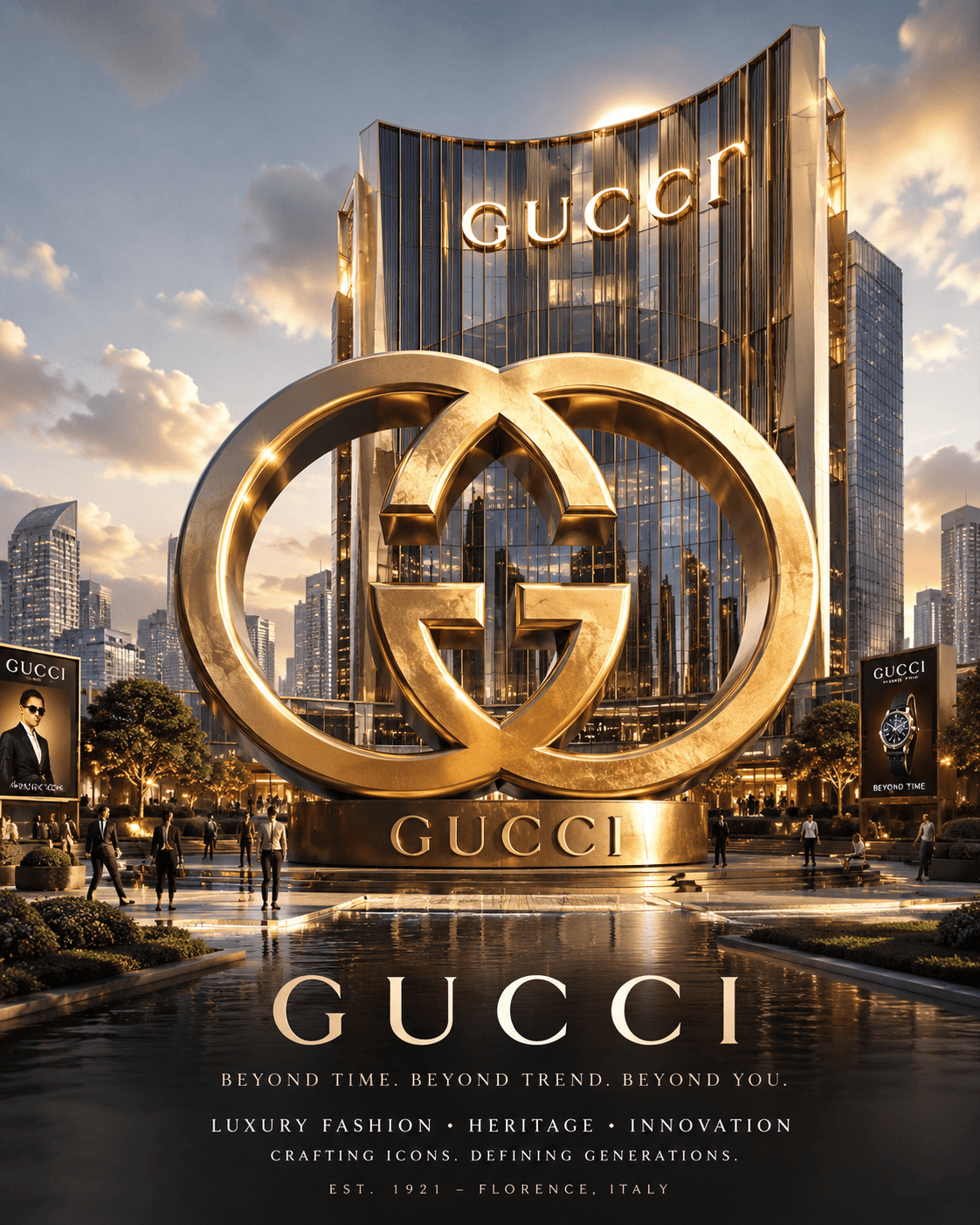
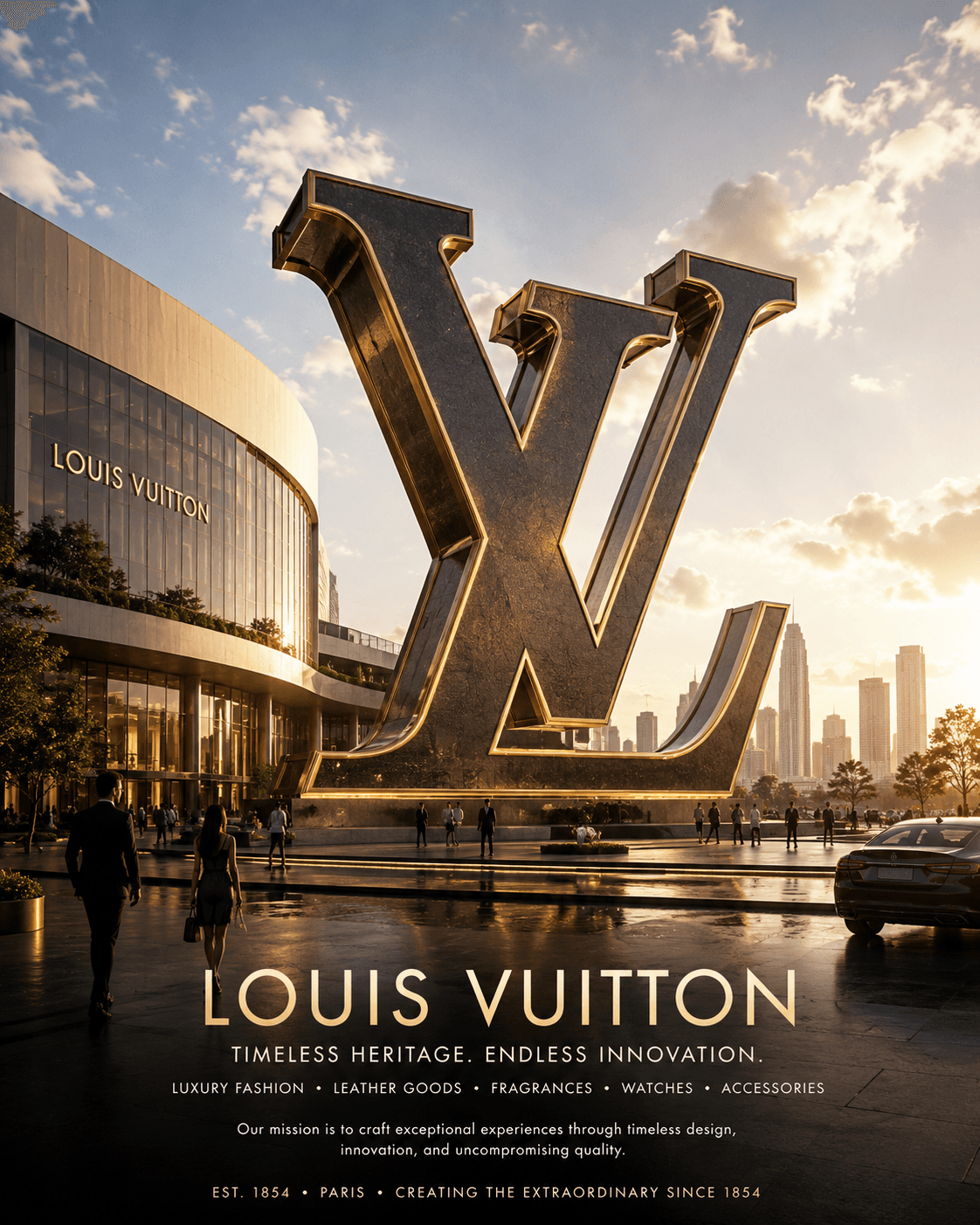
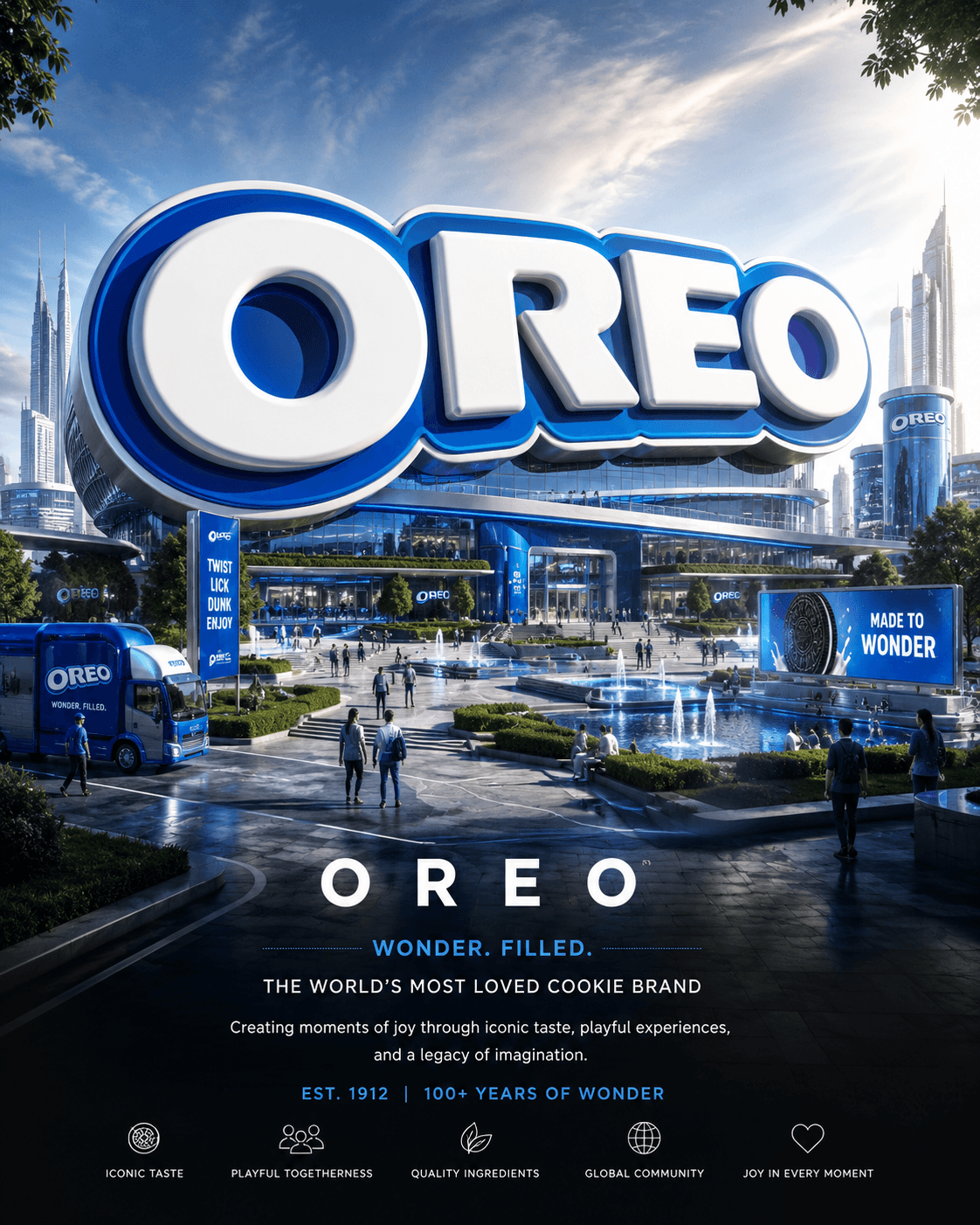
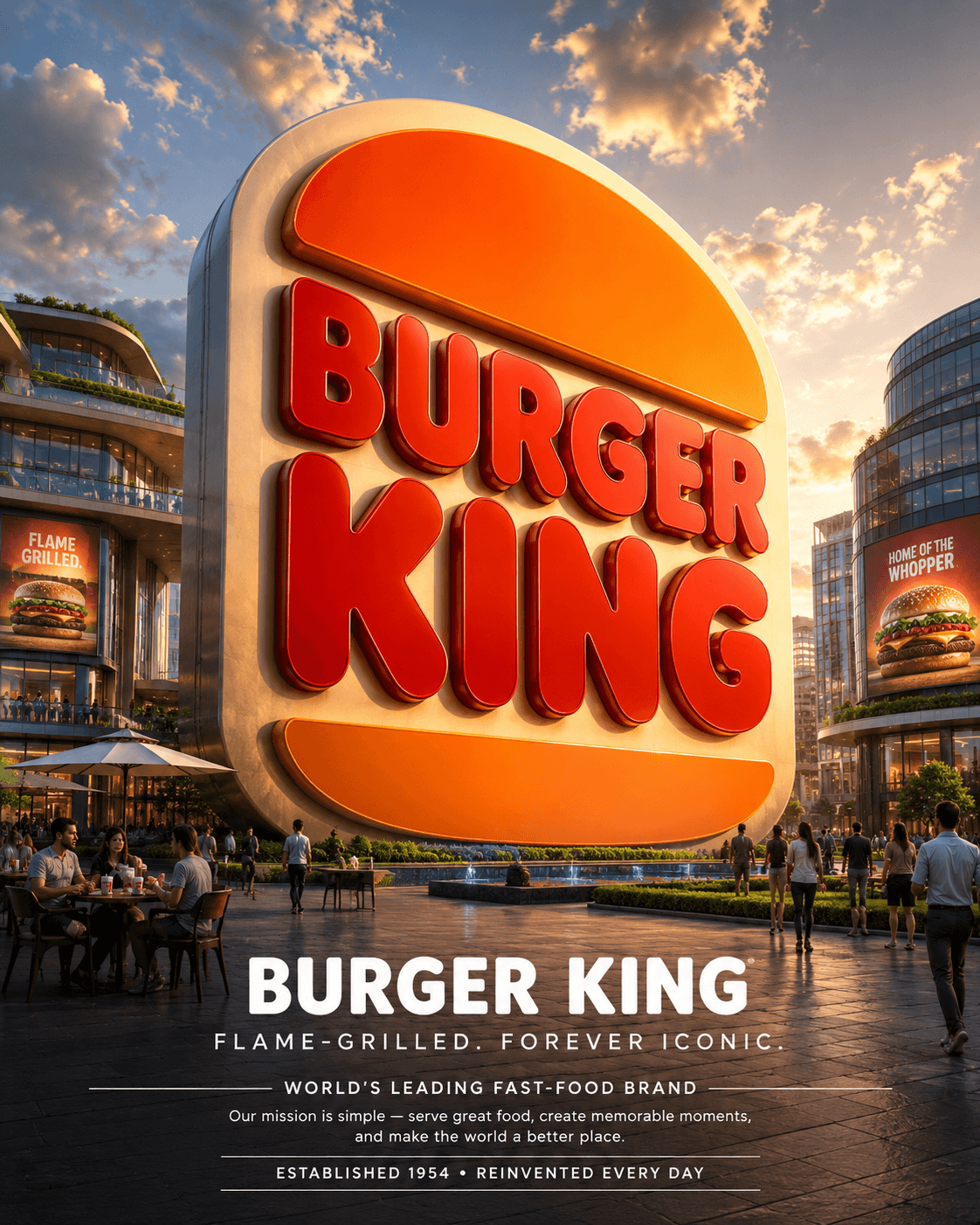
Create stunning 3D logo monuments from any logo with this AI prompt. Generate luxury brand identities, cinematic architecture, premium materials, and photorealistic visuals automatically. Alternative: Transform any logo into a monumental 3D brand masterpiece with AI. Generate luxury branding, cinematic environments, architectural storytelling, and premium marketing visuals.
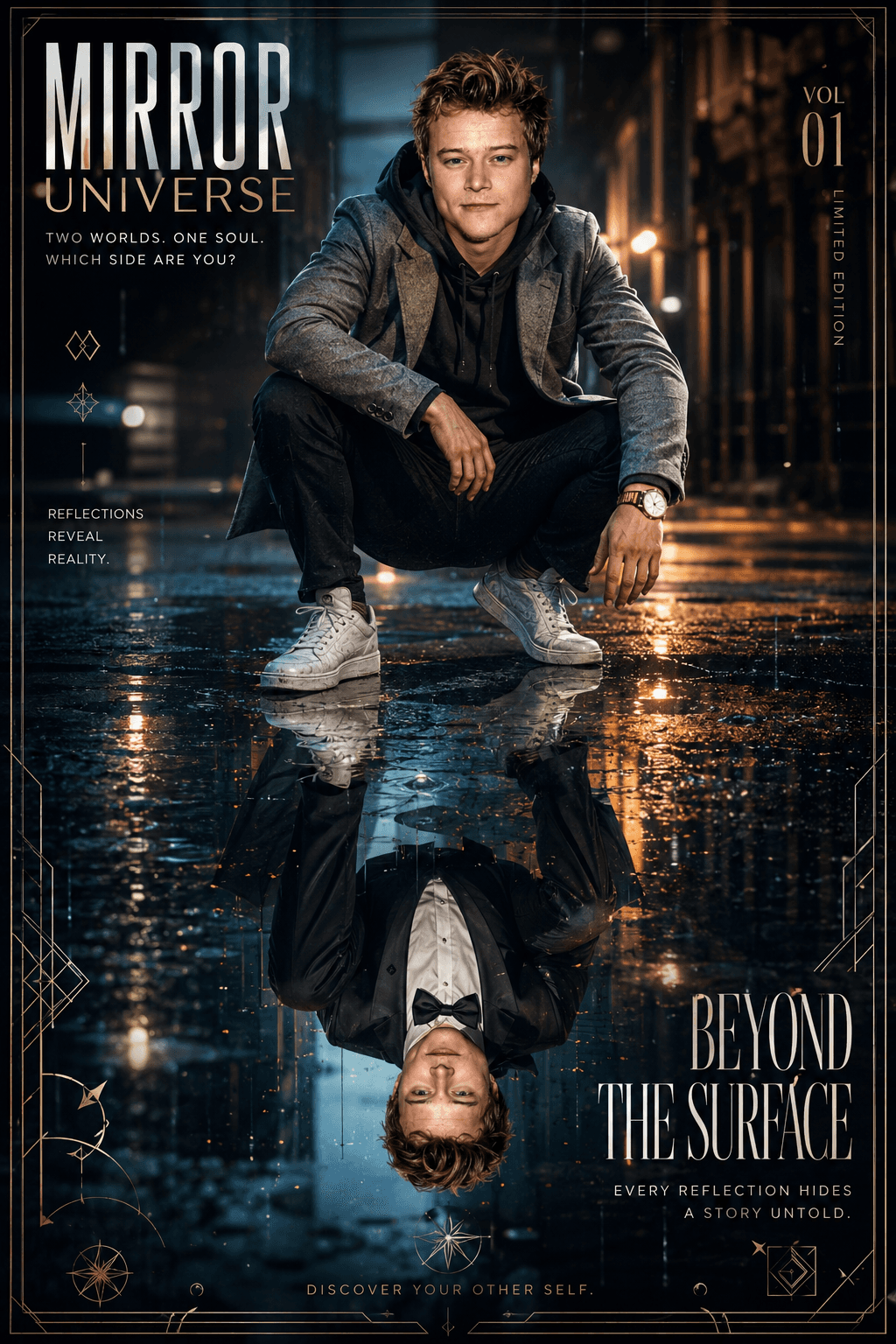
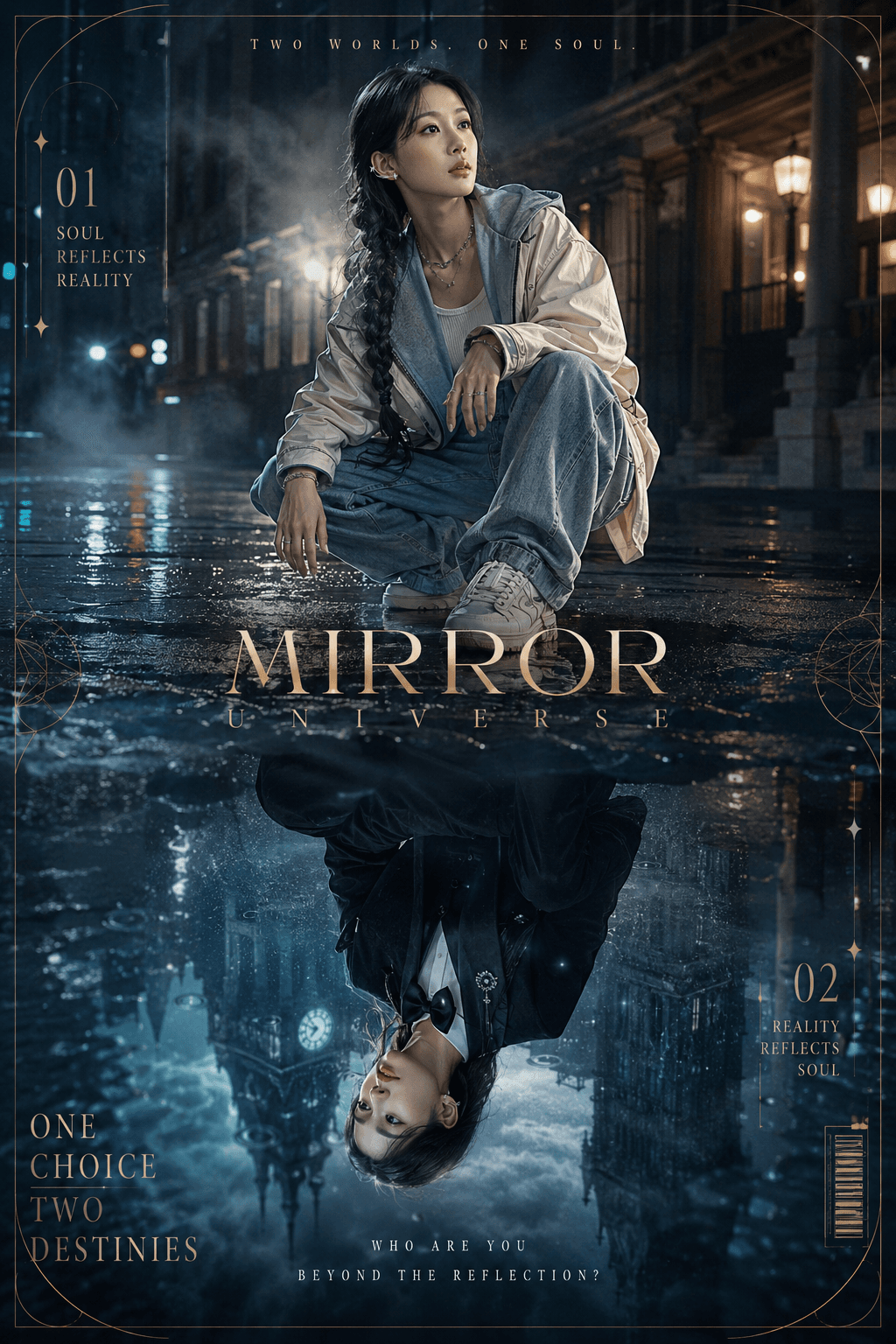
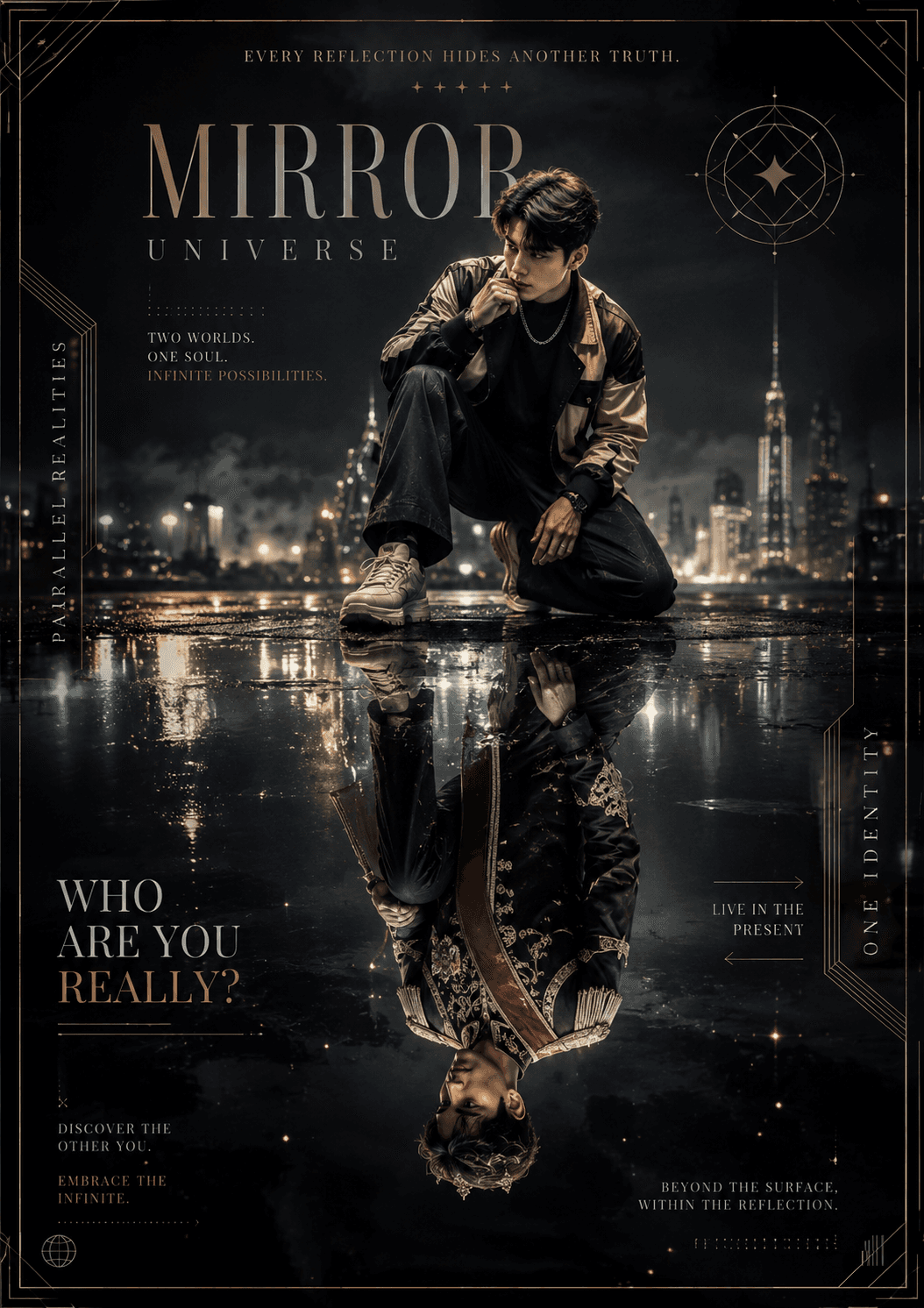
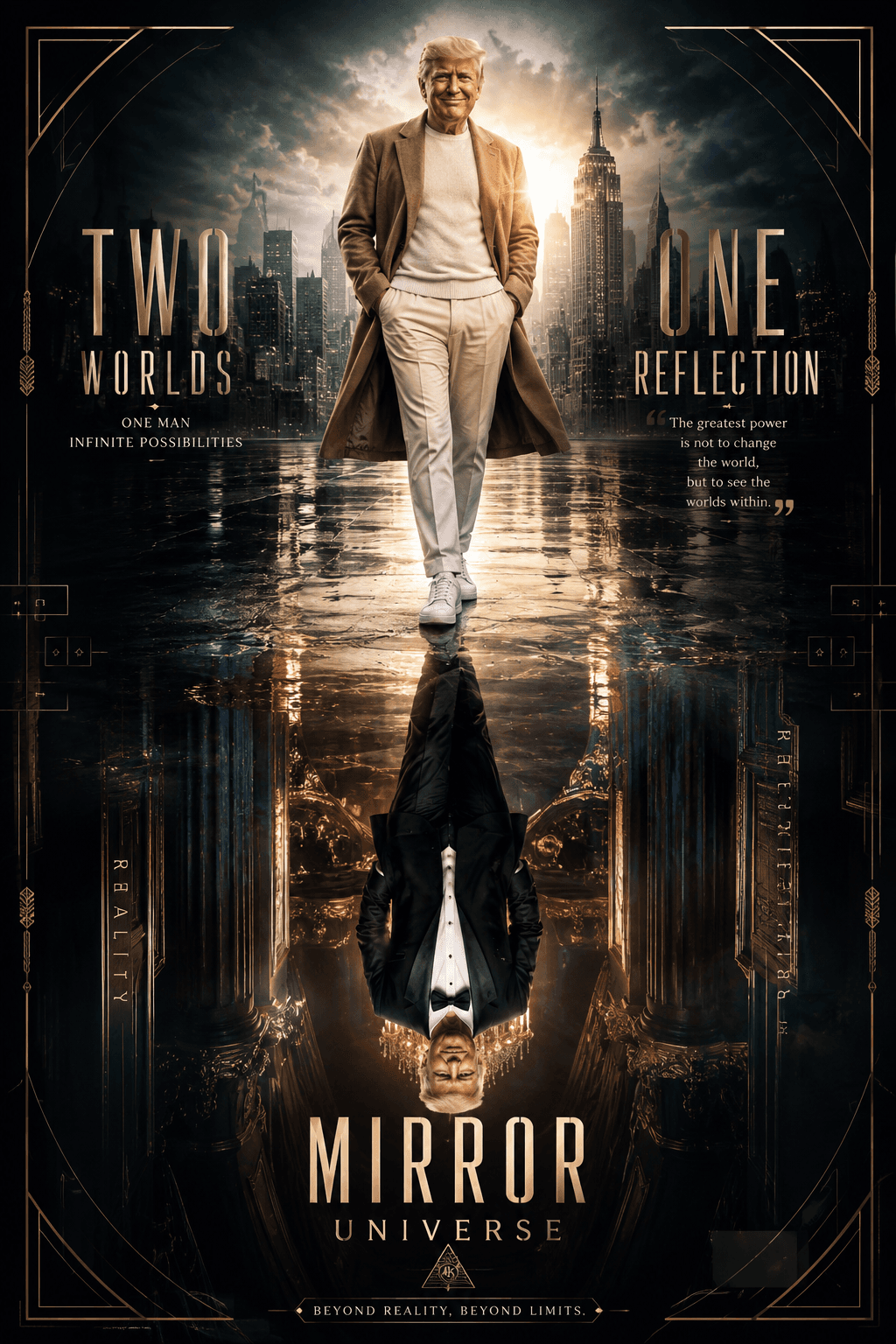
Create stunning 8K cinematic mirror universe posters with surreal reflection effects, luxury fashion styling, dramatic lighting, rain-soaked environments, premium typography, and ultra-realistic editorial aesthetics using this professional AI image prompt.
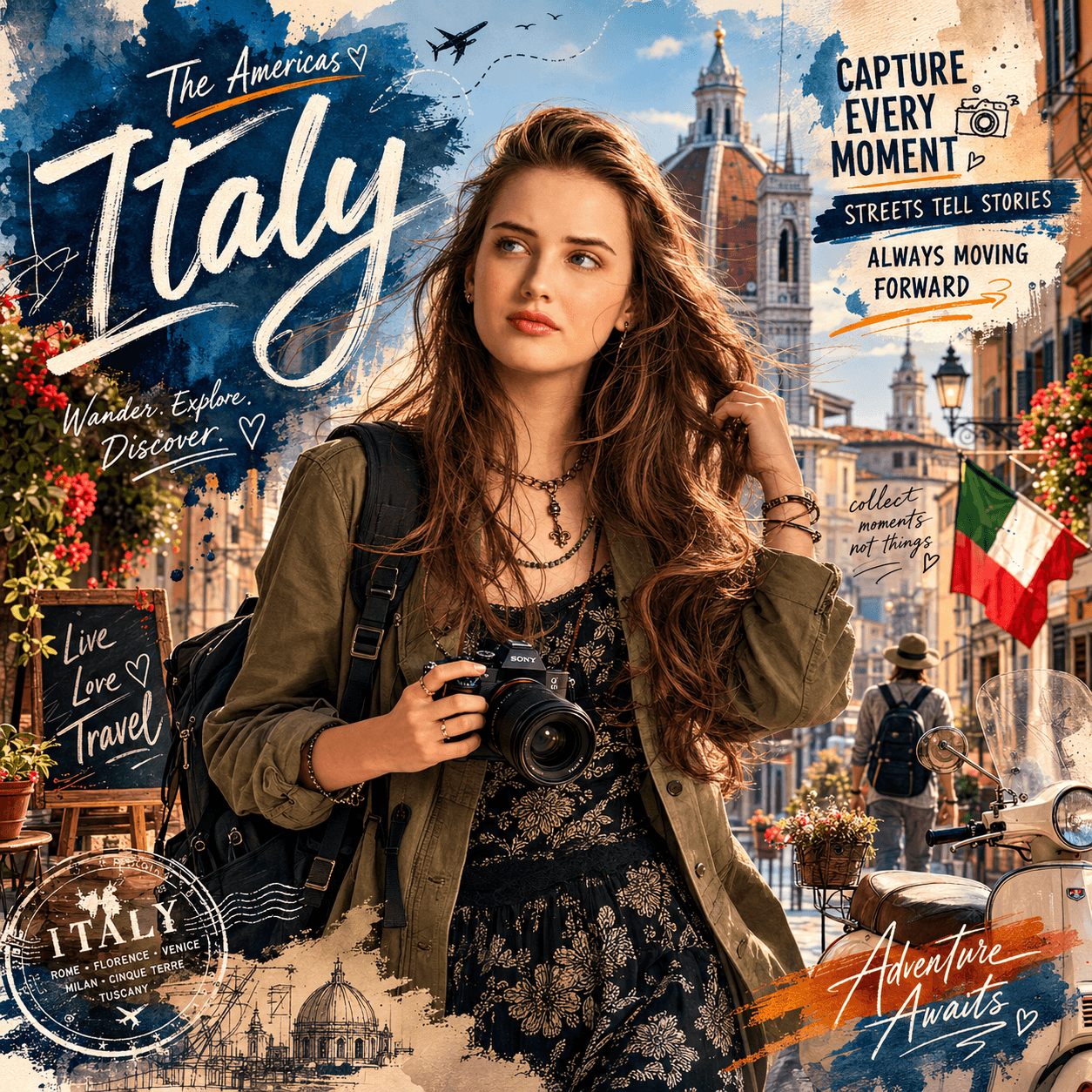
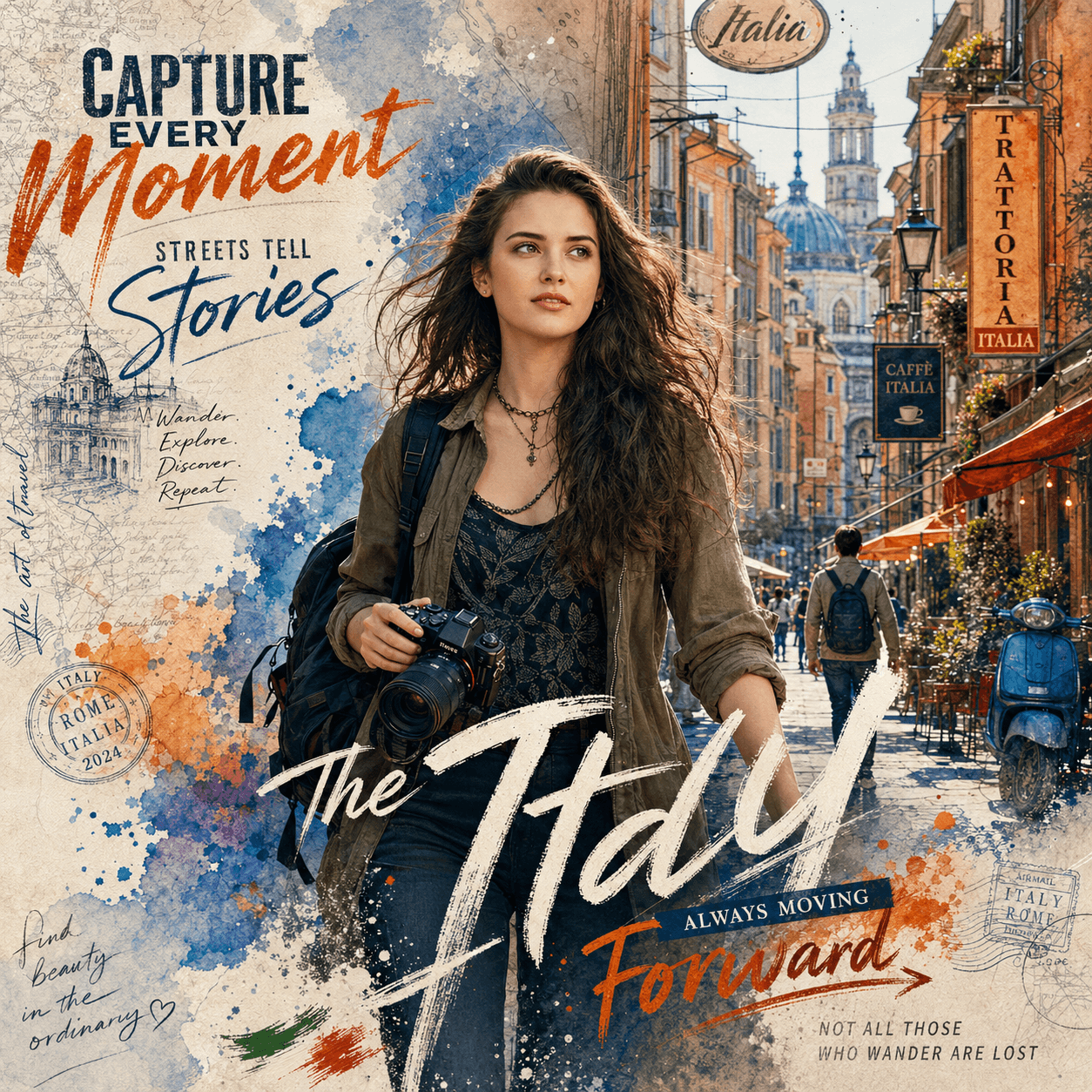
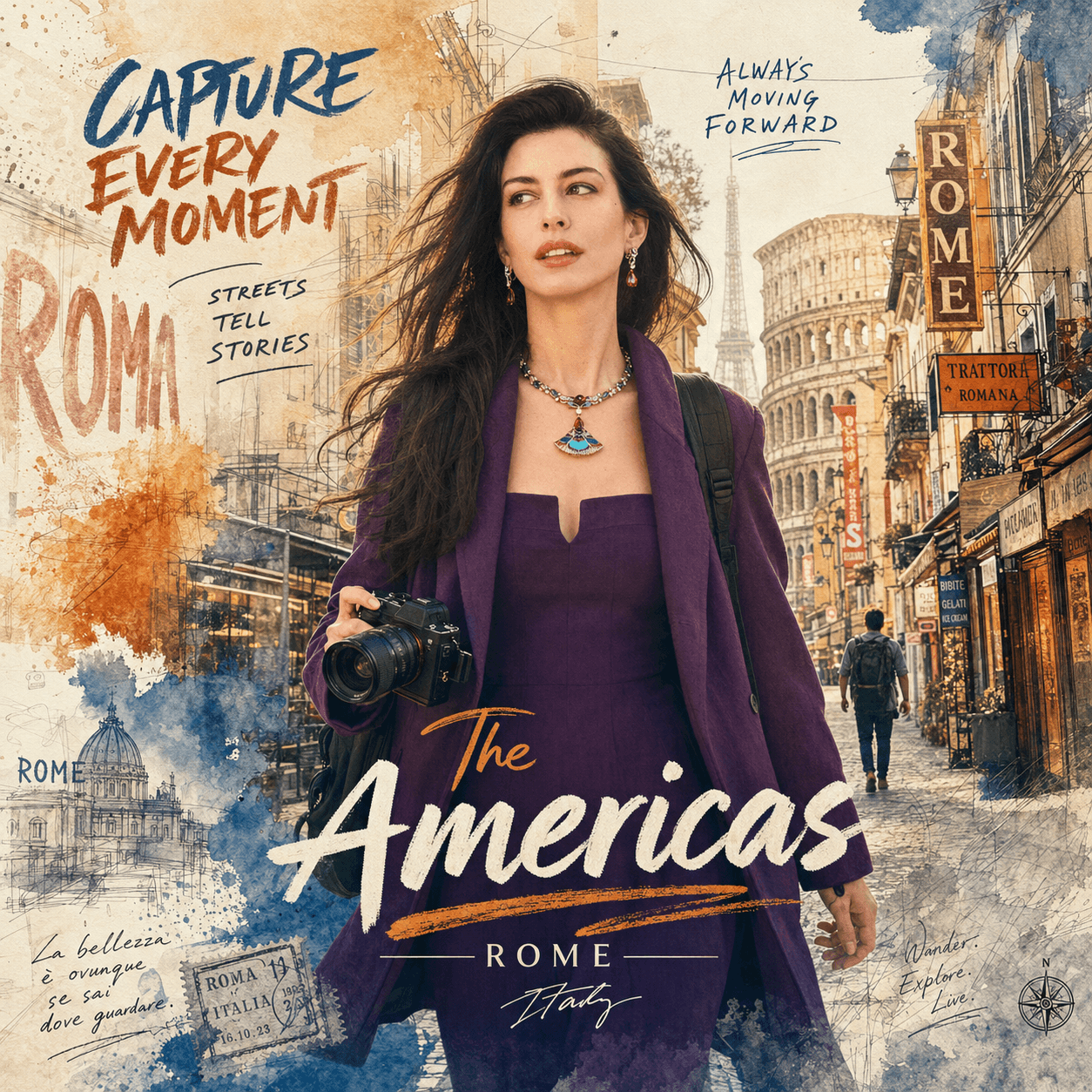
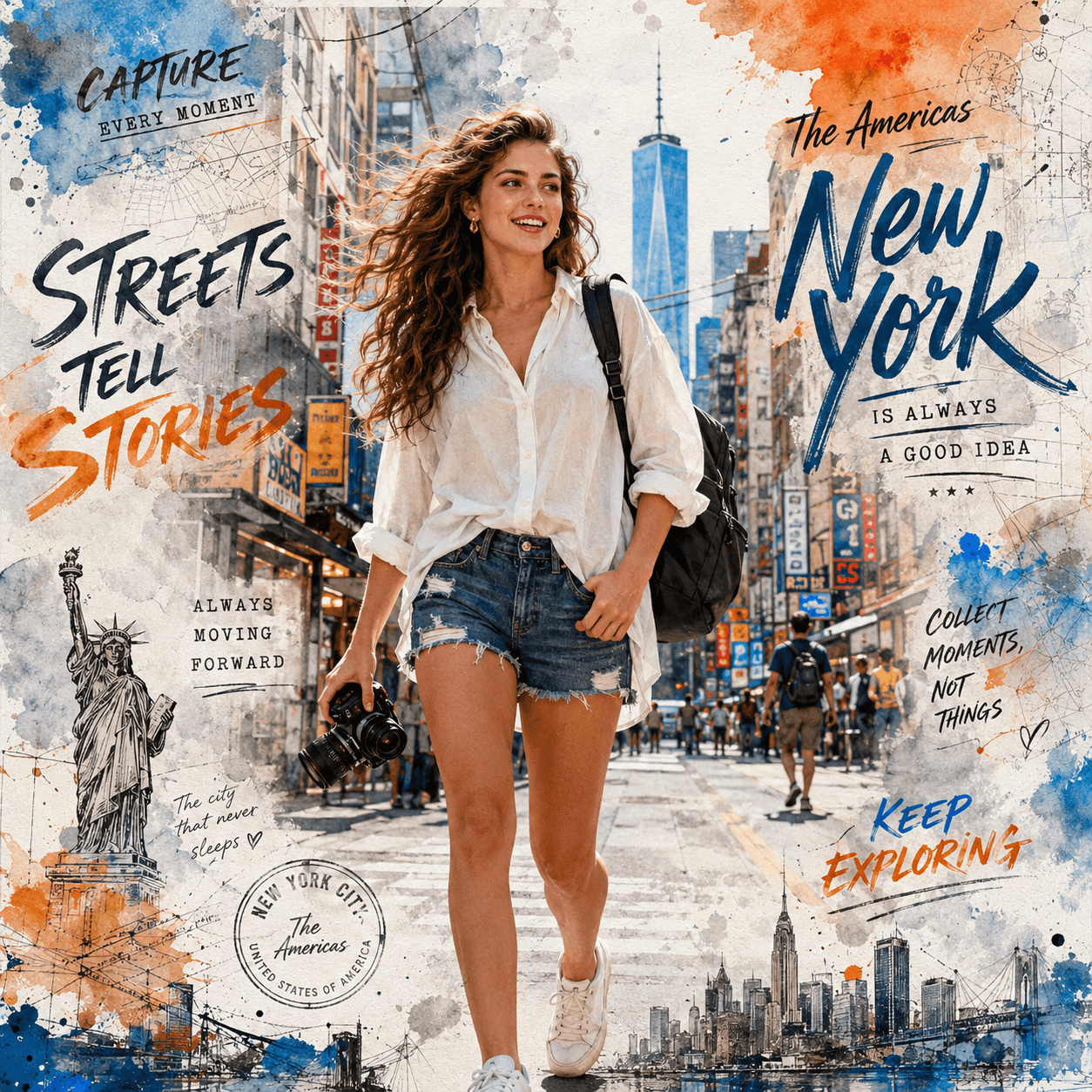
Create breathtaking IMAX-quality cinematic travel posters with this premium AI prompt. Generate stunning ultra-realistic watercolor travel portraits that combine photorealistic photography with expressive urban sketchbook illustration for a luxury editorial magazine aesthetic.
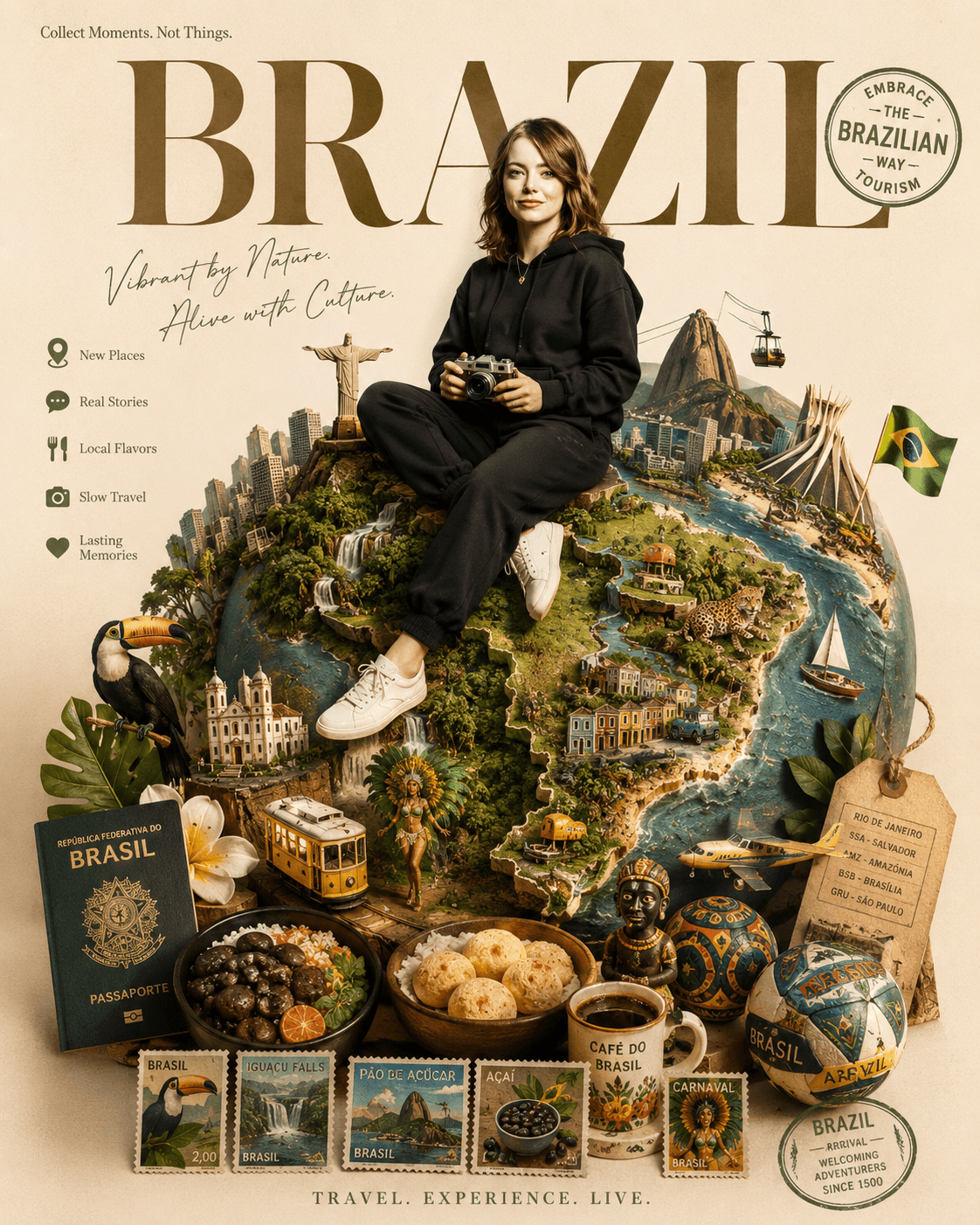
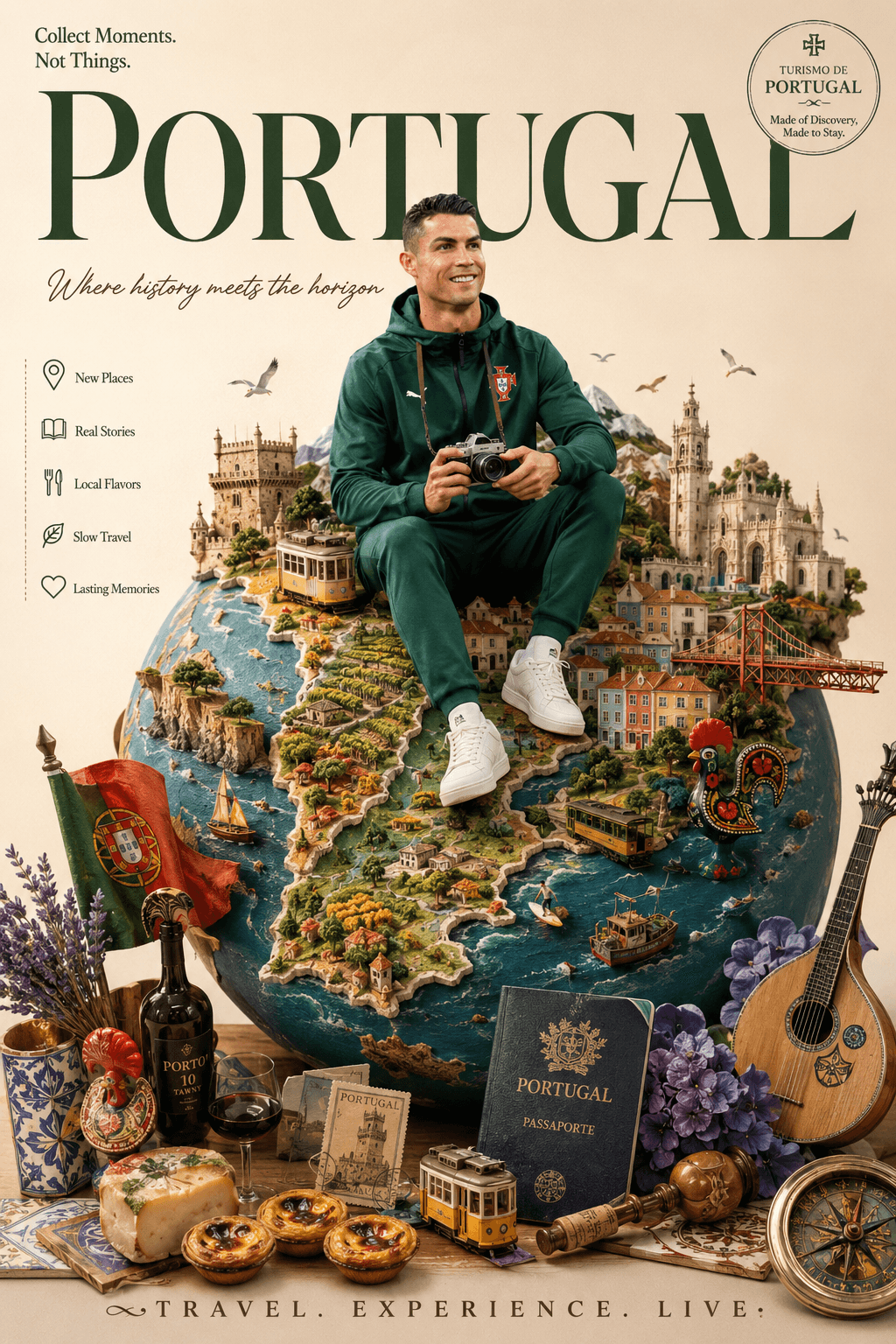
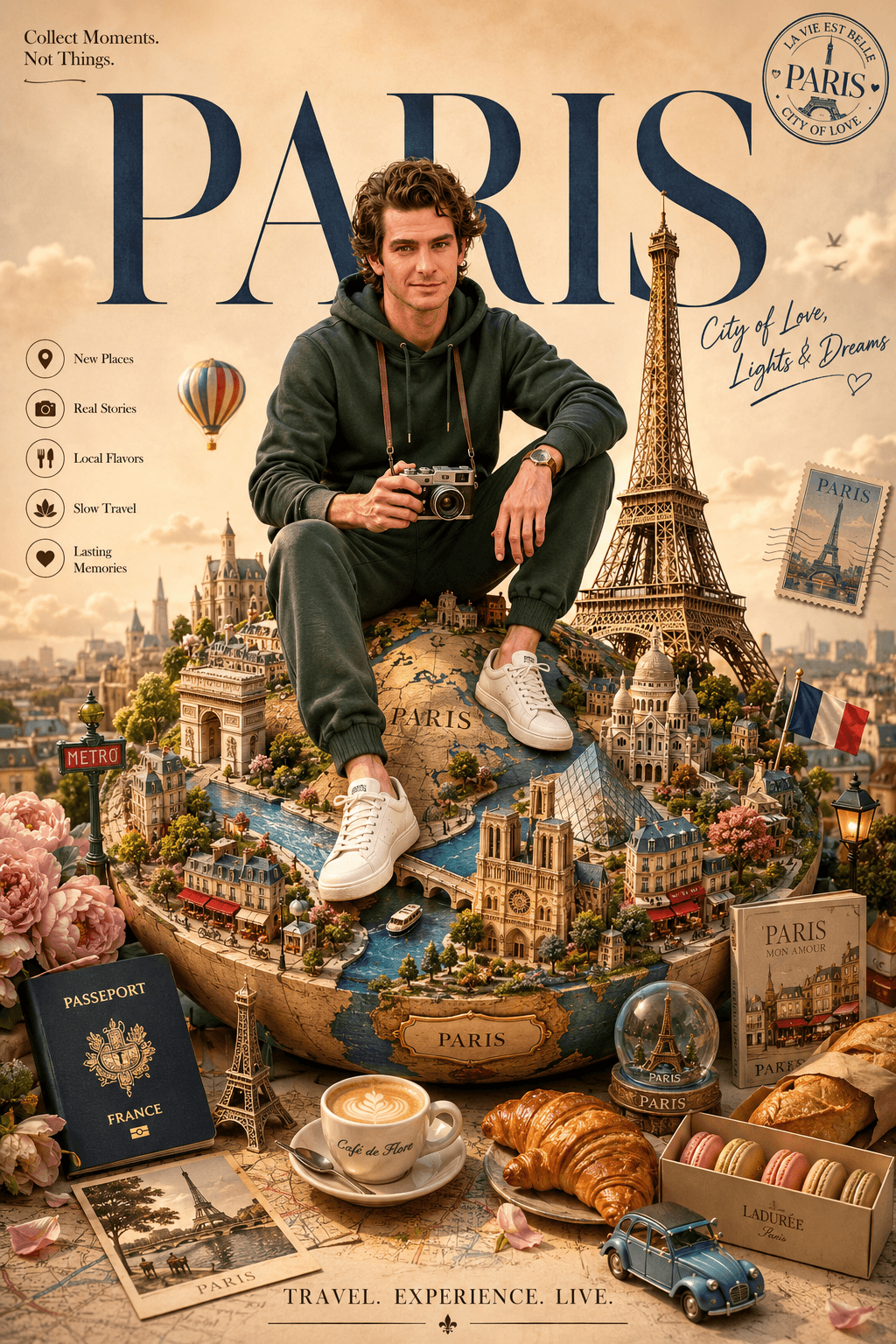
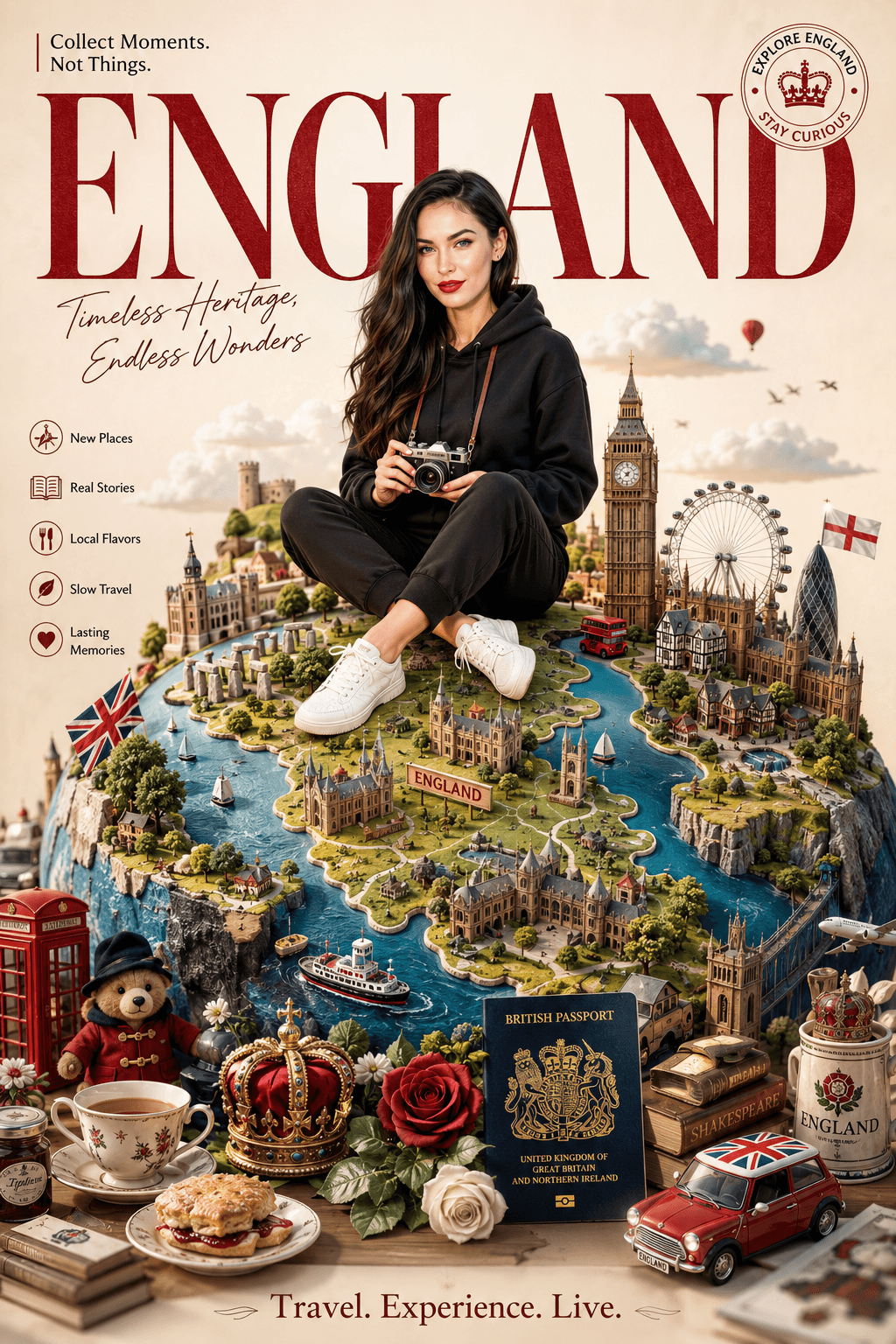
Create a premium America travel poster featuring a personalized traveler sitting on a handcrafted miniature globe with iconic U.S. landmarks, paper-cut diorama art, luxury editorial typography, cinematic lighting, and collectible tourism poster aesthetics. Perfect for AI image generation and printable wall art.
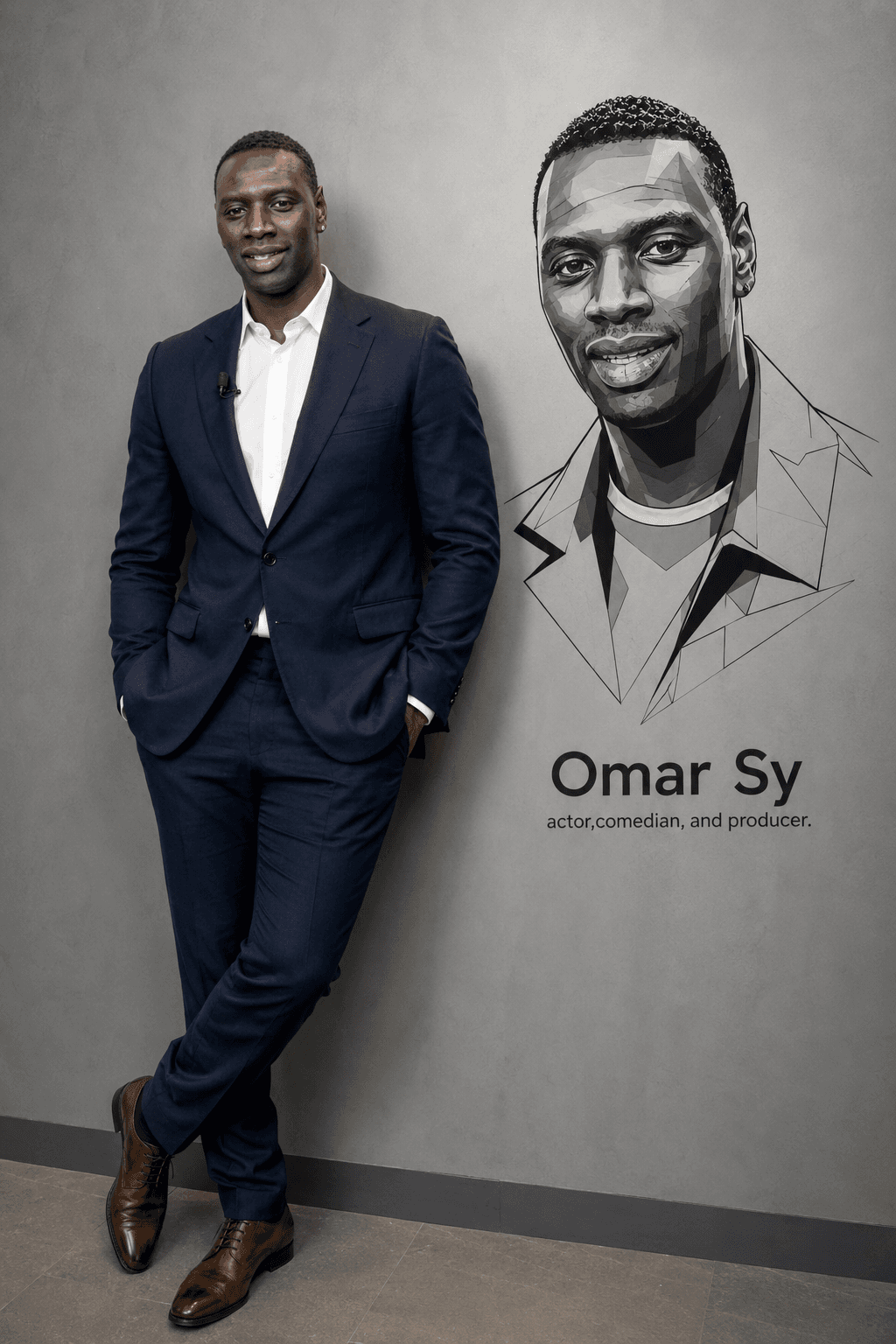
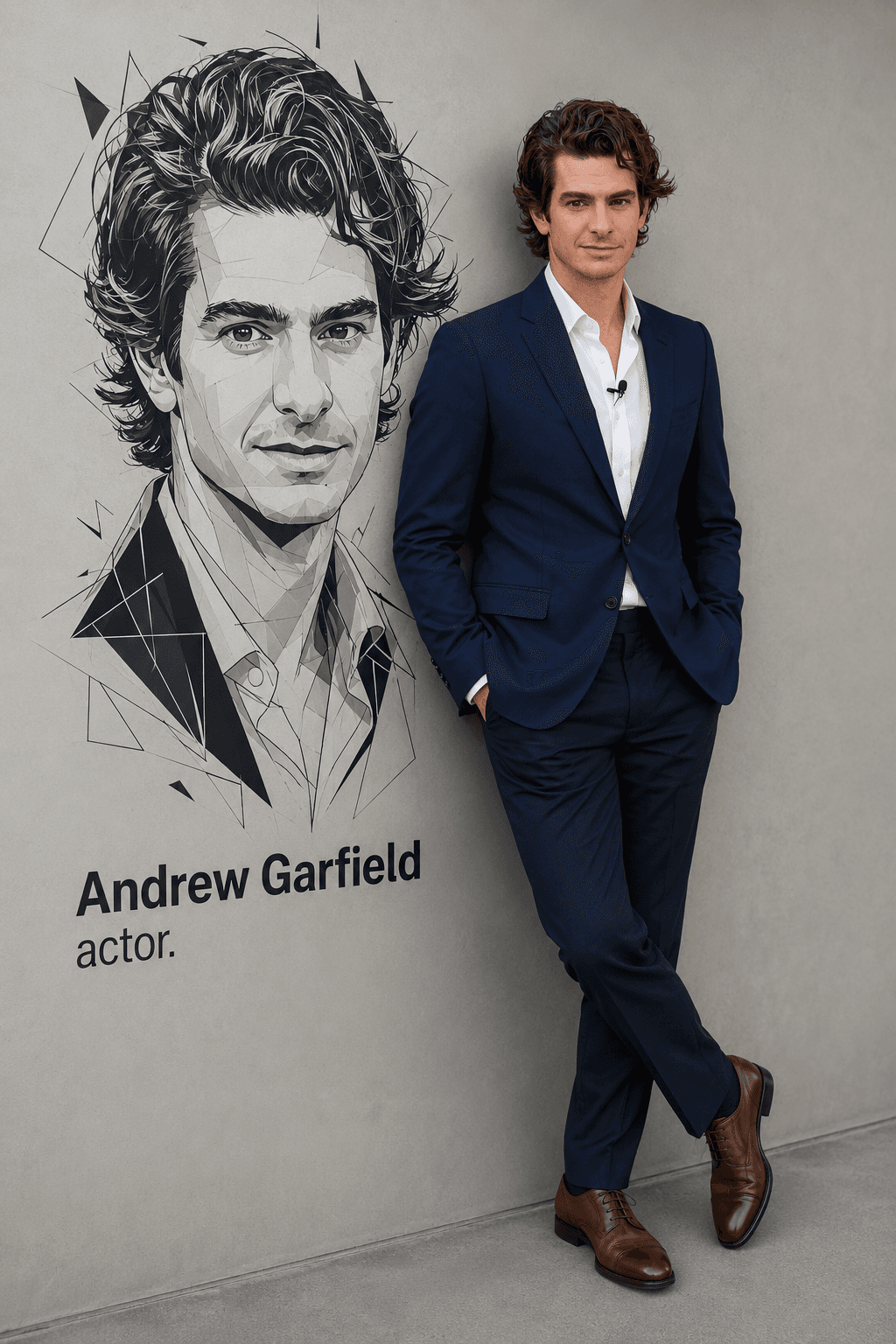
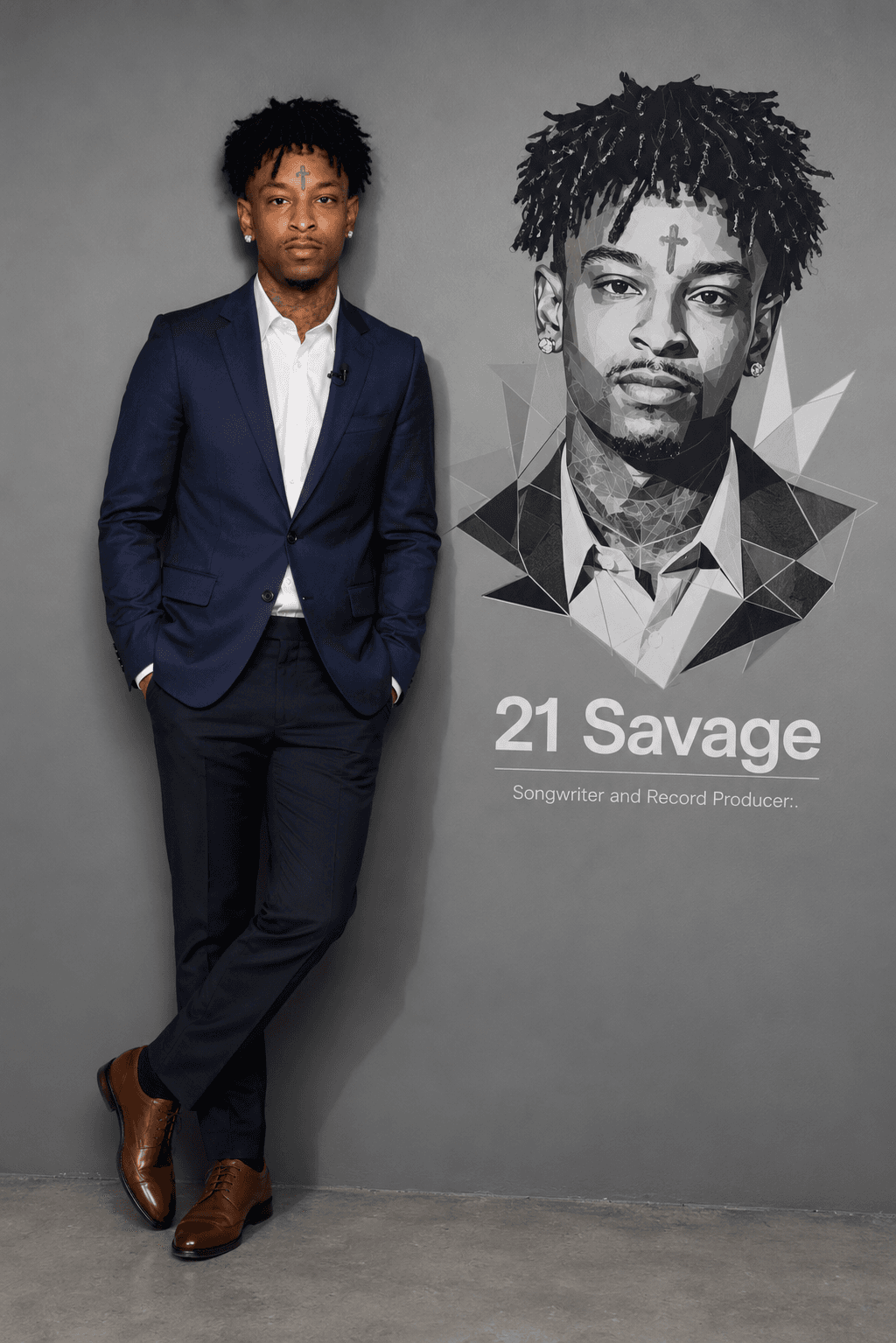
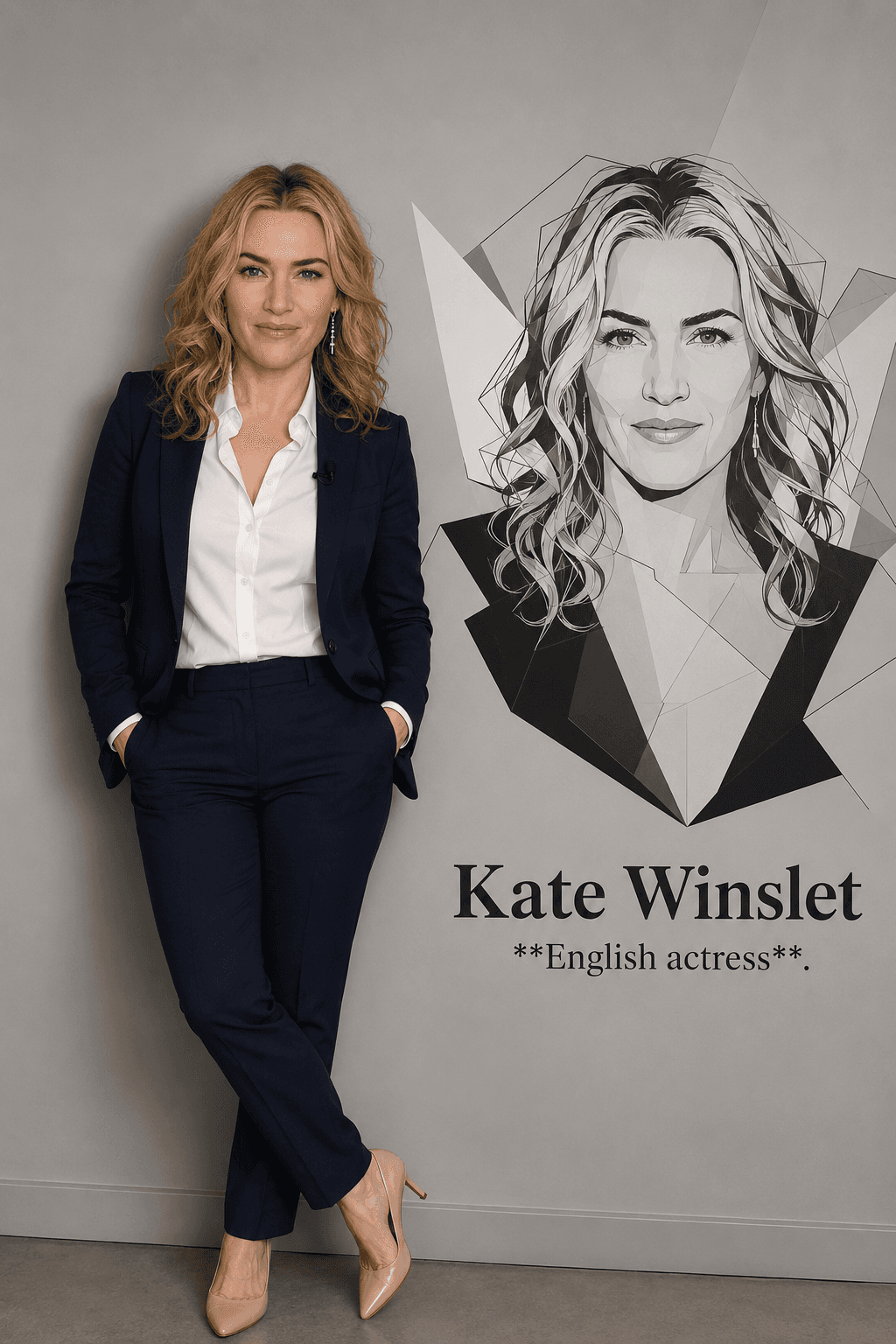
Create stunning name wall vector portraits with this premium AI prompt. Generate ultra-realistic full-body portraits paired with modern geometric wall art, perfect for branding, office décor, posters, presentations, and professional profile designs.
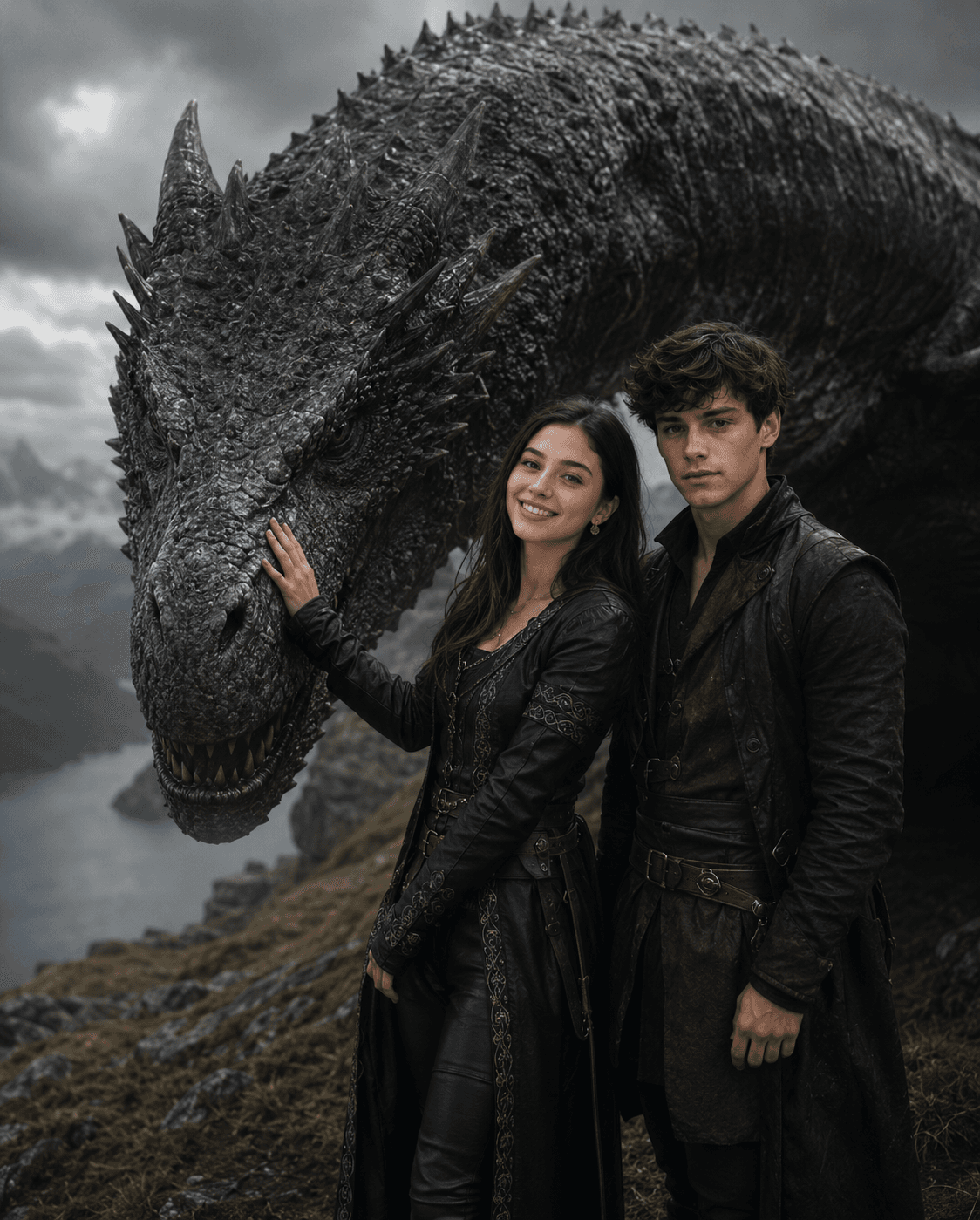
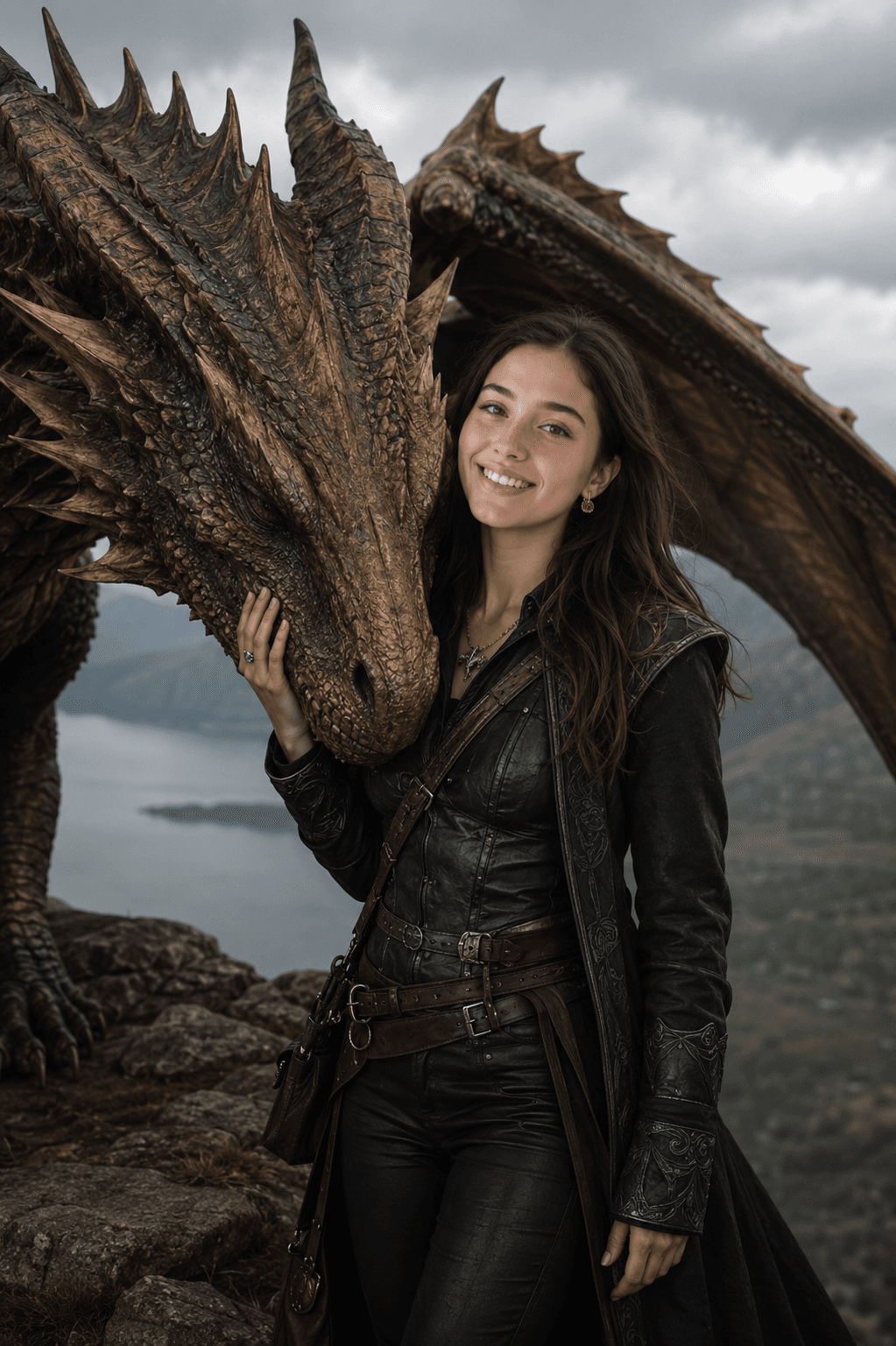
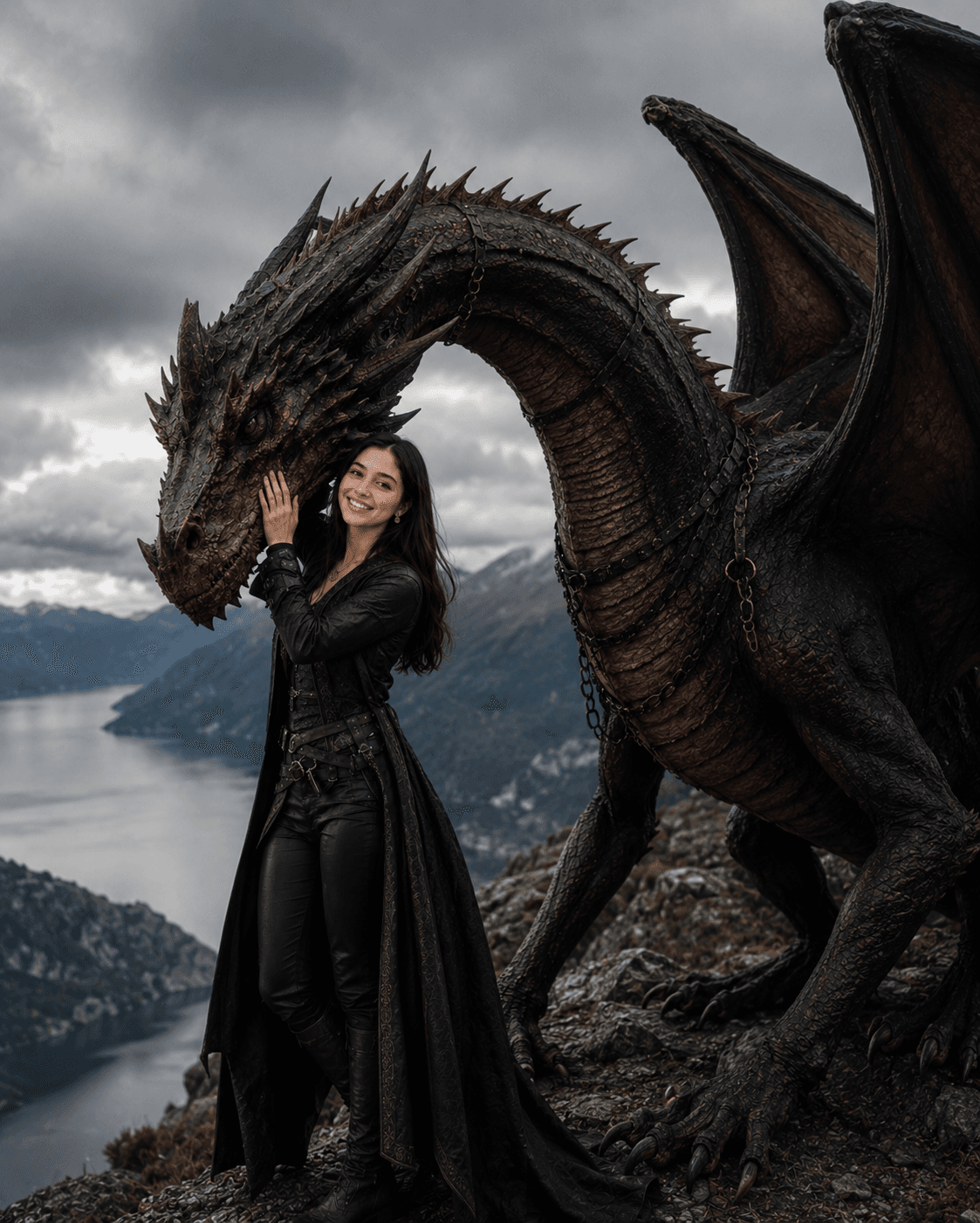
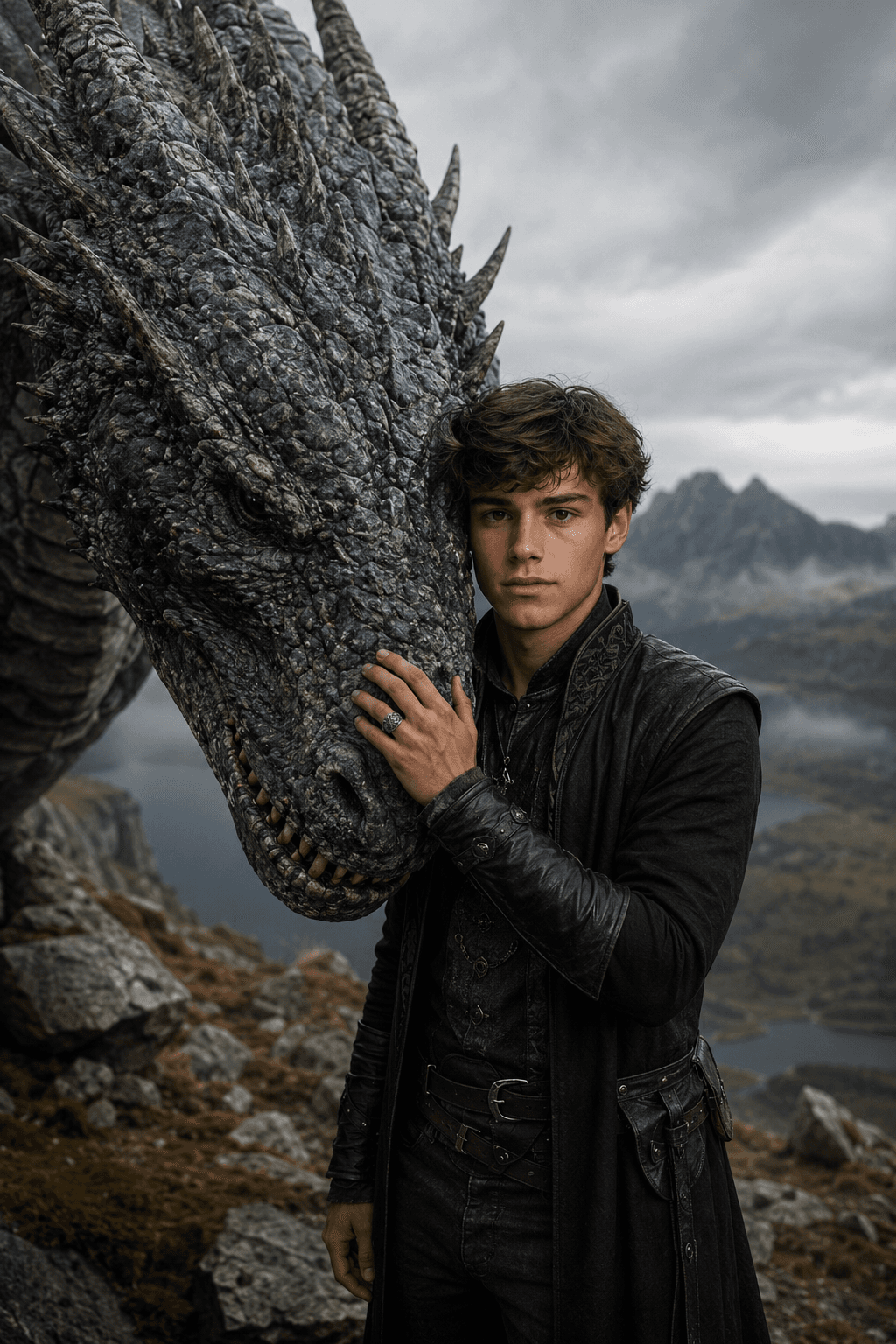
Turn a selfie into a realistic dark fantasy dragon rider portrait with a bonded dragon companion, cinematic mountain scenery, medieval adventurer styling, and ultra-photorealistic documentary realism.
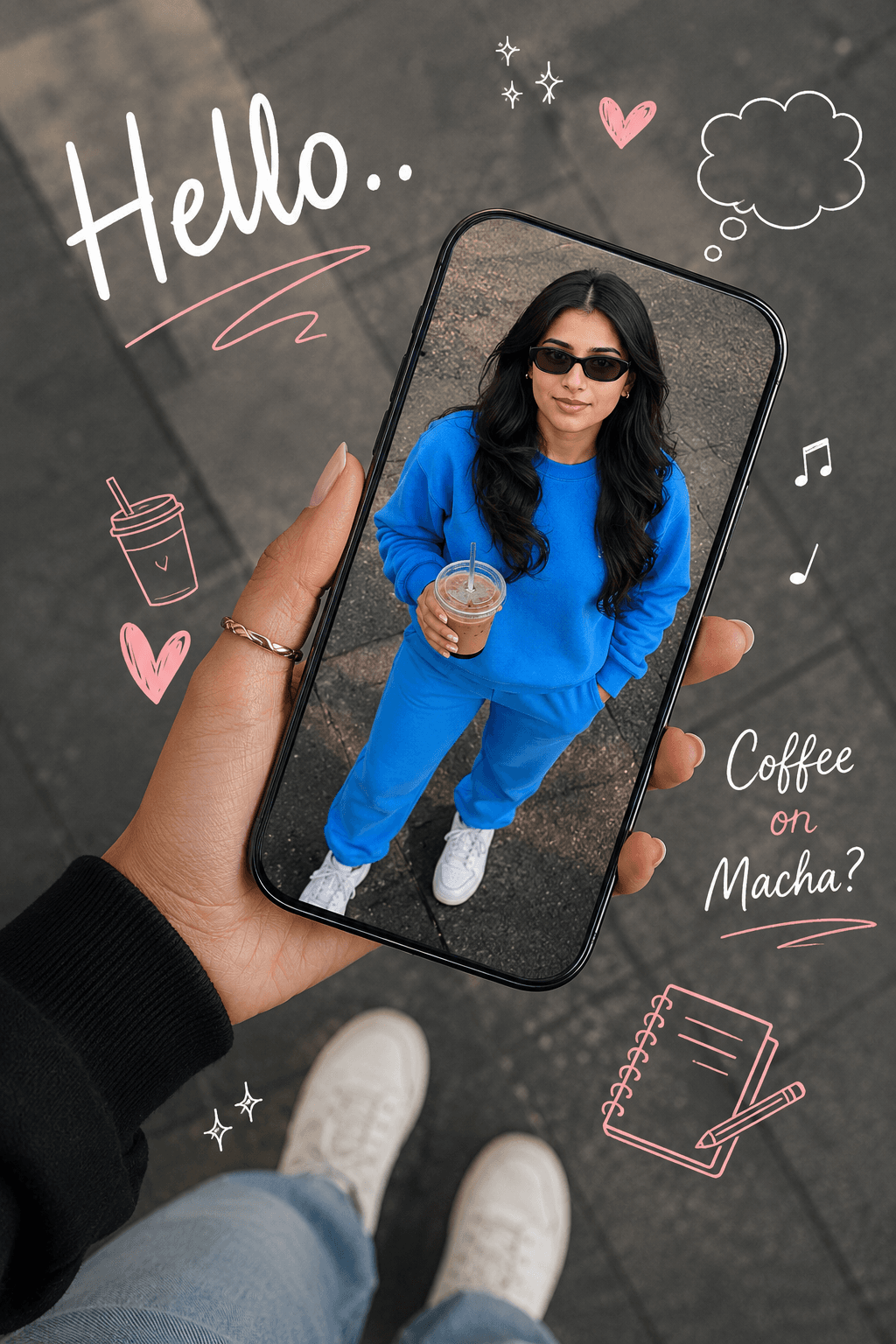
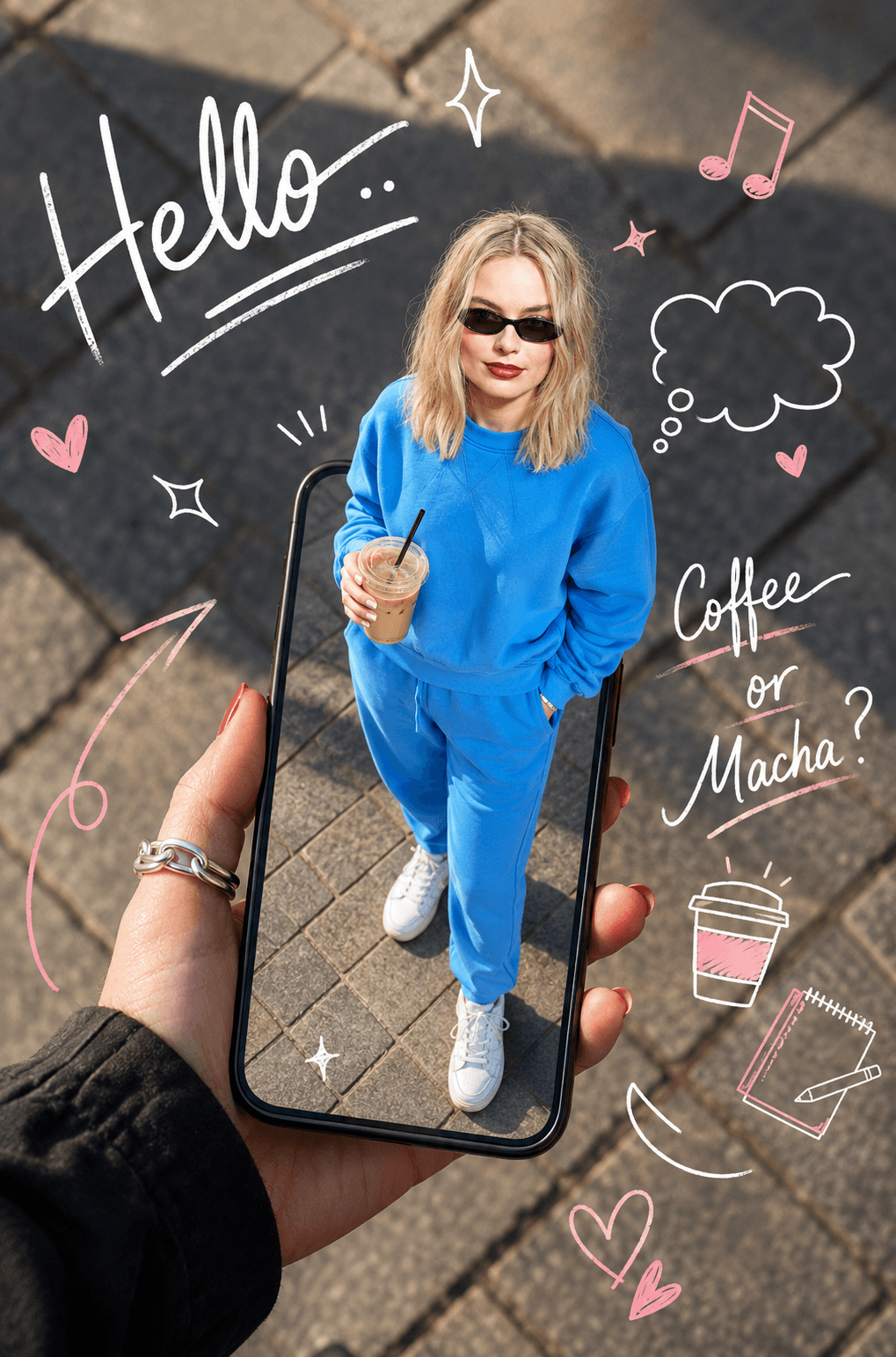
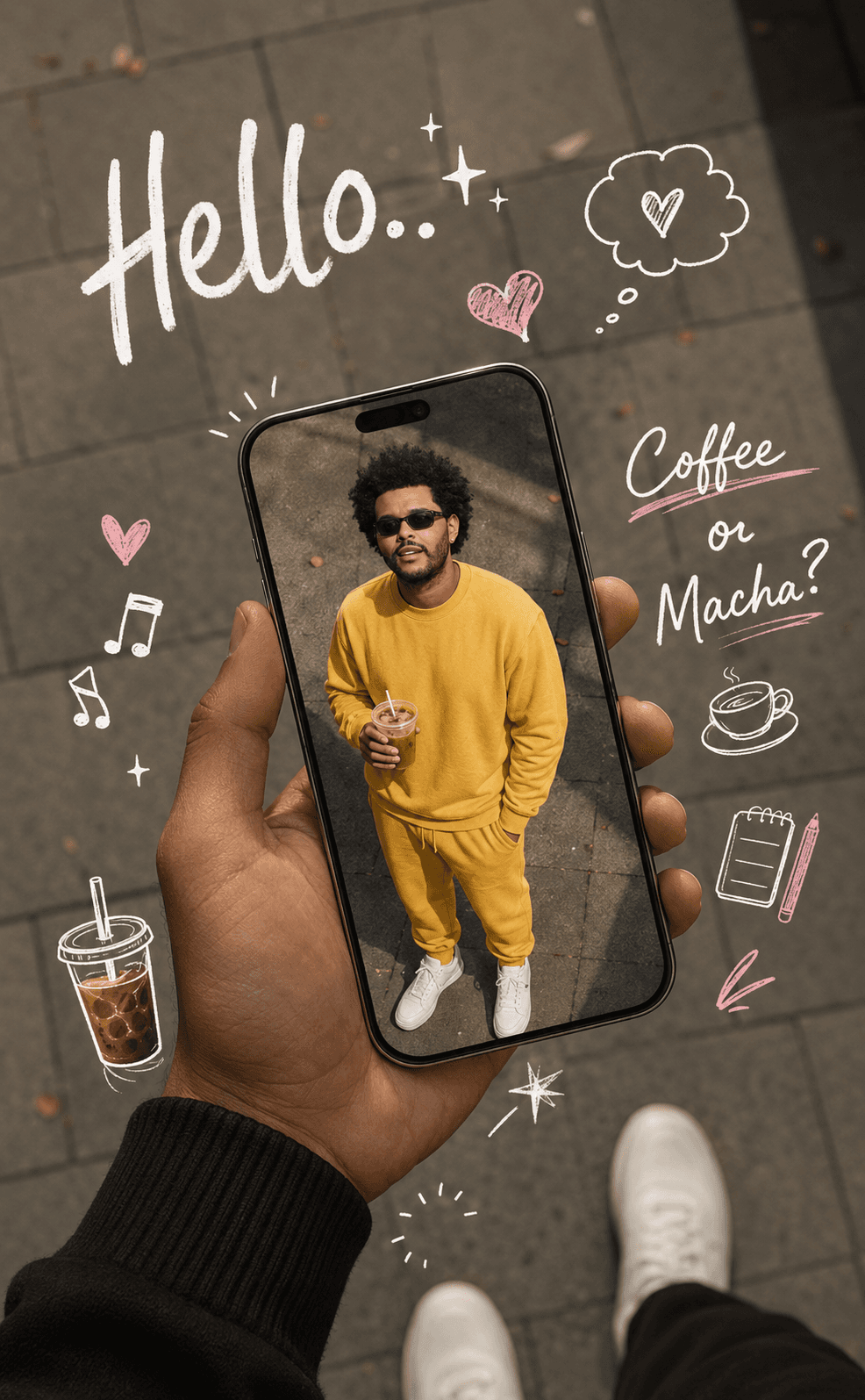
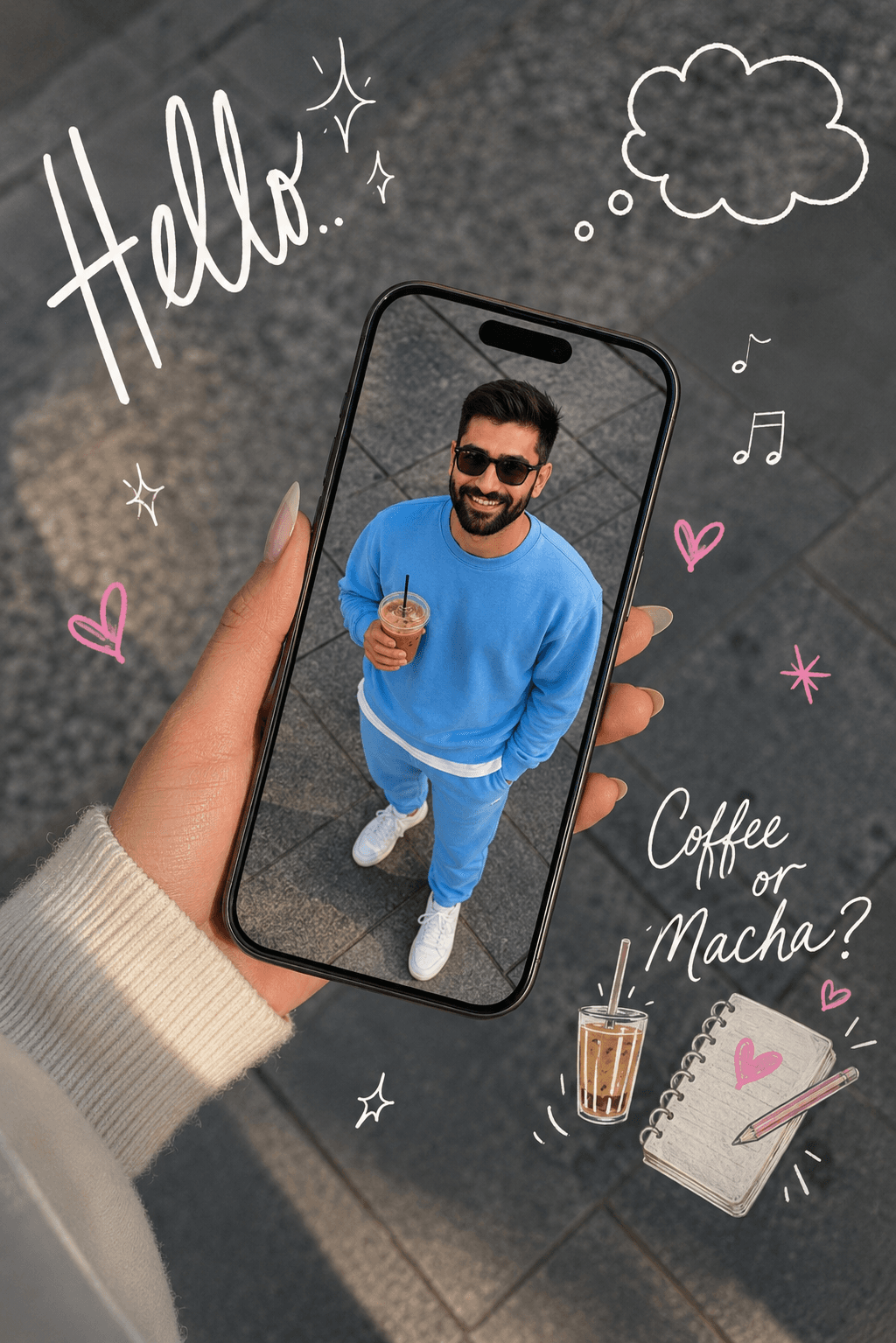
Create stylish AI images with this Doodle Instagram Story Prompt featuring Pinterest aesthetic doodles, handwritten text overlays, smartphone portal effects, lifestyle photography, and trendy social media creator visuals. Perfect for realistic fashion, coffee, and influencer-style content.
About the library
EnterPrompt is a free prompt library for creators who work with AI image and video tools. Every entry is a complete, ready-to-use prompt shown next to the result it produced, so you can see the style before you spend a generation on it.
Prompts are grouped into collections — portraits, product shots, social posts, cinematic edits, and restoration work among them — and each one lists the model it was tested on. That matters more than it sounds: the same wording behaves differently across tools, and knowing which model produced the example saves you the guesswork.
Nothing here is locked behind an account. Copy a prompt, paste it into your tool of choice, add your own reference image where the template calls for one, and adjust from there. The prompts are free to use for personal and commercial work alike.
New collections are added regularly as styles change, so it is worth checking back rather than bookmarking a single page.
How To Use
Start with the base prompt as written, then personalize it after you see the first result.
Copy the prompt
Start with the original wording first so you can see the intended output before making changes.
Go to model mentioned below
Open the recommended model first so the prompt behaves the way this template expects.
Paste prompt with 1 or 2 images
Add your reference images if needed, then refine the output after the first generation.