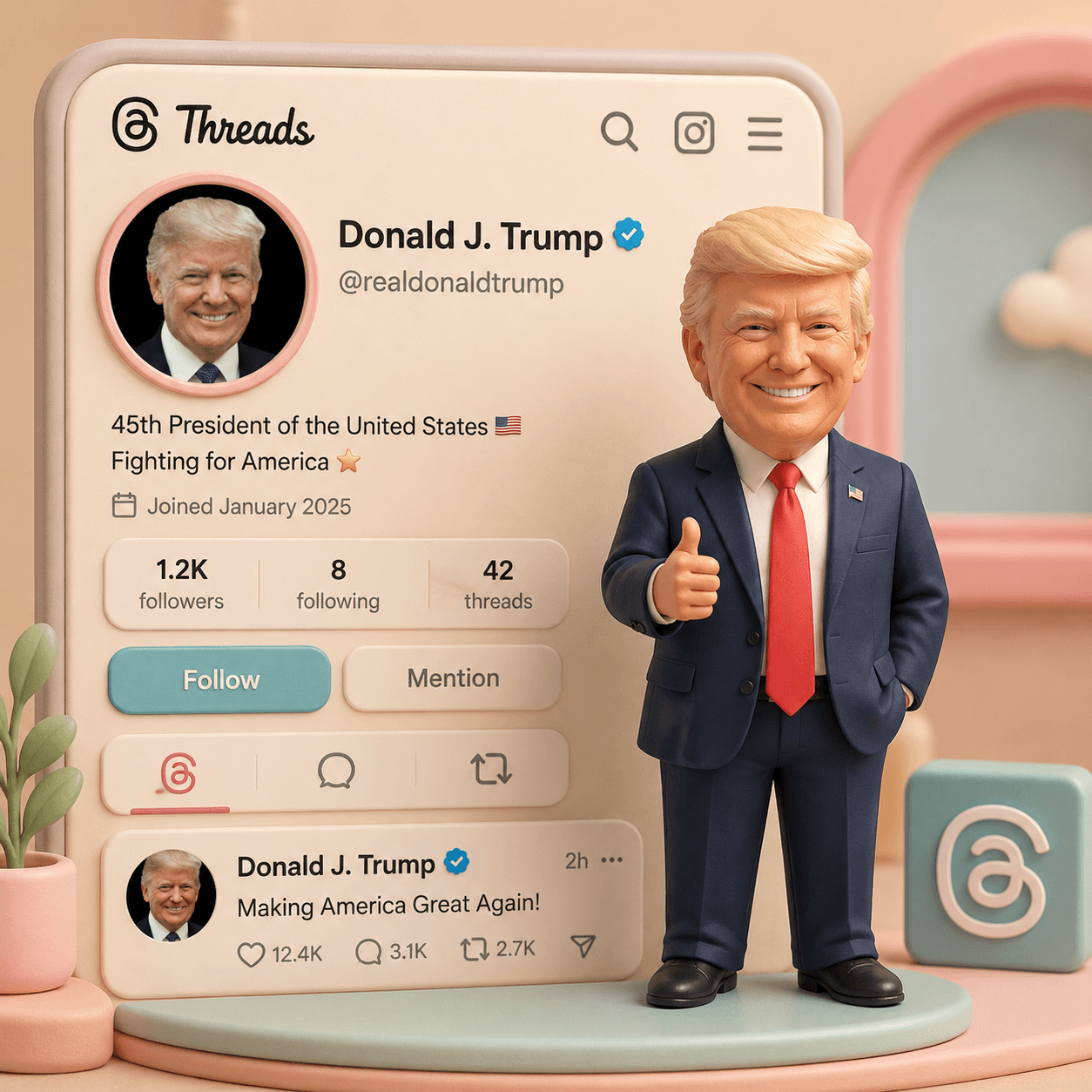
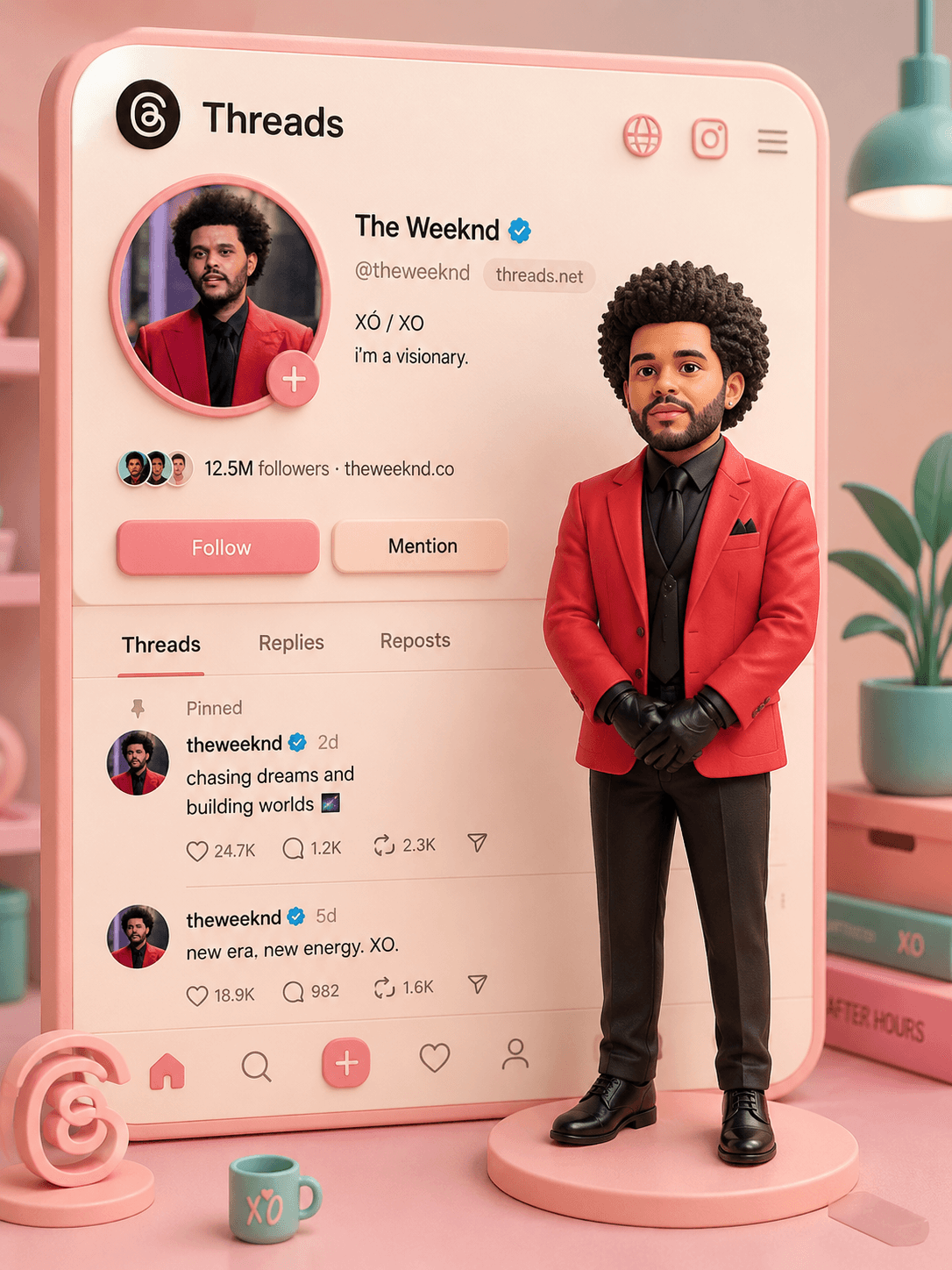
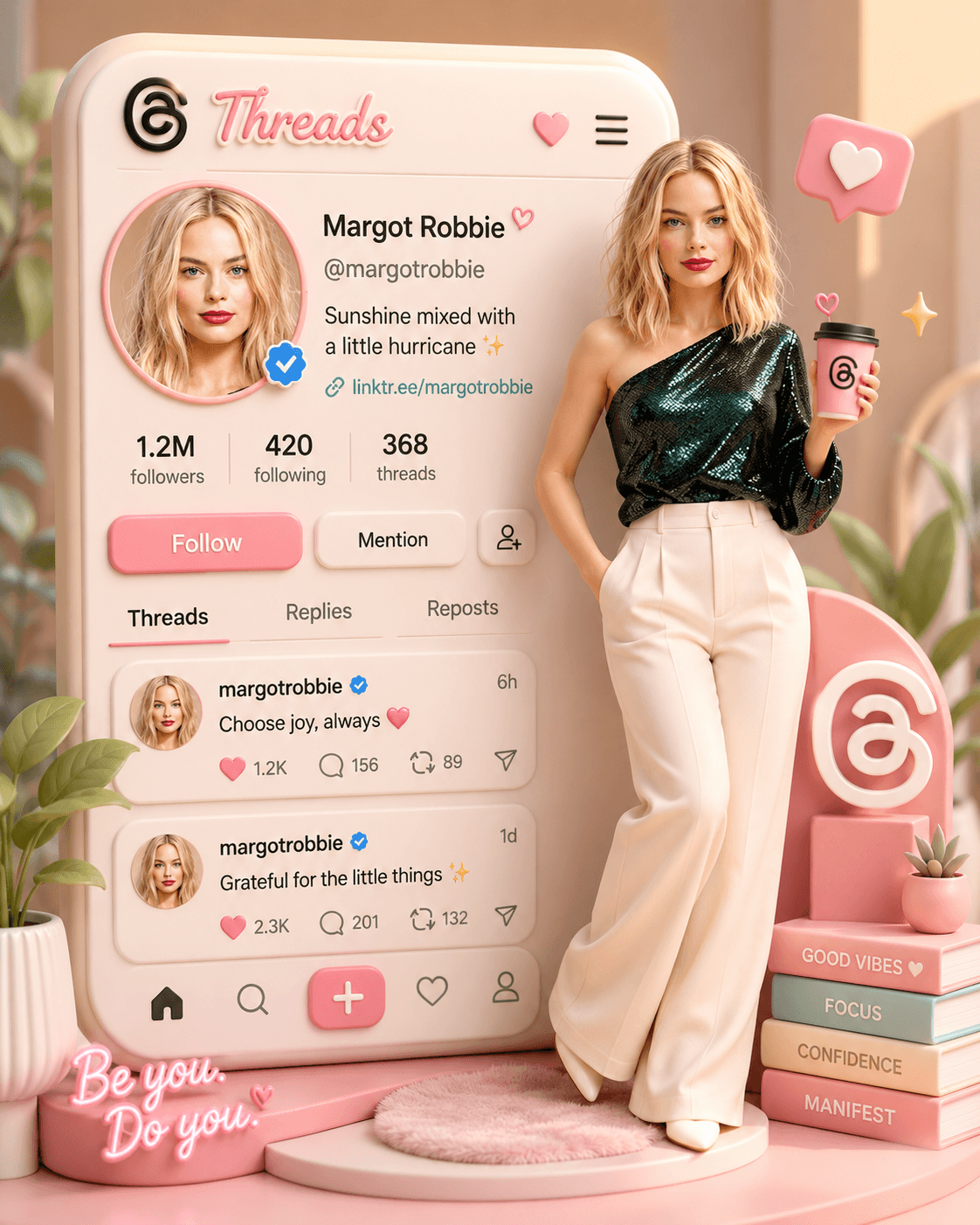

Threads Profile 3D Diorama AI Prompt | Cute Mini Me Animation
Create a pastel 3D Threads profile diorama with a realistic Mini Me avatar, cute animations, floating hearts, cinematic motion, and viral-ready aesthetics.
Loading
Almost there.
Find free AI photo prompts for Gemini and ChatGPT on EnterPrompt. Create high-quality AI-generated images including couple photos, portraits, artistic edits, and viral styles with optimized, ready-to-use prompts.
Create a pastel 3D Threads profile diorama with a realistic Mini Me avatar, cute animations, floating hearts, cinematic motion, and viral-ready aesthetics.
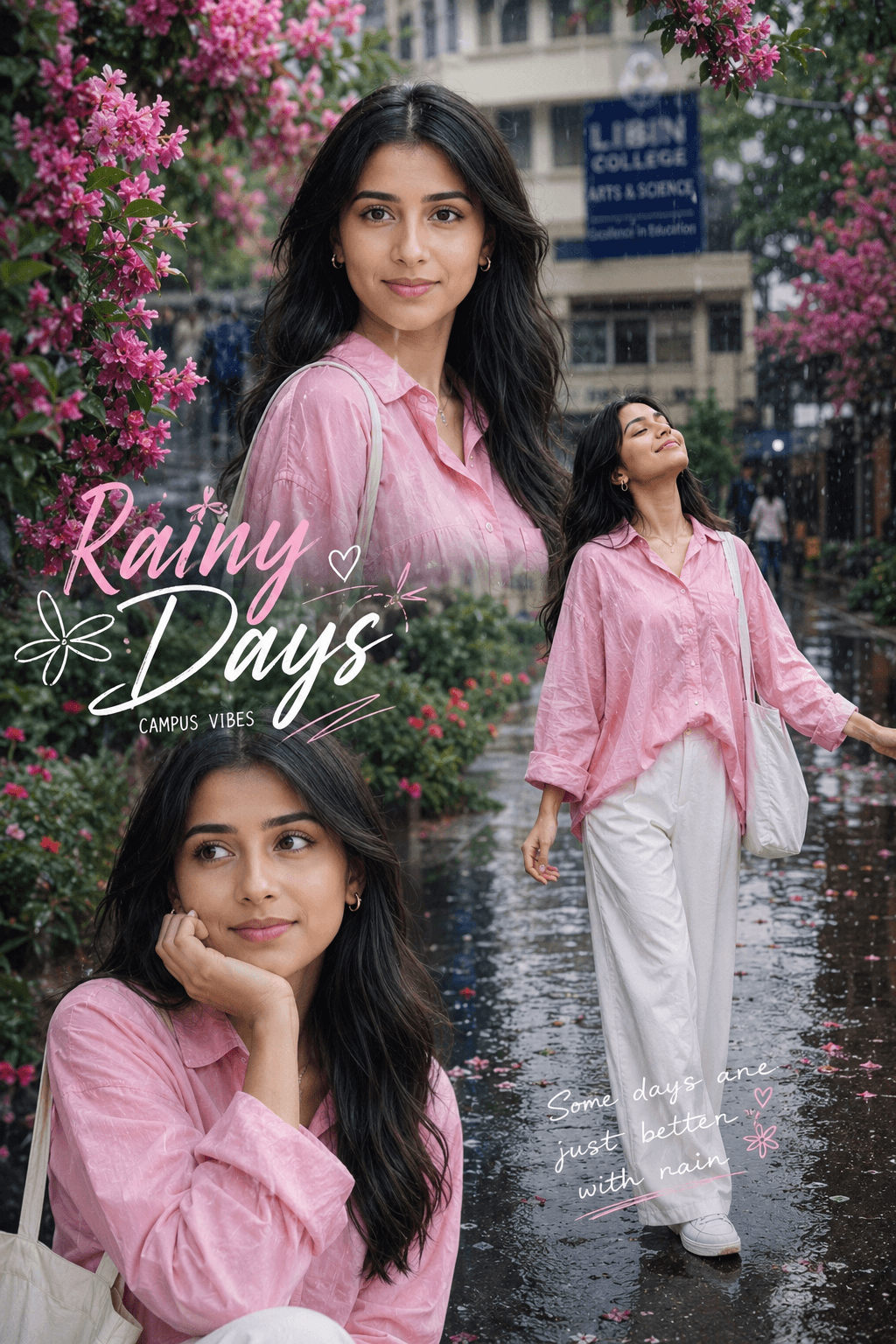
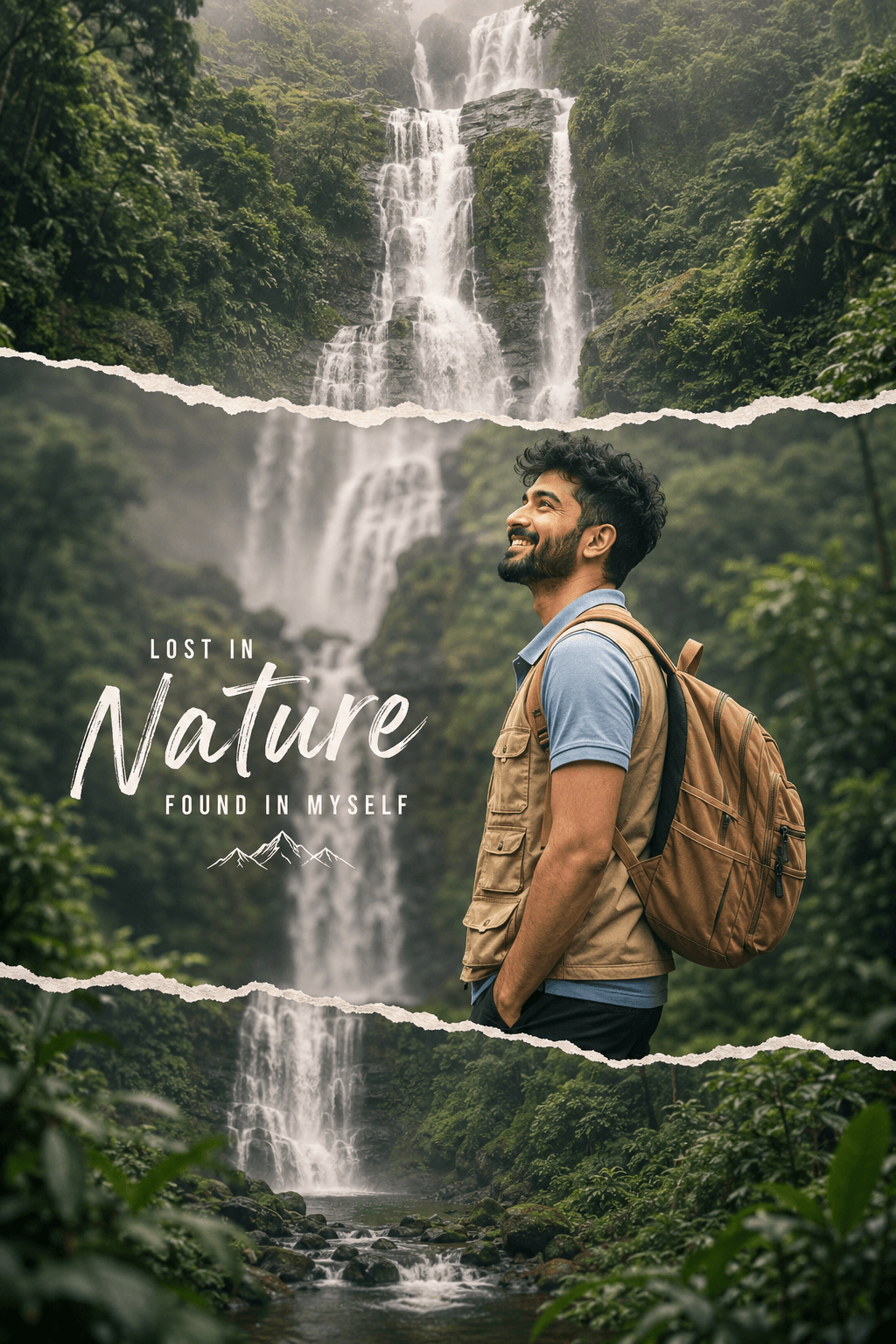
Cinematic travel poster featuring a young Indian male explorer standing in a lush rainforest, gazing at a massive multi-tiered waterfall. Torn-paper design, misty atmosphere, tropical greenery, and adventure-inspired visuals create a stunning nature travel aesthetic.
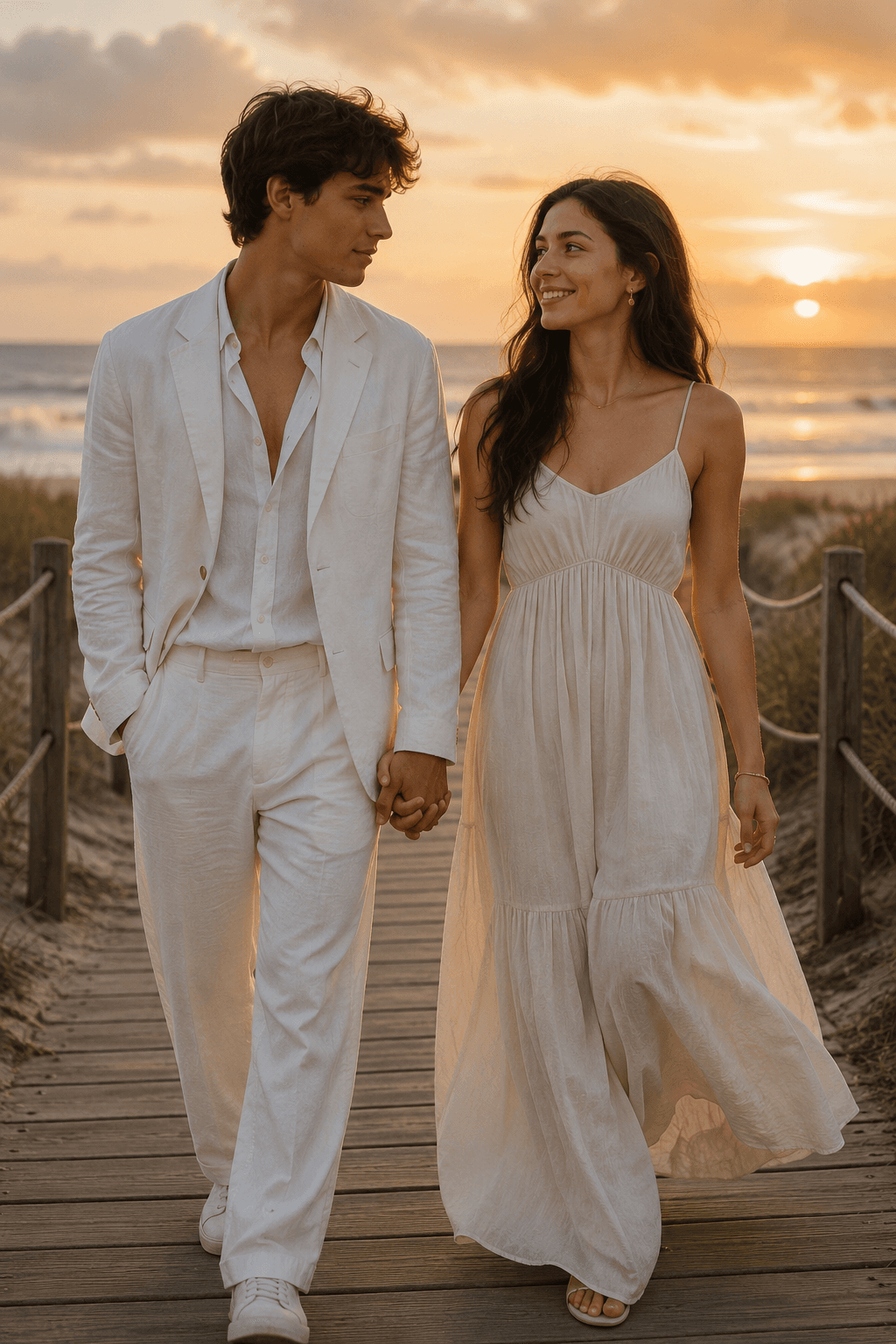
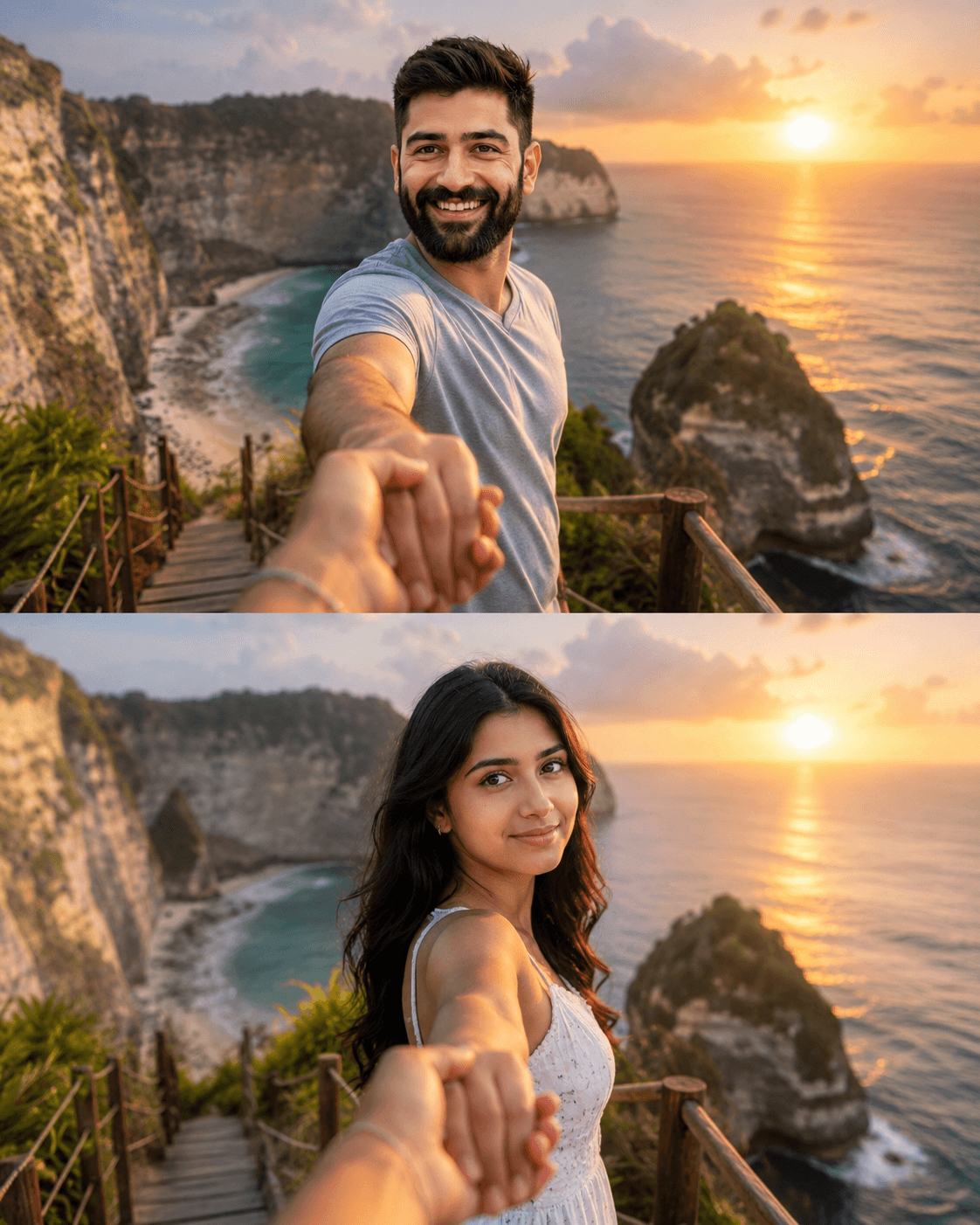
Generate cinematic split-panel romantic travel photos with a couple holding hands at a Bali-inspired tropical beach sunset. Features POV perspective, luxury vacation vibes, golden hour lighting, realistic skin textures, flowing hair, ocean cliffs, and professional DSLR photography aesthetics.
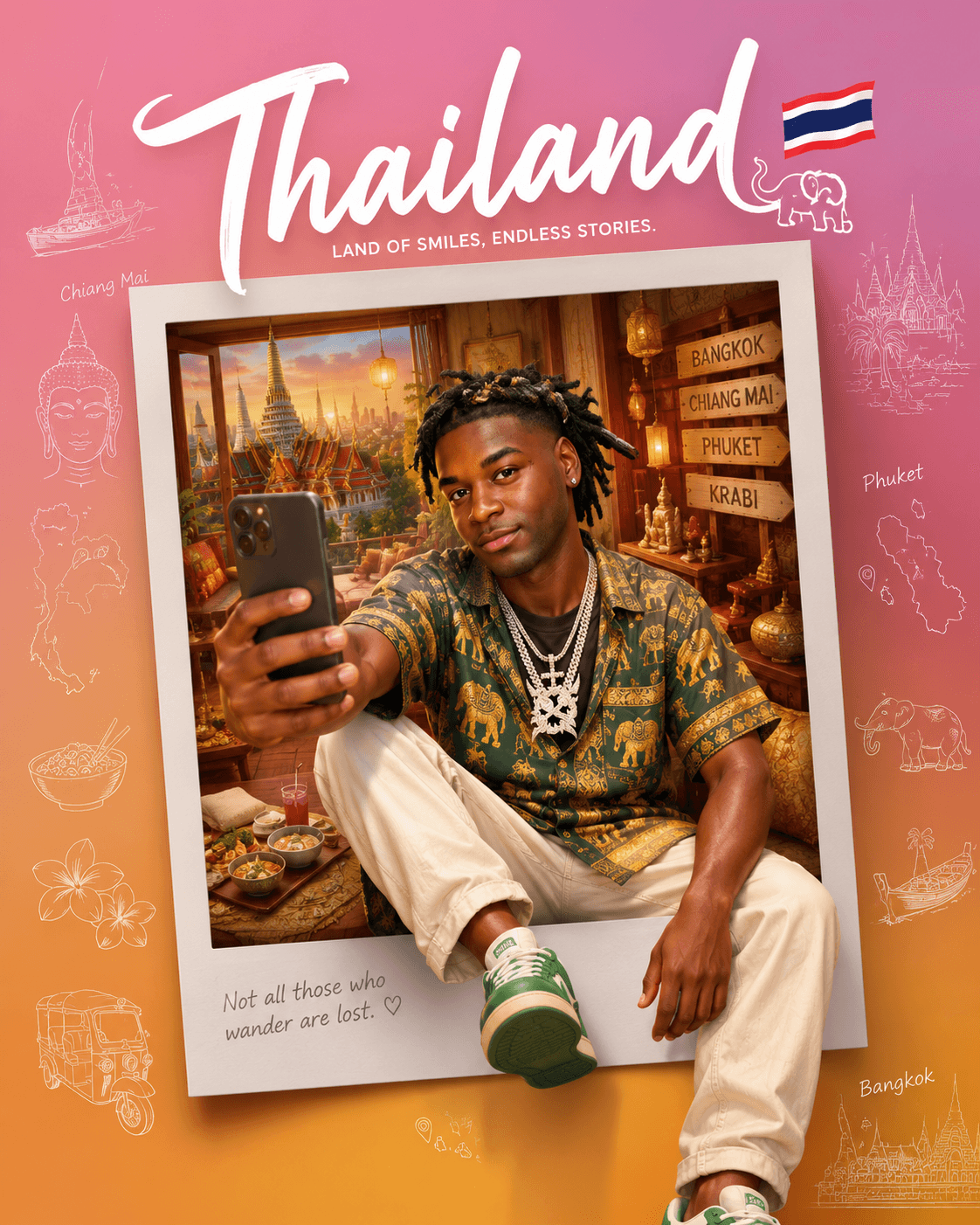
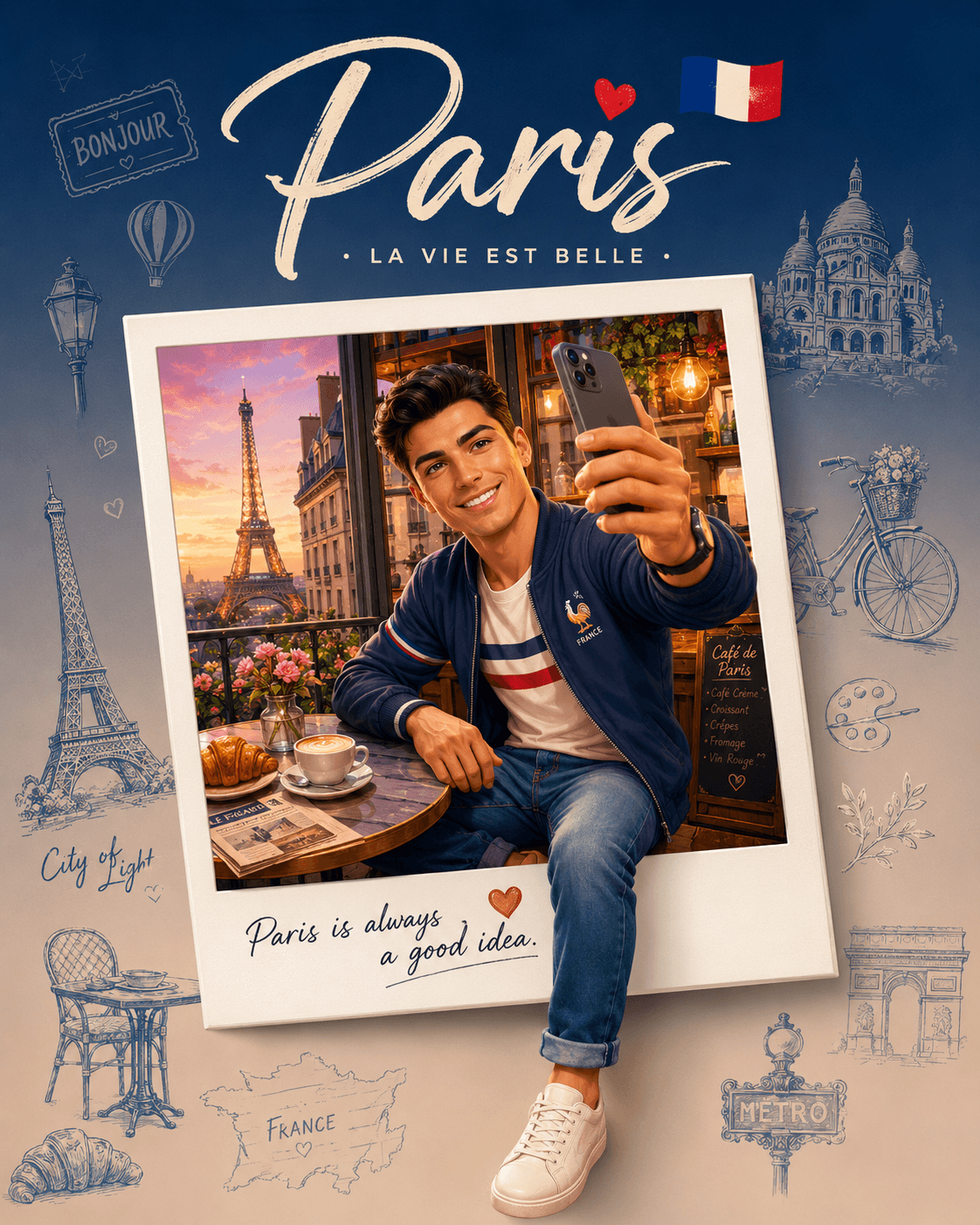
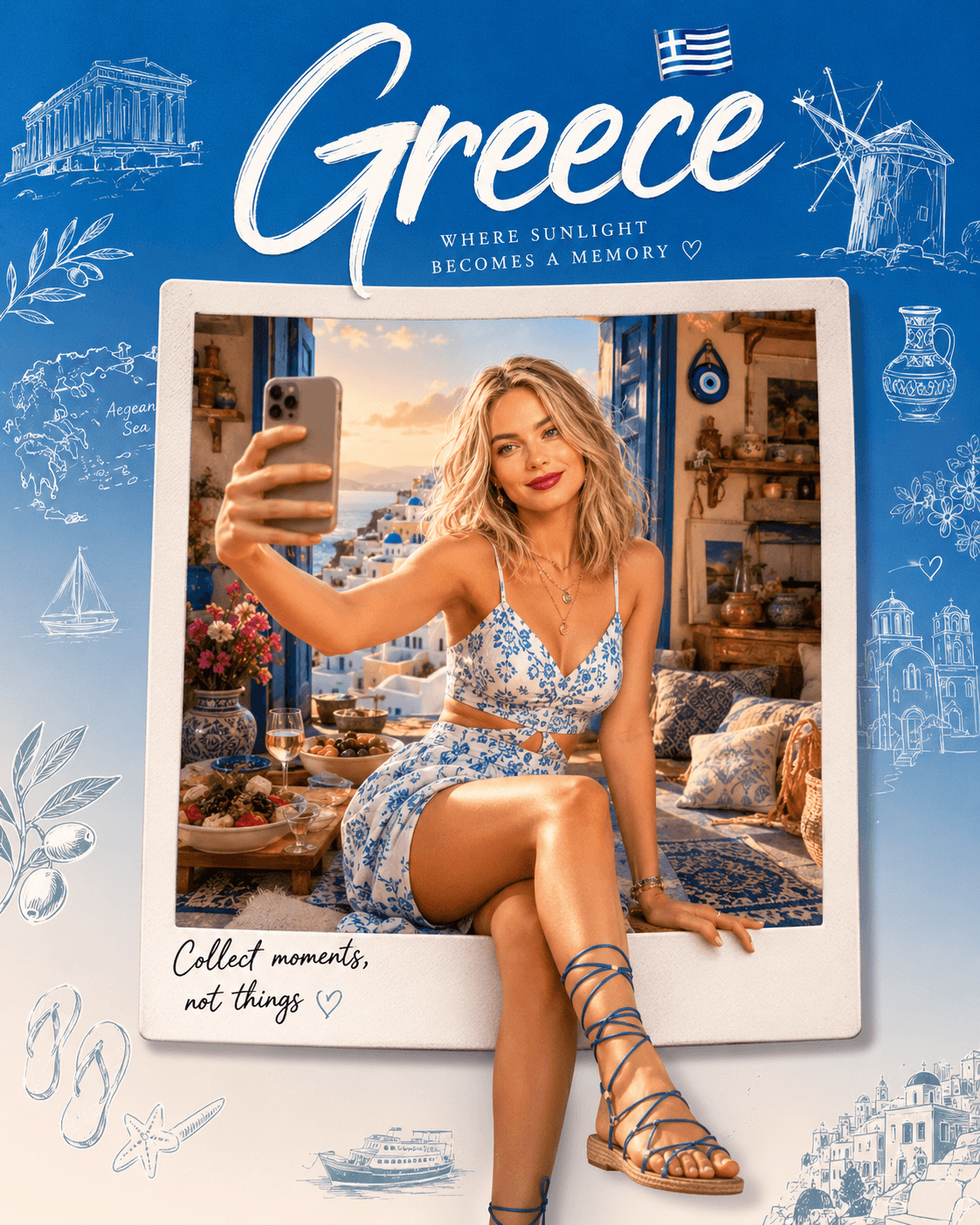
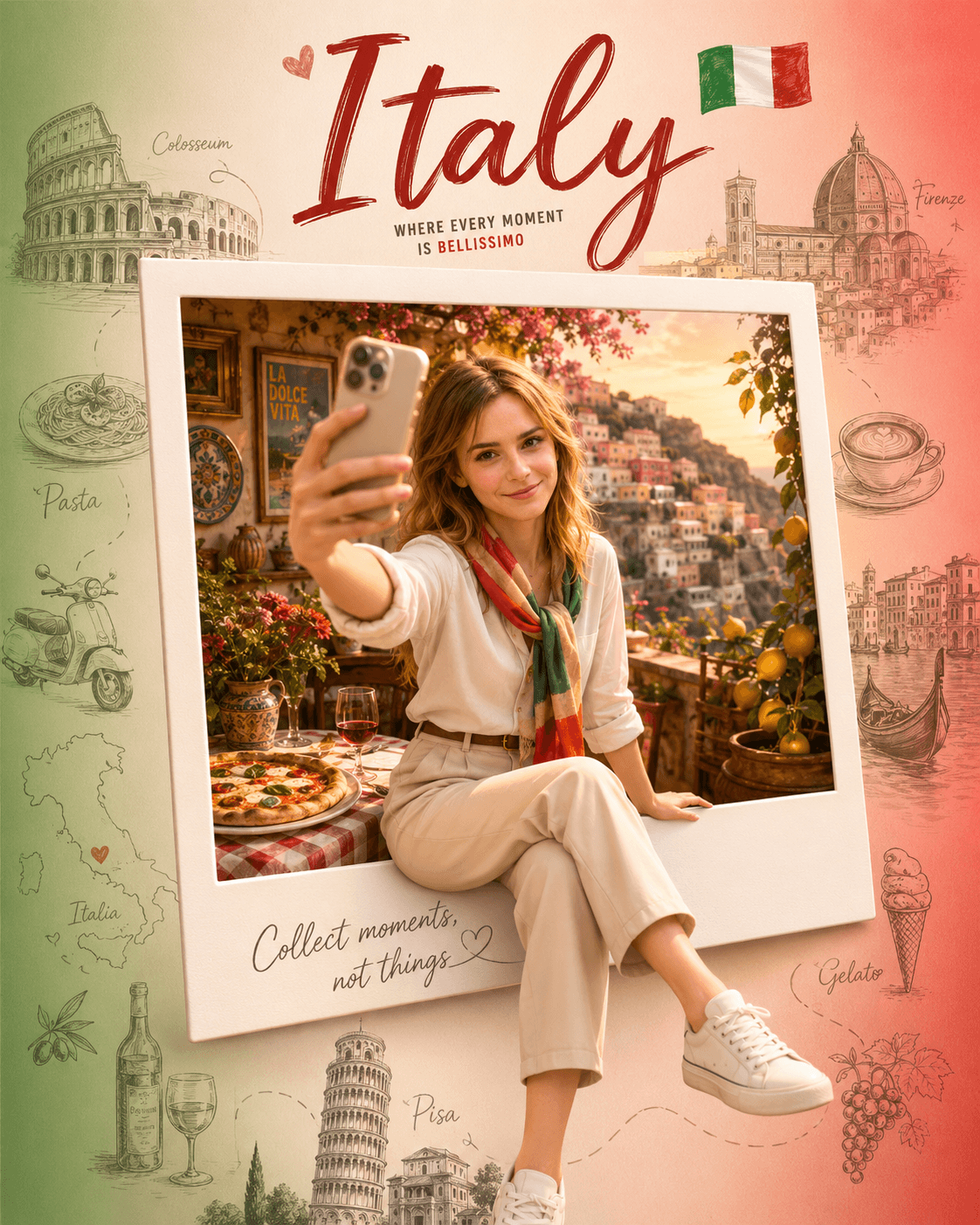
Generate beautiful Italy-inspired travel posters with this premium AI prompt. Create 3D collectible souvenir artwork featuring selfie characters, Polaroid pop-out effects, iconic landmarks, culture, food, and luxury travel aesthetics.


A premium AI-generated portrait featuring a photorealistic man alongside a stylish Pixar-inspired 3D caricature version of himself. The animated companion mirrors the same outfit, hairstyle, and personality while naturally interacting with the real subject. Captured with cinematic lighting, realistic shadows, luxury editorial aesthetics, and high-end character design for a unique blend of realism and animation.


A hyperrealistic portrait composed of layered instant photographic prints arranged into a seamless human figure. Set against a distressed slate-textured background with cinematic lighting, soft shadows, and realistic 3D depth, this artistic photo mosaic creates a striking modern visual masterpiece perfect for creative inspiration and digital art showcases.
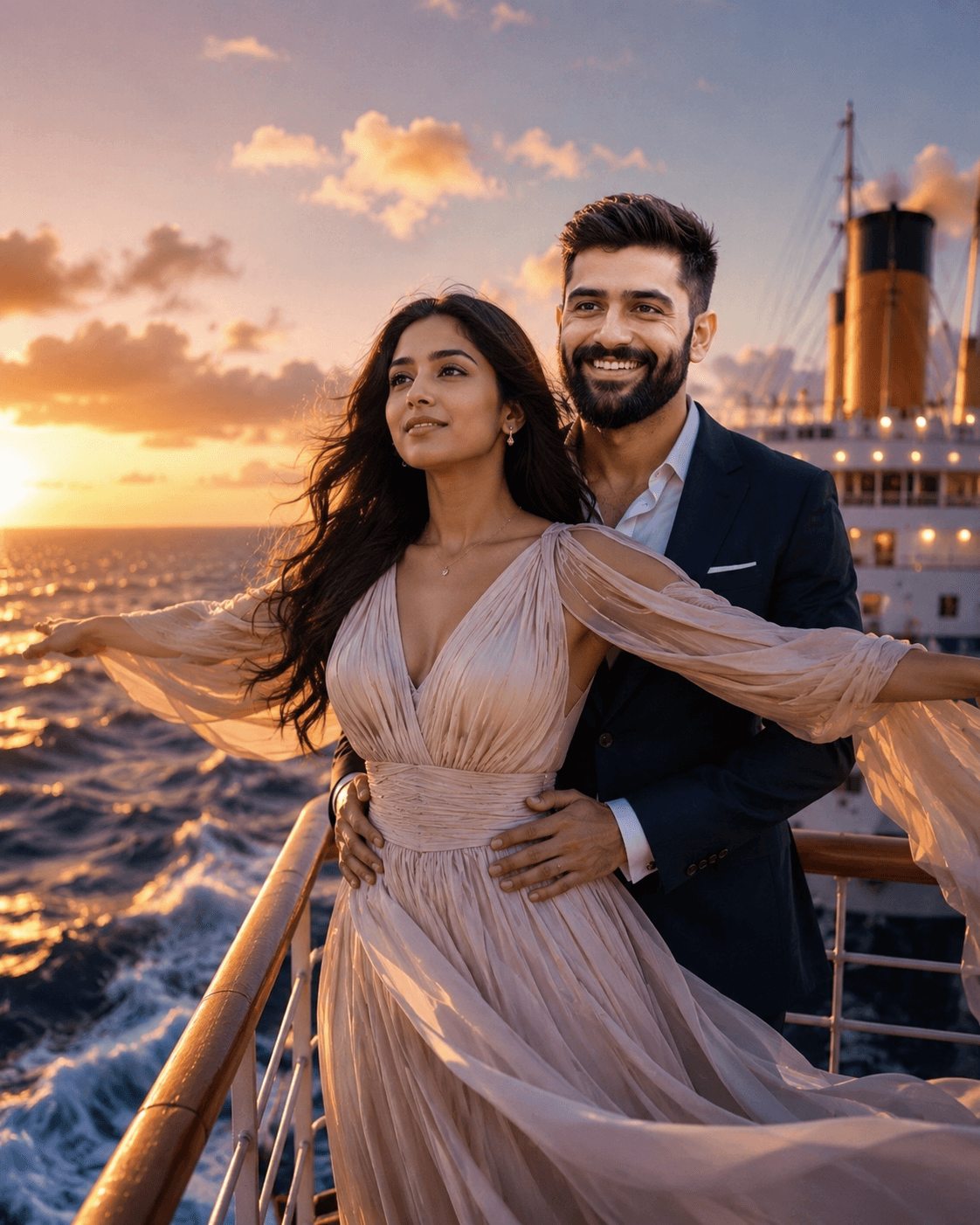
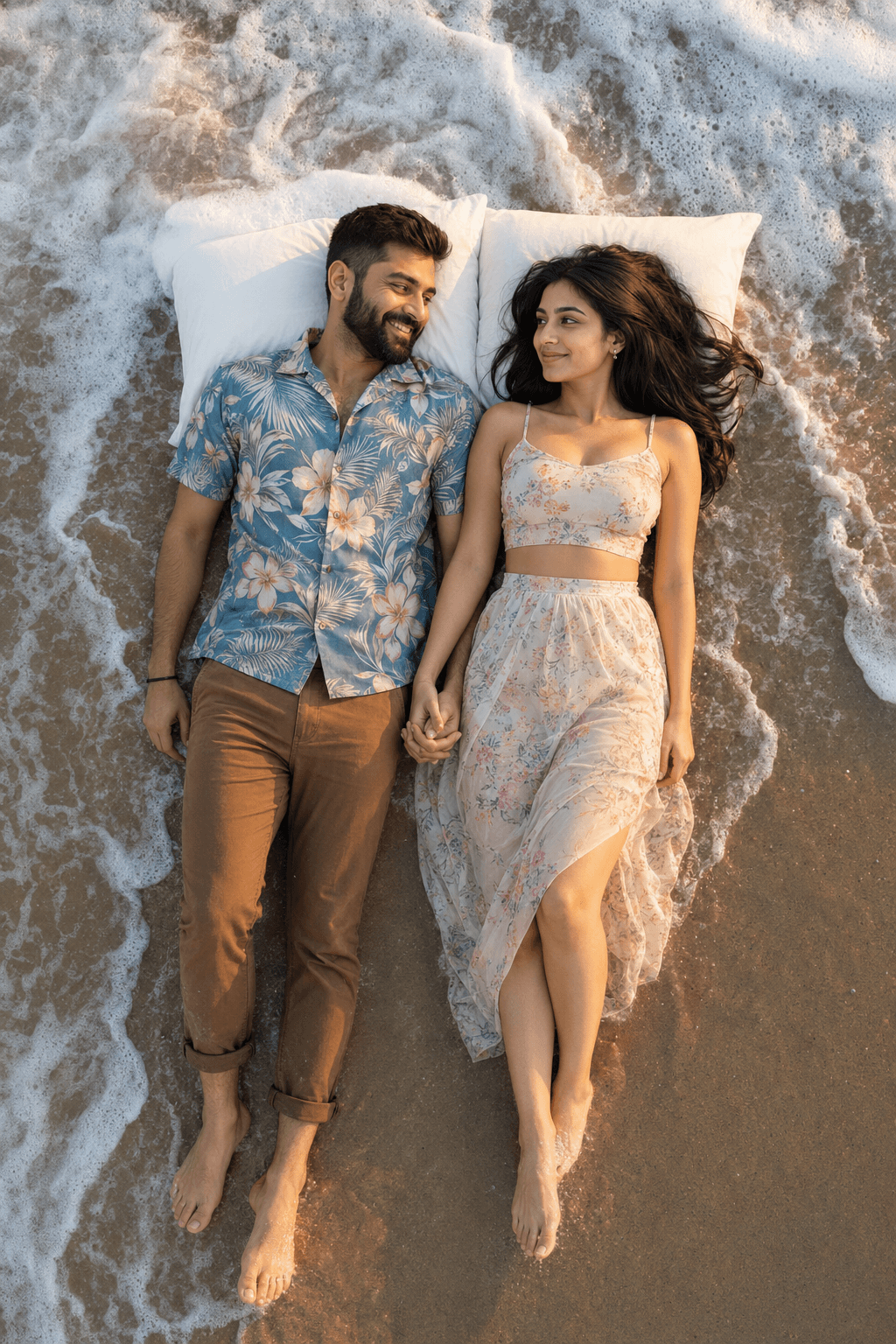
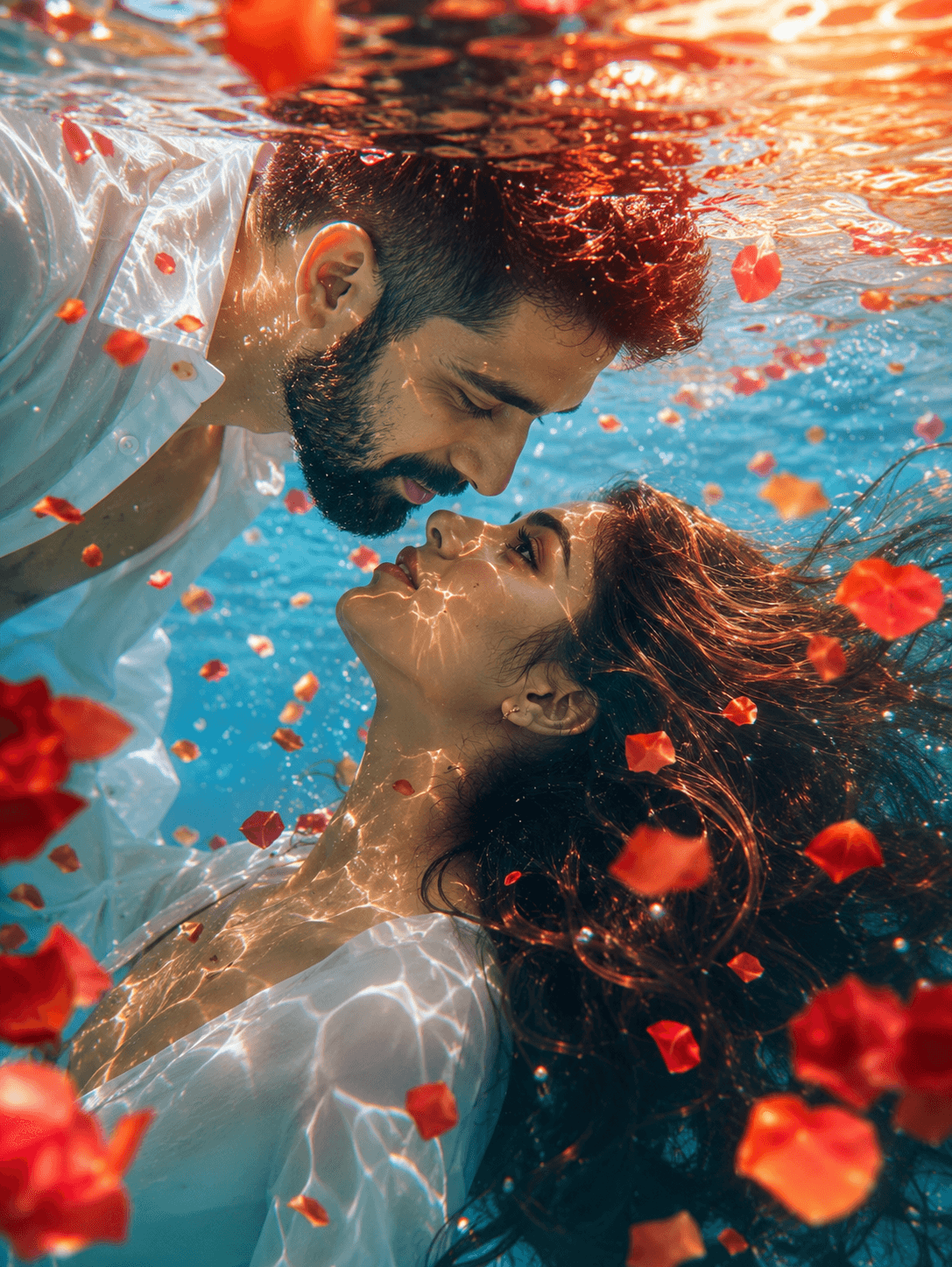
A stunning underwater romantic portrait featuring a beautiful couple moments from a kiss, surrounded by floating rose petals, glowing sunset reflections, and crystal-clear turquoise water. Cinematic lighting, flowing hair, and dreamy underwater aesthetics create a breathtaking love story scene in ultra-realistic 8K quality.
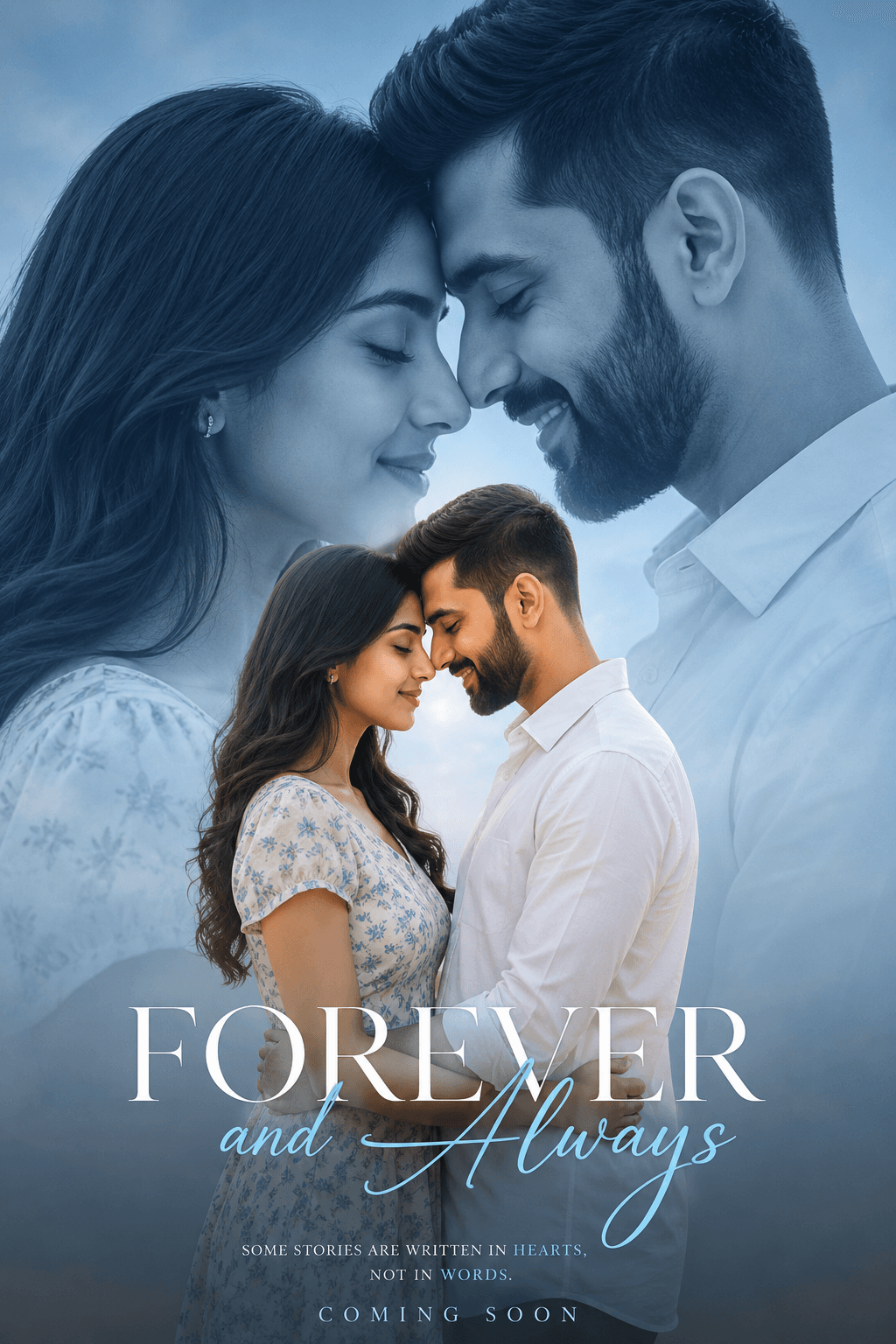
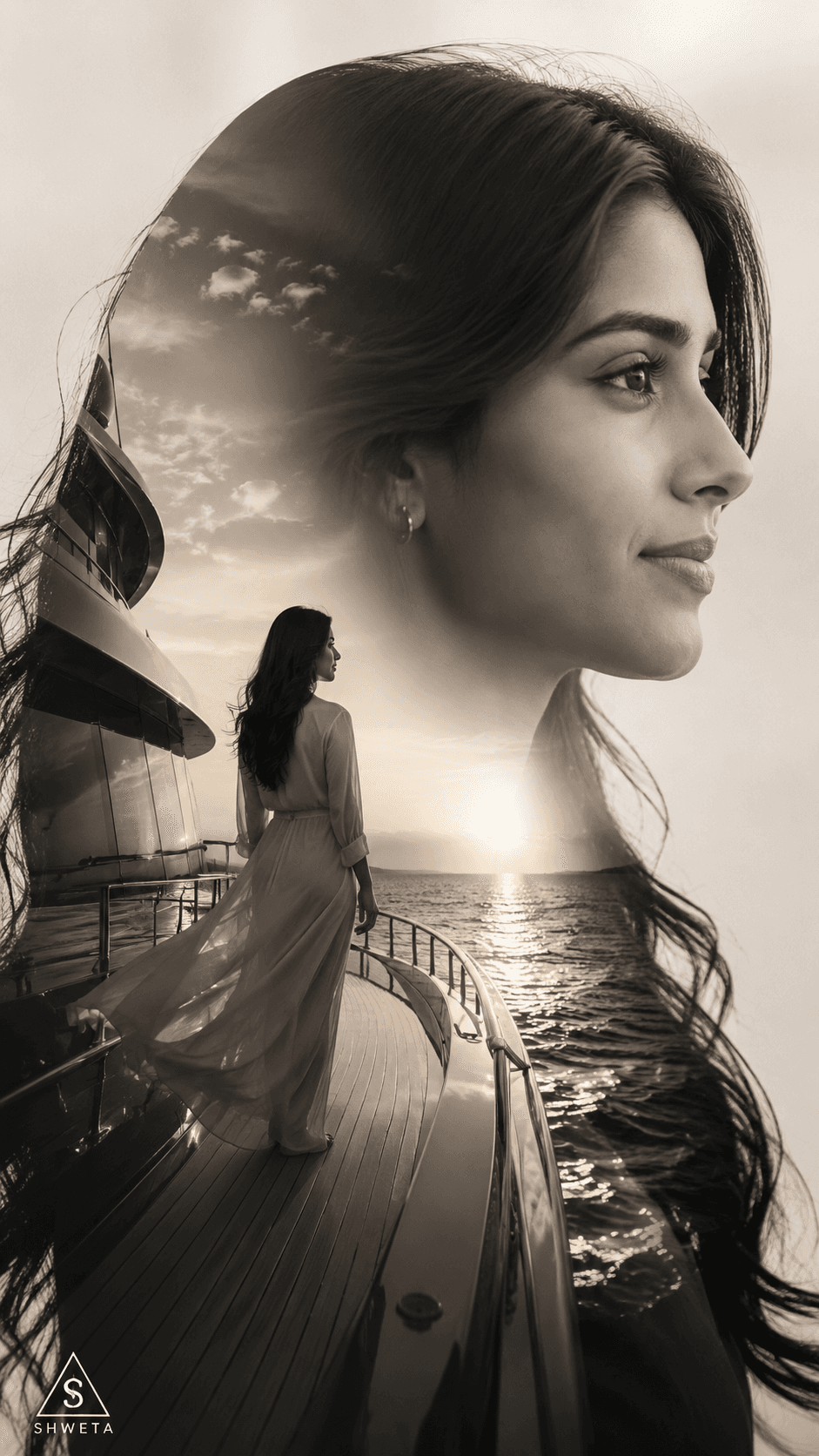
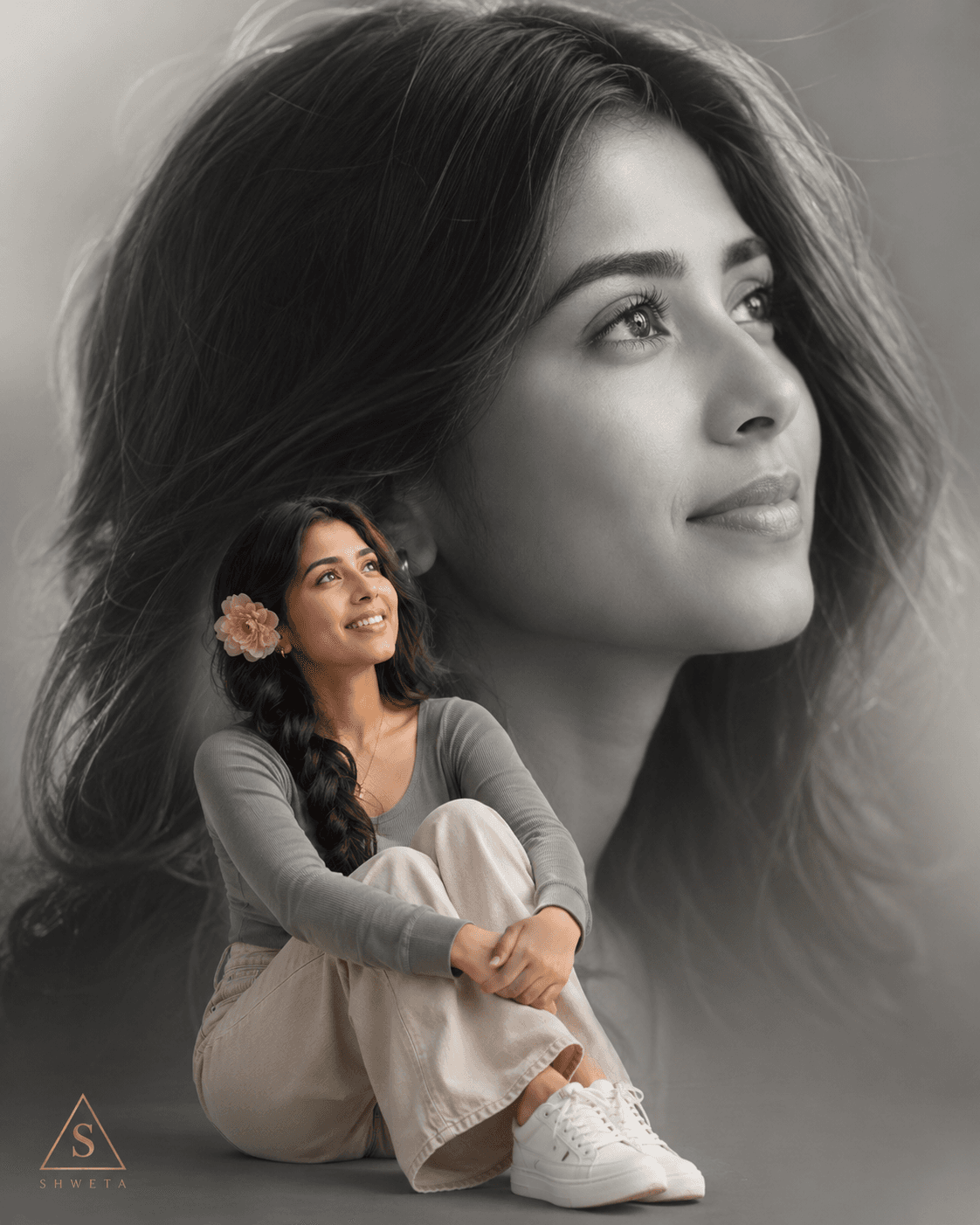
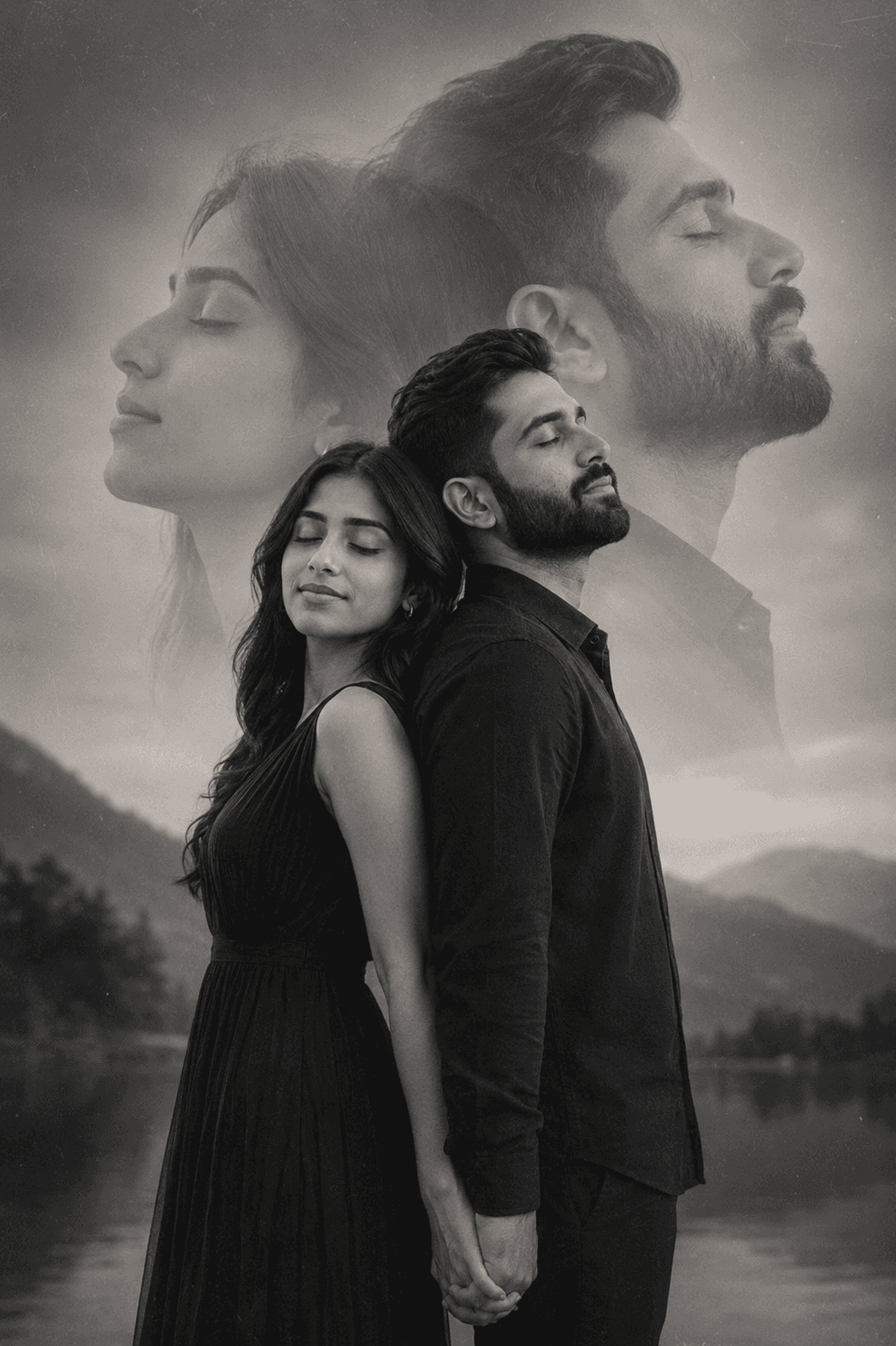
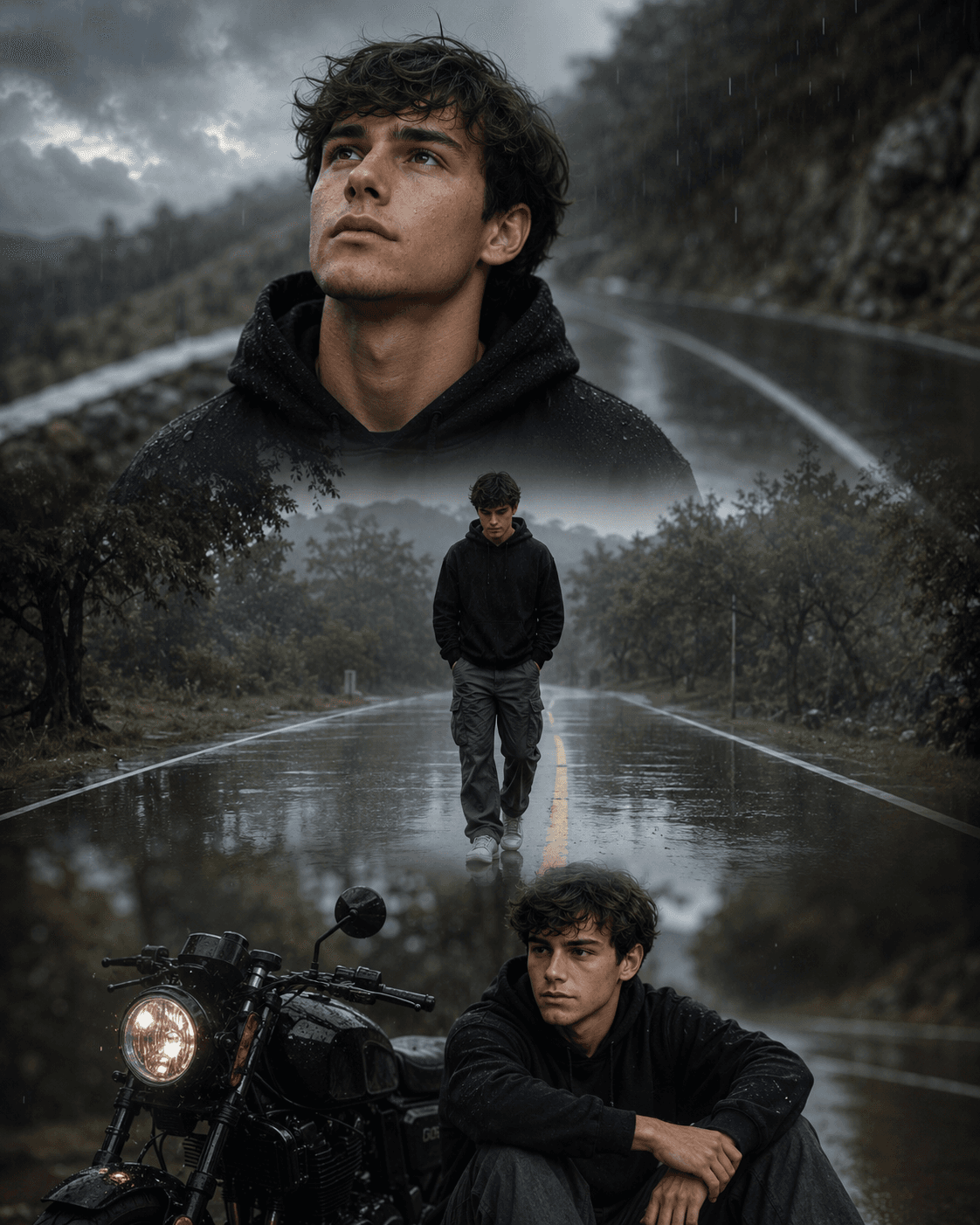
Generate emotional black-and-white double exposure portraits of couples with dreamy overlays, soft grain, vintage aesthetics, serene expressions, and artistic storytelling. Ideal for wedding photography, romantic artwork, fine-art prints, and creative AI image generation.
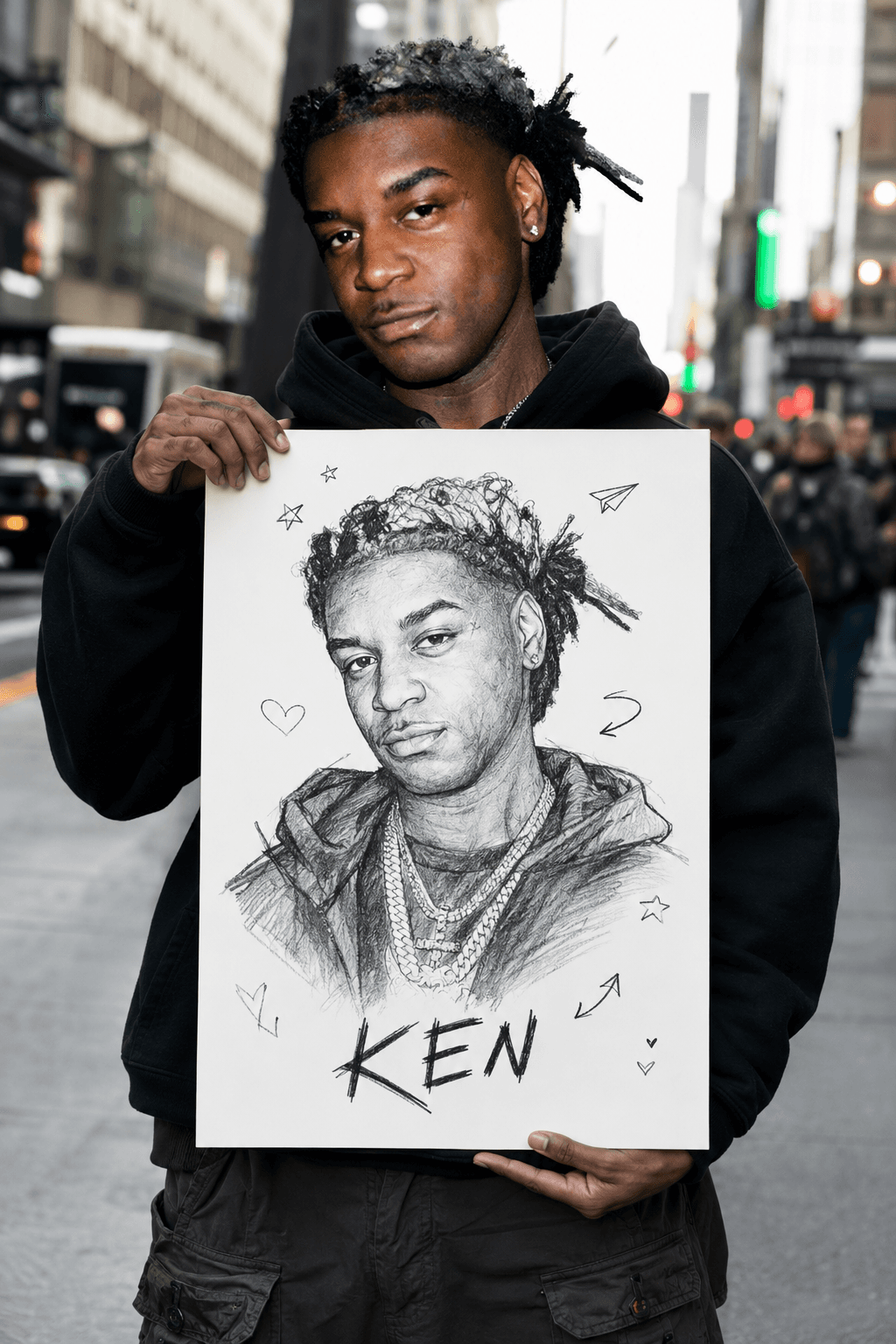
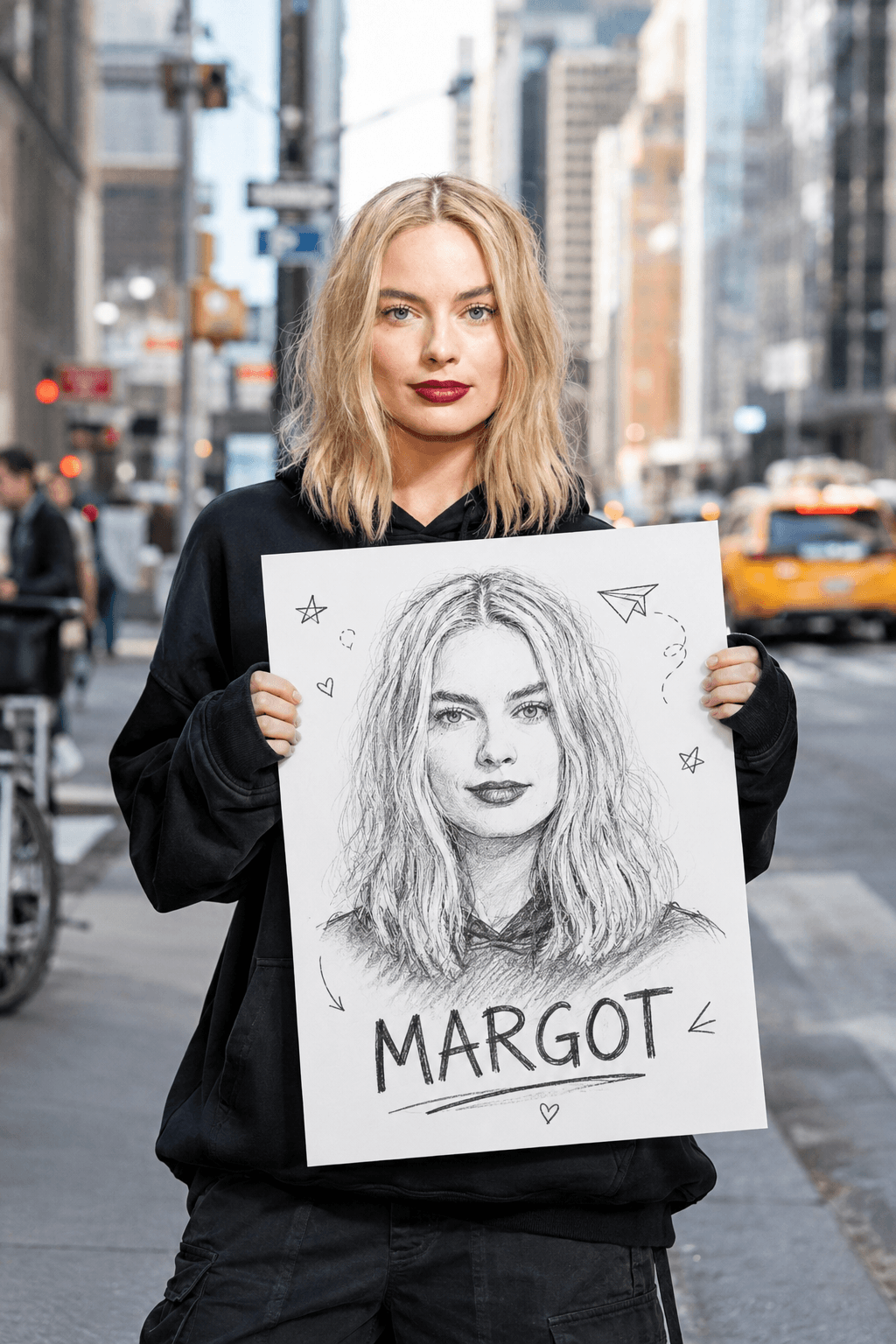
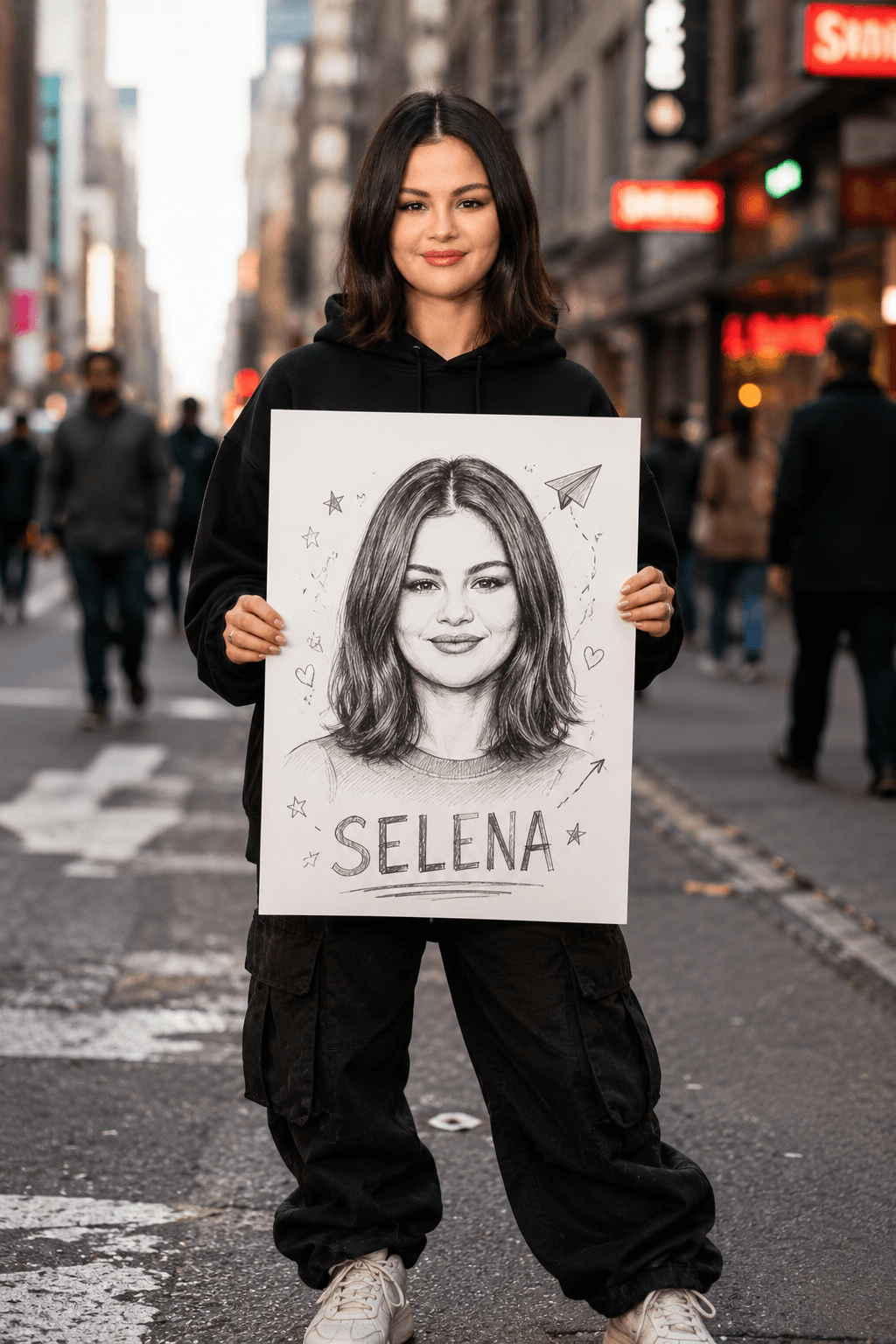
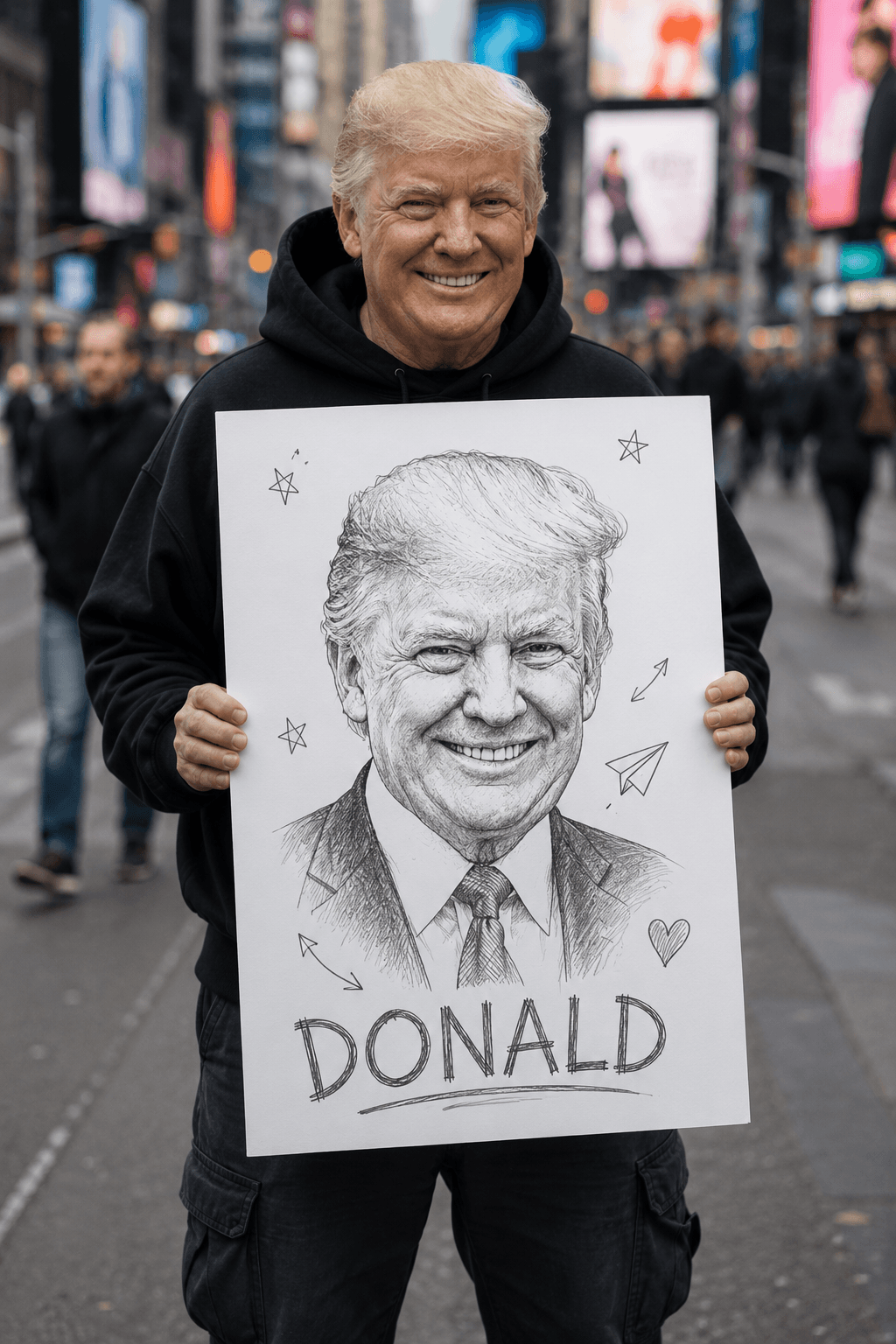
Generate a cinematic street photography portrait featuring a realistic subject holding a detailed hand-drawn self-portrait poster. Designed for creator branding, editorial campaigns, social media marketing, and premium AI-generated artwork with authentic storytelling and artistic contrast.
About the library
EnterPrompt is a free prompt library for creators who work with AI image and video tools. Every entry is a complete, ready-to-use prompt shown next to the result it produced, so you can see the style before you spend a generation on it.
Prompts are grouped into collections — portraits, product shots, social posts, cinematic edits, and restoration work among them — and each one lists the model it was tested on. That matters more than it sounds: the same wording behaves differently across tools, and knowing which model produced the example saves you the guesswork.
Nothing here is locked behind an account. Copy a prompt, paste it into your tool of choice, add your own reference image where the template calls for one, and adjust from there. The prompts are free to use for personal and commercial work alike.
New collections are added regularly as styles change, so it is worth checking back rather than bookmarking a single page.
How To Use
Start with the base prompt as written, then personalize it after you see the first result.
Copy the prompt
Start with the original wording first so you can see the intended output before making changes.
Go to model mentioned below
Open the recommended model first so the prompt behaves the way this template expects.
Paste prompt with 1 or 2 images
Add your reference images if needed, then refine the output after the first generation.