Template 1
Romantic Moon Gift Couple Prompt | Cinematic 3 Panel AI Photo Prompt
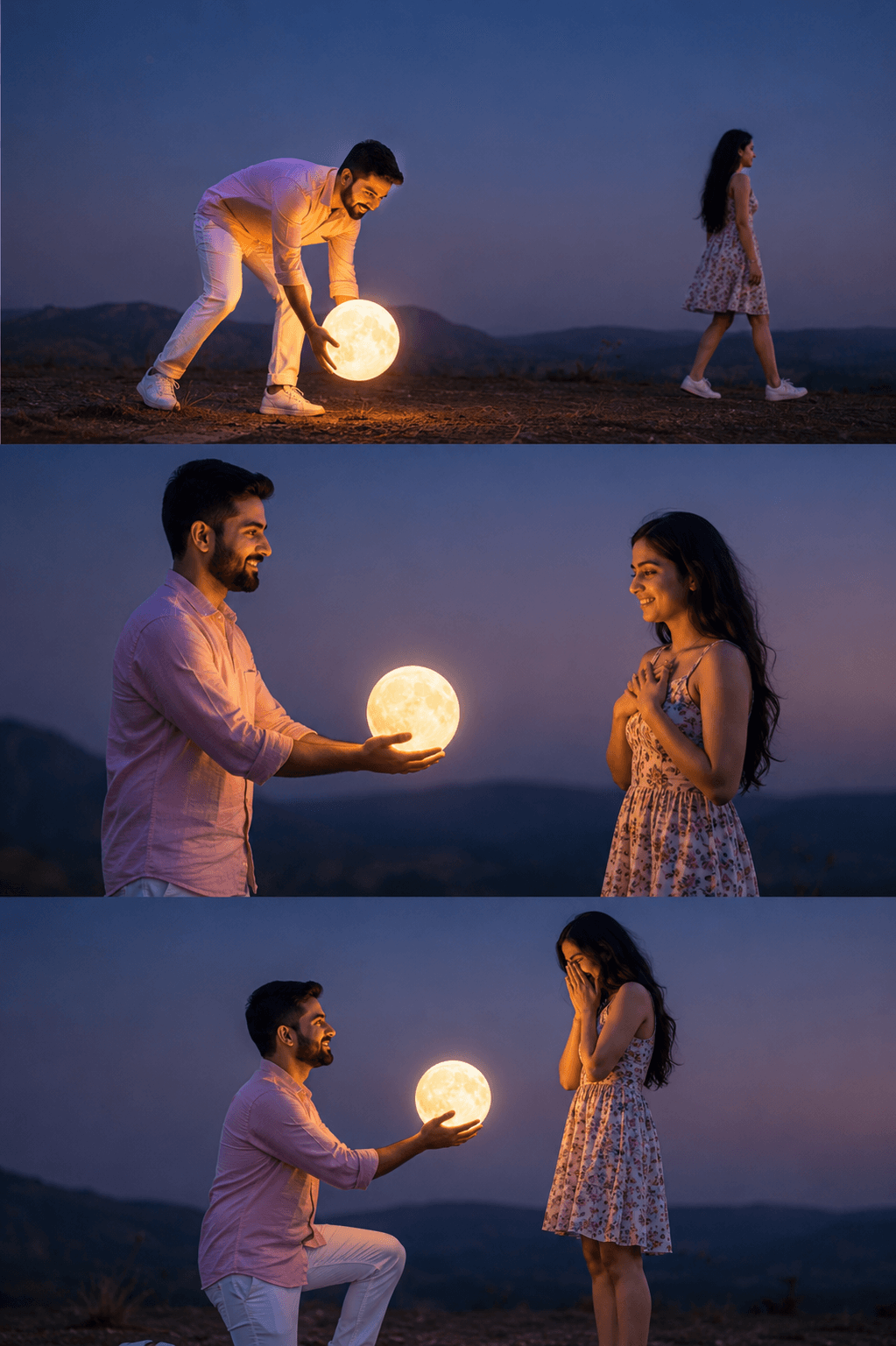
Result
Prompt
Model:ChatGPT
A romantic cinematic three-panel photo sequence at blue hour twilight on a quiet ridge against a minimalist dusky sky. Ultra-realistic couple portrait with dreamy mood and soft cinematic lighting.

Top panel: The young man wearing a stylish

pastel pink summer linen shirt with white pants and sneakers bends down carefully "picking up" the glowing full moon from the horizon with both hands using forced-perspective photography. The young woman wearing a trendy floral sleeveless summer dress and white sneakers walks away in the distance, side profile visible, soft wind in her hair.

Middle panel: The man stands facing the woman and gently offers the glowing moon in his hands like a magical gift of love. The woman smiles emotionally with hands near her chest. Warm moonlight softly illuminates both faces, cinematic atmosphere, realistic shadows and depth.

Bottom panel: The man kneels down romantically

while holding the glowing moon toward her. The woman reacts with surprise and happiness, covering her face shyly. Emotional storytelling composition, soft glow around the moon, realistic textures, natural poses.

Minimal mountain silhouettes in background, smooth gradient twilight sky, cozy romantic vibe, ultra detailed, realistic skin texture, cinematic color grading, shallow depth of field, 8K, masterpiece, dreamy aesthetic, perfectly balanced composition.