Template 1
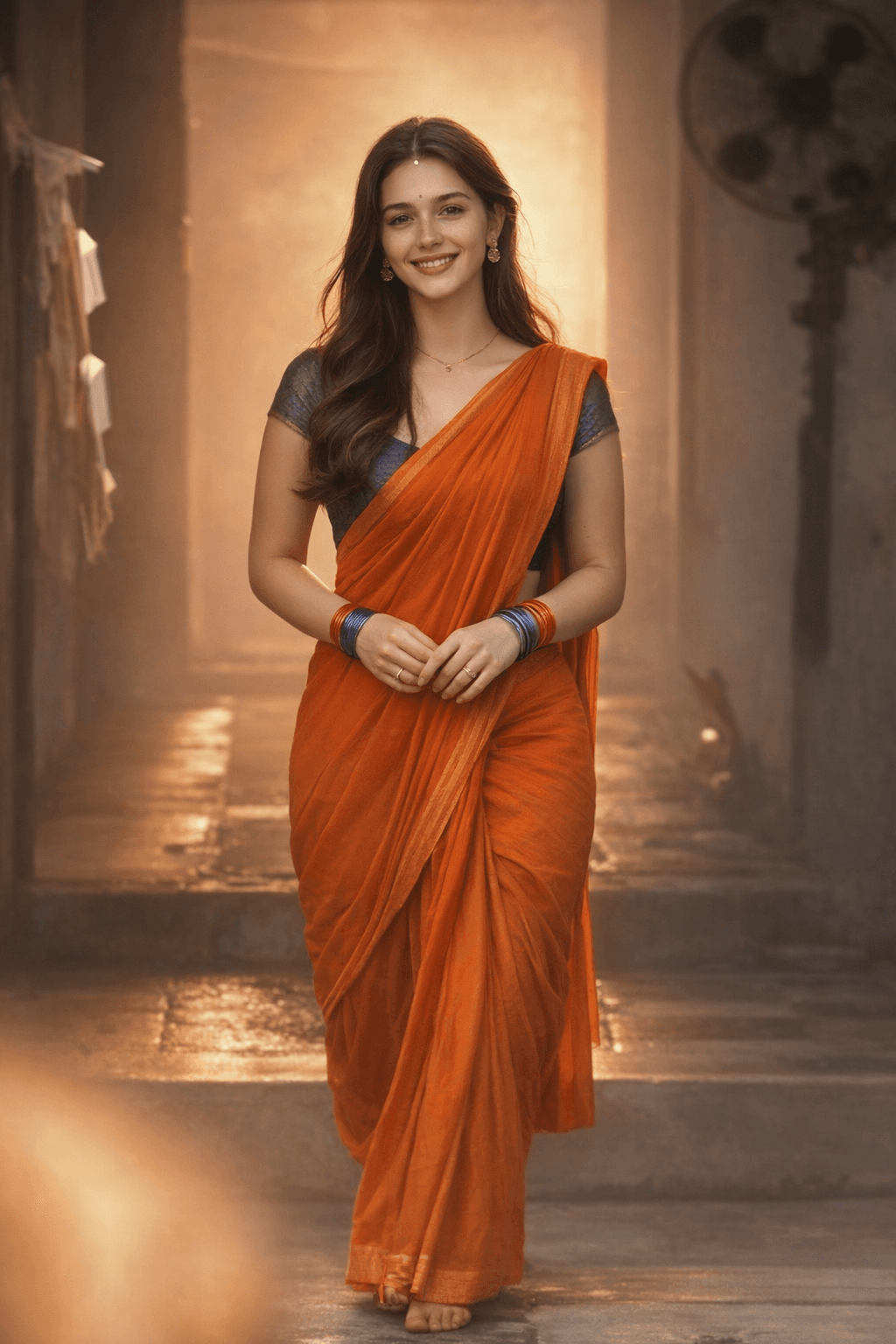
Pavazha Malli Song Style AI Photo Prompt – Orange Saree Cinematic Portrait
Result
Prompt
Model:ChatGPT
Create a realistic image where the character from Image 2 is used as the subject.
Preserve the subject’s face, body, and identity from Image 2 exactly.
Make the subject pose and dress exactly like the character in Image 1, including the same outfit, posture, body position, and styling.
Use the same camera angle and framing as Image 1.
High realism, accurate proportions, natural lighting.
Do not copy the face or identity from Image 1.
Template 2
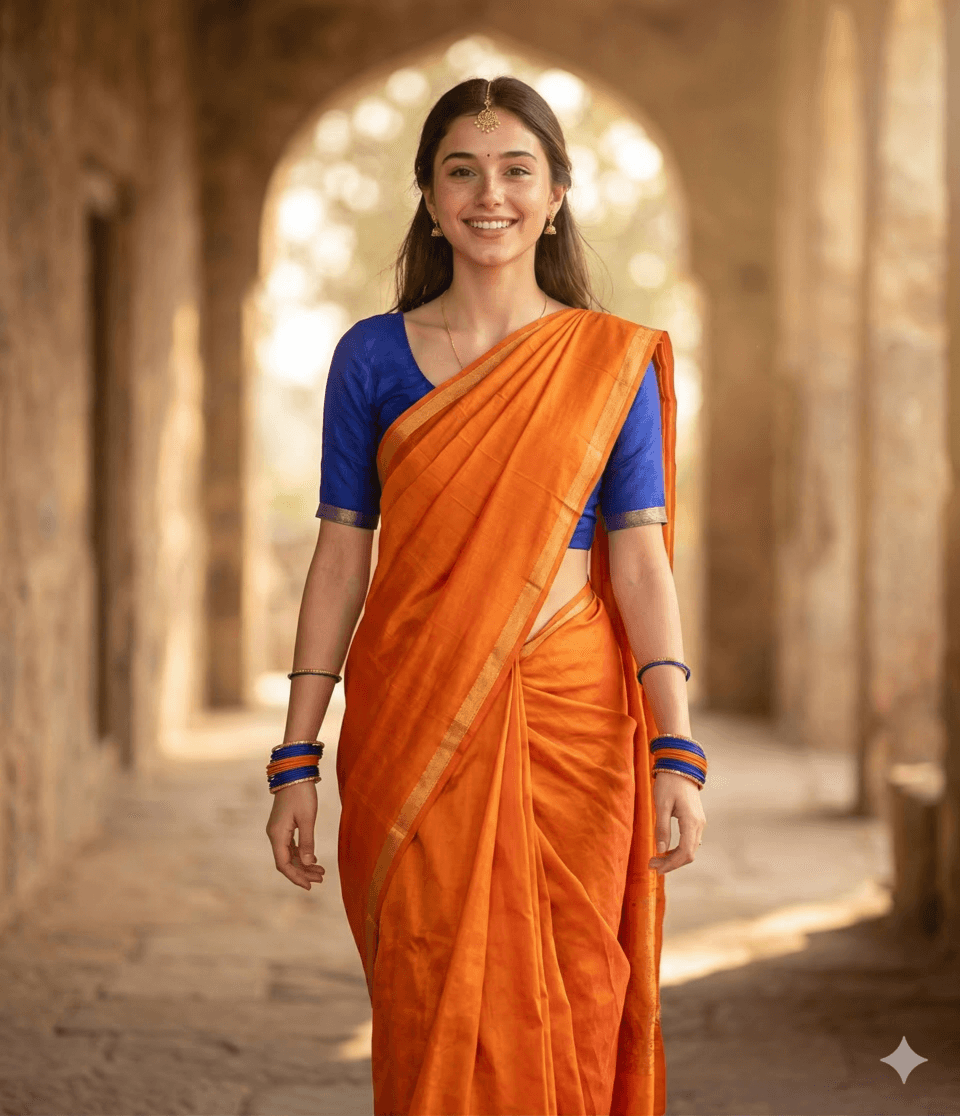
Recreating Pavazha Malli Aesthetic | Cinematic Indian Traditional Portrait | Kayadu Inspired
Result
Prompt
Model:Gemini
A hyper-realistic cinematic portrait of a young woman with the face of [Insert Subject Description/Name], wearing a vibrant orange silk saree with a simple gold border. She is wearing a contrasting royal blue short-sleeved blouse. She is adorned with traditional Indian jewelry, including a delicate gold maang tikka on her forehead, small gold earrings, and blue and orange bangles on both wrists. She is captured in a walking pose through a sun-drenched, rustic stone corridor. The lighting is warm and hazy, creating a soft golden glow and a slight 'dreamy' bokeh effect. The camera angle is a medium full-shot, eye-level, capturing her from the head to the ankles. High detail on fabric texture, natural skin pores, and soft atmospheric lighting.