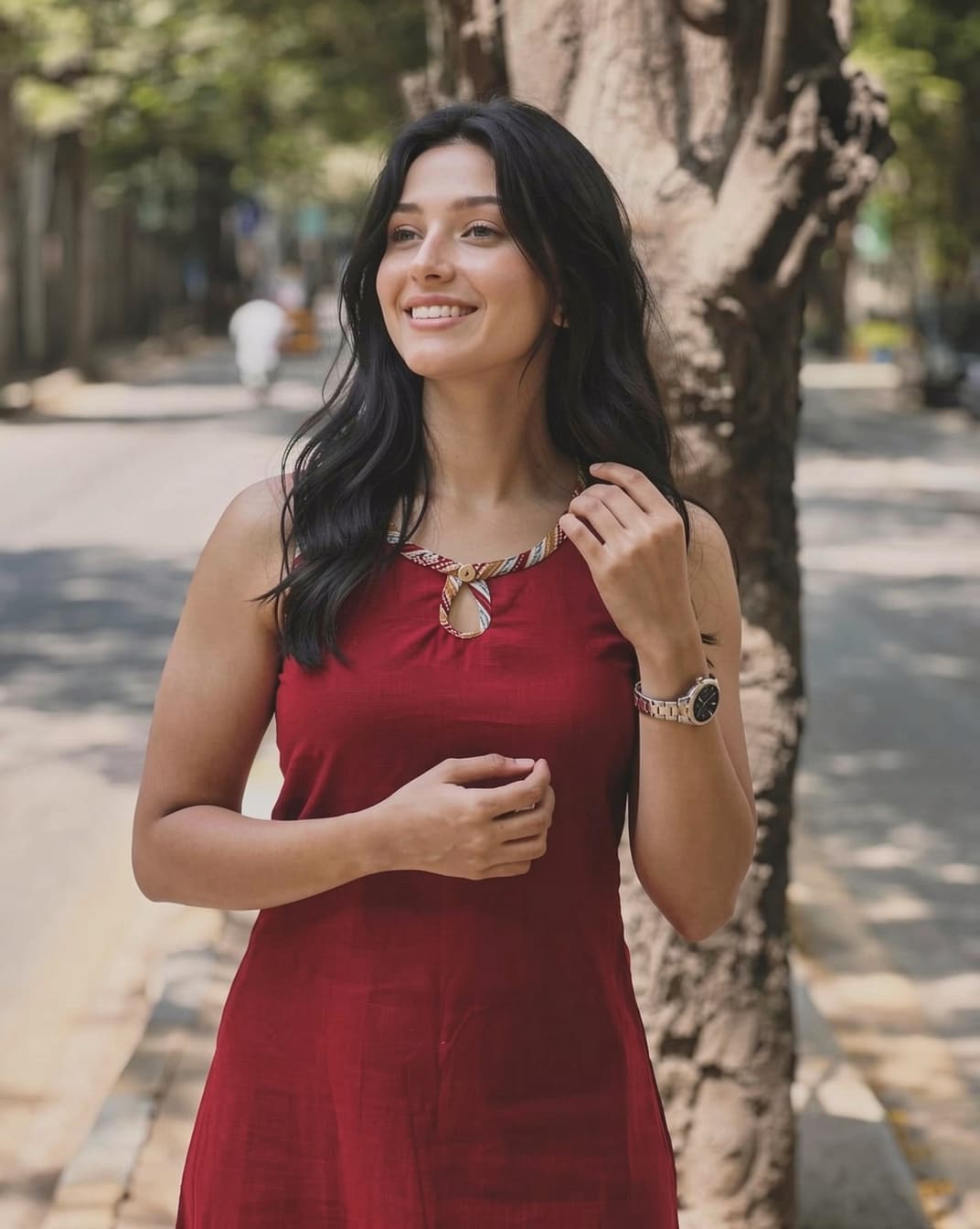
A prompt is a starting point, not a finished setting. The wording on this page is written to produce a specific look on the first run, but your reference photo, lighting, and subject are different from the ones used in the example. Expect to run the prompt two or three times before you land on the version you keep.
Run the prompt unchanged first
Copy the prompt exactly as written and generate once before editing a single word. That first output is your baseline. If you rewrite the prompt before seeing it, you have no way of knowing whether a disappointing result came from the prompt or from your own edit.
Change one thing at a time
When you do start editing, change a single element per run — the lighting, the camera angle, or the background, but not all three. Most image models respond strongly to small wording changes, and stacking edits makes it impossible to tell which one helped.
The elements worth adjusting first, in rough order of impact:
- Subject description — be specific about age, clothing, and pose. Vague subjects produce generic faces.
- Lighting — soft window light, golden hour, and studio strobe each change the mood completely.
- Camera and lens — naming a focal length such as 35mm or 85mm gives the model a consistent sense of perspective and depth.
- Background — a described background beats an unspecified one, which the model will otherwise fill with clutter.
- Colour and finish — add a grade or film reference last, once the composition is right.
Use the model the prompt was written for
Each template lists the model it was tested on. Prompts are not fully portable between models: wording that produces a clean studio portrait on one model can produce an over-stylised illustration on another. If you want to use a different tool, treat the prompt as a description of the look you are after and rewrite it in that tool’s own style.
Give it good reference images
Where a template shows reference images, the quality of what you upload sets the ceiling for the result. Use a sharp, well-lit photo with the subject clearly visible and no heavy filters already applied. A low-resolution or motion-blurred reference will carry those flaws into every output, no matter how detailed the prompt is.
Save the versions that work
Once a prompt produces something you like, save your edited version alongside the original. Over time you build a personal library of wording that works for your subjects and your style, which is far more useful than starting from scratch each time.